
Month-End Close in 5 Working Days: A Practical Checklist
A slow month-end close is rarely about headcount. It is work piling up at the end with nobody knowing what is still open. This 5-day schedule orders tasks by dependency and adds post-close controls.

The month-end close is something many small and mid-sized businesses take 10 to 15 days to finish, sometimes longer. The cause is rarely a shortage of people. More often, everything piles up at the end, dependent steps are never put in order, and there is no shared list showing what is still open. This guide sets out a 5-working-day month-end close checklist ordered by dependency, the controls you need after locking the period, and a numerical example of accruals and allocations.
Why the close runs late
- Documents arrive late. Purchase invoices, payment requests and goods receipts reach accounting after month-end.
- Reconciliation happens once, at the end. Thirty days of bank statements pile up and small differences have to be traced line by line.
- Later steps wait on earlier ones without anyone knowing. Cost of goods sold is not calculated because the stock count is not done; reports wait on cost of goods sold.
- Numbers change after they were "final". Without a period lock, someone posts another entry to last month and the report already sent to management no longer matches.
A 5-day close only works when part of the work is done during the month. That is a precondition, not a trick.
Preparation during the month (before day 1)
- Reconcile bank accounts weekly, not at month-end. With an automatic statement feed, reconcile daily.
- Agree a document cut-off with departments, for example 5 p.m. on the last working day of the month.
- Set up recurring journal entries (depreciation, prepaid expense amortisation, rent) to run on schedule.
- Send balance confirmations to major customers and suppliers in the last week of the month.
The 5-working-day close schedule
Day 1 — Cash and bank
- Reconcile every bank account balance to the month-end statement; match each outstanding line.
- Record bank fees and interest not yet posted. Bank fees must be posted and then matched, not "excluded" so the reconciliation stops flagging a difference.
- Count petty cash and agree it to the cash book.
- Revalue foreign-currency cash balances at the closing rate (if applicable).
Day 2 — Receivables and payables
- Reconcile the receivables and payables subledgers to the control accounts; every difference must be explained.
- Offset advances and prepayments against the matching invoices.
- Review goods received not yet invoiced, and invoices received but not yet recorded.
- Review sales invoices that need replacement or adjustment before finalising output VAT — see Vietnam e-invoice errors: replace or adjust.
- Revalue foreign-currency receivables and payables (if applicable).
Day 3 — Inventory and cost of goods sold
- Reconcile stock count results (full or cycle) to the stock ledger; post approved differences.
- Clear goods receipts and issues still in draft.
- Run the period-end inventory costing and post cost of goods sold.
- For manufacturers: accumulate production costs, calculate product cost and carry forward work in progress.
Day 4 — Allocations, accruals, depreciation
- Run fixed-asset depreciation and prepaid expense amortisation; check that every run has a matching entry in the general ledger, not just a "posted" status.
- Accrue expenses incurred but not yet invoiced: utilities, service fees, interest, bonuses.
- Post payroll, social insurance and PIT entries for the period.
- Allocate shared costs by cost centre or project (if applicable).
Day 5 — Review, reporting, period lock
- Run the trial balance; look for unusual balances (negative cash, receivables in credit, clearing accounts with balances left).
- Compare results with last month and with budget; explain large movements.
- Prepare management reports and send them to leadership.
- Lock the period after the chief accountant signs off.
Illustrative example: accruals and allocations on day 4
Illustrative example — assumed figures.
On 30 November, the company knows November electricity will be around VND 18,000,000, but the invoice arrives mid-December. It also prepaid VND 36,000,000 for 12 months of property insurance in September.
| Entry | Debit | Credit | Amount (VND) |
|---|---|---|---|
| Accrue November electricity | Administrative expense | Accrued expenses | 18,000,000 |
| Amortise November insurance (36,000,000 / 12) | Administrative expense | Prepaid expenses | 3,000,000 |
In December the electricity invoice arrives at VND 18,600,000 (before VAT): clear the 18,000,000 accrual and charge the 600,000 difference to December. Without the accrual, November is understated by 18 million and December overstated by 18 million, so both months' management reports point the wrong way.
Account names follow the accounting regime your company applies; the example only illustrates the principle.
Controls after the period is locked
Locking the period is not the end; it is where control begins:
- Block posting to locked periods. Any later entry for an old period must go through a reopen process with an approver, or be posted to the current period with a clear description.
- Change log. Who reopened the period, when, why, and which entries were posted.
- Compare reports already sent with current figures. If locked-period numbers change, report recipients must be told.
- Check that "posted" flags have evidence. Every depreciation, amortisation or payroll run marked as posted must point to a real journal entry.
- A short retrospective. Which step ran late, why, and which documents arrived late. The 5-day schedule only holds if the causes of delay are fixed at the source.
How software helps
- Post entries as documents happen in sales, purchasing, inventory and payroll, instead of re-keying at period-end.
- A close checklist with blockers, so you know what is still open before locking.
- Bank reconciliation, subledger-to-ledger tie-out and balance confirmations in one system.
- A real period lock that blocks posting to closed periods.
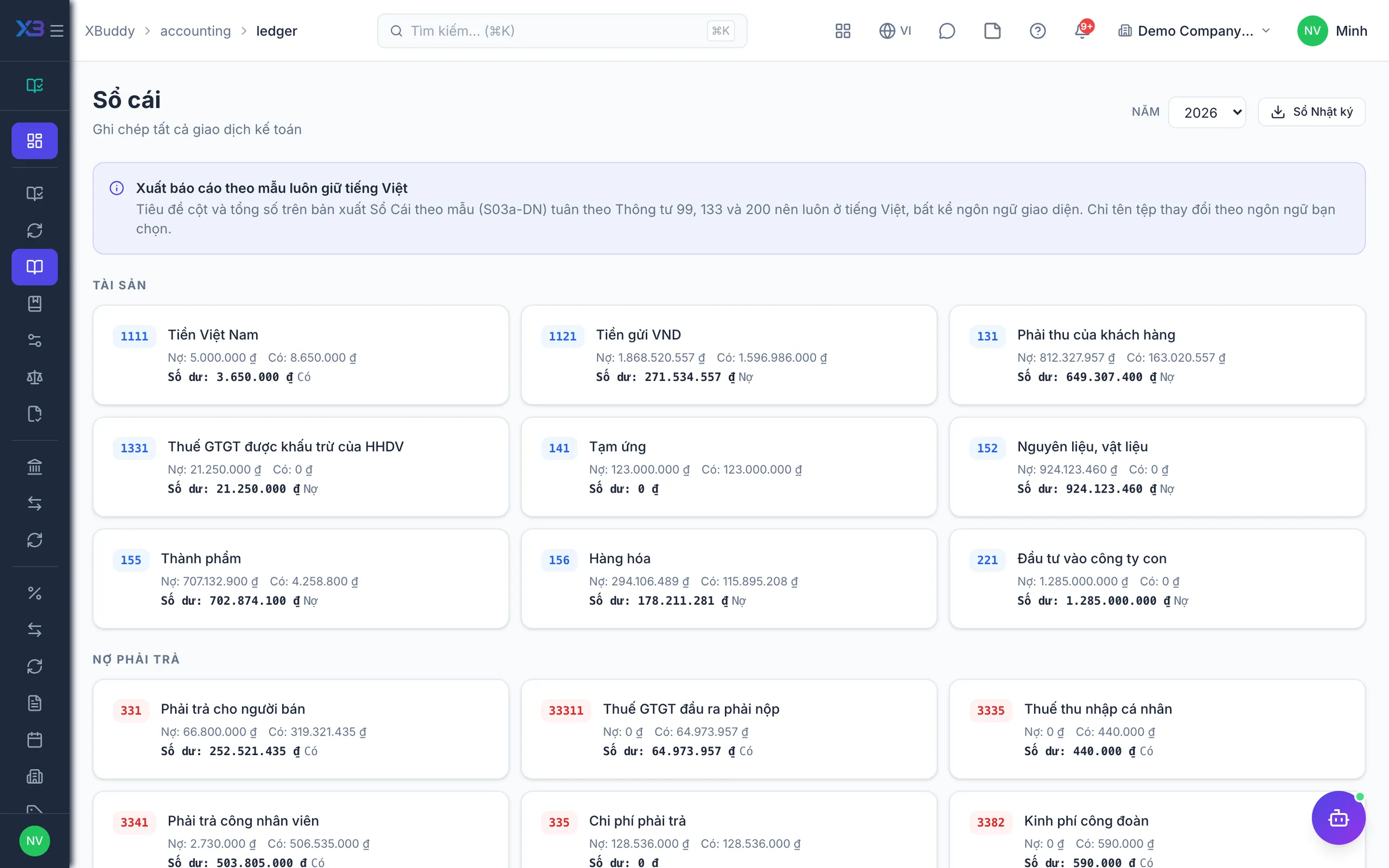
In XBuddy Accounting, the period close follows a checklist and lists blockers before locking; the system includes bank statement reconciliation, receivables and payables reconciliation, a subledger-to-ledger tie-out screen, batch balance confirmations, recurring journal entries, foreign-currency revaluation and period-end inventory costing runs; the switch that blocks posting to locked periods is on by default. The Journal Entry Assistant proposes accrual entries and tracks close status, while approval and locking stay with the chief accountant. See the full process in the Chief Accountant solution and the management view in the CFO solution.
Frequently asked questions
Is a 5-day close realistic for a small business?
Yes, if part of the work happens during the month: weekly bank reconciliation, a clear document cut-off and automated recurring entries. If everything still piles up at month-end, start with a target of 8 to 10 days and shorten it gradually.
What should be done first in the close?
A sensible order is cash and bank, then receivables and payables, then inventory and cost of goods sold, then allocations and accruals, and finally review and reporting. Later steps usually depend on earlier results, so changing the order means redoing work.
What if an error is found after the period is locked?
There are two options: reopen the period through an approved, logged process, or post an adjusting entry in the current period with a clear description. Either way, notify anyone who received the old period's report if the figures change.
Why accrue expenses?
Accruals record costs in the period they were incurred even when the invoice arrives later. Without them, one period is understated and the next overstated, which distorts management reports for both.
Can software close the books automatically?
Software can list open tasks, run recurring entries and block posting to locked periods. The decision to lock should still be made by the chief accountant after review, because it confirms the figures are reliable enough to report.