OKR

Goals aligned from company to individual, updating themselves

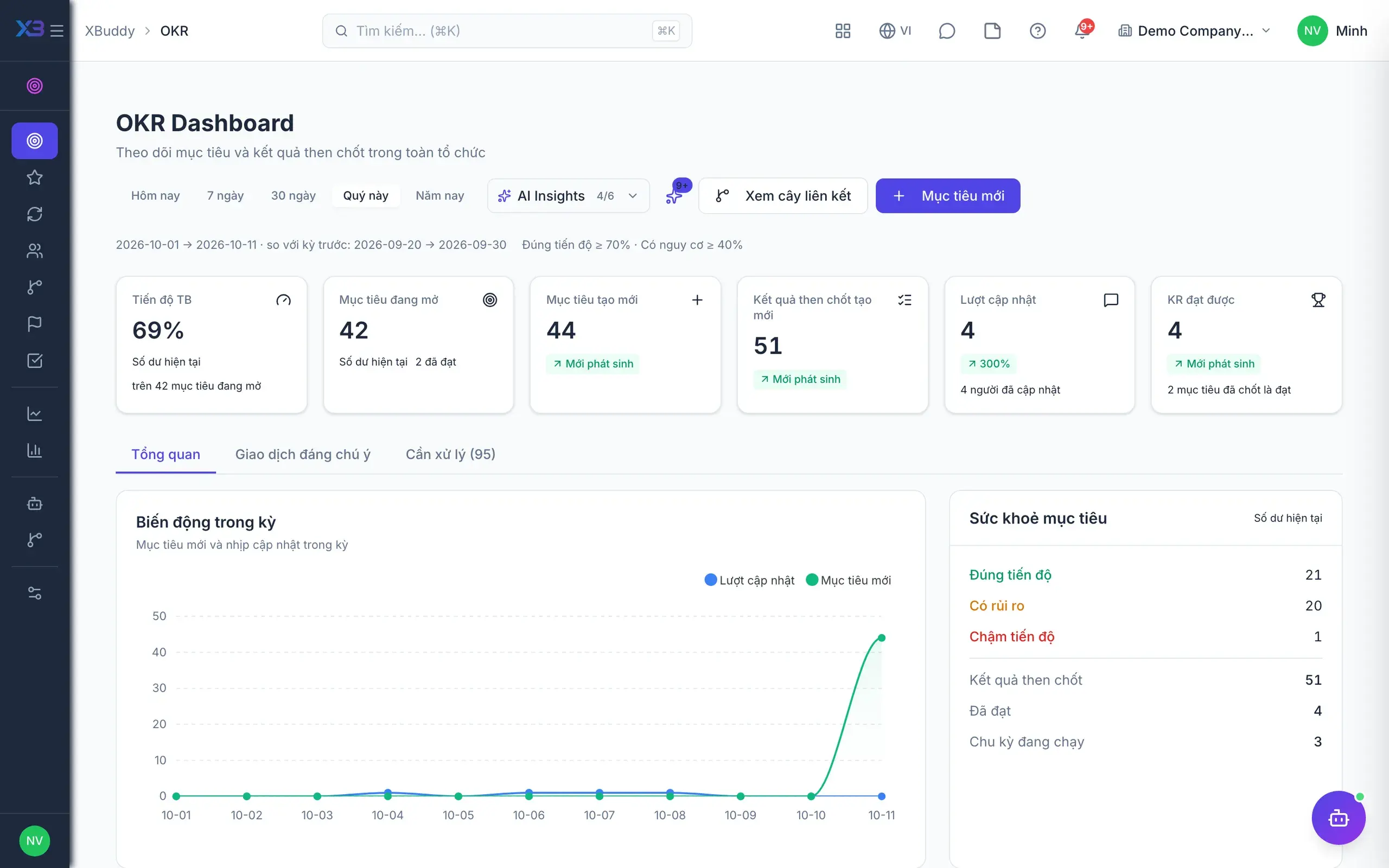
Company objectives cascade to teams and individuals, with progress updated from real data.

  • An alignment tree from company goals down to individuals
  • Key Results update from real tasks and KPIs
  • Spot slipping KRs early enough to turn them around
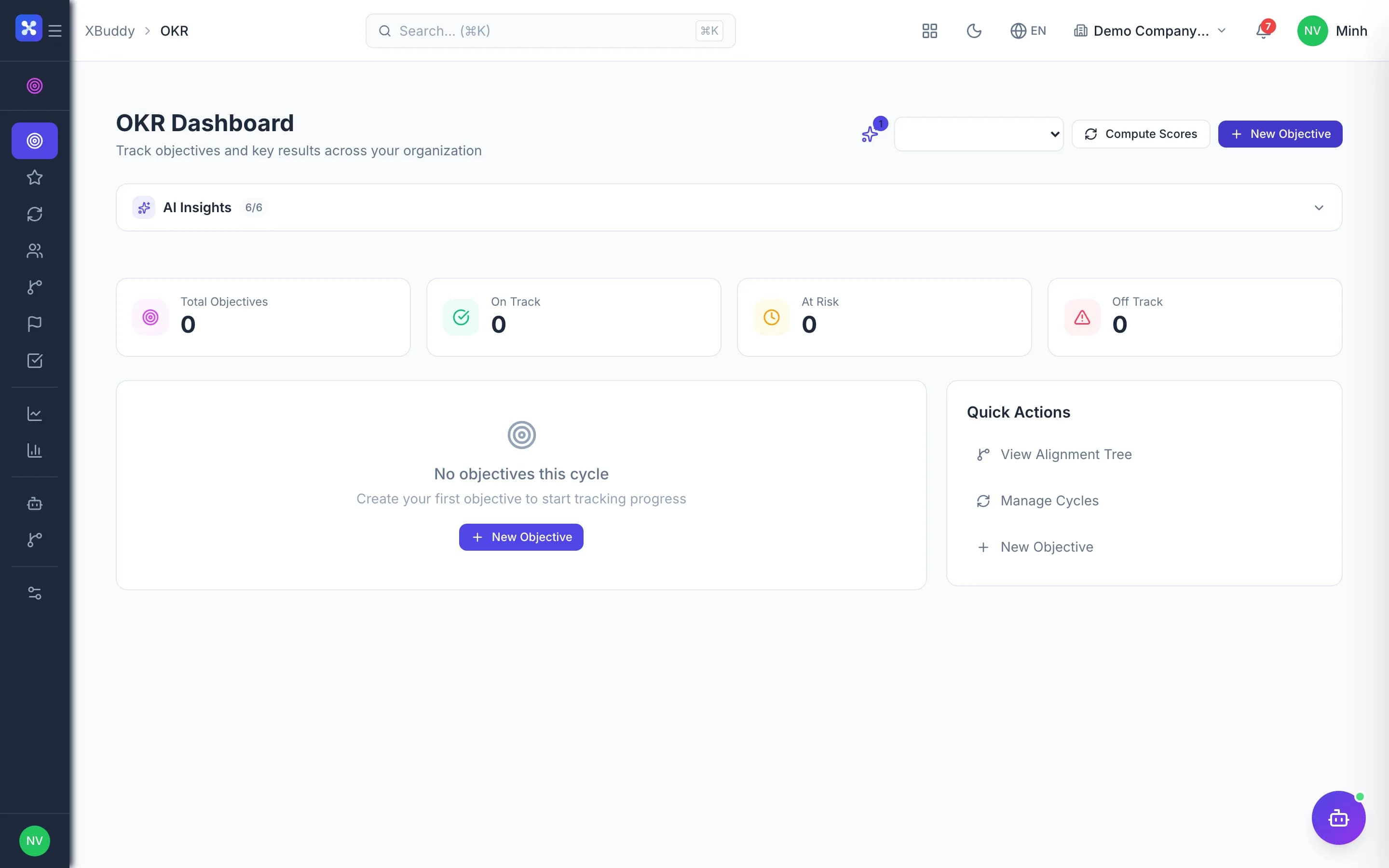
OKR — product screen

Screenshot 1 of 8

23
capabilities
11
advanced & AI features
1
AI assistants on this data
Web
on mobile

Sound familiar?

The problems this app removes

  • Goals sit in Excel and nobody updates them mid-cycle
  • Nobody sees which company goal a personal goal serves
  • KR progress typed by hand drifts away from reality
  • OKRs are disconnected from end-of-period reviews

Capabilities

23 capabilities in OKR

Catalogued against screens that exist in the product, grouped by the work they do — not a flat marketing list.

Objectives & Key Results

5
  • Objectives and Key Results

    Create and edit objectives and key results, with comments right on each objective.

  • Alignment treeAdvanced

    Link parent and child objectives from company to department and individual, with level validation.

  • Progress check-ins

    Update KR progress and review check-in history and trends over time.

  • CSV import and export

    Bring all objectives for a new cycle in from a file instead of typing line by line.

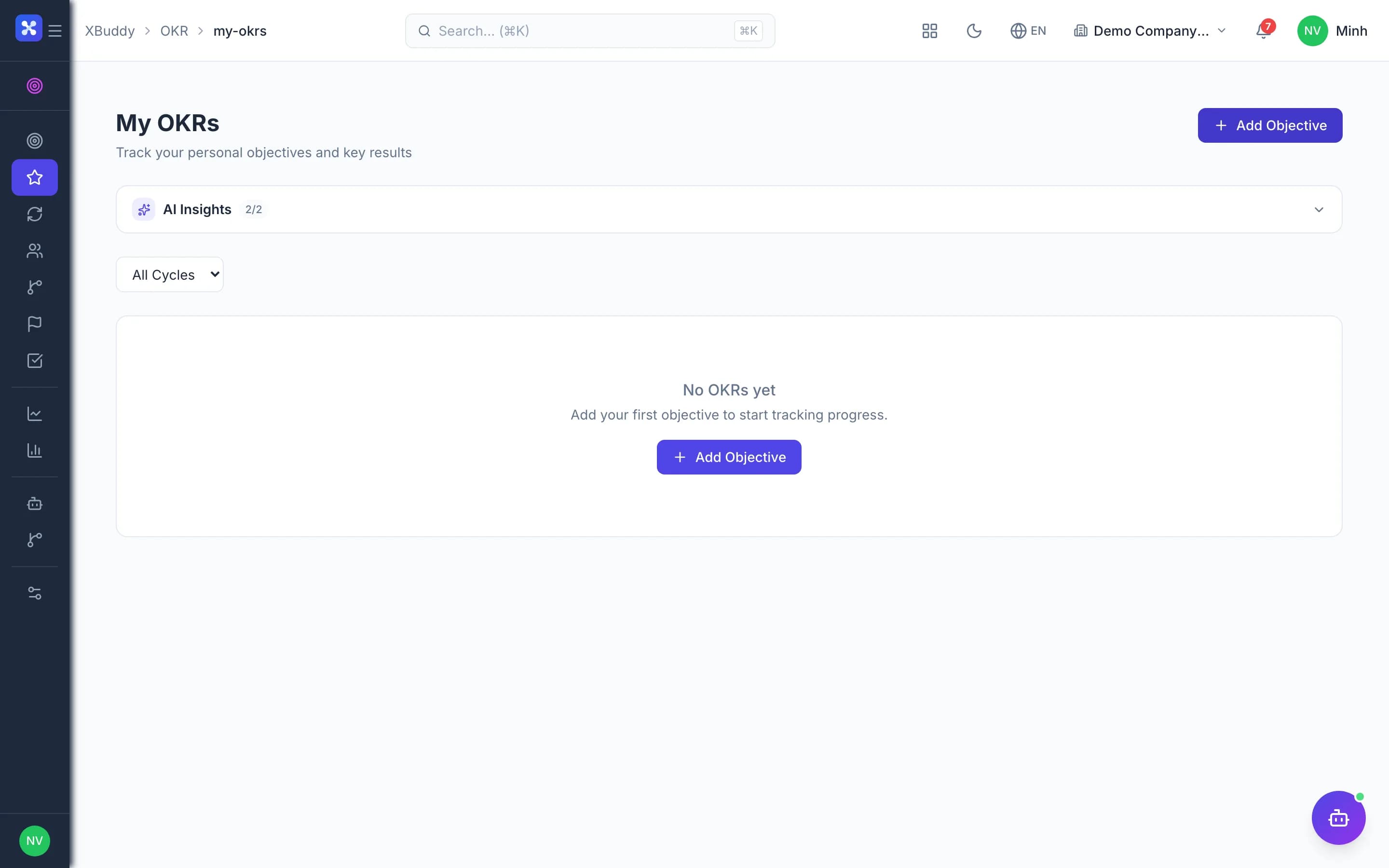
  • My OKRs

    A personal screen for each person to see their goals and update progress quickly.

Automatic progress

3
  • KRs linked to tasksAdvanced

    When a task changes status, the KR and milestone update automatically with no re-entry.

  • KRs linked to KPIsAdvanced

    When actual KPI values update in Performance, linked KRs sync to match.

  • KRs linked to coursesAdvanced

    Attach LMS courses to a KR; finishing a course can check in the KR automatically.

OKR cycles

3
  • Cycle management

    Create cycles, activate them with approval, score them and close them out.

  • OKR scores into reviewsAdvanced

    Closing a cycle feeds each employee's OKR score into the overlapping performance review.

  • Scoring and check-in settings

    Configure scoring, check-in cadence, visibility rights and alignment rules.

Execution tracking

5
  • Milestones per KR

    Break KRs into milestones, attach tasks and track the health of each milestone.

  • Critical pathAdvanced

    Identify the milestone chain that drives progress so resources go where they matter.

  • Actions per objective

    Record the concrete actions needed to move each objective forward.

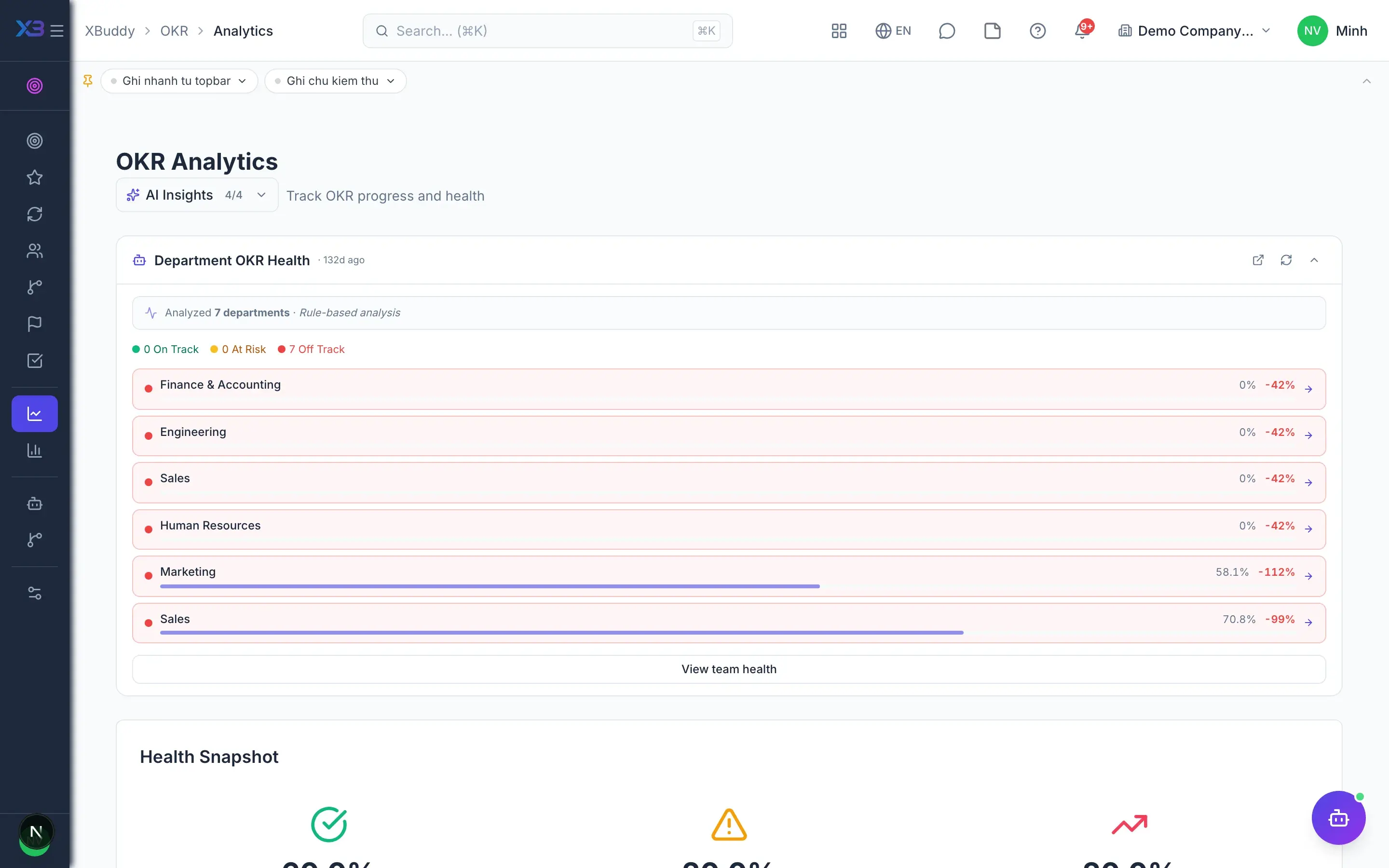
  • Team OKR health

    Managers see at a glance which team goals are on track and which are at risk.

  • OKR-based one-on-one agendas

    One-on-ones in Performance suggest agenda items drawn from the employee's OKRs.

Reporting

3
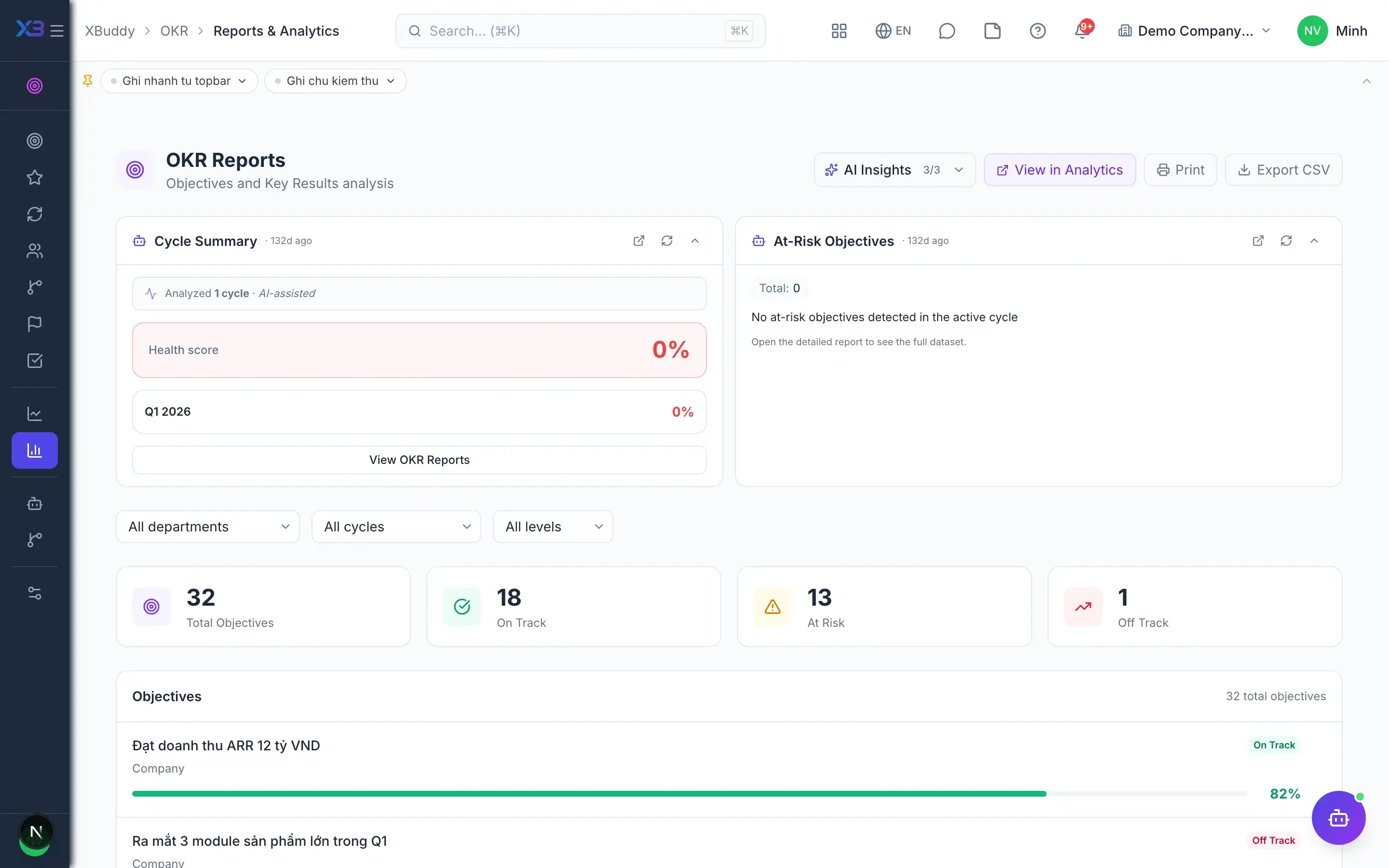
  • Risk heatmapAdvanced

    A heatmap shows which departments and objectives carry the most risk.

  • Completion by level

    Compare completion across company, department and individual levels.

  • Trends and correlation

    Track progress trends and correlation between objectives over time.

AI assistant

4
  • Cycle risk forecastingAI

    AI forecasts goals likely to miss while there is still time in the cycle to react.

  • Health scoring and alignment checksAI

    AI scores OKR health and finds objectives not yet aligned to a parent goal.

  • Check-in nudgesAI

    AI reminds people who have not updated progress, keeping check-ins on rhythm.

  • Cycle summariesAI

    AI summarises end-of-cycle results so leaders grasp the overall picture quickly.

Real screens

Inside OKR

OKR — product screen
OKR — Alignment tree cascading company objectives to team and individual OKRs

In practice

When you reach for it

1

Key results that update themselves

OKRs die the moment updating progress becomes something you have to remember.

  1. 1.A key result points at a metric the system already holds
  2. 2.When the metric moves, progress moves; nobody types anything
  3. 3.Check-ins become commentary on the trend

The OKR meeting discusses causes instead of who forgot to update.

Assistants on this app

1 assistants work on this data

Each assistant carries its own skills on this app’s data, inside the caller’s permission scope.

Performance & OKR assistant — tracks review cycles, OKR progress and health, KPI variance, 9-box calibration and pulse surveys, and nudges on-time completion.

Explore skills
  • KPI Variance MonitorMonitors KPI actual vs target variance across employees and departments, flags at-risk and critical underperformers
  • OKR Progress TrackerMonitors Key Result progress and alerts owners when lagging behind cycle pace
  • Cycle Risk PredictorPredicts which objectives are likely to miss cycle targets based on progress velocity trends
  • OKR Health ScorerCalculates weekly health scores by department — highlights teams that are on-track, at-risk, or off-track
  • OKR Alignment ValidatorChecks that all team and individual OKRs are properly linked to parent objectives
  • Check-in NudgerNudges Key Result owners who have not submitted a progress check-in recently
  • Cycle Summary GeneratorGenerates end-of-cycle OKR achievement reports with AI-powered retrospective insights
  • IDP Follow-through TrackerTracks Individual Development Plan milestone completion and sends overdue reminders
  • Pulse Survey AnalyzerAnalyzes pulse survey trends and eNPS patterns over the last 30 days to identify engagement signals
  • 9-Box ClassifierClassifies employees into the 9-box performance/potential grid and suggests action plans for each cluster
  • Calibration Bias DetectorIdentifies statistical rating bias across managers during calibration sessions
  • Review Draft (AI)Drafts a performance review from the reviewee's 360 context for the reviewer to override and submit
  • Final Review Synthesizer (AI)Synthesizes a consolidated final review from all submitted 360 reviewer feedback for the approver to finalize
  • Reviewer RecommenderRecommends reviewers (manager, skip-level, peers) for a 360 performance review

FAQ

Frequently asked

Do OKRs affect pay?

No. OKRs only feed scores into performance reviews; pay inputs use KPIs or BSC according to each employee's evaluation method.

Must progress be updated manually?

You can enter it manually, or link KRs to tasks and KPIs so progress updates itself.

Can employees edit other people's OKRs?

Write access follows data scope: own, team or all. Only the OKR manage permission bypasses owner restrictions.

See OKR running on your data

A thirty-minute demo focused on the process you are actually stuck on.