
Field service & maintenance
Dispatch technicians, account for every bolt
From customer ticket to dispatch, van stock, on-site sign-off and invoice — every step reconciles with inventory and the books.
- Right technician on the right job
- Every part issued on a slip, matching stock
- Job done means a draft invoice
The core problems
What is costing you time and money
Work handed out over the phone
Customer requests arrive by phone call and chat message and are passed to technicians verbally. Nobody can see which jobs are waiting, who is on what, or which ones have already broken the commitment made to the customer.
Parts leave the warehouse without a slip
Technicians take parts first and report later. By month end stock no longer matches the books, nobody can trace which part went to which job, and leftovers sit in someone's van.
Work done, never billed
Paper job sheets reach the office days late, and hours and parts have to be retyped to raise an invoice. Some jobs are finished and simply never billed.
Internal and customer work mixed up
Repairing the company's own machines and servicing customer equipment follow the same path. Internal maintenance is sometimes invoiced by mistake, and sometimes never reaches the right cost center.
Before and after
What changes on XBuddy
Today
- Jobs assigned by phone and chat
- Parts taken first, reported later
- Paper sign-offs, photos sent afterwards
- Hours and parts retyped to invoice
- Scheduled maintenance relies on memory
With XBuddy
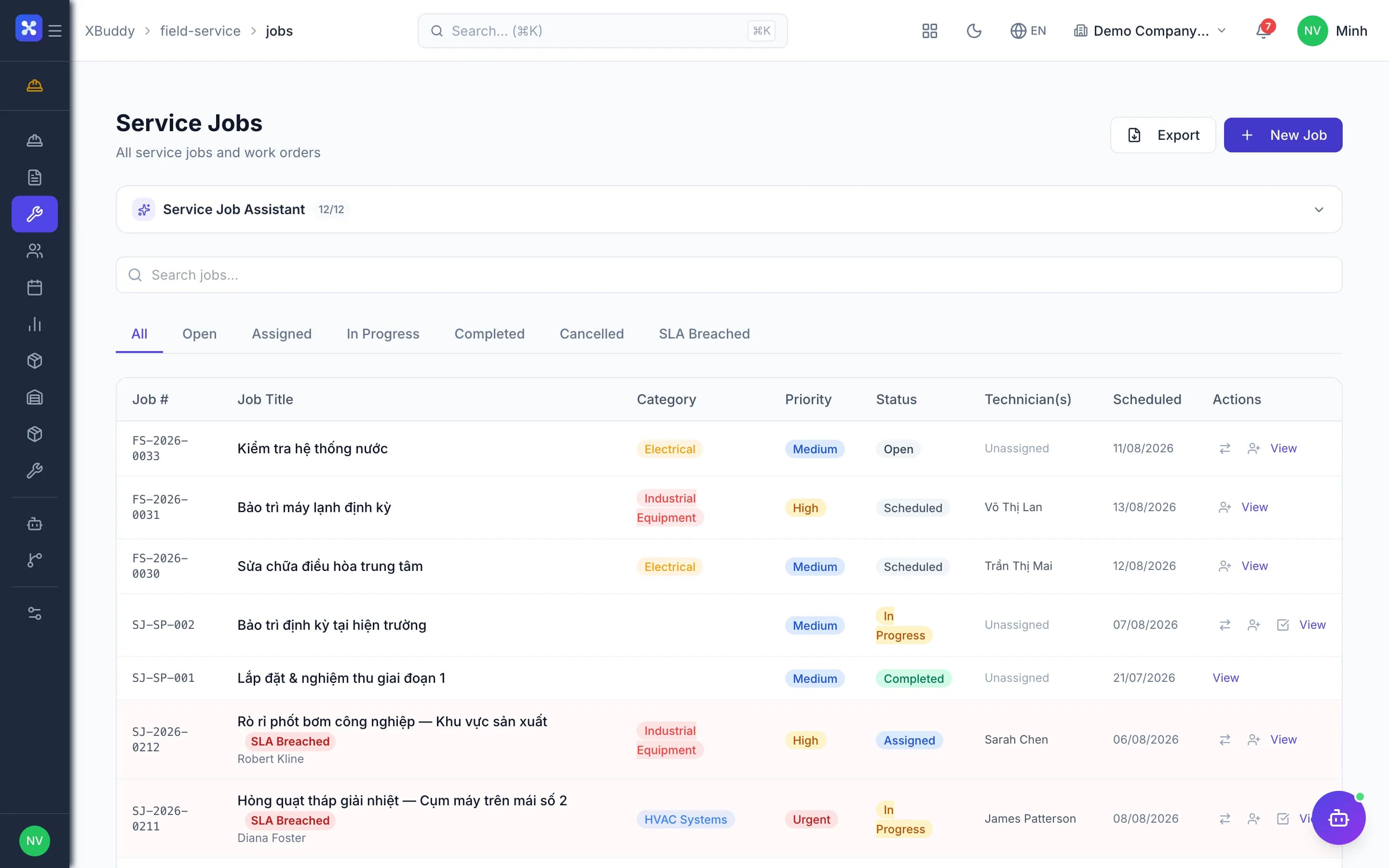
- Tickets become jobs on a per-technician dispatch schedule
- Parts requisitions tied to the job, issued via stock, leftovers returned
- Checklist, photos and customer signature recorded on the job
- Completed jobs generate a draft invoice
- Preventive maintenance plans generate jobs automatically
The flow
6 steps, one continuous record
- 1
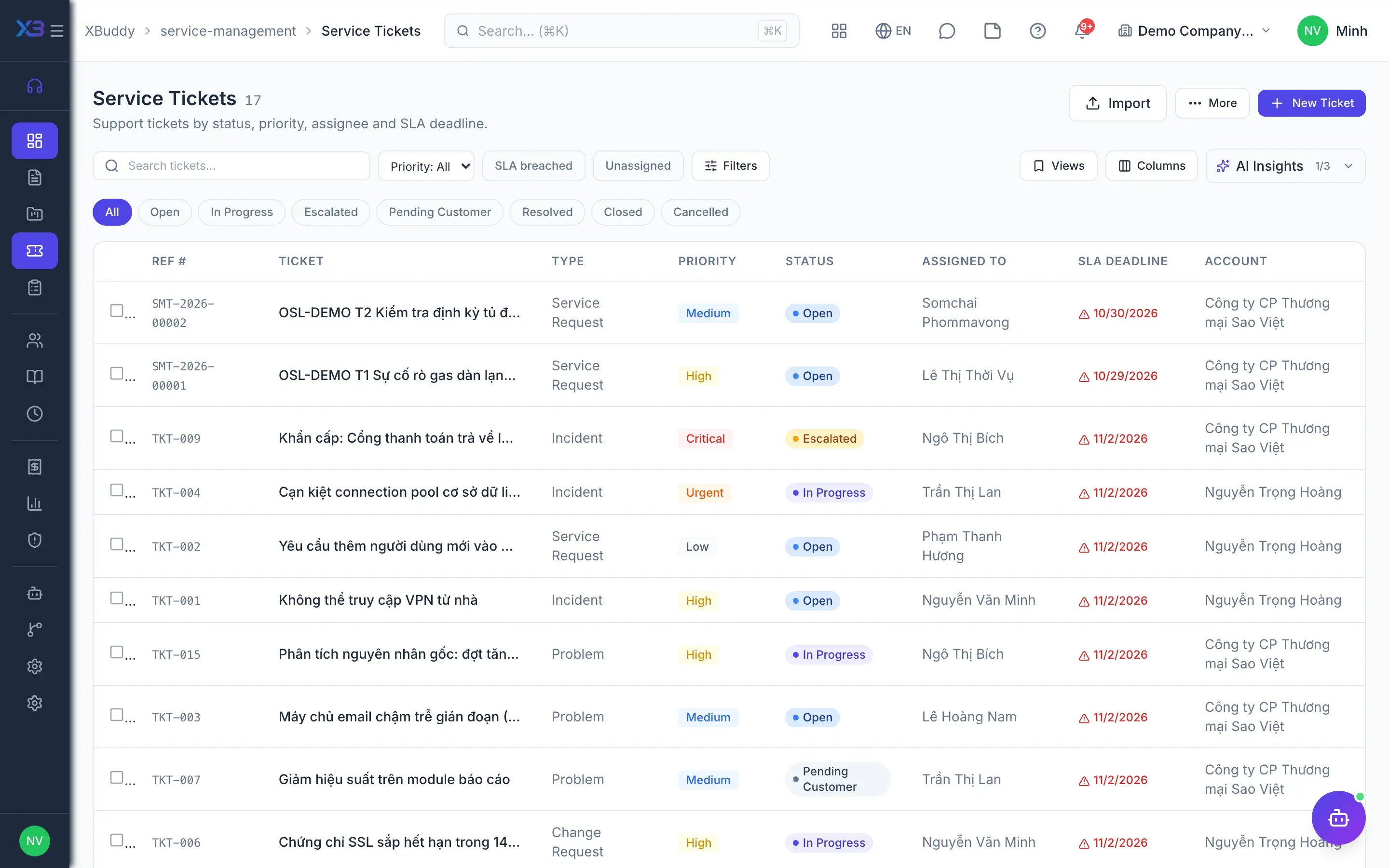
Take the request
Service staff log the issue as a Ticket in Service Management, linked to the customer, service contract and SLA policy. When someone has to go on site, the Ticket becomes a Service Job in Field Service, and the job status flows back to the Ticket.
- Ticket linked to contract and SLA
- Create a job from a Ticket or Service Order
- Job status synced back to the Ticket
- 2
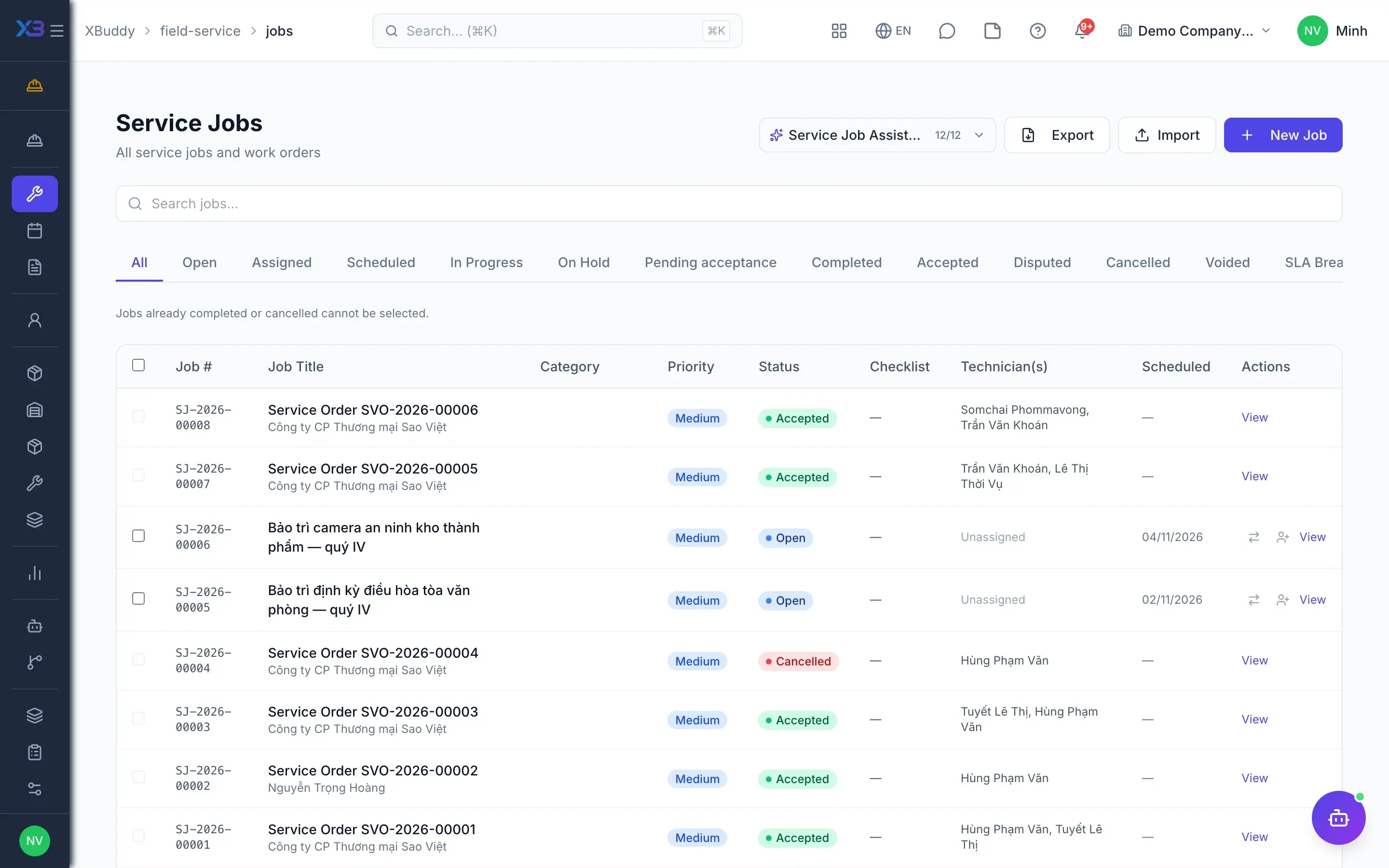
Create the job from a template
The dispatcher creates a Service Job from a Job Type and a versioned Job Template. The template carries planned parts, machines, tools, skills and labor hours, so every job starts with a clear resource plan.
- Job Types and versioned Job Templates
- Planned parts, tools, skills and hours
- Customer jobs kept apart from internal jobs
- 3
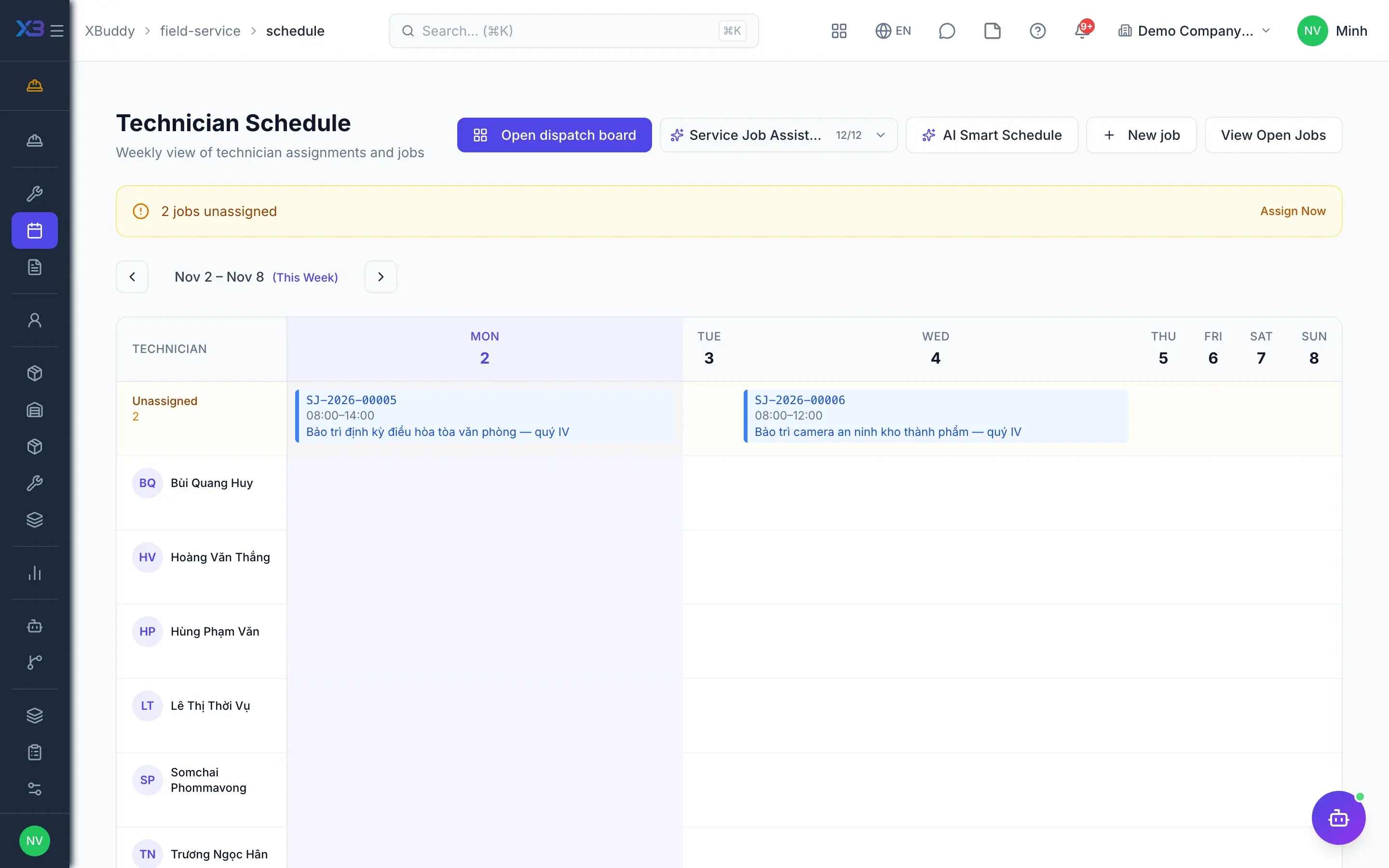
Dispatch technicians
On the dispatch schedule, the dispatcher assigns jobs to technicians or teams by skill and zone. With the advanced dispatch board enabled, the system proposes schedule options optimized for SLA, travel distance or workload balance for the dispatcher to choose from.
- Schedule by technician and team
- Skills and zones per technician
- Optimizing dispatch board (optional)
- 4
Issue parts through the warehouse
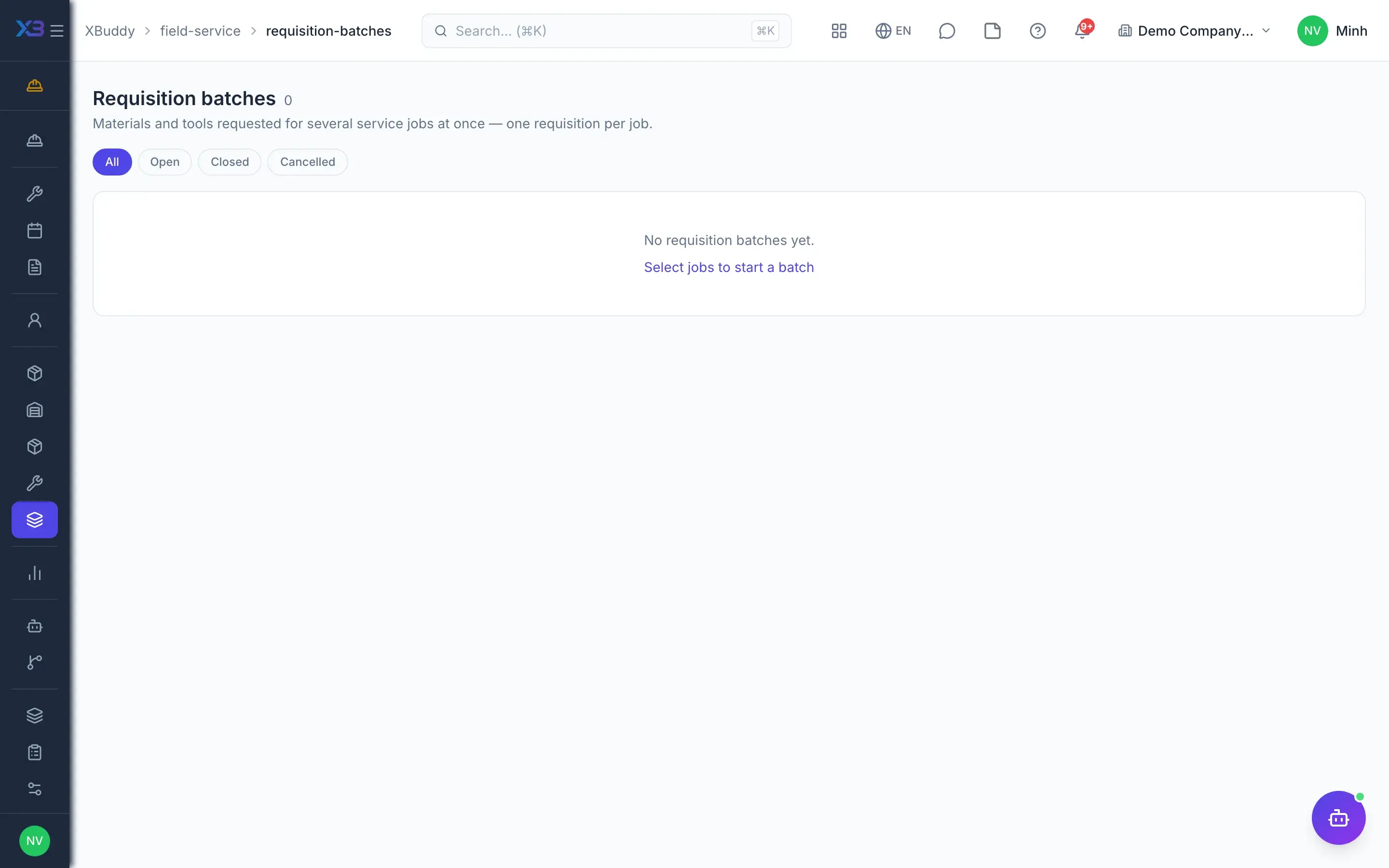
The technician raises a parts requisition from the job's planned materials; the storekeeper approves it and issues the parts through an Inventory Goods Issue. Several jobs can be grouped into one picking batch, and unused parts must be returned to stock before the job is closed.
- Requisitions built from the outstanding planned quantity
- Picking batches across several jobs
- Van stock per technician
- Leftover parts returned to the right source
- 5
Maintain internal assets
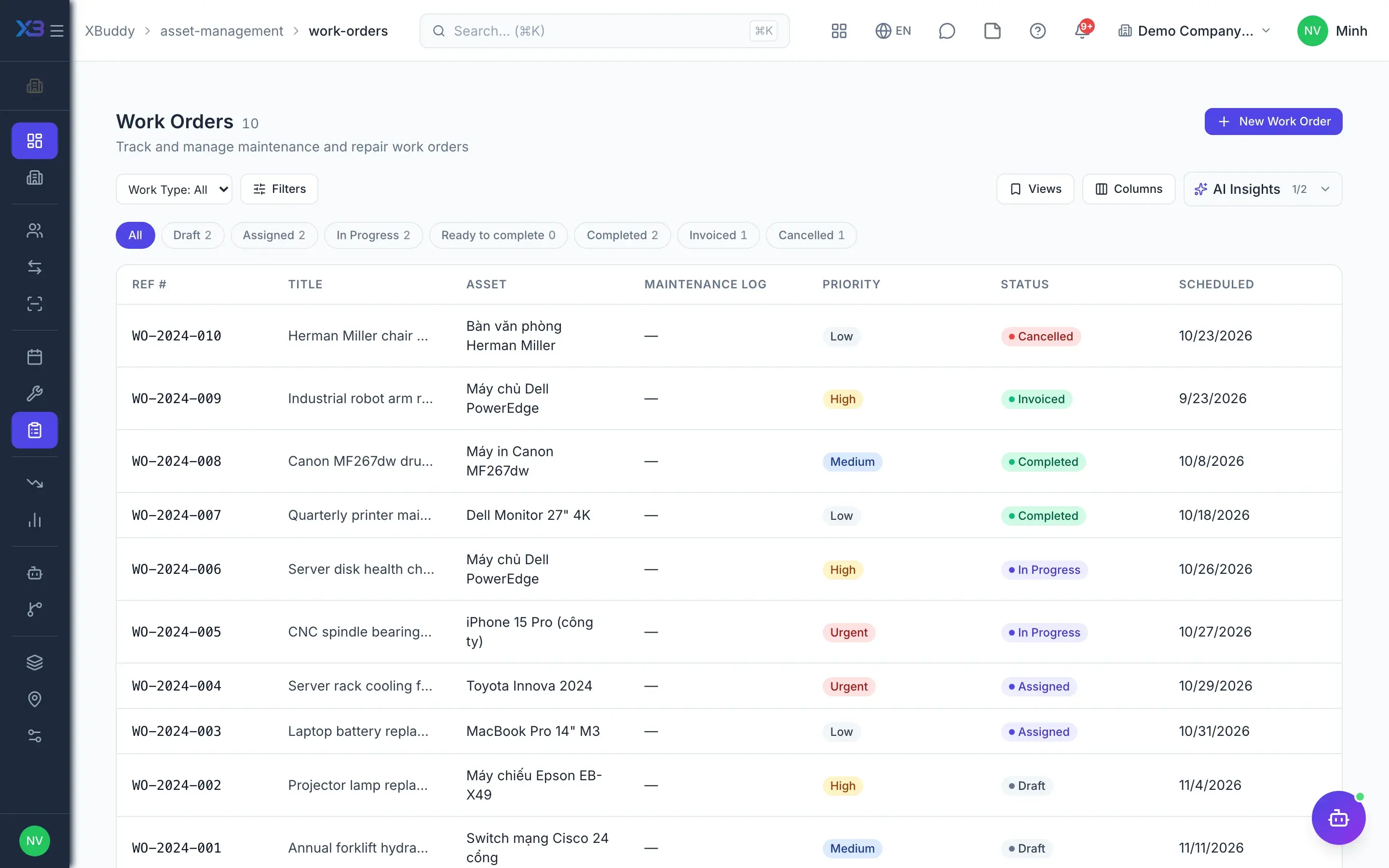
Asset Management work orders for the company's own machines and equipment arrive in Field Service as internal jobs. Internal jobs are never invoiced; the maintenance cost is booked to a cost center, and preventive maintenance plans generate jobs on schedule.
- Asset work orders become internal jobs
- Cost booked to account 627 with a cost center
- Recurring maintenance plans generate jobs
- 6
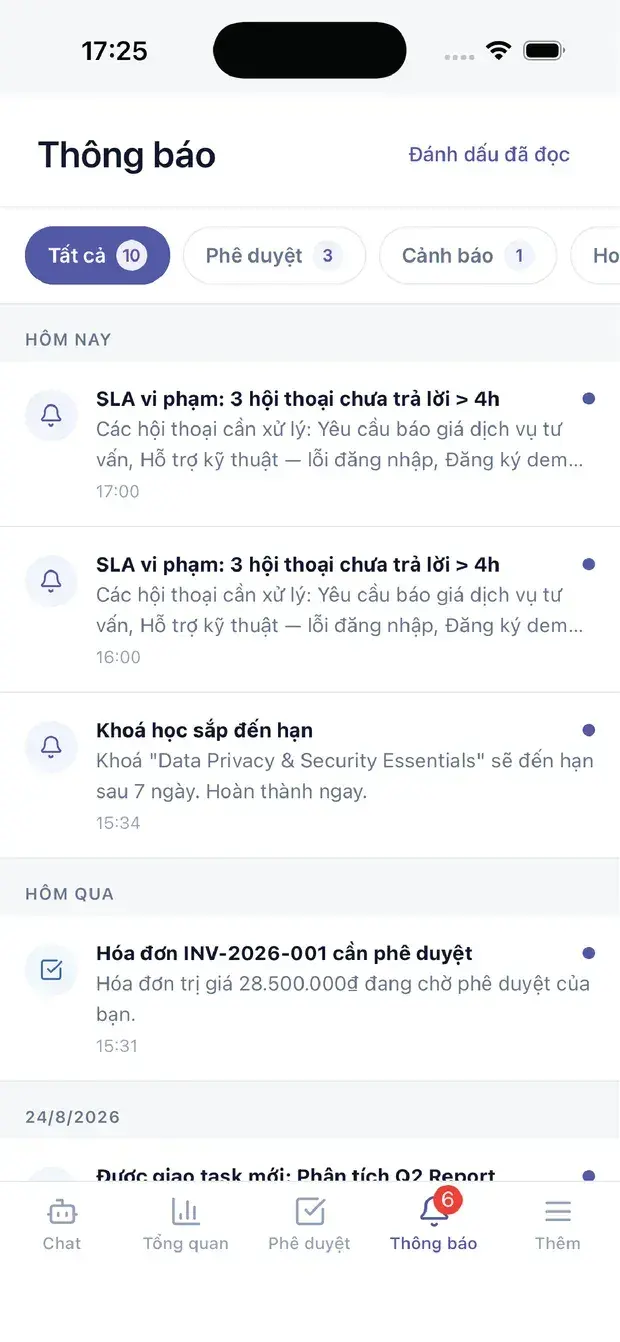
Sign off and invoice
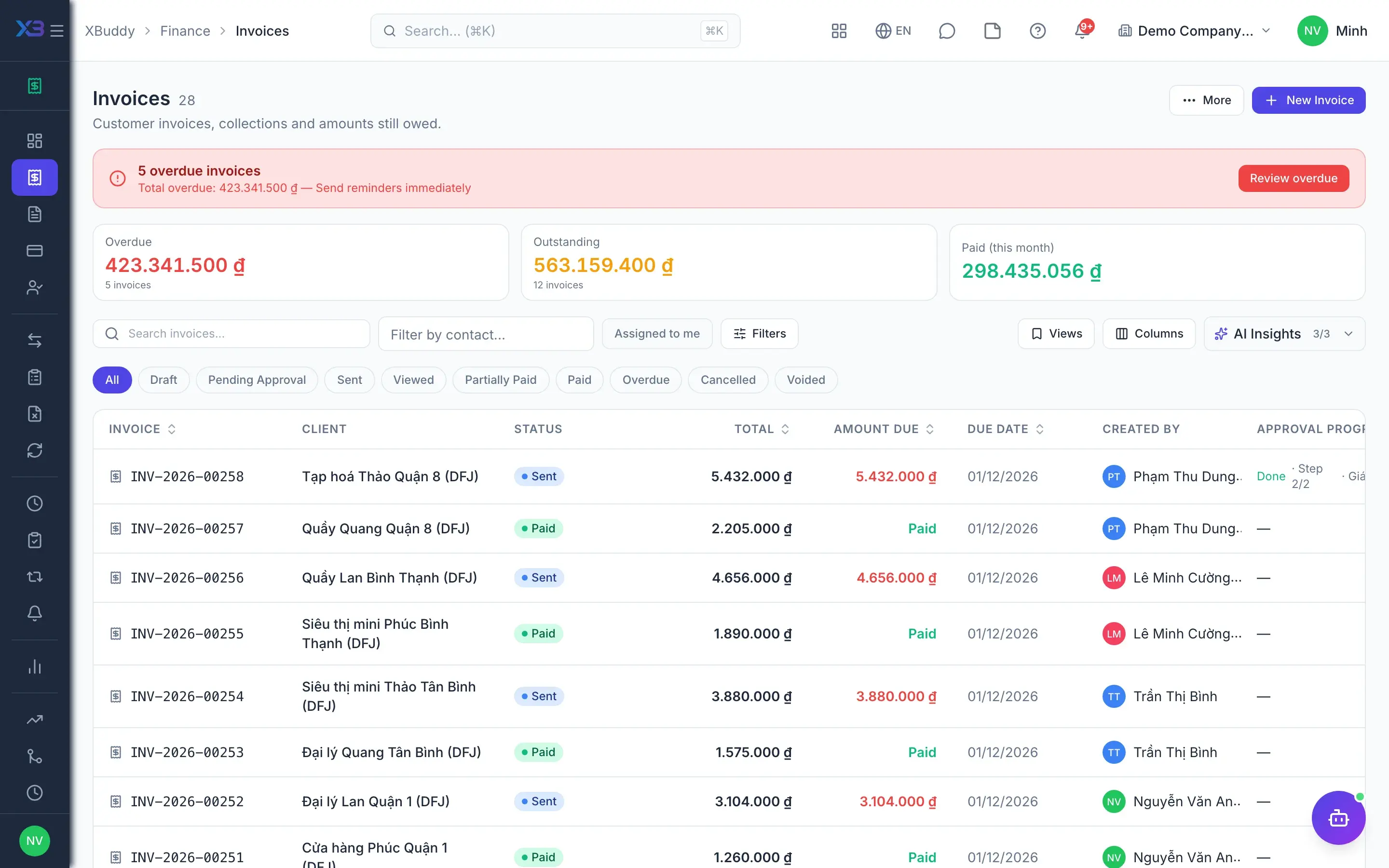
On site, the technician completes the checklist, takes photos and captures the customer's signature in the Workforce app. When a customer job is completed or accepted by the customer, a draft invoice is created in Finance and the parts used go to cost of goods sold.
- Checklist, photos and customer signature on mobile
- Draft invoice on completion or acceptance
- Customer-job parts booked to COGS (632)
Key capabilities
What this solution relies on
Jobs & dispatch
Full Service Job lifecycle
Versioned job templates
Technicians & teams
Optimizing dispatch boardAdvanced
Parts & tools
Parts requisitions
Picking batches
Van stock
Tool custody
On site
Workforce app for techniciansMobile
Conditional completion gates
Acceptance or complaint
Contracts, cost & AI
Contracts and preventive maintenance
Internal jobs are never billed
Dispatch assistantAI
Technician copilotAI
Handled out of the box
Hard questions XBuddy already answers
What’s inside
Apps and AI assistants involved
The in-depth document for this solution
Full PDF: step-by-step process, controls, metrics and a 30/60/90-day rollout plan.
FAQ
Frequently asked
How is Field Service different from Service Management?
Service Management covers the commercial side: contracts, Tickets, Service Orders and billing. Field Service covers execution on site: jobs, dispatch, parts and customer sign-off. The two apps are connected, so a Ticket becomes a job and the job status flows back.
Do I have to use Inventory?
Field Service keeps no item catalog of its own; parts come from the Inventory catalog and warehouses. With the inventory link enabled, job parts are deducted through Inventory Goods Issues, so stock and cost always match the general ledger.
Is maintenance of our own machines invoiced?
No. Internal jobs, usually created from Asset Management work orders, are never invoiced. Parts and labor are booked to production overhead with a cost center.
Can technicians work from their phones?
Yes. Technicians use the Workforce app to receive jobs, work checklists, request parts, log hours and capture customer signatures. The office sees the result on the job straight away instead of waiting for paper sheets.
When is the invoice raised?
By default, completing a customer job creates a draft invoice in Finance for accounting to review and issue. You can configure invoicing to wait until the customer accepts the work. Jobs that belong to a Service Order are billed through that order, never as a duplicate invoice.
Are the advanced features on out of the box?
Not all of them. The optimizing dispatch board, shared equipment booking and some completion gates are off by default; an administrator turns them on in settings when the team is ready. Small teams can start with the simple flow and grow from there.
See this flow on your own data
A thirty-minute demo focused on the process you are actually stuck on.