The enterprise operating platform, supported by AISwitch to Tiếng ViệtSwitch to English

Platform

19 foundations every app is built on

Multi-company, multi-currency, data-scope permissions, self-built workflows, an open API and mobile apps — the foundations every XBuddy app is built on.

01

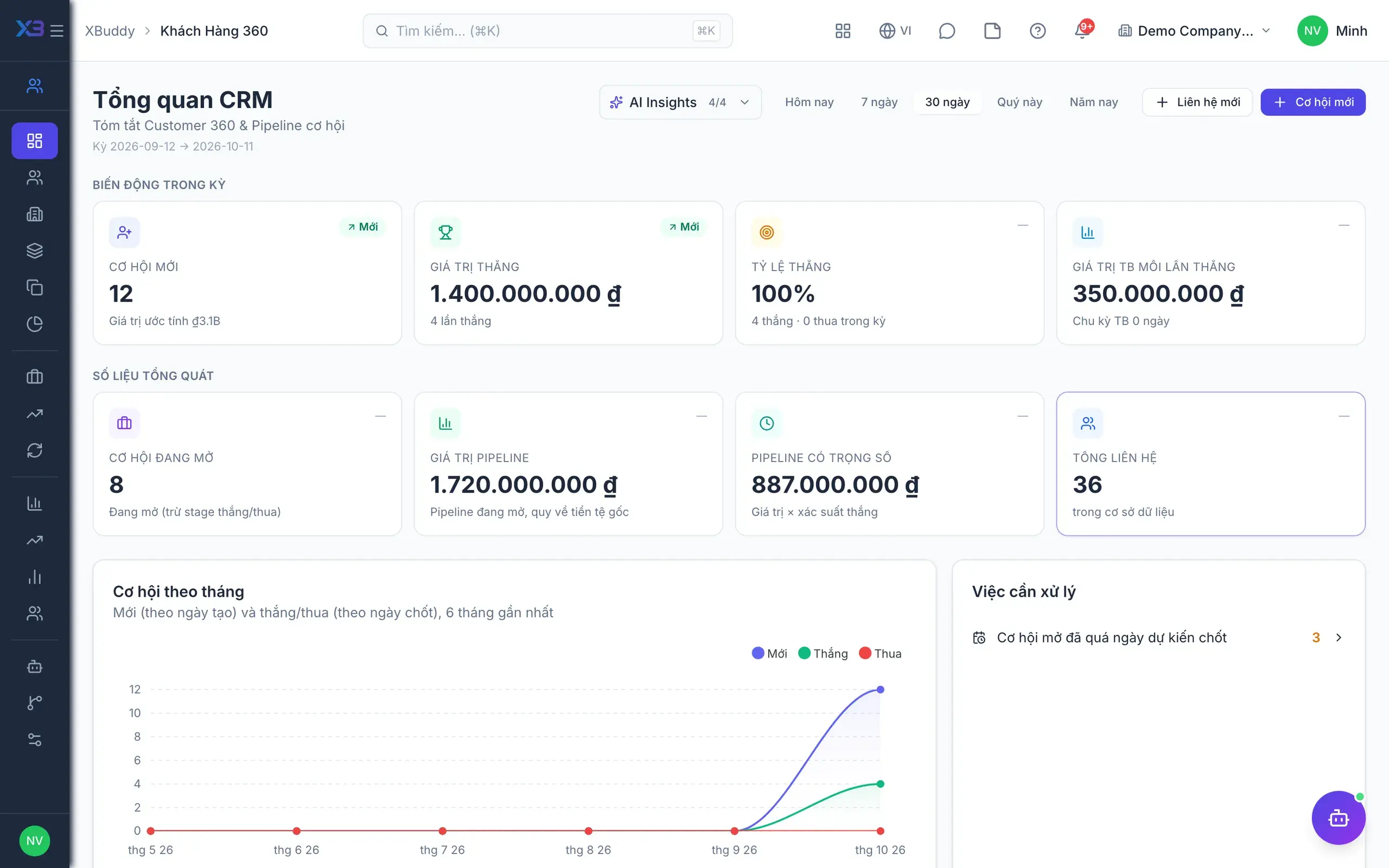
Multi-company

Groups with several entities, branches or plants run on one account. Master data is shared; the books stay separate.
  • Shared master data: customers, vendors, products, chart of accounts
  • Intercompany transactions are flagged automatically
  • Switch company context straight from the nav bar
  • Per-entity approval policy and document numbering
02

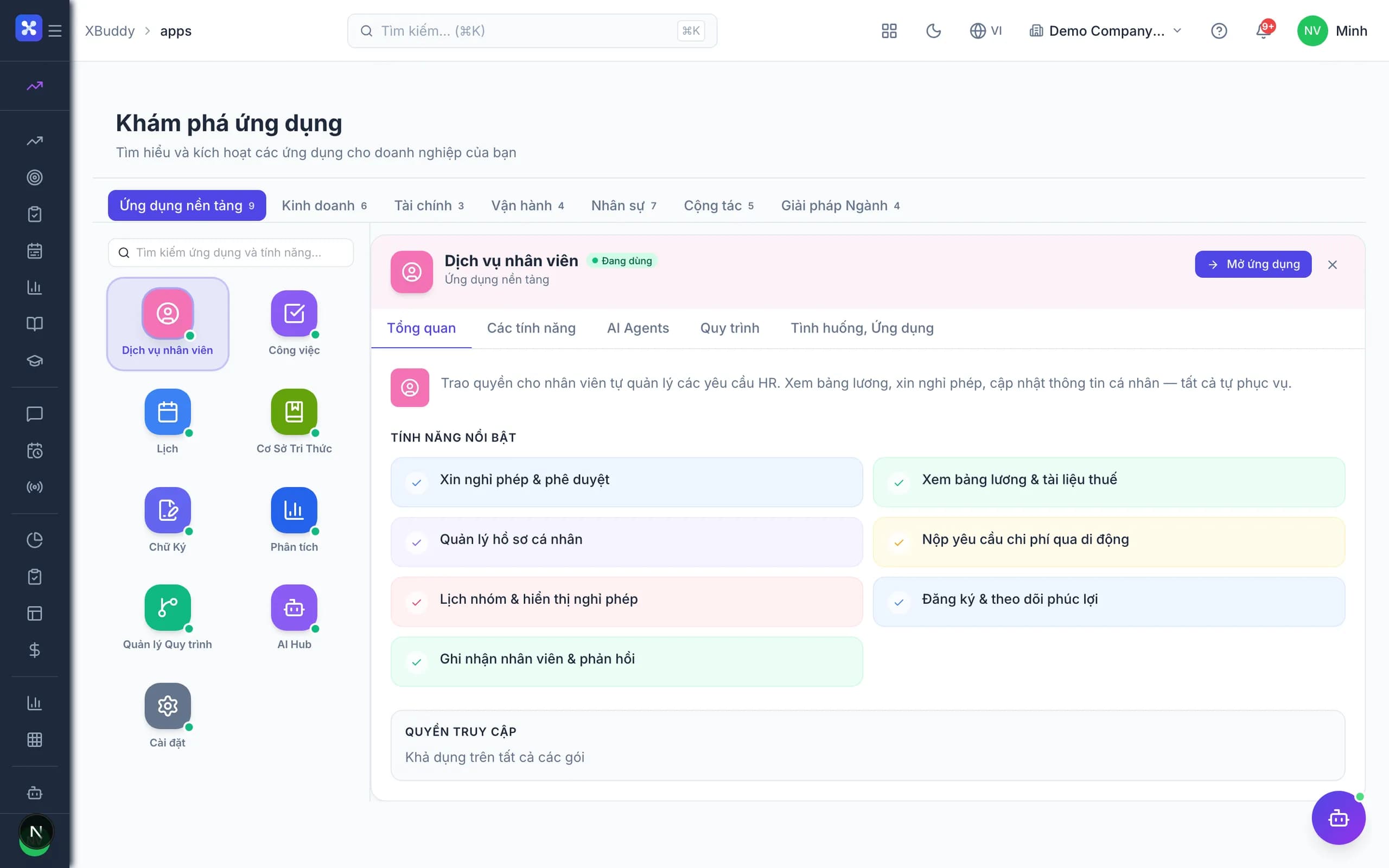
Multi-currency

Record in the transaction currency, post in the functional currency, present in the reporting currency.
  • Daily rate table, entered manually or fetched automatically
  • Period-end FX revaluation with automatic journal entries
  • Every report readable in transaction or reporting currency
  • Realised and unrealised FX gain/loss kept apart
03

Units of measure (UOM)

Buy by the case, sell by the each, hold stock by weight — one item, converted automatically on every document.

  • A base unit plus multiple alternative units per item
  • Fixed or per-lot conversion factors (actual kg per case)
  • Separate purchasing, sales and stock-keeping units
  • Stock and cost reporting in any unit you choose
04

Financial consolidation

Consolidated statements run off the transaction data itself — not off a spreadsheet stitched together at quarter end.
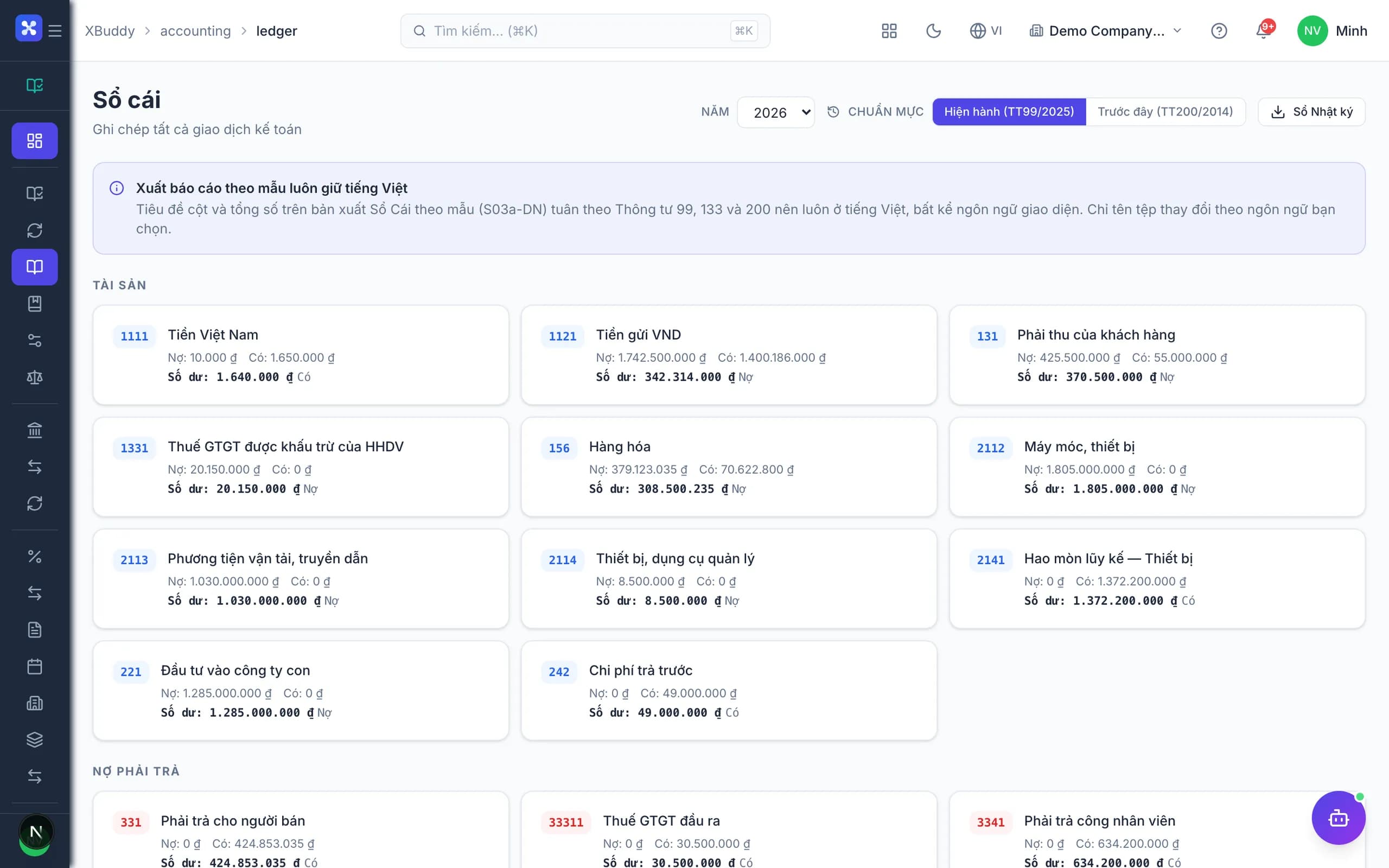
  • Eliminate intercompany revenue, cost and balances by entity pair
  • Translate at average or closing rate by line-item type
  • Split non-controlling interest by ownership percentage
  • Every consolidation entry is logged and drills back to source
05

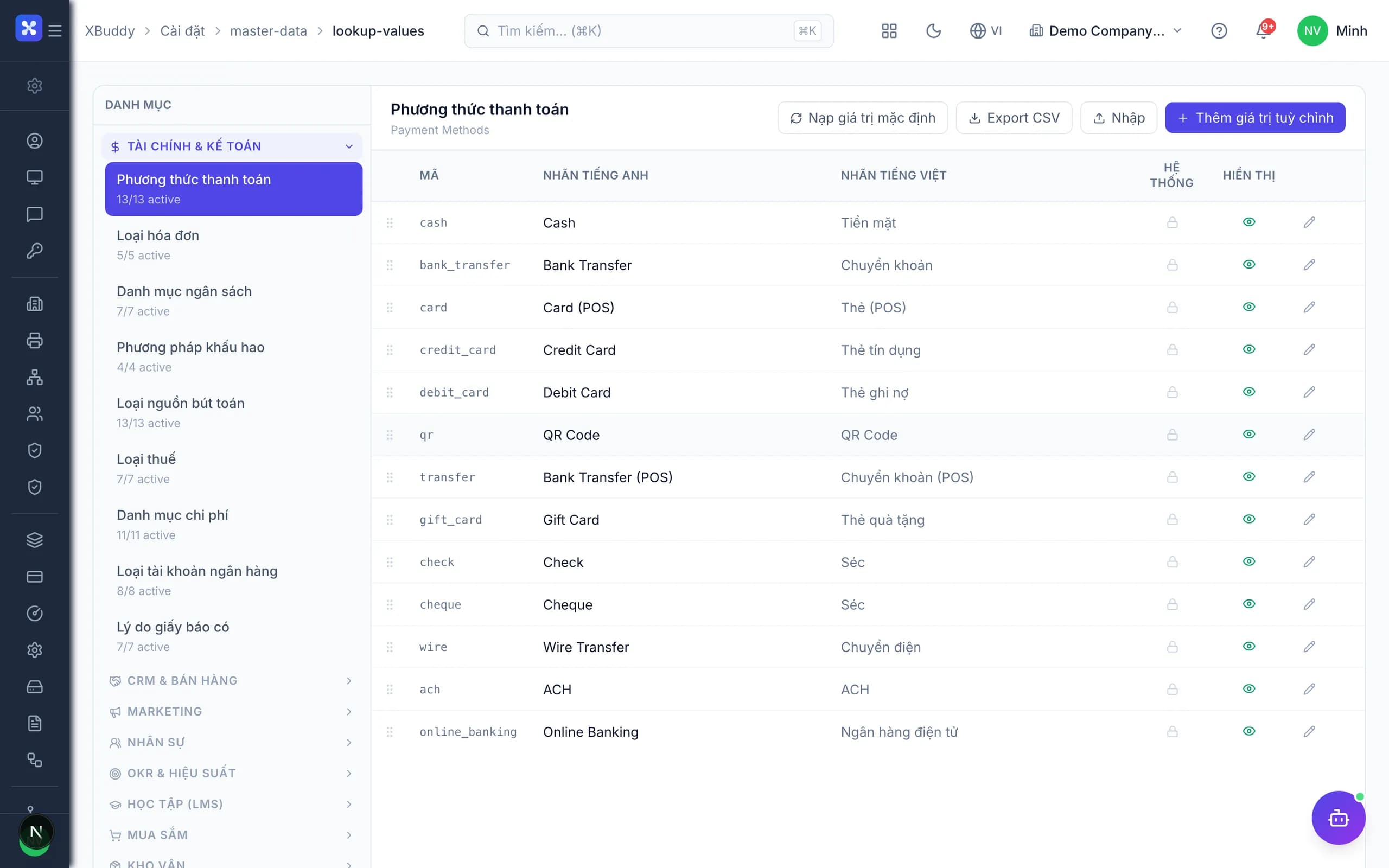
Multi-language

Interface, master data and document templates each carry their own translations. Every user picks their language; the data stays single.

  • Language is per user — no separate installation
  • Bilingual printed documents for foreign partners and auditors
  • Add a language through a translation table, no release needed
  • Assistants answer in the language they were asked in
06

Workflow Builder

Build approval flows by dragging: value conditions, parallel branches, approvers resolved by department or limit.
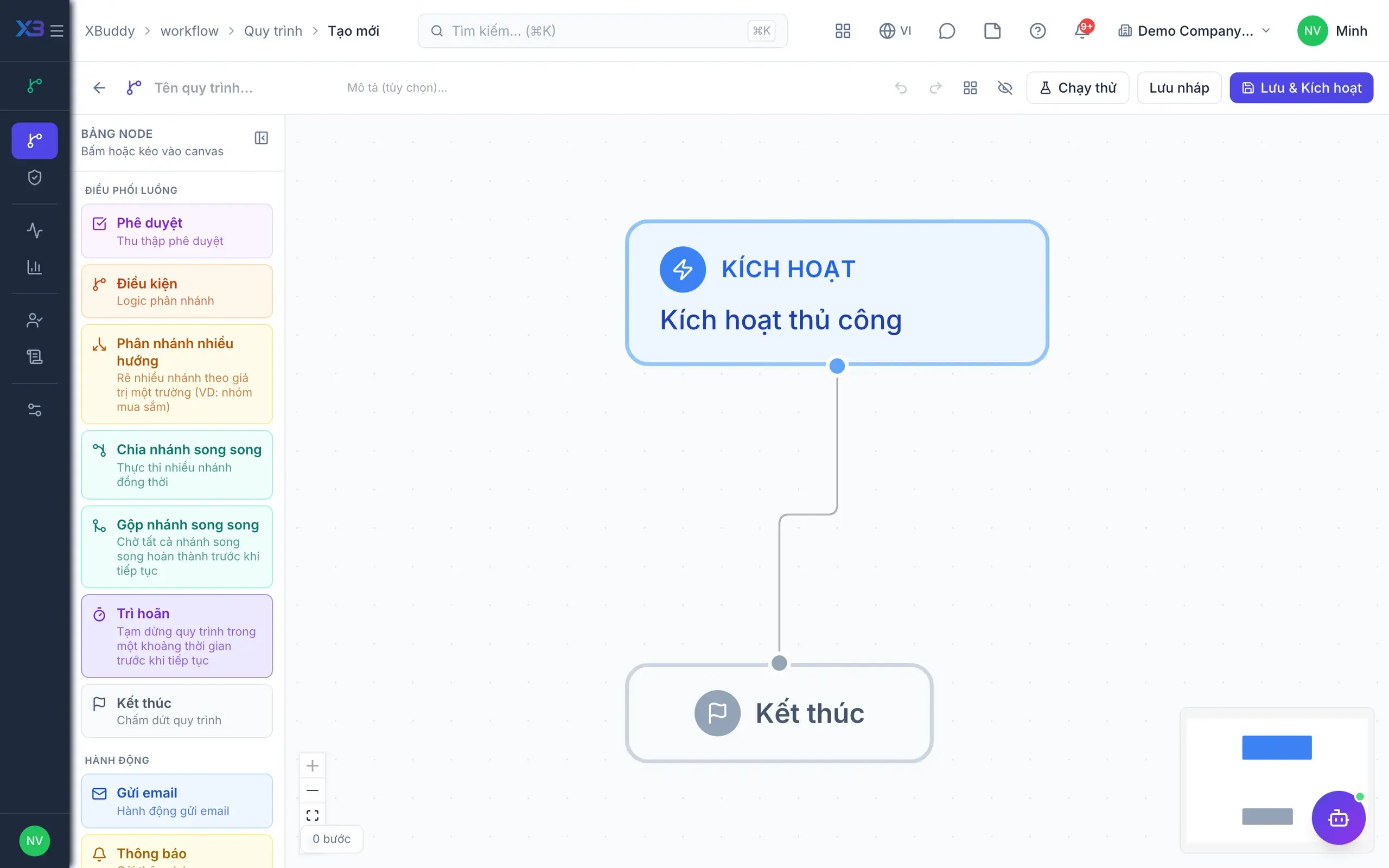
  • Conditions, parallel branches and value-based approvers
  • SLAs, automatic reminders and escalation when overdue
  • Draft – version – publish, with rollback when needed
  • 60+ ready workflow templates for common processes
07

Report Builder

Business users build reports on the shared data layer without filing a ticket with IT.
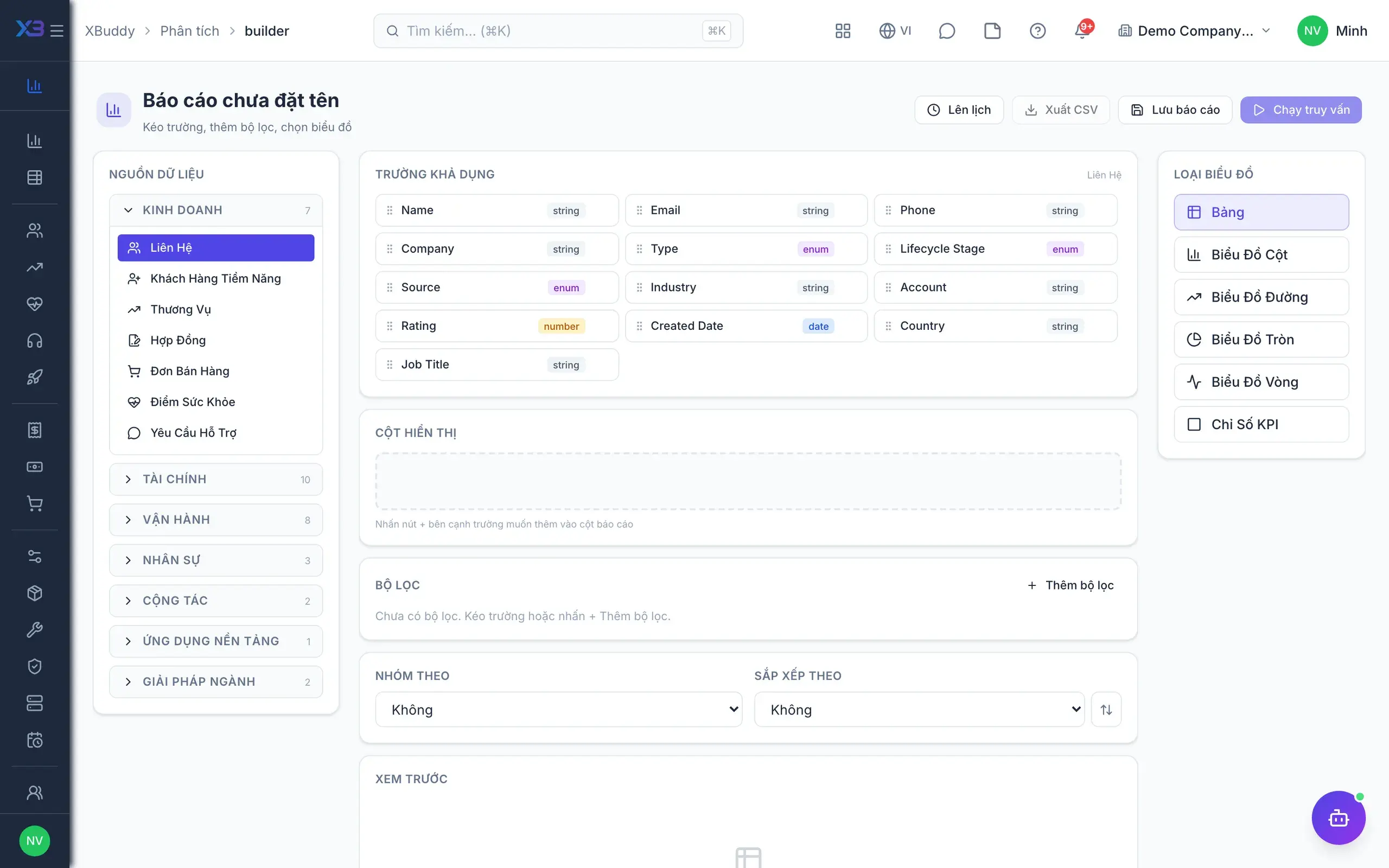
  • Drag fields, pivot, group and add calculated columns
  • Automatically filtered to the viewer’s data scope
  • Scheduled delivery by email or internal chat
  • Export to Excel/PDF and embed on dashboards
08

Business Flow

Documents are not islands: each is a link in a business flow that traces both ways.
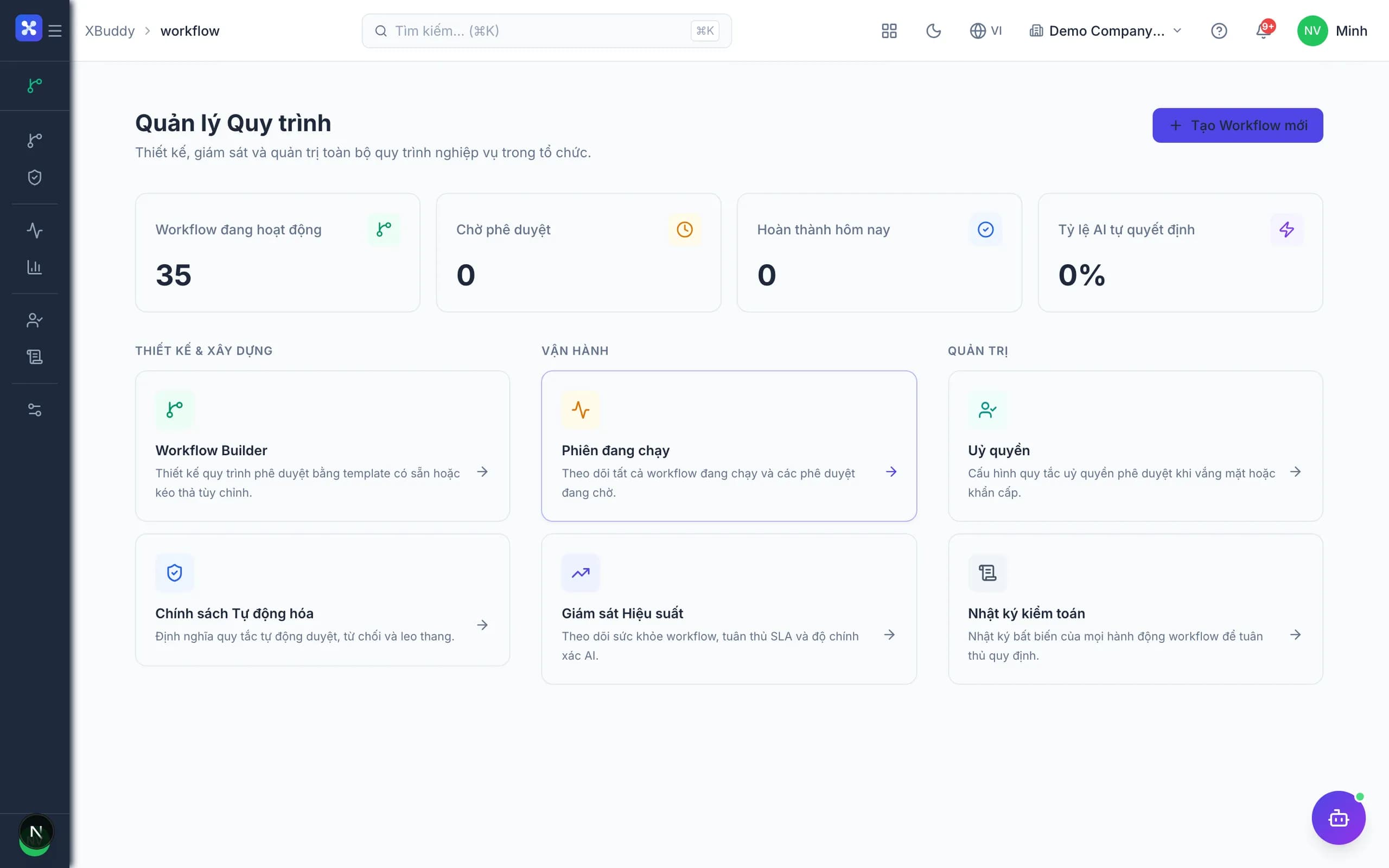
  • ERP: purchase → receipt → vendor invoice → payment
  • CRM: lead → quote → order → delivery → cash
  • HRM: hiring → onboarding → attendance → payroll → review
  • Alerts on broken links and traceability back to the source
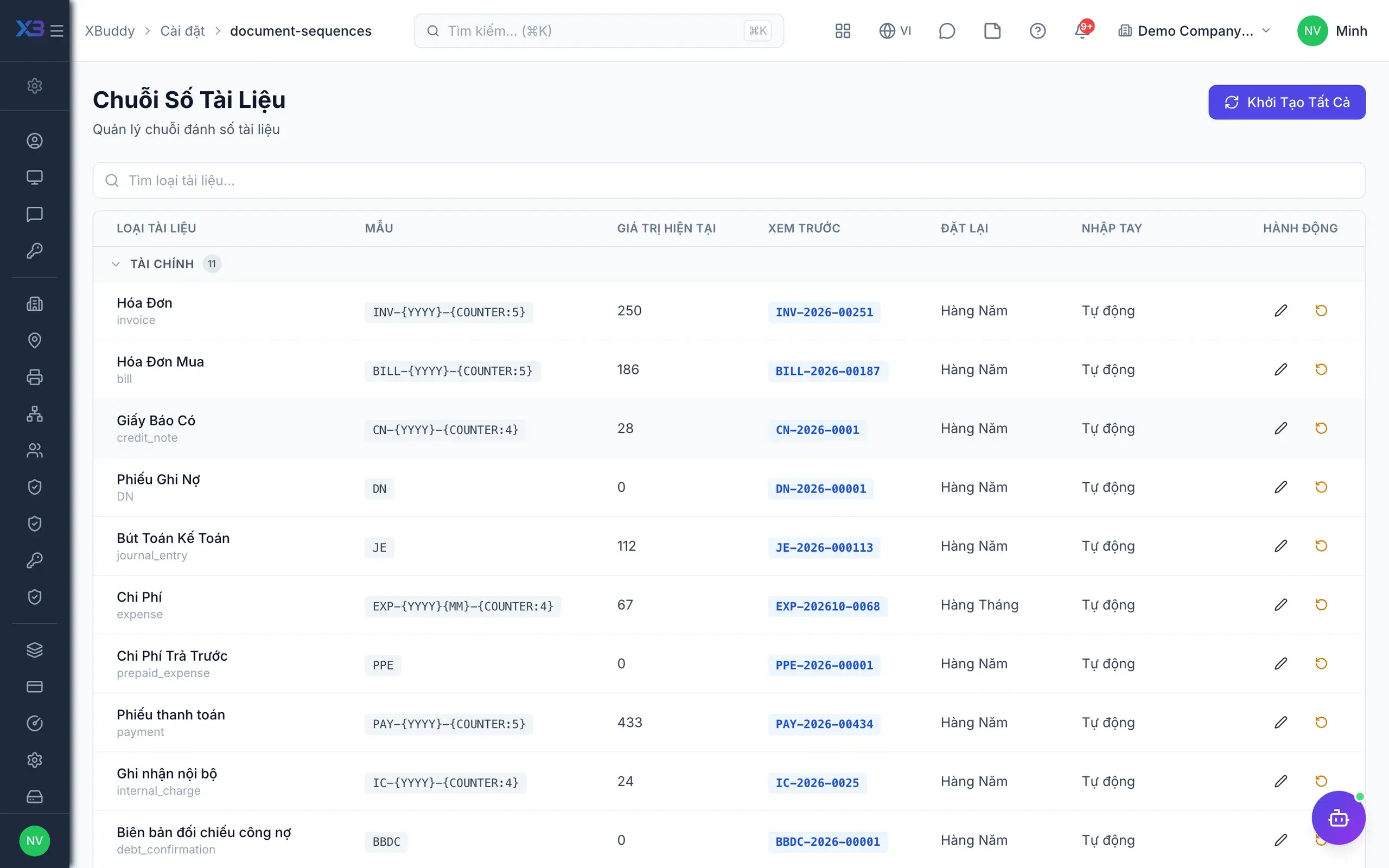
09

Custom Fields

Where your process differs, add your own fields — treated exactly like native fields everywhere.
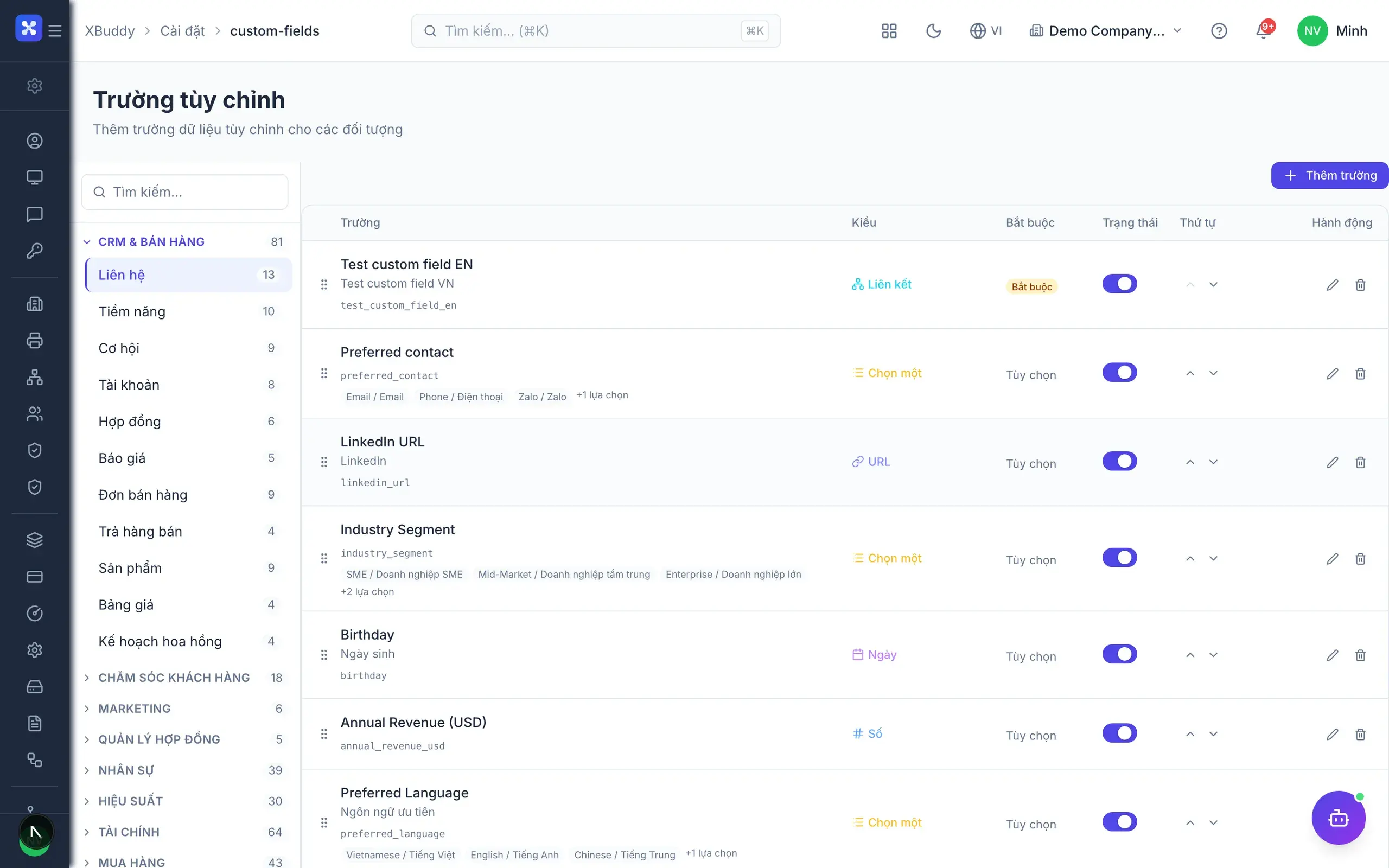
  • Add fields to any app without code
  • Fields carry permissions, required rules and validation
  • Appear in filters, reports and the API like native fields
  • Assistants can query your custom data
10

Templates

Never start from a blank page: take a ready template and adapt it to your business.
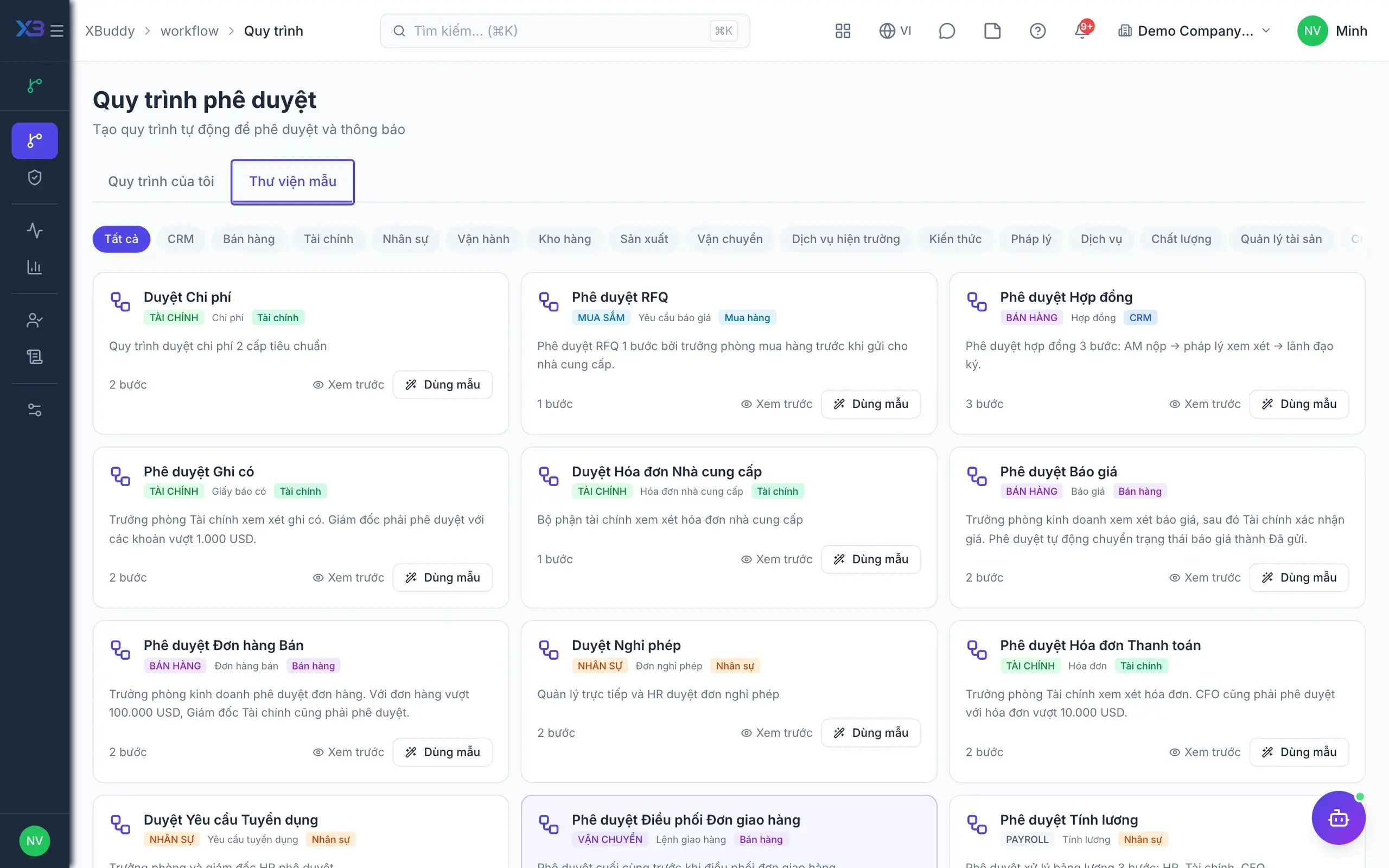
  • 50+ role & permission templates, 60+ workflow templates
  • 35+ report and dashboard templates by department
  • Print, email, contract and job-description templates
  • Industry setup templates: manufacturing, F&B, distribution, services
11

Toggle Features

A small business turns on less, a large one more — same system, no custom build.
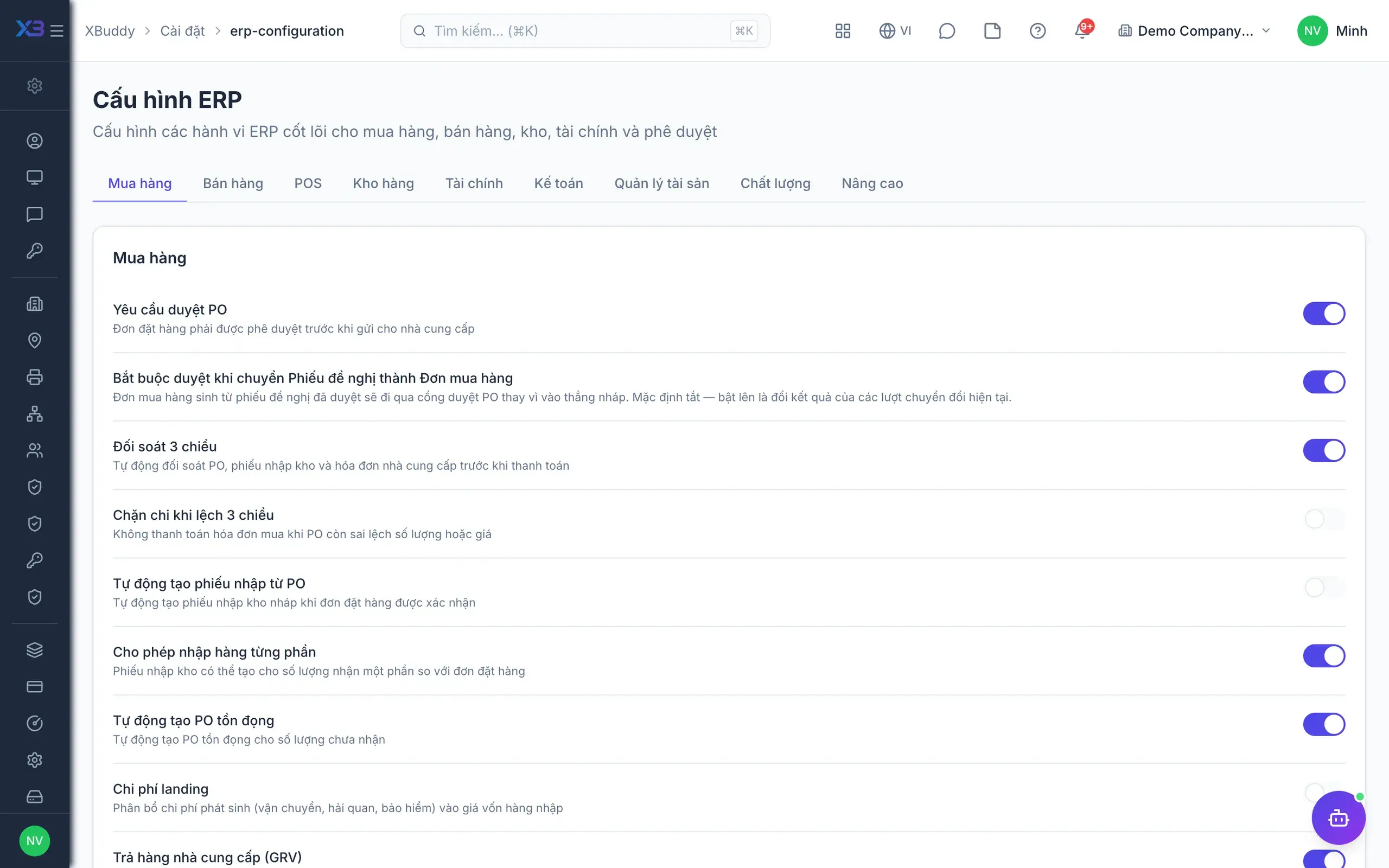
  • Toggle per company, department or role
  • Examples: Advanced Task Management, Team Management, multi-warehouse, multi-currency
  • The UI shrinks when off — users never see what they don’t use
  • Turn more on at any time without losing data
12

AI Pipeline Builder

Read a document → extract → reconcile → create a record → request approval: one pipeline on a schedule or an event.
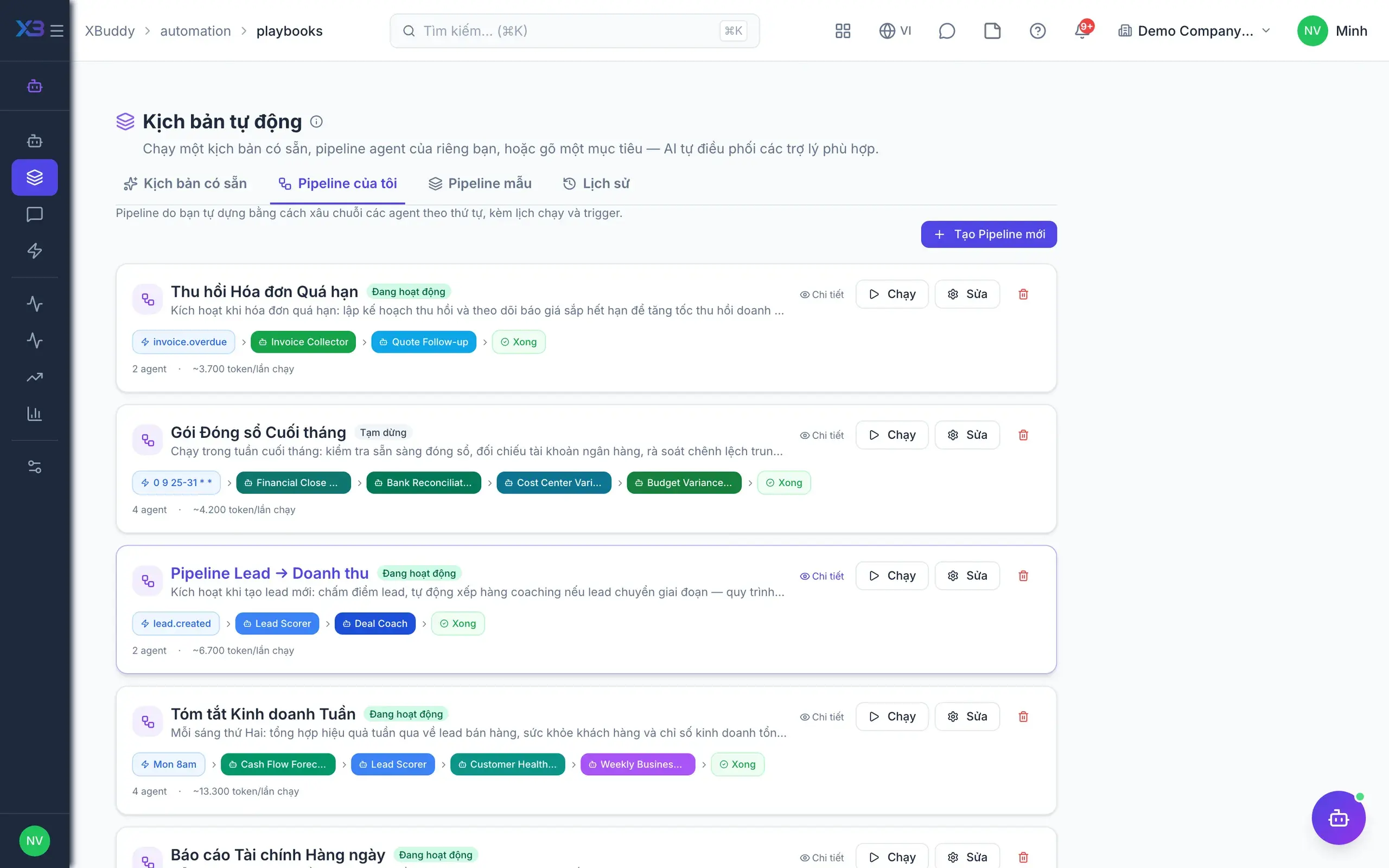
  • Drag-and-drop steps, no programming
  • Each step picks its own model by task and budget
  • Approval gates inserted before anything is written
  • Full run log: inputs, outputs and credits used
13

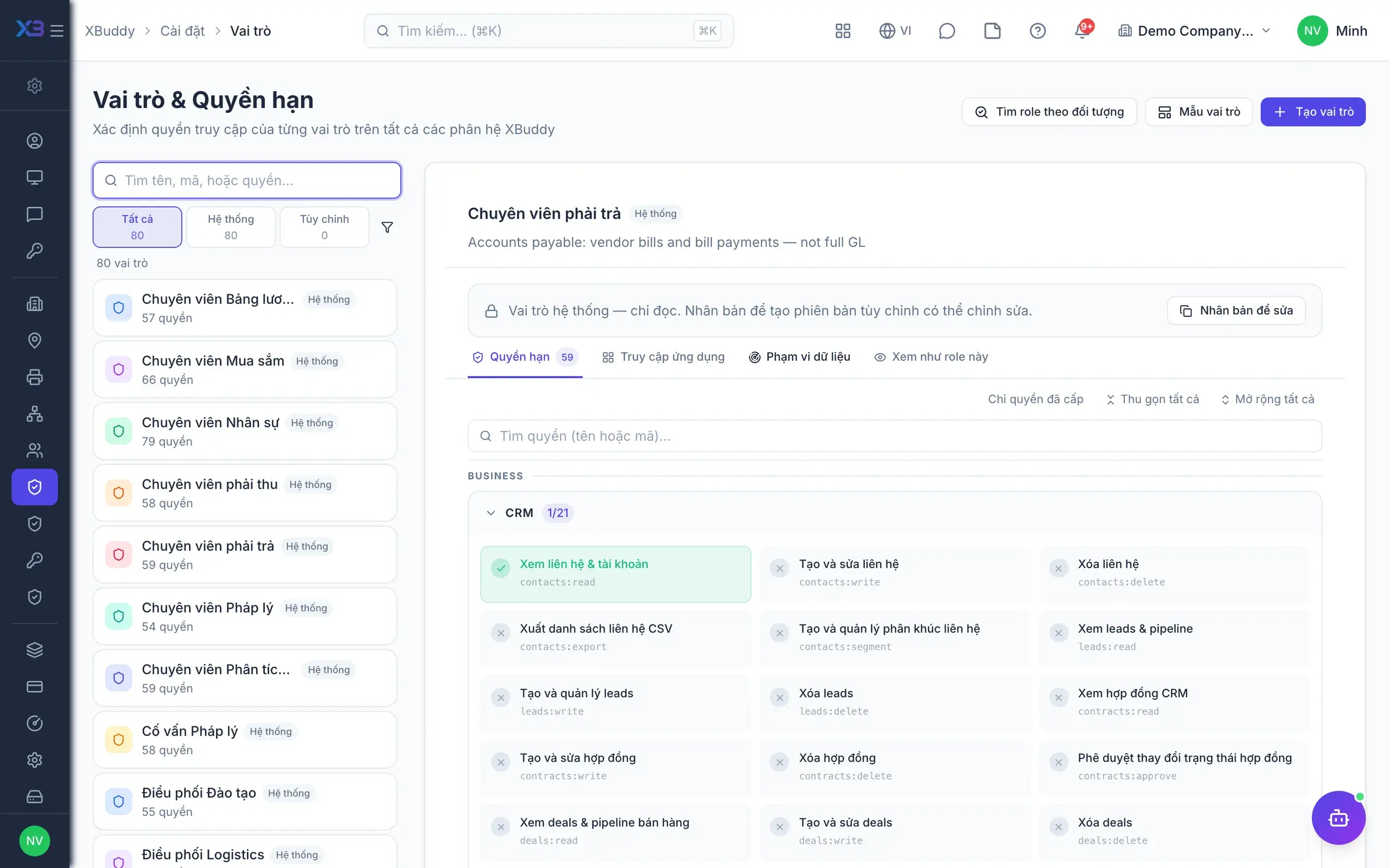
Permissions down to data scope

Not just “who can open which screen”, but “who can see which records and which fields of those records”.
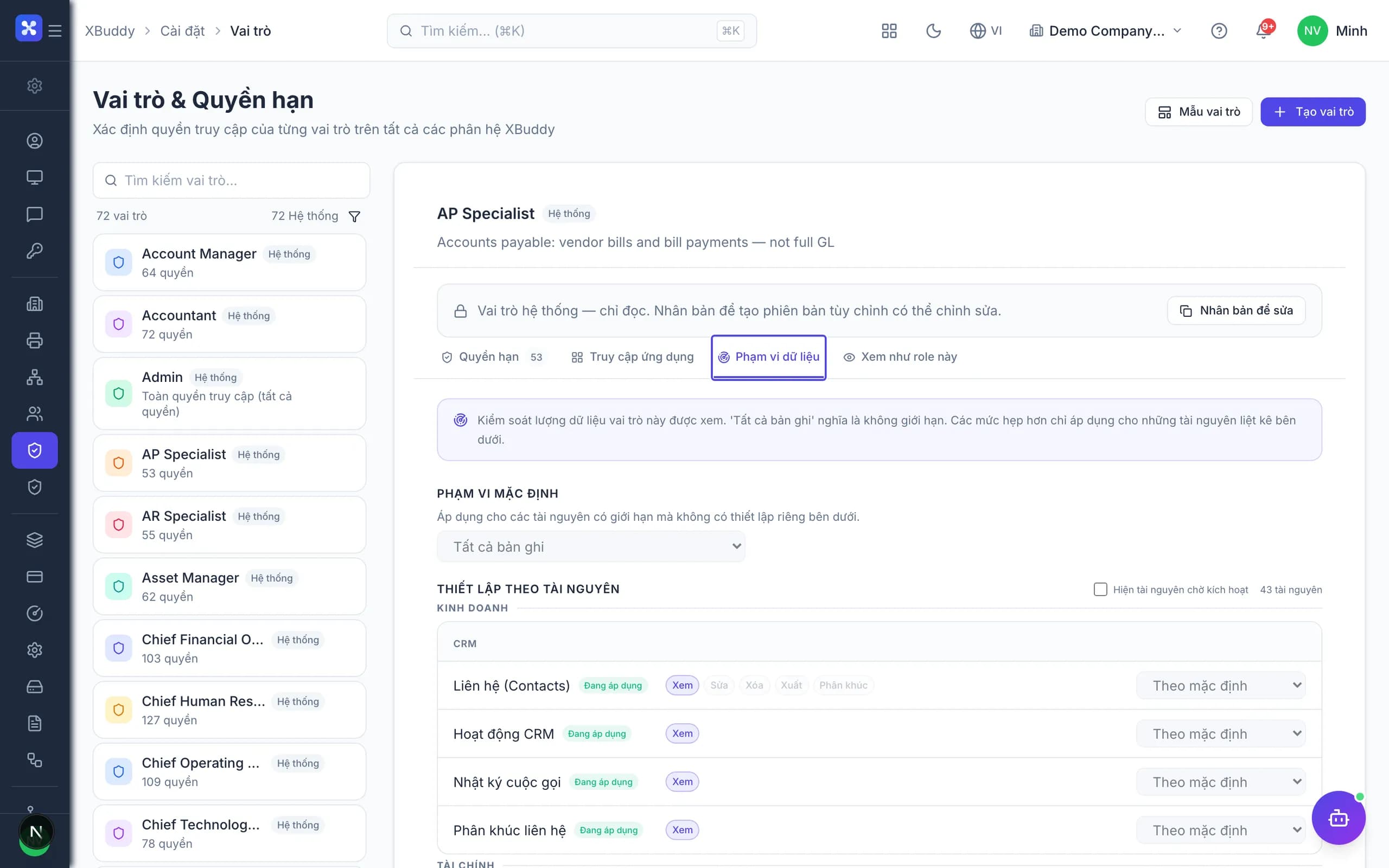
  • Scope: group, company, branch, department, team, mine
  • Field-level rights: hide cost, payroll or personal data
  • Assistants inherit the caller’s permissions exactly
  • 50+ role templates to adapt to your structure
14

Security & access control

The layer before permissions: who may sign in, from where, how, and for how long.
  • Single sign-on (SSO) and two-factor authentication
  • Encryption in transit and at rest
  • IP allowlists, device limits and session expiry
  • Password policy, lockout and instant access revocation
15

Logs & audit trail

Every read, edit, approval and AI run leaves a trace that cannot be erased.
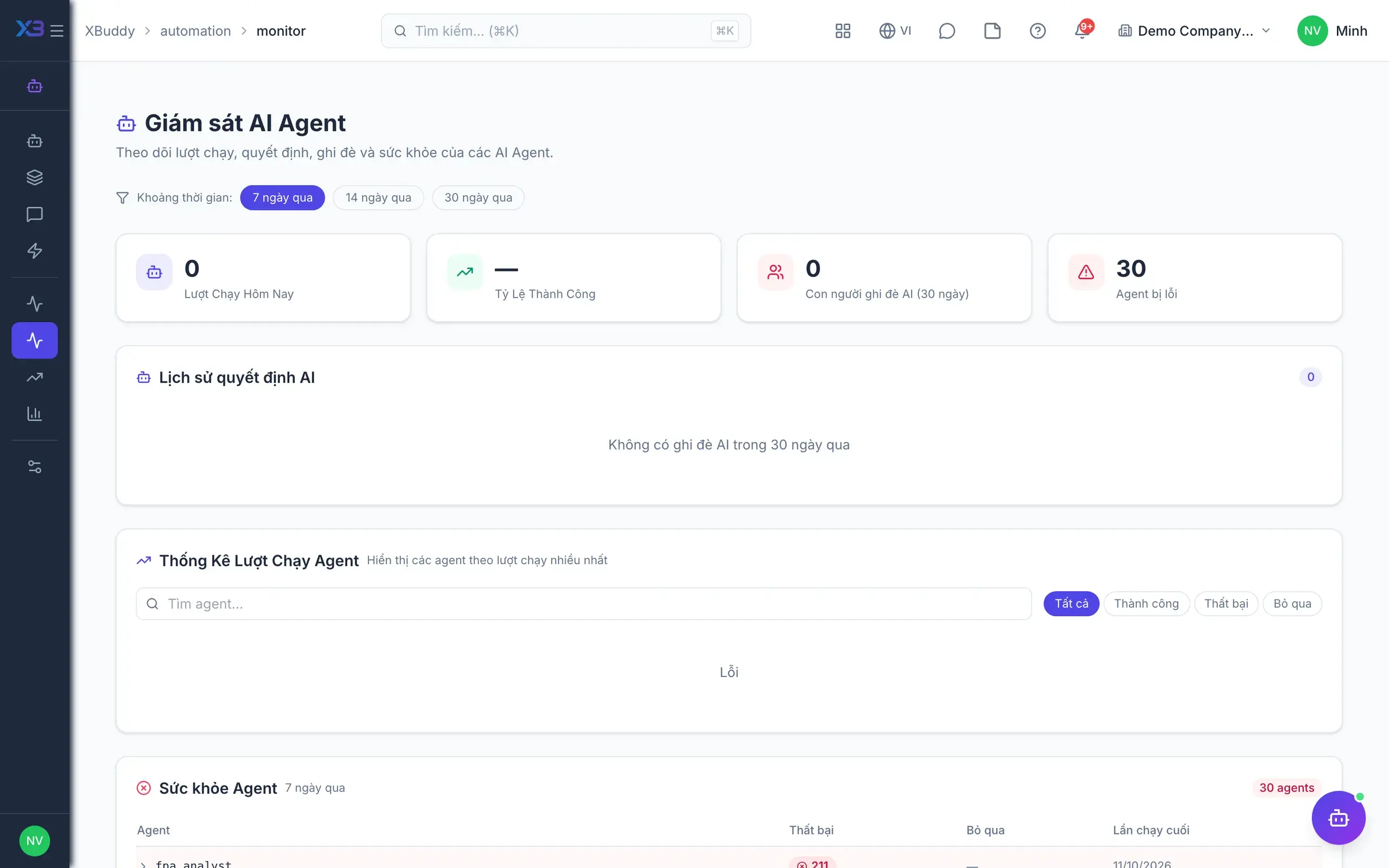
  • Field-level change log: old value, new value
  • Sign-in, data access and export logs
  • AI run log: inputs, output and who approved
  • Export audit packs by period or on request
16

Data privacy

Personal data has its own lifecycle: kept only as long as needed, then anonymised or erased.
  • Erasure requests with approval flow and log
  • Anonymise instead of delete when aggregates must stay
  • Retention policy by data type and legal entity
  • Data minimisation on everything sent to AI models
17

API & webhooks

An open platform to connect what you already run — and what you will run later.
  • REST API across all objects, custom fields included
  • Event webhooks: approved, cancelled, paid, status changed
  • Scoped API keys with full call logging
  • Mobile app for approvals and lookups on the go
18

E-signature & third-party accounting

Connects to Vietnam’s document infrastructure and to the accounting system you already run — no rip-and-replace.
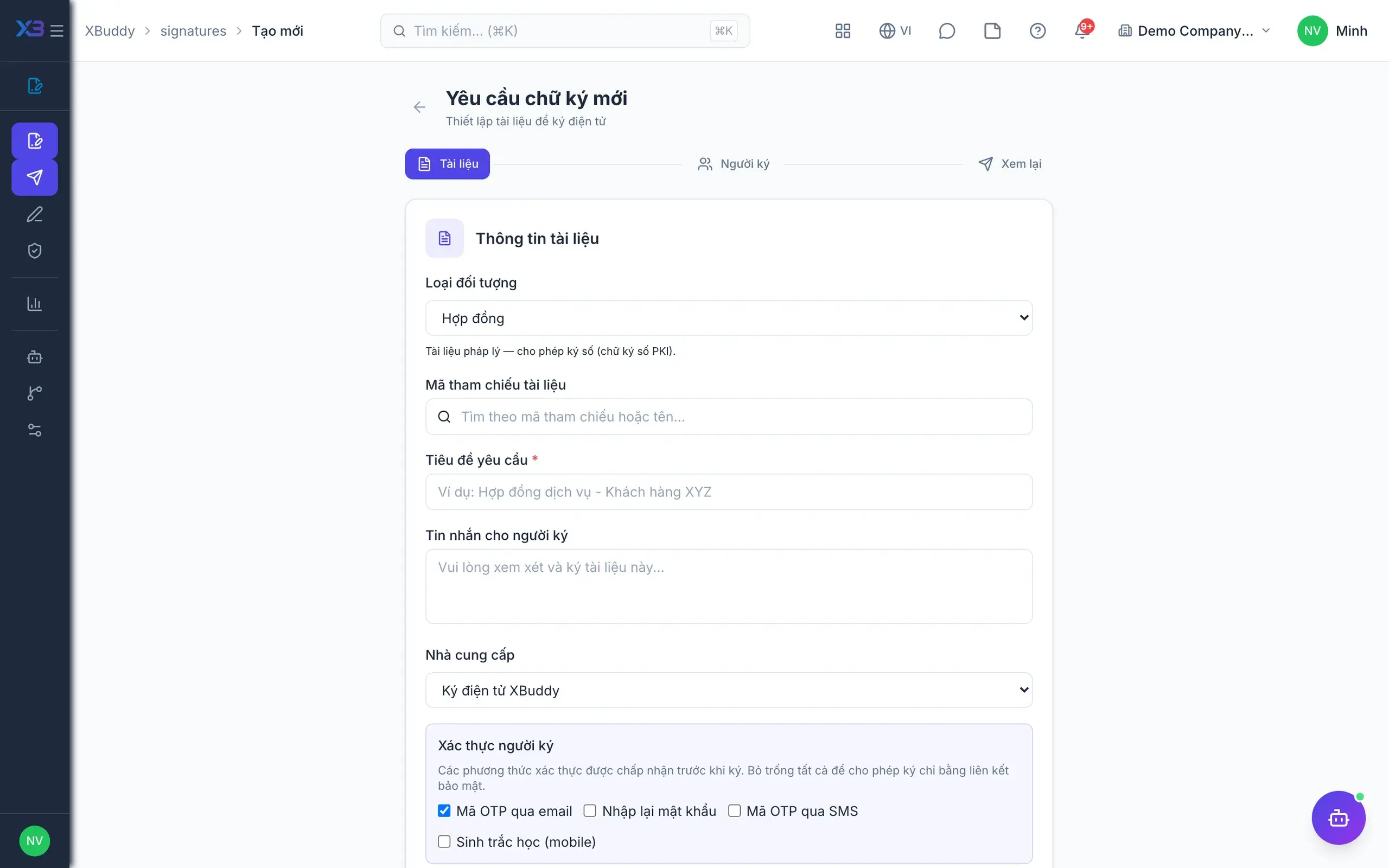
  • Vietnam-compliant digital signature inside the approval flow
  • E-invoicing: issue, sign, send and archive
  • Sync with the third-party accounting software in place
  • Bank statement feeds for cash reconciliation
19

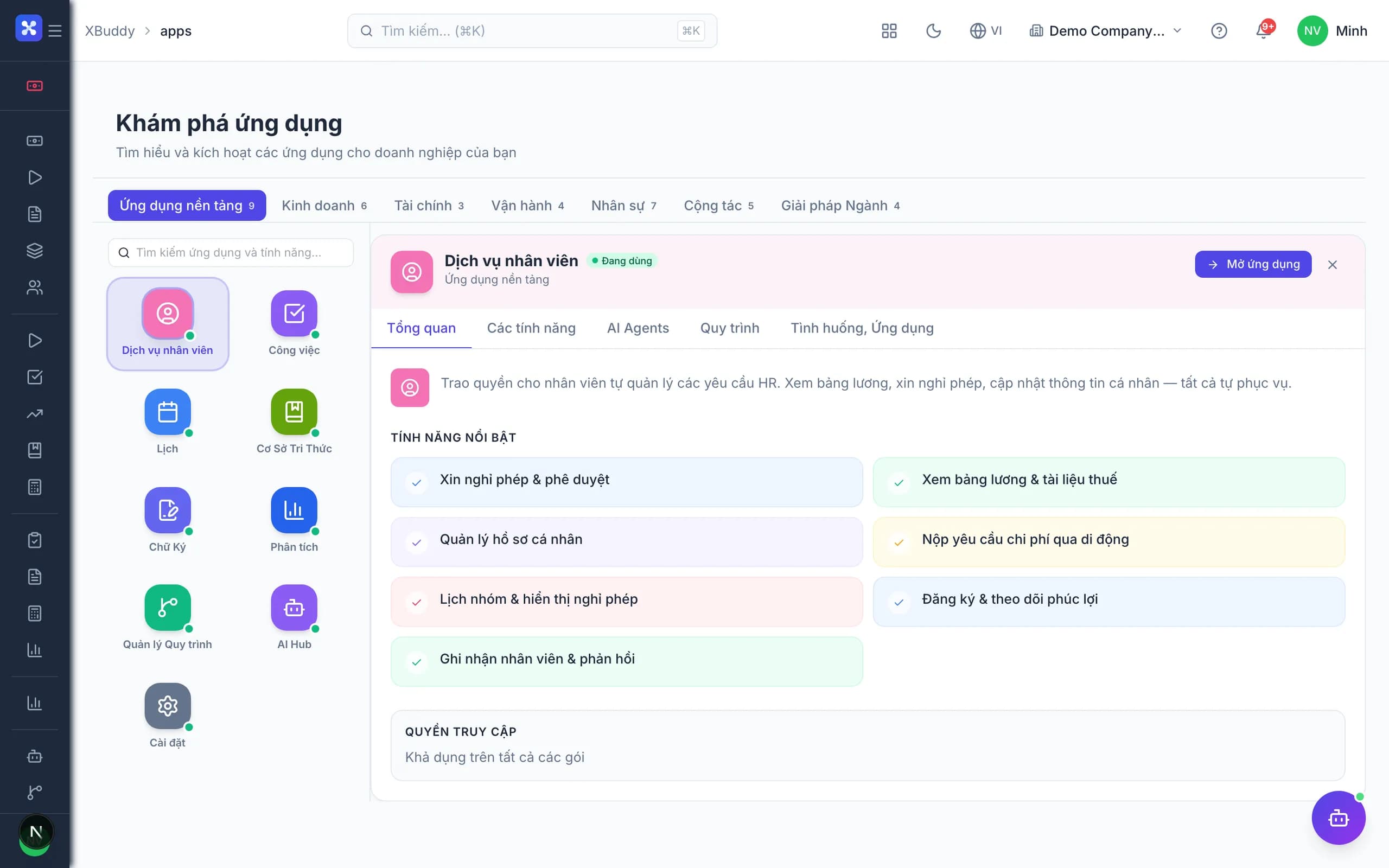
Mobile apps

Approvers and field staff use two dedicated apps, on the same data and the same permissions as the web.
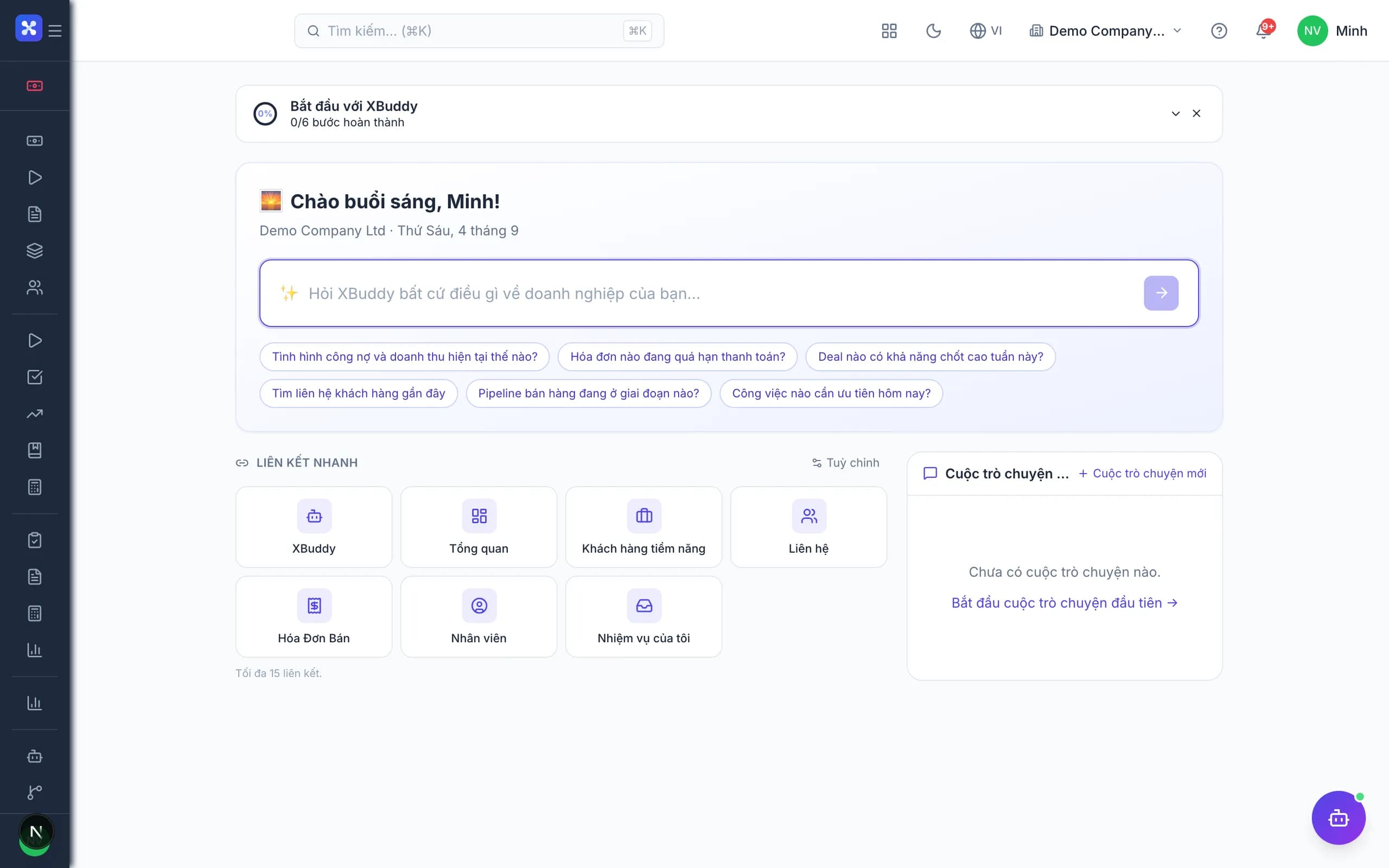
  • Mobile Manager: approve invoices, purchase orders, leave and expenses from the phone
  • Mobile Workforce: GPS attendance, field jobs, on-site photos and signatures
  • Offline mode, syncing again on reconnect
  • Push notifications for approval queues and AI Insight alerts

None of this is an upsell — every capability ships with every app.