Logistics

Track every delivery, with proof when customers ask

Dispatch, shipment tracking and exception handling on the same order data.

  • Completed sales orders create shipments automatically, never duplicated
  • Proof of delivery with signature and photos
  • Returns match the quantities on the invoice exactly
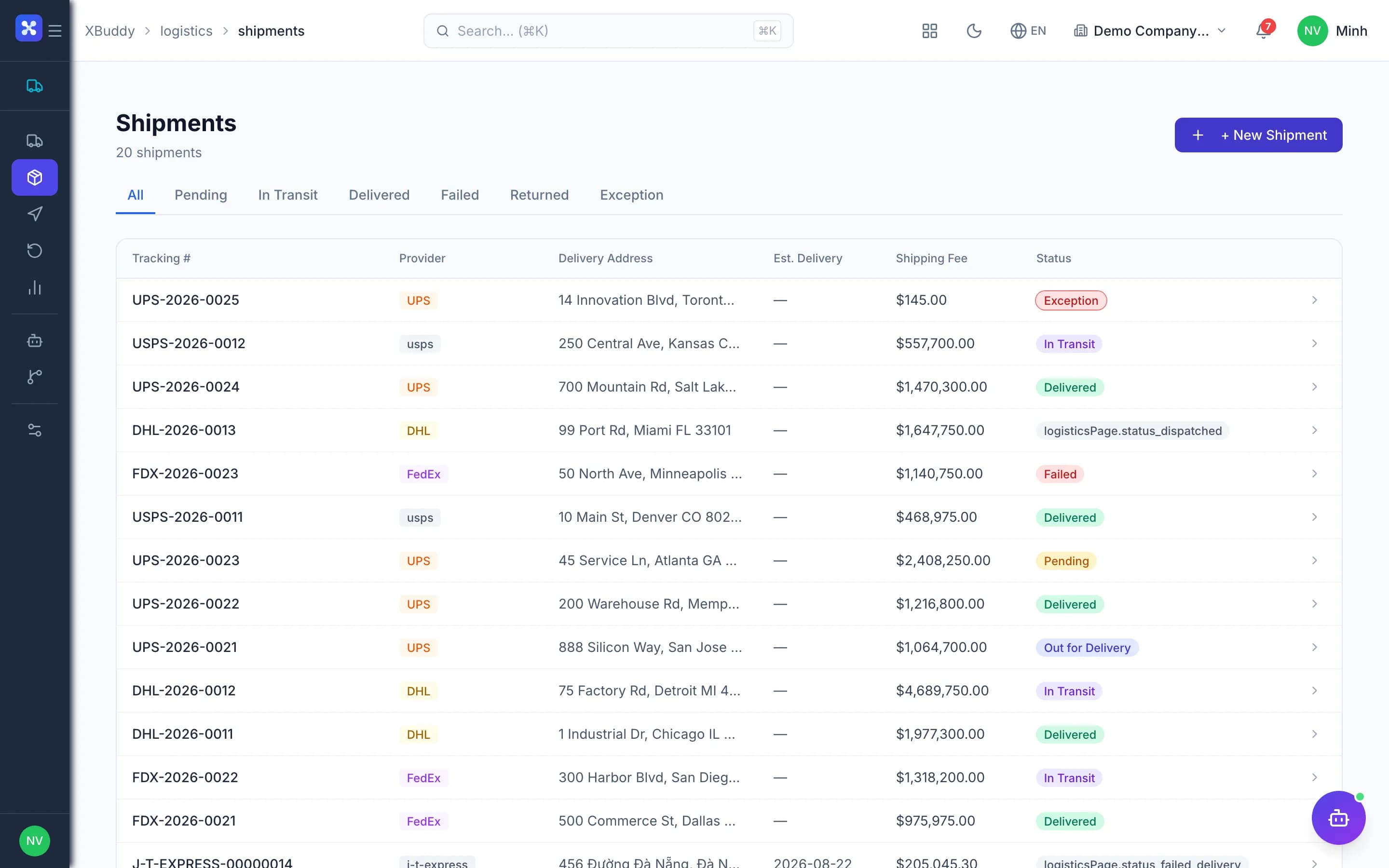
Logistics — product screen

Screenshot 1 of 6

22
capabilities
7
advanced & AI features
1
AI assistants on this data
Web
on mobile

Sound familiar?

The problems this app removes

  • Sales closed but nobody created the delivery
  • Customers claim non-delivery and there is no proof
  • Statuses edited backwards, delivered recorded twice
  • Returned goods that don't match the invoice

Capabilities

22 capabilities in Logistics

Catalogued against screens that exist in the product, grouped by the work they do — not a flat marketing list.

Shipments

5
  • Created from sales ordersAdvanced

    A completed Sales Order generates a Shipment in the document chain, never duplicated.

  • Status updates

    Track from preparing and dispatched to in transit, delivered or failed.

  • Packages

    Declare each package in a shipment for packing and checking on delivery.

  • Milestones and tracking

    Log milestones along the route and view the full tracking history.

  • Locked final statesAdvanced

    Delivered, cancelled and returned are locked, with no backward edits or duplicates.

Proof of delivery

4
  • Recipient signature

    A successful delivery requires the recipient's signature as proof.

  • Delivery photos

    Capture photos on delivery, stored in Documents and linked to the shipment.

  • Failed delivery with reasonAdvanced

    Failed deliveries require a reason and a photo, avoiding later disputes.

  • Company-time delivery datesAdvanced

    Delivery dates use Vietnam time, and wrong driver device clocks are corrected.

Incidents and routes

4
  • Log and resolve incidents

    Record incidents en route, assign a handler and close them when done.

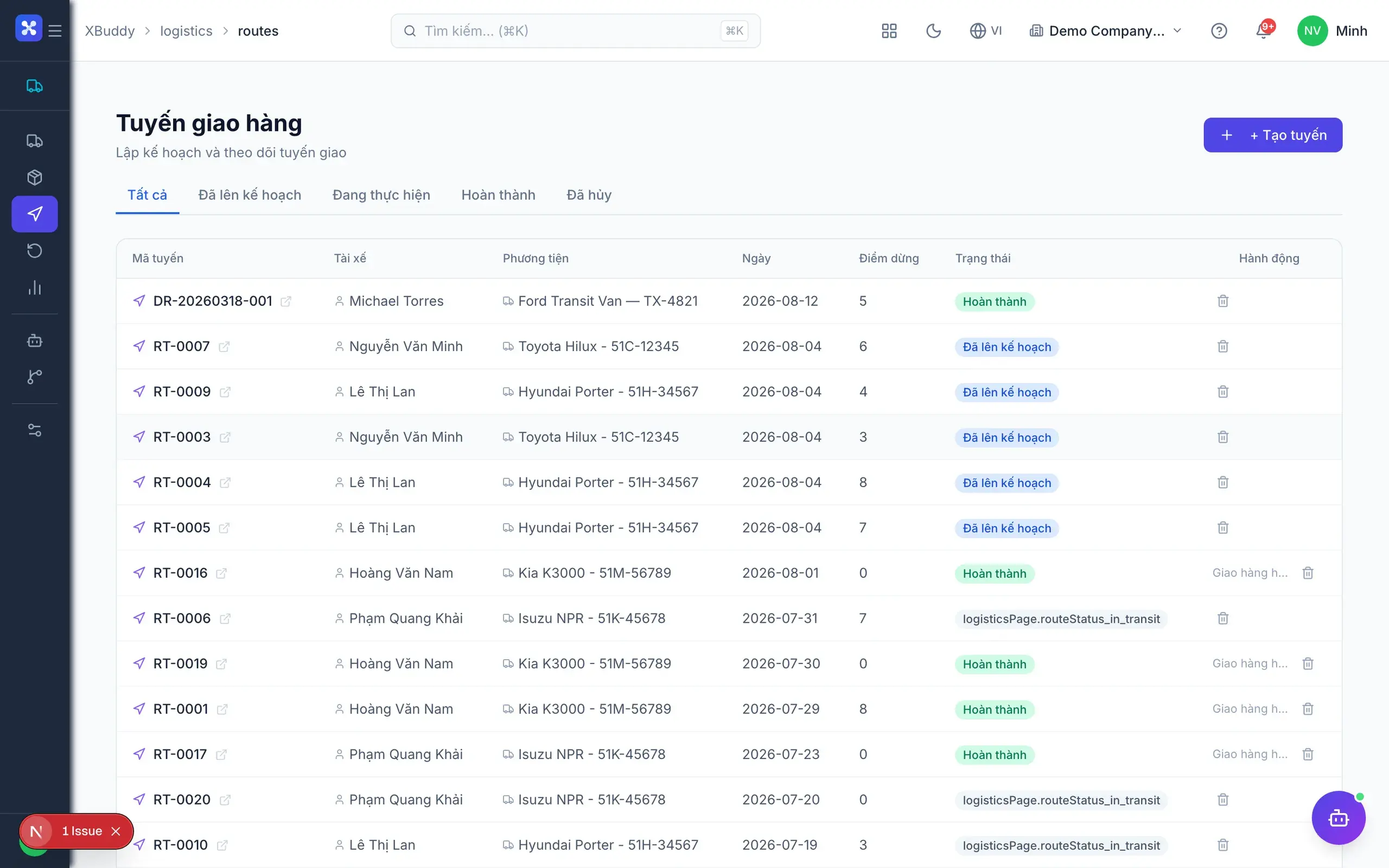
  • Delivery routes

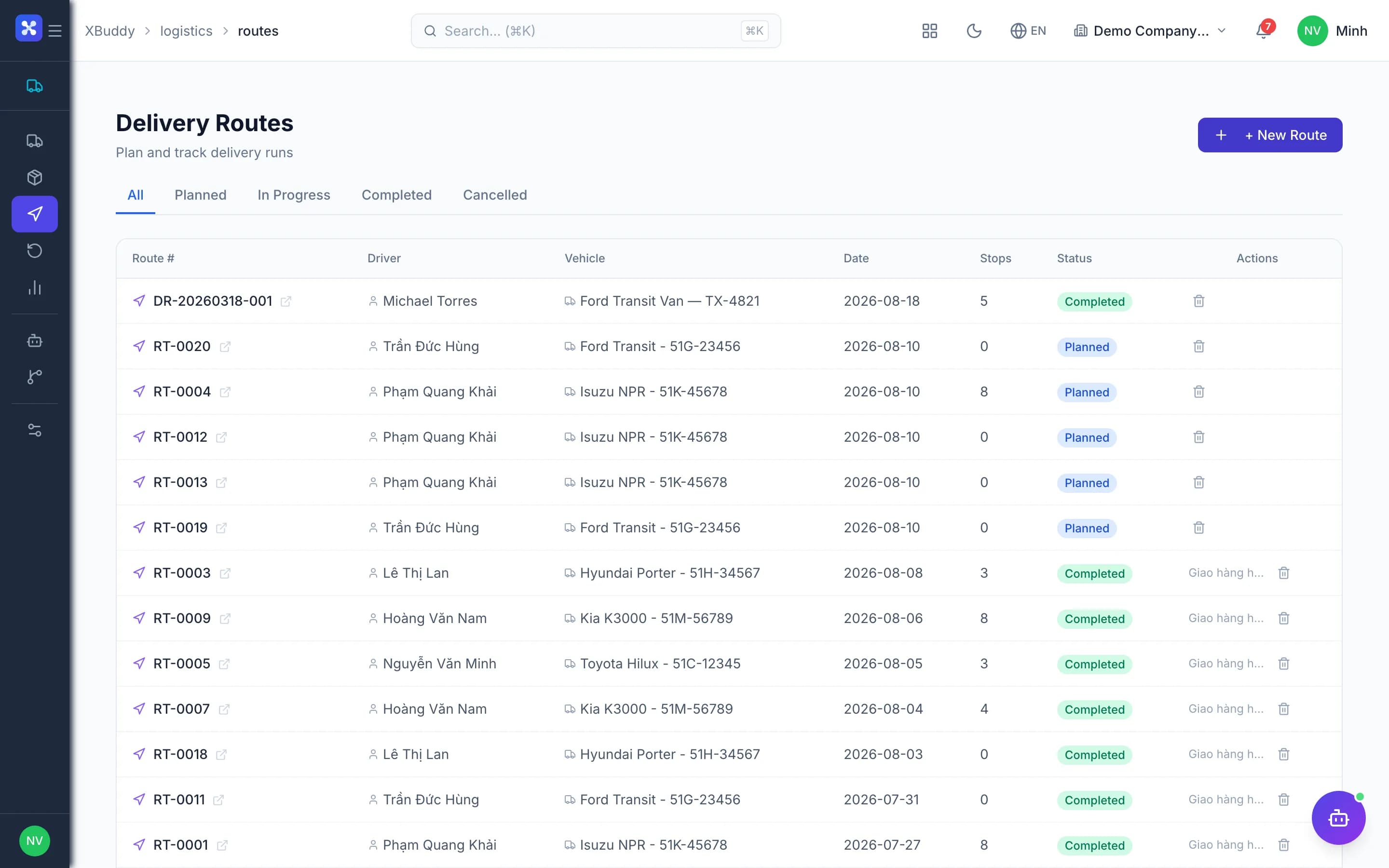
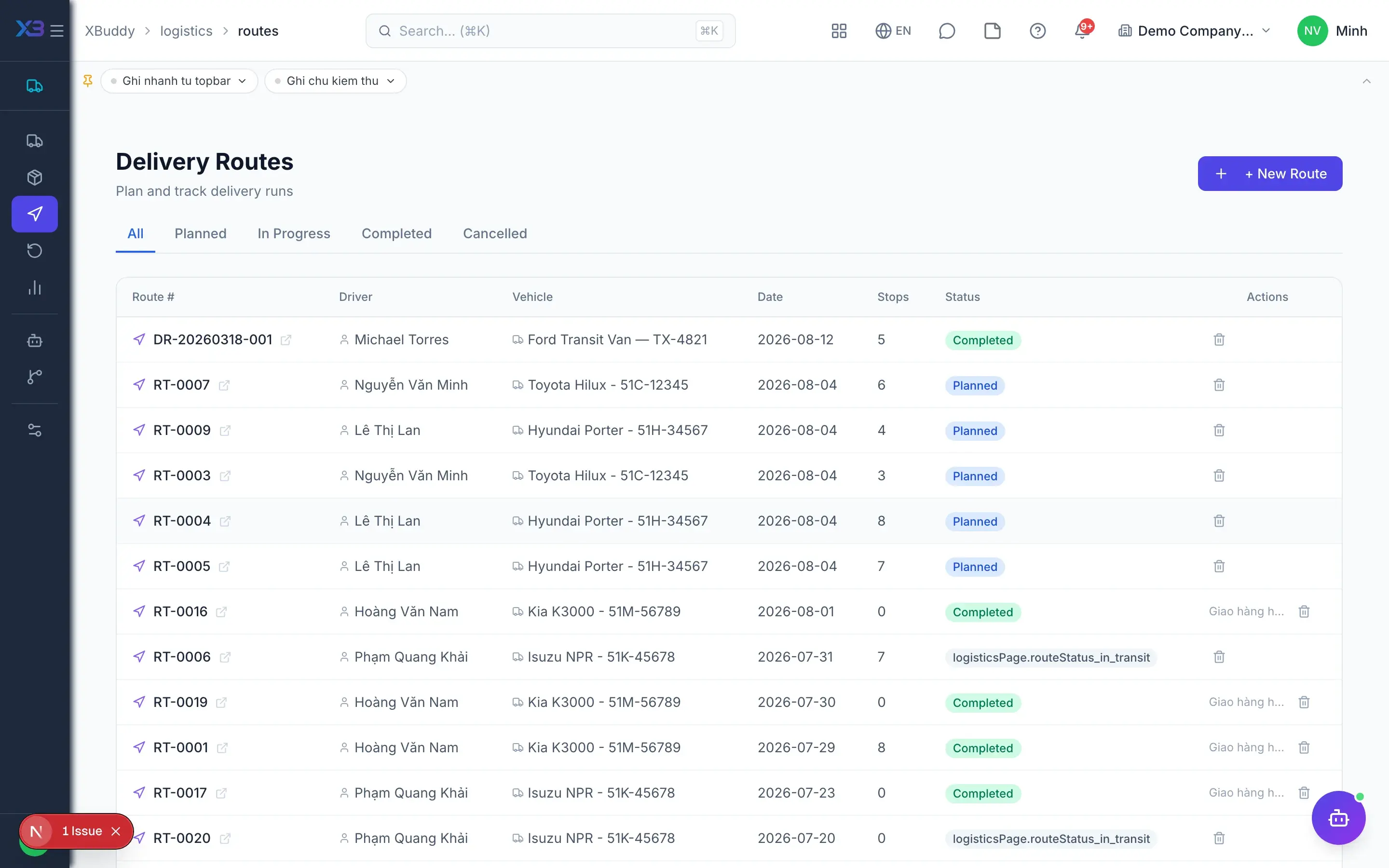
    Build routes with stops, grouping several shipments into one trip.

  • Route status

    Update routes in progress and completed to coordinate vehicles and drivers.

  • Approval for high-value dispatchAdvanced

    High-value shipments require approval before they leave.

Returns

4
  • RMA returns

    Create a return against a shipment or Sales Order in a few clicks.

  • Return approval

    Returns go through an approval flow before goods are received.

  • Invoice quantity matchingAdvanced

    Returns reduce quantities on invoice lines, and cancelling restores them.

  • Receive returned goods

    The warehouse confirms receipt of returned goods and updates the return status.

Reports and AI

5
  • Shipping overview

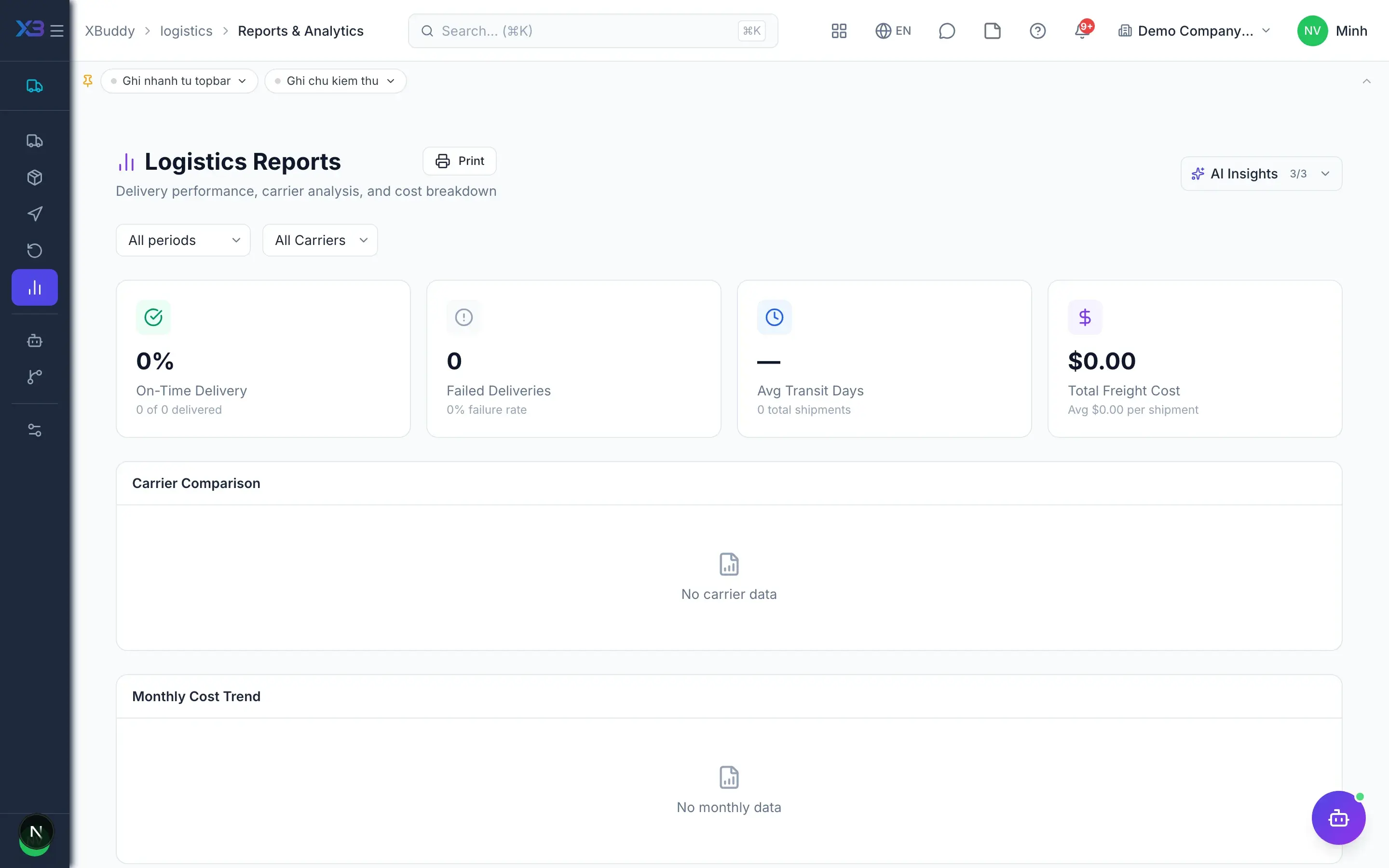
    Shipments in transit, delivered and failed on a single dashboard.

  • On-time performance

    Measure on-time delivery rate by period, route and carrier.

  • Carrier comparison

    Compare carriers by success rate, time and cost.

  • Cost analysis

    Track shipping costs to optimise your choice of carrier and route.

  • Logistics AI HubAI

    An AI assistant watches late shipments and incidents and suggests next actions.

Real screens

Inside Logistics

Logistics — product screen
Logistics — Route planning with optimized stop sequence

In practice

When you reach for it

1

The customer says the goods never arrived

Without proof of delivery, the dispute always ends in delivering again.

  1. 1.The driver captures a photo and signature at the drop, with coordinates and time
  2. 2.The evidence attaches directly to the delivery note and matching invoice
  3. 3.Customer service opens the document and sees it, without asking anyone

Disputes resolved with evidence, in a single call.

Assistants on this app

1 assistants work on this data

Each assistant carries its own skills on this app’s data, inside the caller’s permission scope.

Process-aware agent tracking shipment lifecycle, flagging shipments past their estimated delivery

Explore skills
  • Last-Mile TrackerTracks delivery-route completion stop by stop and flags routes closed with stops never updated
  • Shipping Cost OptimizerCompares carrier cost per shipment and per kilogram, and flags where a cheaper carrier was available
  • Fleet Utilization MonitorMeasures per-vehicle route load, planned vs actual time on the road, and fuel cost per stop
  • Delivery OrderProcess-aware agent tracking delivery order lifecycle and proposing timely dispatch or follow-up actions
  • Shipment Delay PredictorMonitors in-transit shipments and predicts late deliveries based on carrier historical performance, current tracking events, and destination transit times.
  • Delivery Exception HandlerHandles failed, missed, or returned delivery events. Determines appropriate action: reschedule, customer notification, return processing, or carrier claim initiation.
  • Carrier Performance MonitorGenerates weekly carrier KPI report: on-time delivery rate, average delay hours, cost per shipment, damage/loss rate. Ranks carriers and recommends allocation adjustments.
  • SLA Compliance MonitorTracks open service jobs approaching or breaching SLA response and resolution deadlines. Escalates high-priority jobs to available senior technicians immediately.
  • Return Rate AnalystAnalyzes return order patterns by product, customer segment, and return reason. Identifies systemic issues driving returns and recommends process or product improvements.
  • Distribution Route OptimizerAnalyzes delivery routes, order volumes, and vehicle capacities daily to generate optimal delivery sequences. Reduces fuel cost and improves on-time delivery for distribution operations.

Solutions

Logistics in end-to-end solutions

FAQ

Frequently asked

Do I create deliveries by hand after a sale?

No. A completed Sales Order creates the Shipment automatically, and duplicates for the same order are blocked.

What if a customer says they never received it?

Every delivered shipment has the recipient's signature and photos stored in Documents, ready as proof.

Is it connected to GHN, GHTK or Viettel Post?

Not yet; there is no built-in local carrier integration. You still manage shipments, routes, proof and carrier comparison in XBuddy.

See Logistics running on your data

A thirty-minute demo focused on the process you are actually stuck on.