
IT services & consulting
Sell billable hours without leaking billable hours
Contract, project, time, invoice and receivables in one flow — know whether each project is making money while you can still act.
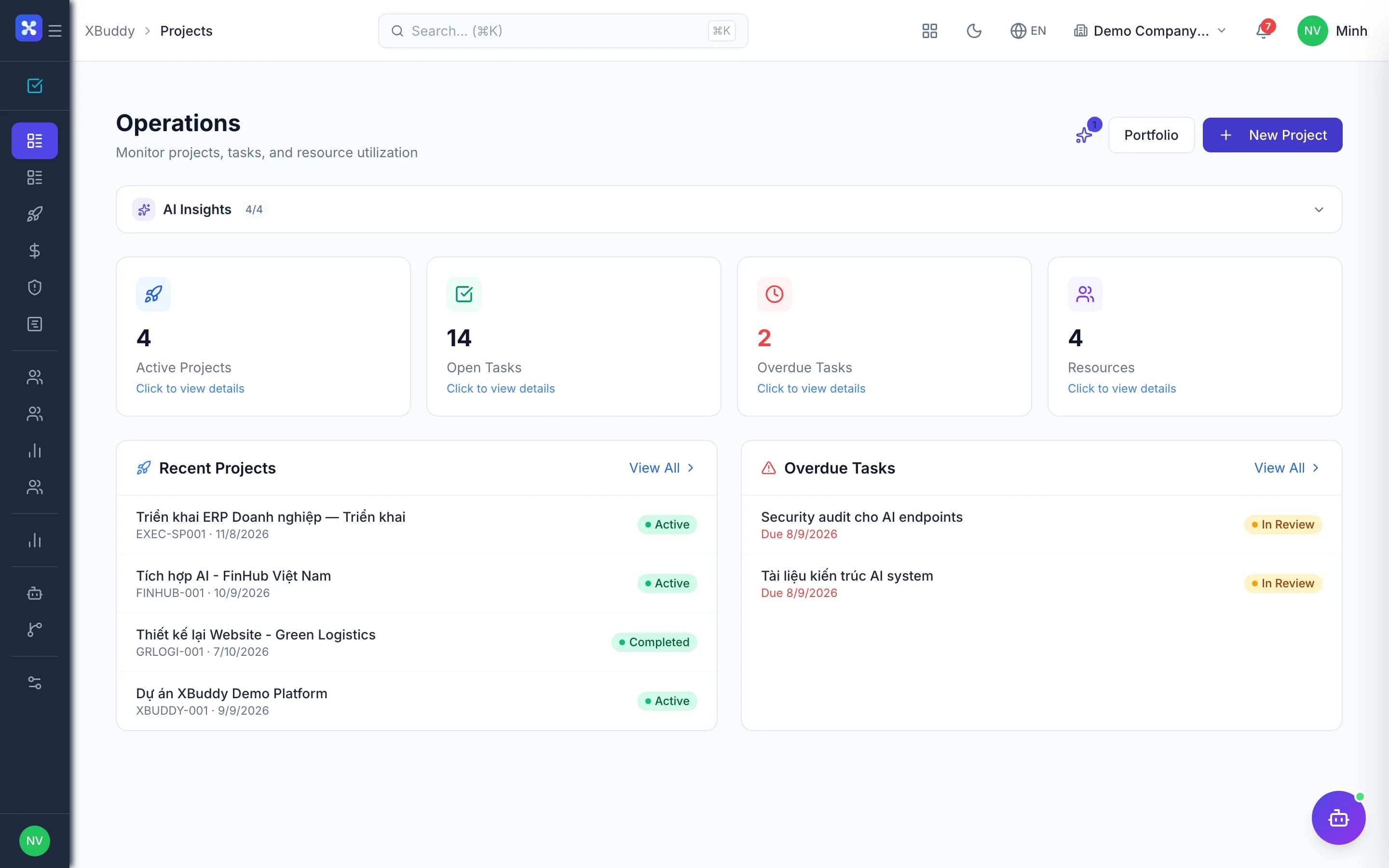
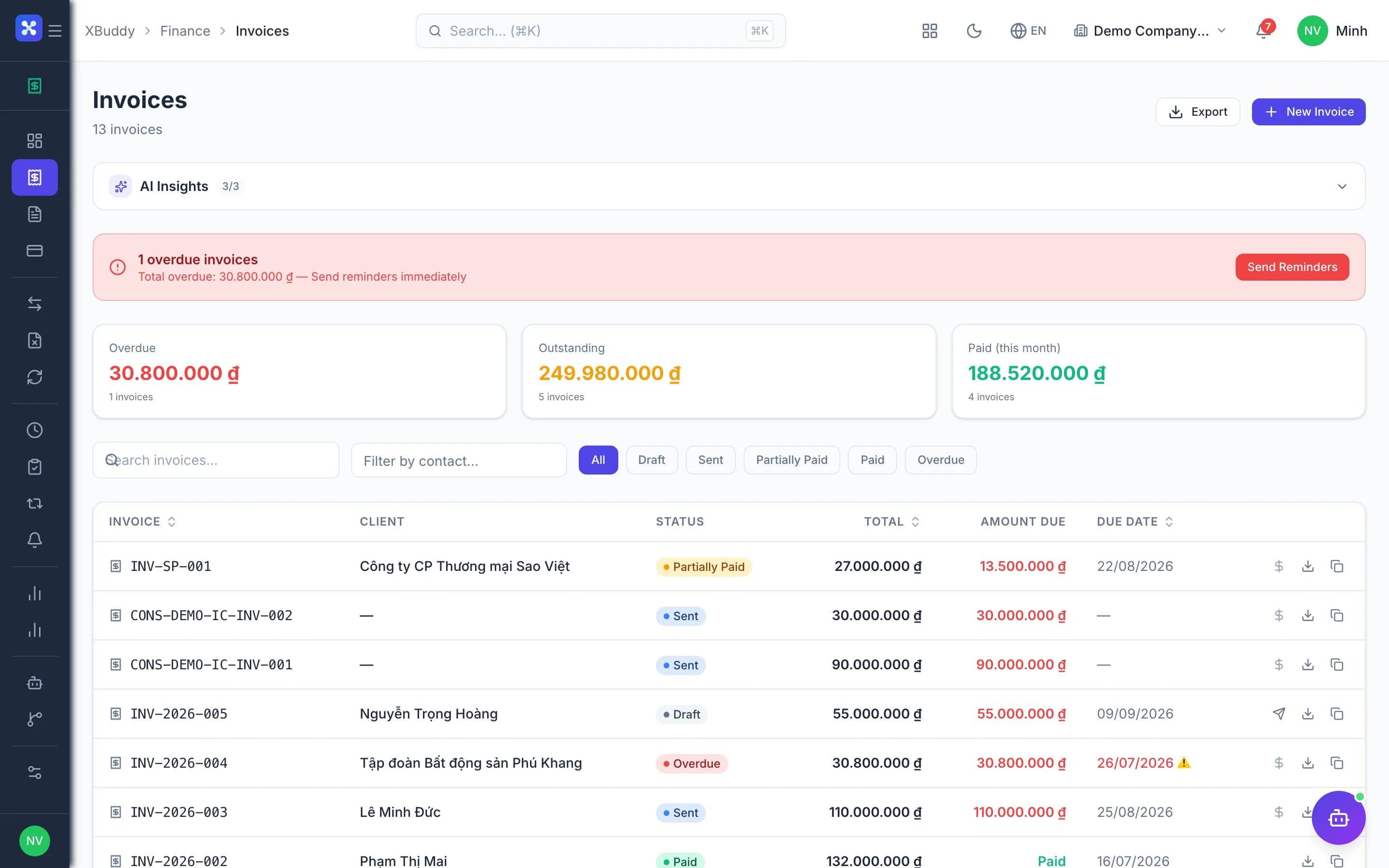
- Approved time becomes invoices, nothing missed
- Live project profit and loss
- Receivables chased on time

Before and after
What changes on XBuddy
Today
- Time tracked in spreadsheets, collected at month end
- Contracts in one place, projects in another
- Manual invoicing, hours slip through
- No idea which projects lose money
- Collections rely on memory
With XBuddy
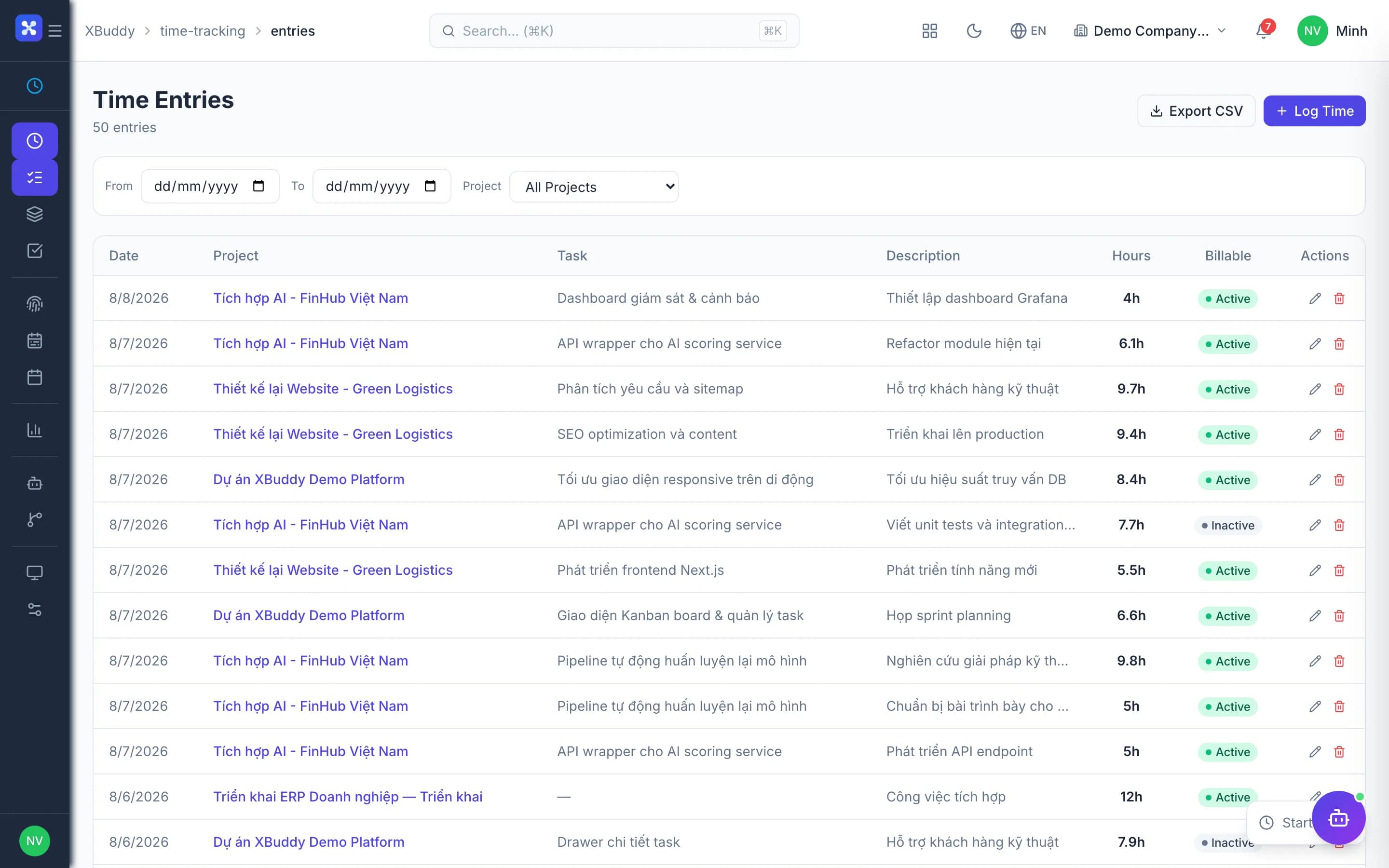
- Daily time entry, approved by the PM
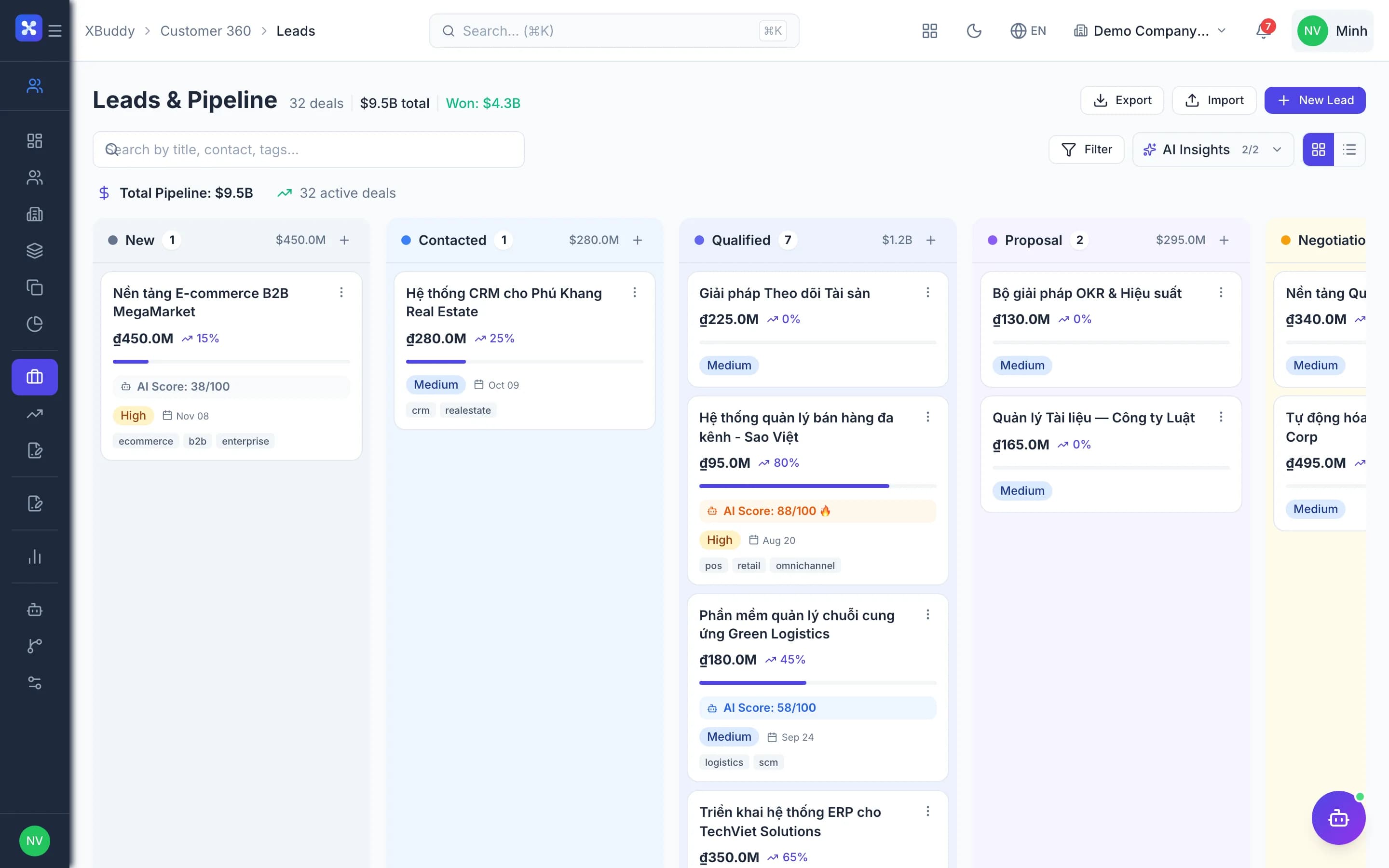
- Contracts spawn projects with terms intact
- Approved hours wait ready to invoice
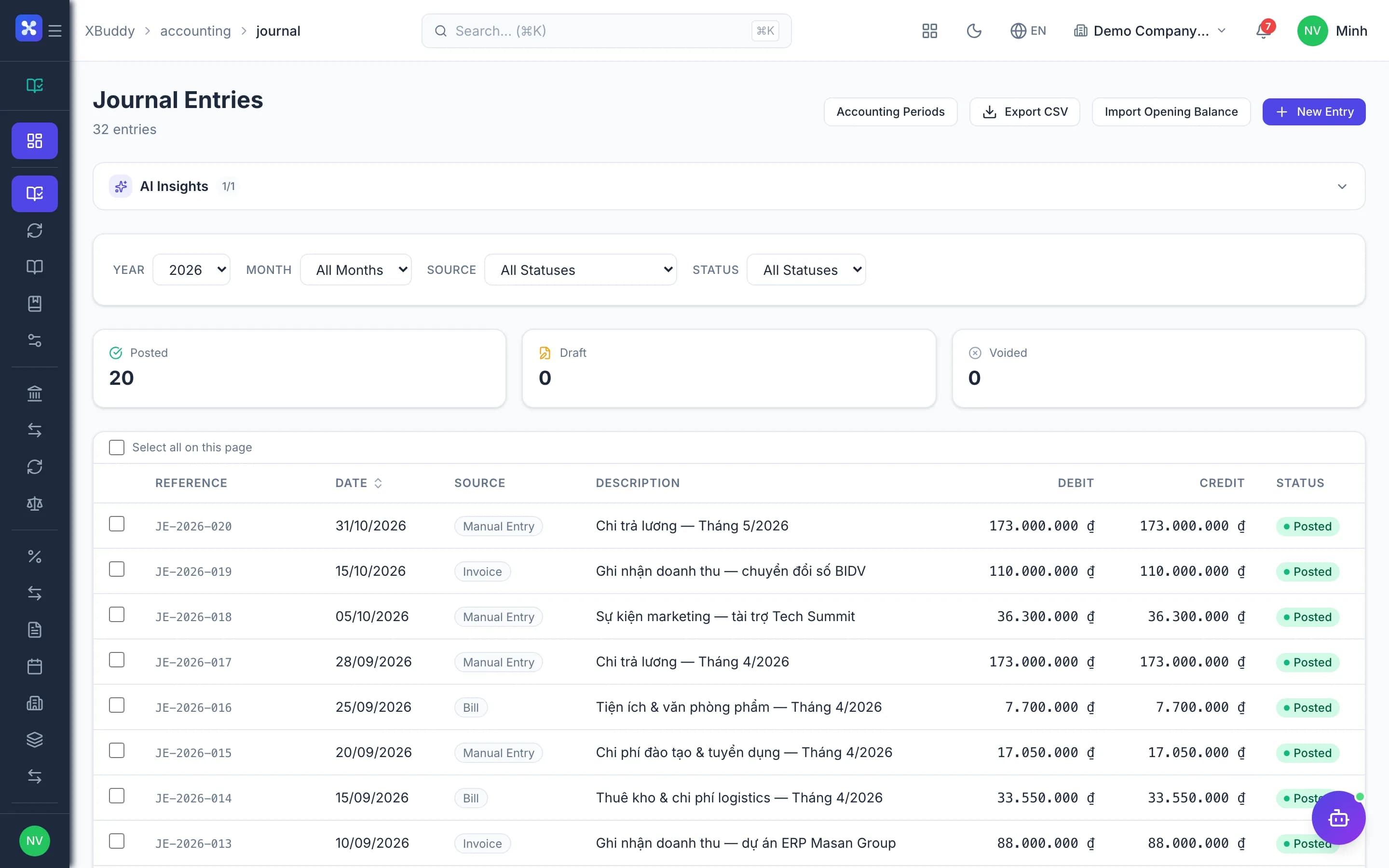
- Project P&L includes labor cost
- AI assistant chases by aging bucket
The flow
6 steps, one continuous record
Handled out of the box
Hard questions XBuddy already answers
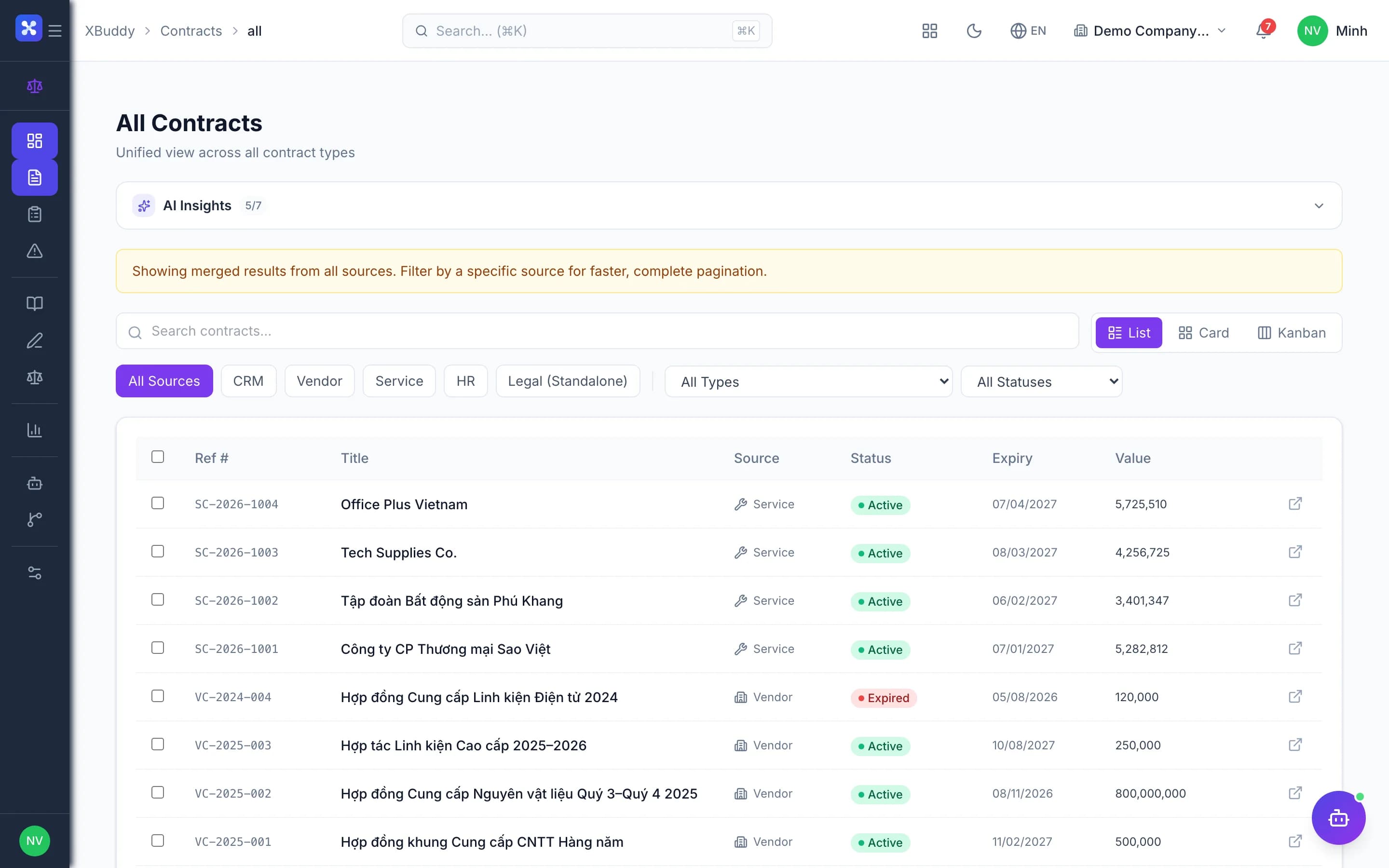
Worked 10 hours, bill the client 8?The PM writes down billable hours at approval; worked hours stay intact for cost and utilization.Bill overtime at a different rate?Time lines flagged as OT carry their own sell and cost rates straight into the invoice.Edit time after approval without breaking invoices?Adjustments leave an audit trail; invoiced time must be handled on the invoice first.Freelancers on a project — what about PIT withholding?Time logs against the service contract; withholding tax is computed when the payout is prepared.Can internal projects get invoiced by mistake?Internal projects reject billable time — cost only, never invoiced.
What’s inside
Apps and AI assistants involved
FAQ
Frequently asked
Do you support both T&M and fixed-fee milestones?
Yes. Each project picks hourly, milestone or a mix.
Can PMs see labor cost?
Only with project financial permission.
Can people log time on mobile?
Yes, with entries and timers in the mobile app.
See this flow on your own data
A thirty-minute demo focused on the process you are actually stuck on.