
Chief accountant
Close faster, stop re-keying documents
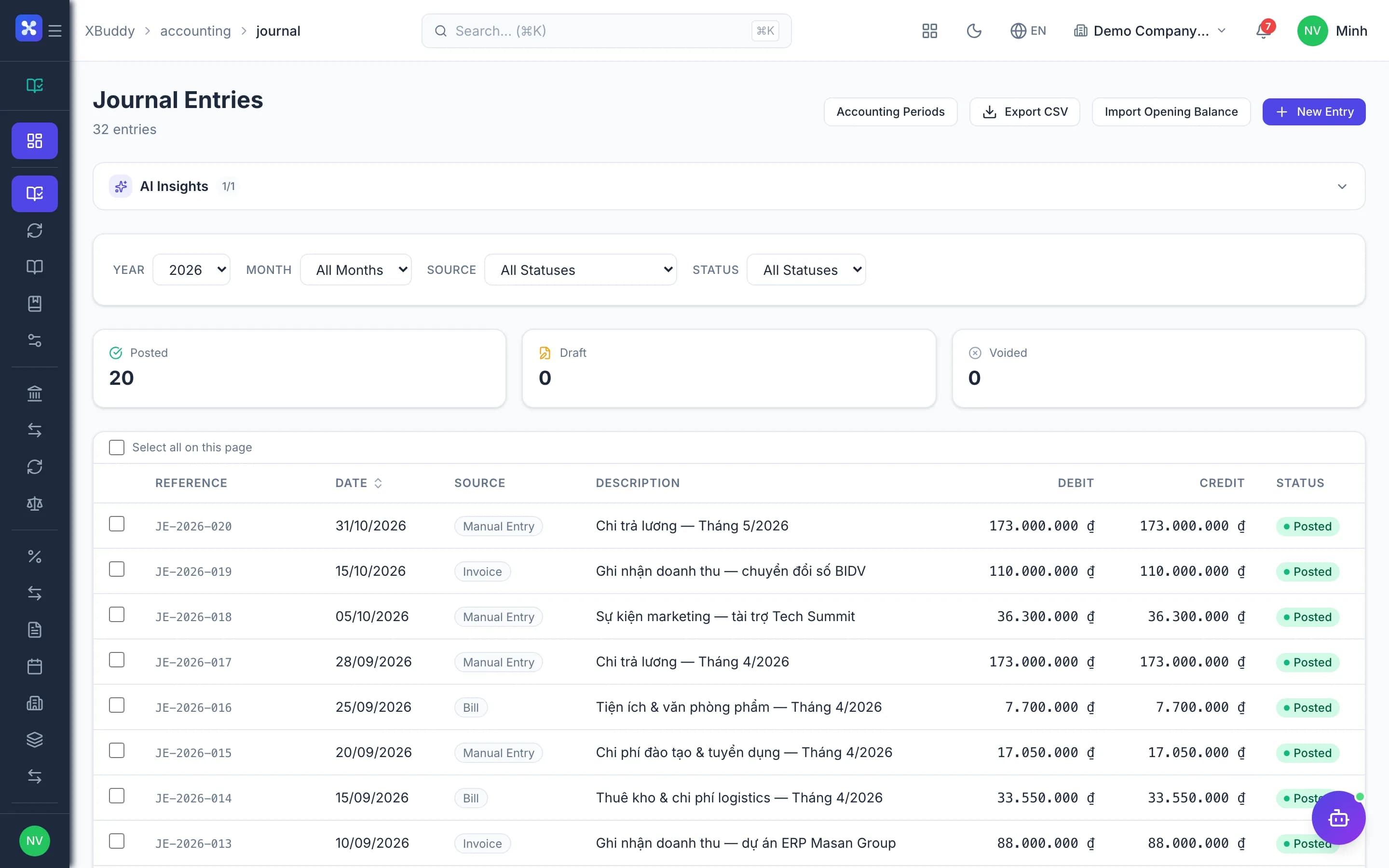
Entries post from sales, purchasing, inventory and payroll. Accountants review exceptions, reconcile and close instead of typing.
- Entries post from operations
- Fast bank and AR/AP reconciliation
- Controlled period close

Before and after
What changes on XBuddy
Today
- Re-entering invoices from sales
- Bank reconciliation by hand
- Stock ledger and GL disagree
- Voids leave orphan entries
- Overtime at month end hunting differences
With XBuddy
- Operational documents post themselves
- Bank sub-ledger matched per transaction
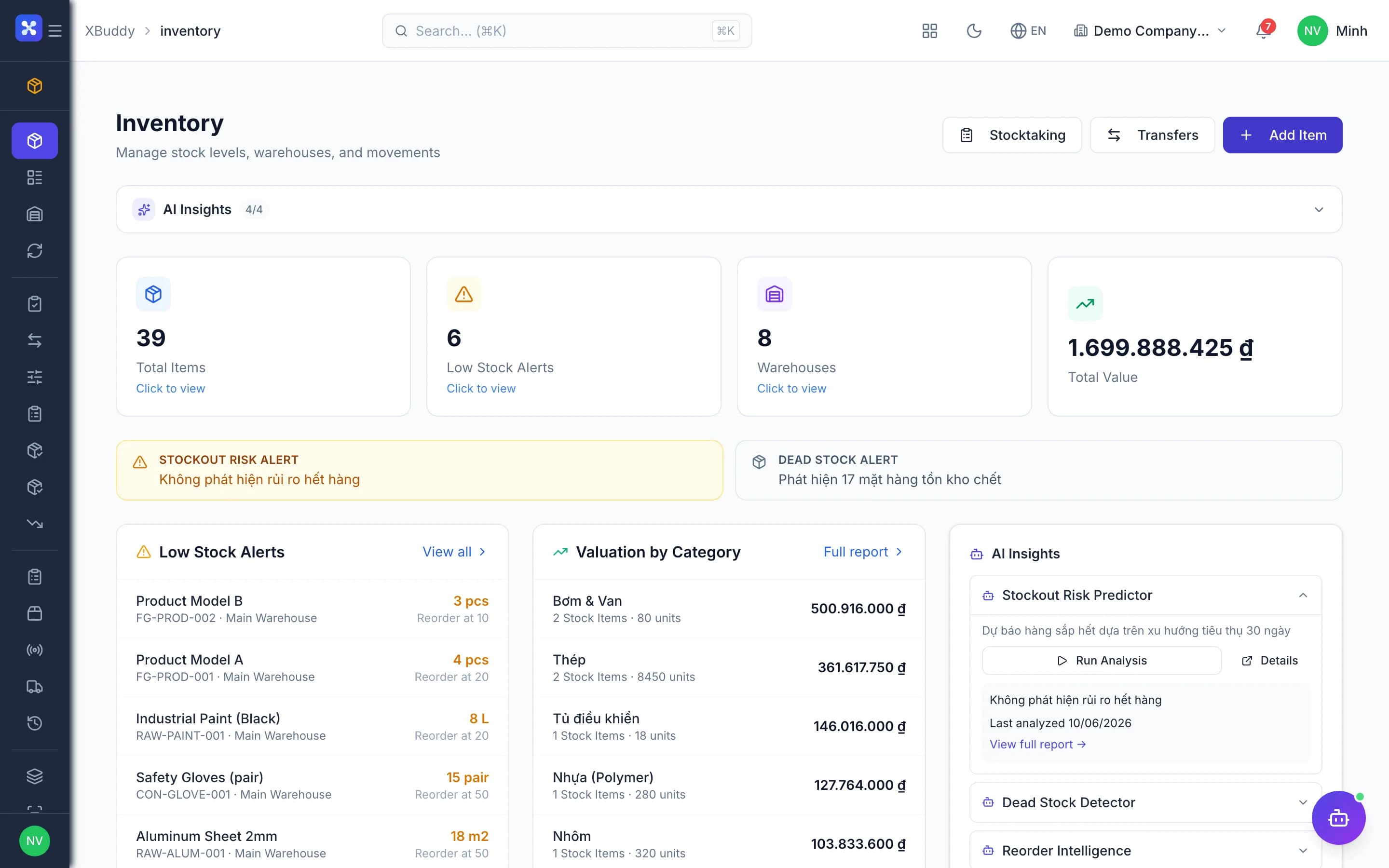
- Stock and GL change in one transaction
- Voids reverse entries, with a reason
- Locked periods block back-dating
The flow
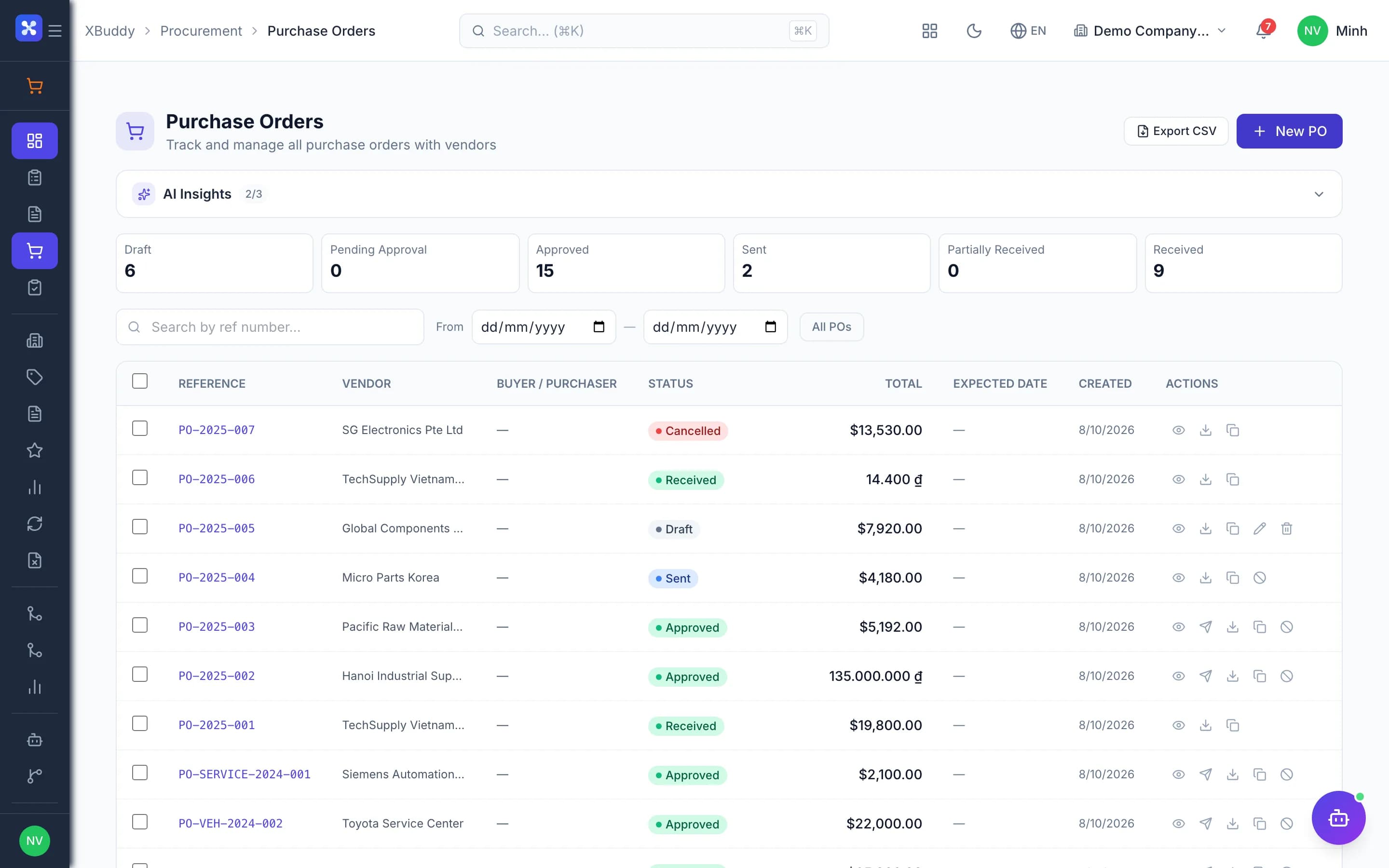
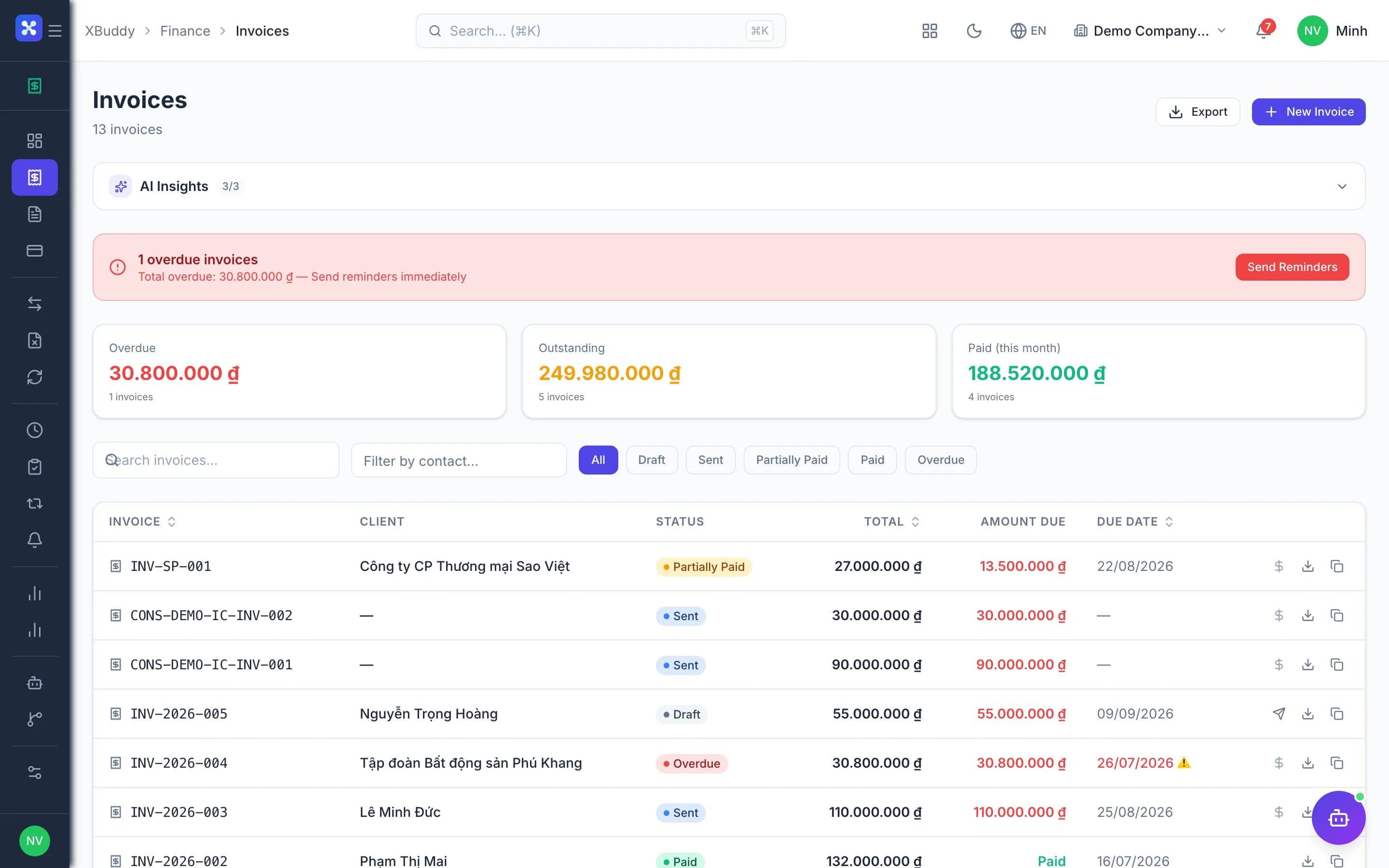
4 steps, one continuous record
Handled out of the box
Hard questions XBuddy already answers
Void a paid invoice and keep the books balanced?Handle the receipt first; voiding reverses the original entry with a reason, history intact.Vendor bill doesn't match the receipt?Three-way matching flags quantity and price differences before the payable is booked.Customer pays a deposit before invoicing?Deposits credit receivables against the sales order, then offset the invoice when issued.Posted into a closed period?Locked periods block back-dated entries; reopening needs permission and leaves a trail.Confirm balances with customers and vendors?Send balance confirmations and track responses and differences in-app.
What’s inside
Apps and AI assistants involved
FAQ
Frequently asked
Which accounting regimes?
Vietnamese regimes (Circular 200, 133); account codes are data per standard.
Can it connect to MISA?
Yes, MISA AMIS Accounting integration for parallel use.
Fixed asset depreciation?
Yes, fixed assets and prepaid expenses amortize automatically.
See this flow on your own data
A thirty-minute demo focused on the process you are actually stuck on.