Coaching

Structured coaching with measurable progress for every person

Run 1-1s, improvement plans and coaching notes tied to the review cycle.

  • Reusable programme templates instead of every coach improvising
  • Measure competency at intake, milestones and outcome
  • Connected to training, goals and performance reviews
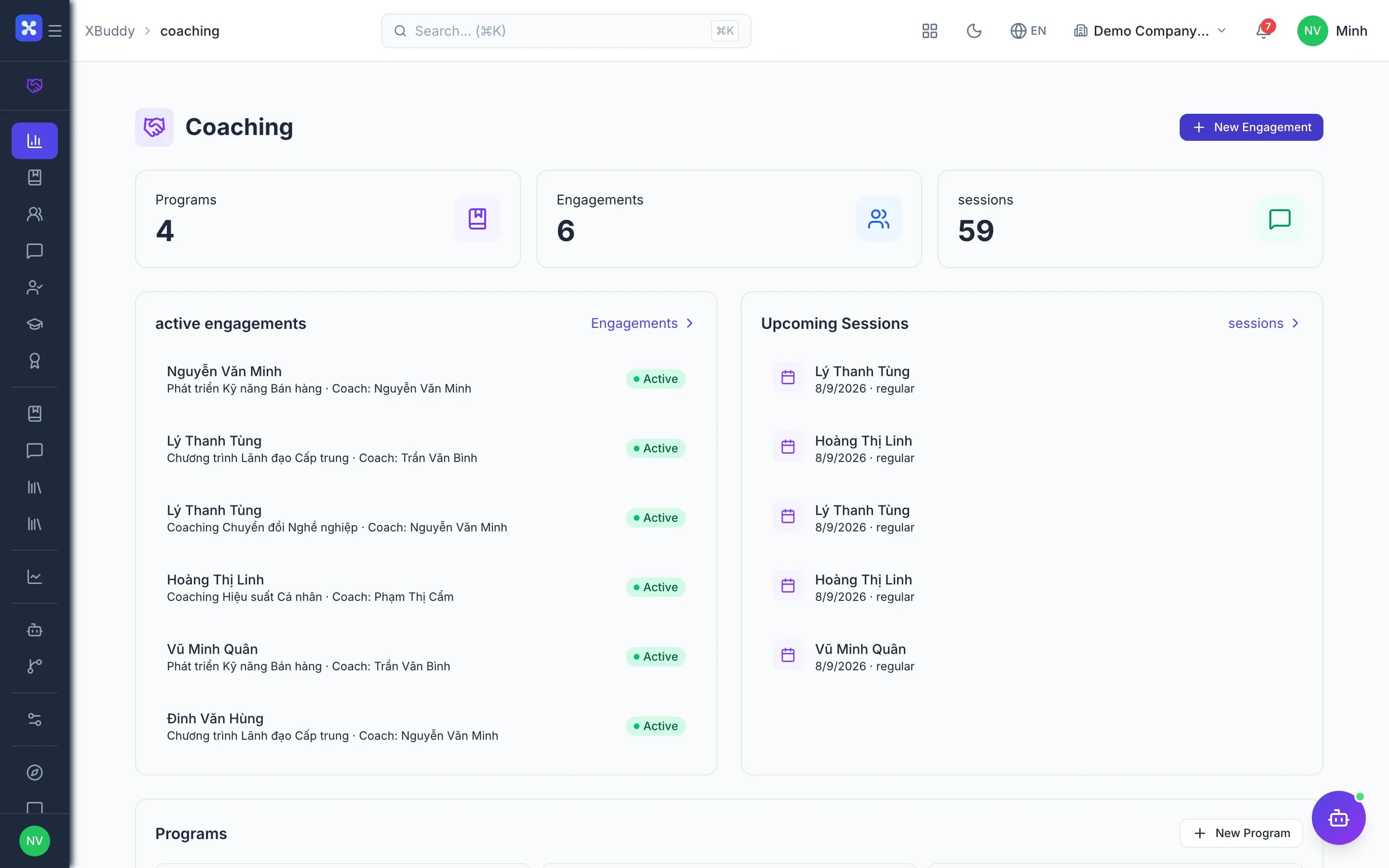
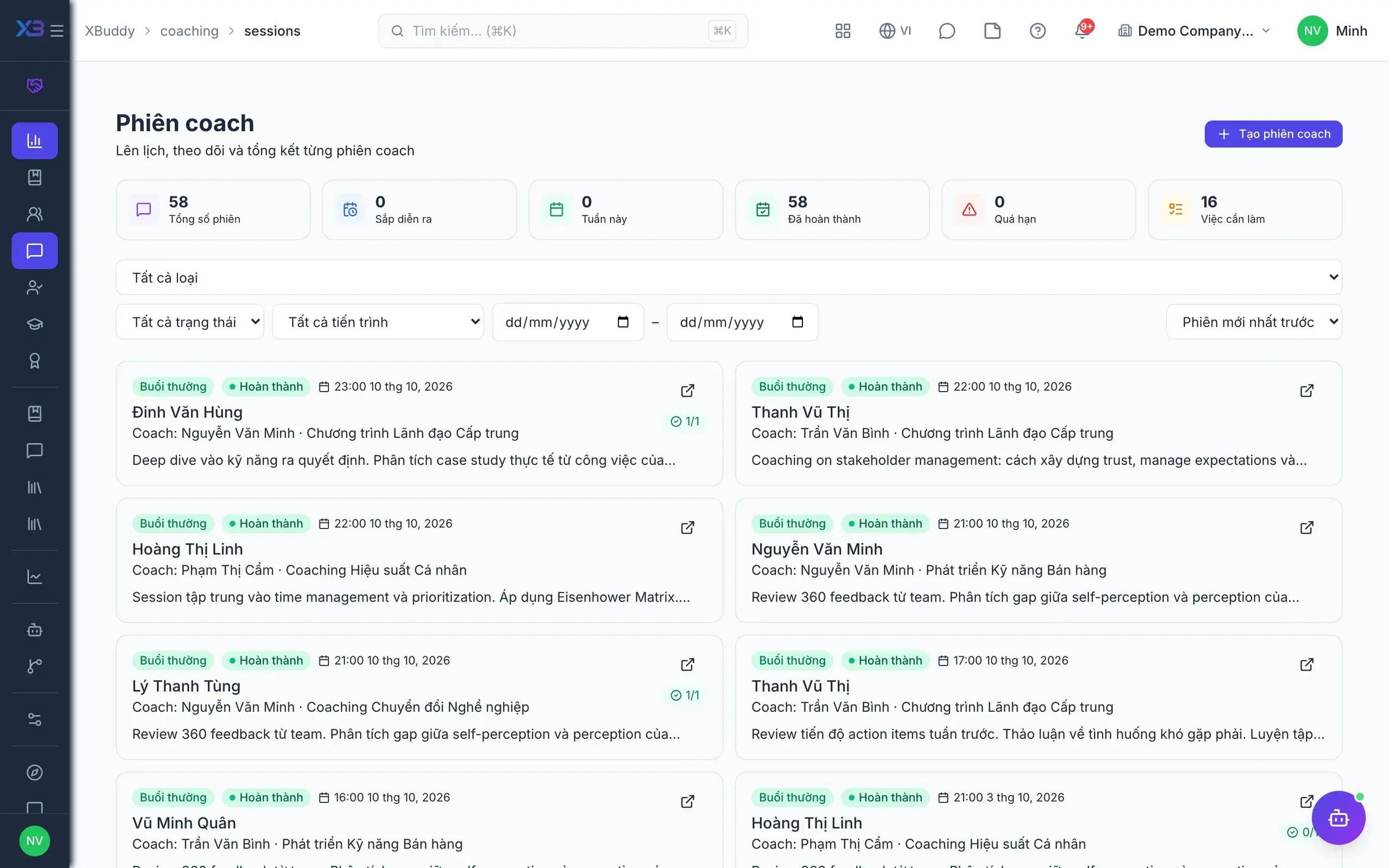
Coaching — product screen

Screenshot 1 of 7

26
capabilities
12
advanced & AI features
1
AI assistants on this data
Web
on mobile

Sound familiar?

The problems this app removes

  • Coaching runs on calendar invites and scattered notes
  • No idea how much coachees improved after a programme
  • Coaching certificates issued without clear criteria
  • External coachees have no account to follow along

Capabilities

26 capabilities in Coaching

Catalogued against screens that exist in the product, grouped by the work they do — not a flat marketing list.

Library & programmes

5
  • Session templates

    Standardise each coaching session so every coach delivers the same consistent quality.

  • Programme templates with roadmapsAdvanced

    Roadmaps combine sessions, courses, assessments, assignments, milestones and resources.

  • Programmes published from templates

    Create programmes from templates; editing a template never changes running engagements.

  • Resource library

    Store documents, programme links and roadmaps shared across all coaches.

  • Marketplace programmes

    A library of external coaching programmes, with CSV import and export.

Engagements & sessions

6
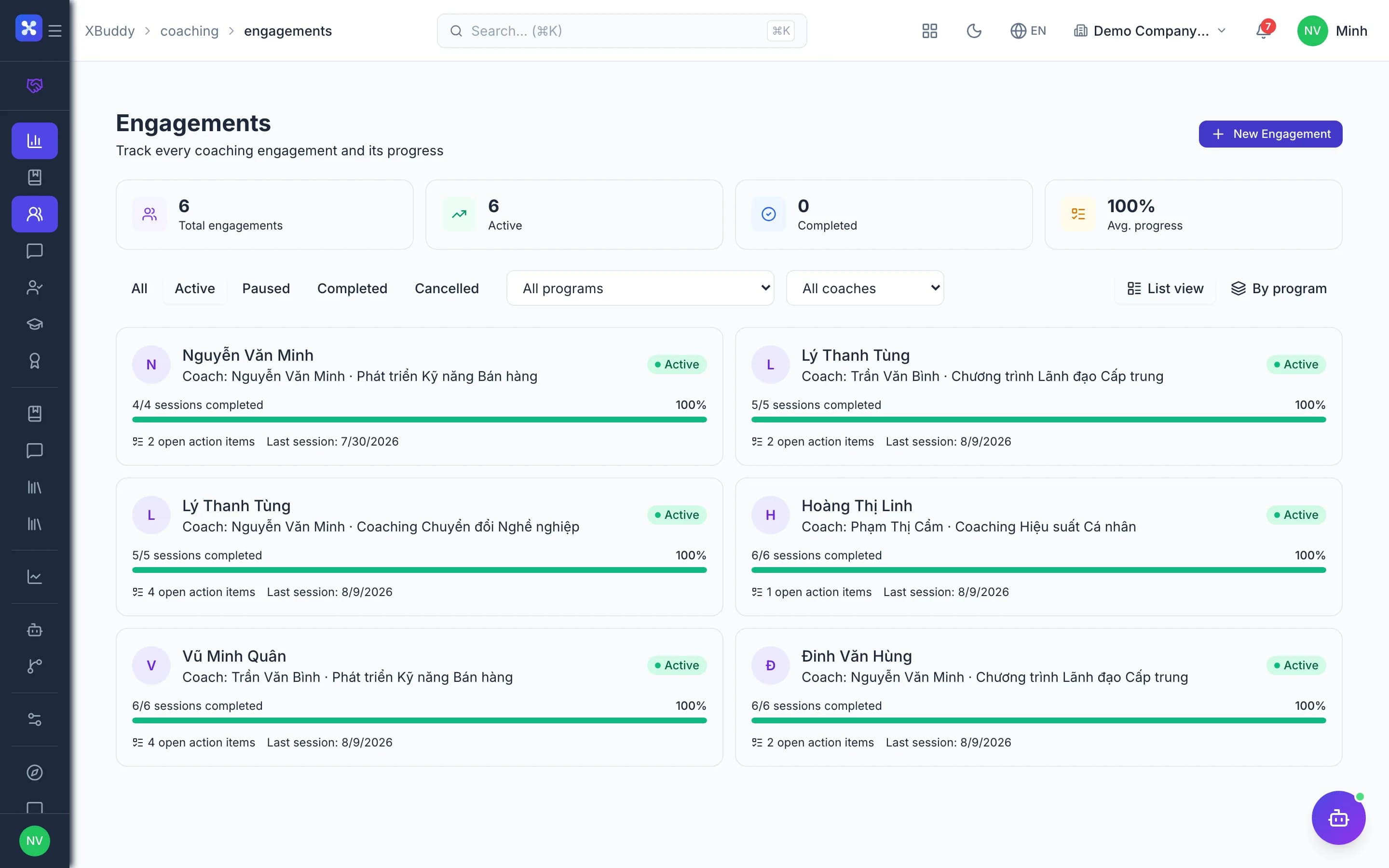
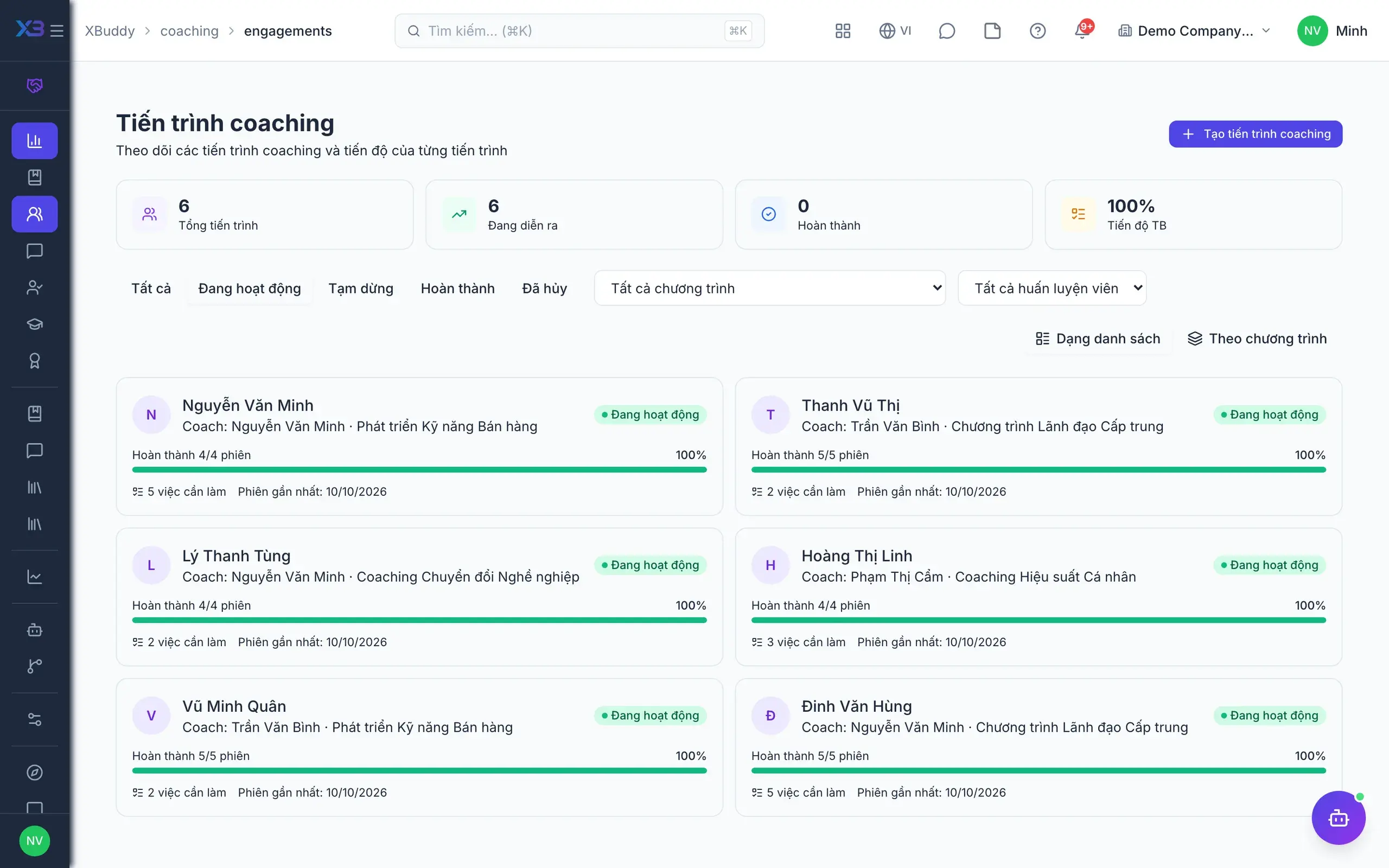
  • Coach–coachee engagementsAdvanced

    Create internal or external engagements that auto-generate sessions, actions and course links.

  • Engagement lifecycle

    Active, paused, completed or cancelled, with clear status for both coach and coachee.

  • Schedule and complete sessionsMobile

    Schedule, complete or cancel sessions with a reason; sessions land on the coach's calendar.

  • Goals linked to OKR, IDP, KPIAdvanced

    Coaching goals read progress from OKRs, IDPs and KPIs to show real impact.

  • Action items become tasks

    Follow-ups from each session turn into Tasks so coachees don't forget them.

  • Documents and KB articles

    Attach documents and Knowledge Base articles to the engagement for coachee reference.

Measuring progress

4
  • Competency snapshotsAdvanced

    Assess competency at intake, milestones and outcome to show clear progress.

  • Gating milestonesAdvanced

    Optionally block activation or completion until the required assessment scores exist.

  • Coachee reflections

    Require coachees to write reflections after sessions before the engagement can complete.

  • Competencies back to HRAdvanced

    Completion updates the skills matrix and records outcomes in Performance.

Coaches & coachees

4
  • Coach directory

    Manage internal coaches and onboard external coaches in one directory.

  • My coachees

    Coaches see every coachee they look after and the status of each engagement.

  • Coachee portalMobile

    Coachees view their journey, sessions, goals, competencies and certificates, and self-schedule.

  • External coacheesAdvanced

    Customers from CRM access the coachee portal with a link and PIN.

Certificates & integrations

3
  • Criteria-based certificates

    Issued only when the engagement completes and meets programme criteria; revocable.

  • LMS course linksAdvanced

    Auto-enrol coachees in courses and pull LMS assessment scores into the engagement.

  • Automatic coach time logs

    Each coaching session becomes a time entry for the coach in Time Tracking.

AI & analytics

4
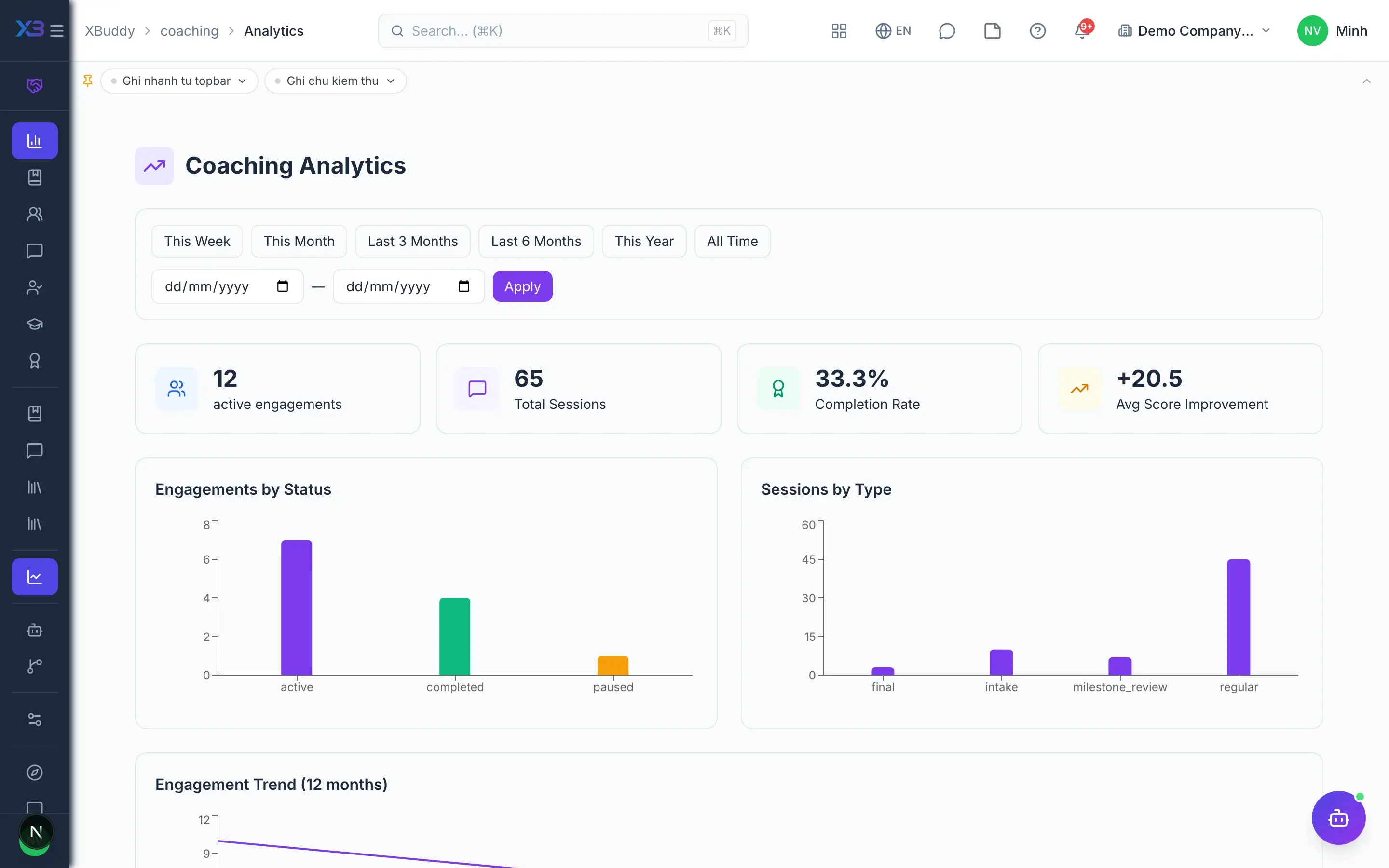
  • Engagement progress analysisAI

    AI tracks each engagement's progress and proposes new sessions and action items.

  • Session note summariesAI

    AI summarises session notes and drafts session reports for the coach to review.

  • Session and action remindersAI

    AI reminds about upcoming sessions and open actions to keep the programme on pace.

  • Programme and coach effectivenessAI

    Analyse trends, coach performance, programme effectiveness and compliance levels.

Real screens

Inside Coaching

Coaching — product screen
Coaching — engagement overview with sessions and competencies
Coaching — Session with agenda, notes, action items, and competency ratings

In practice

When you reach for it

1

Coaching with a path instead of meetings for their own sake

Coaching programmes usually dissolve after a few sessions because nobody tracks the arc.

  1. 1.The programme declares its sequence of sessions, materials and review points
  2. 2.Each session produces dated action items; private notes stay separate from shared ones
  3. 3.The coachee follows their own path through a dedicated portal

Progress you can measure, and a programme that survives a change of coach.

Assistants on this app

1 assistants work on this data

Each assistant carries its own skills on this app’s data, inside the caller’s permission scope.

Coaching assistant — flags at-risk coachees, nudges upcoming sessions and overdue action items, coaches follow-through, and reports program ROI.

Explore skills
  • Coaching Session NudgerNudges coaches about upcoming sessions in the next 48h and overdue action items.
  • Action-Item CoachMeasures action-item follow-through per engagement and proposes concrete next action items.
  • Session Report WriterGenerates an AI-assisted post-session coaching report combining session content, coachee background and coach commentary, ready to publish to the coachee portal.
  • Coaching Effectiveness ReportMonthly report summarizing coaching ROI: completion rates, average score improvements, top-performing programs and coaches, and an AI-generated narrative with insights.

FAQ

Frequently asked

Does editing a programme template change running engagements?

No. The roadmap is copied when an engagement starts, so running plans and templates stay separate.

Can we use external coaches?

Yes. Onboard external coaches in the coach directory and assign engagements just like internal coaches.

What if a coachee has no account?

Coachees use a dedicated portal via link and PIN to see their sessions, goals and certificates.

See Coaching running on your data

A thirty-minute demo focused on the process you are actually stuck on.