
Construction & engineering projects
Control site costs before they overrun
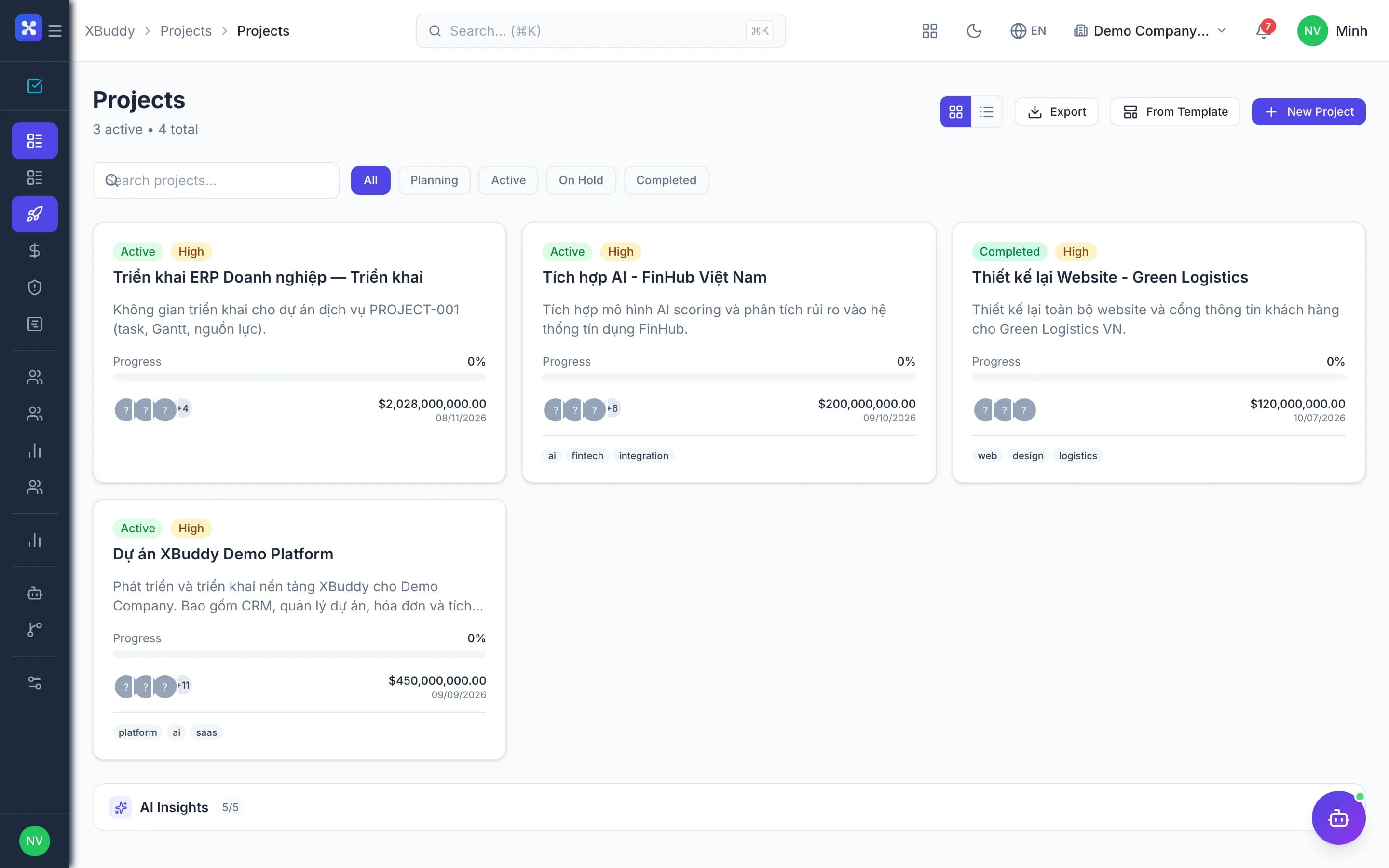
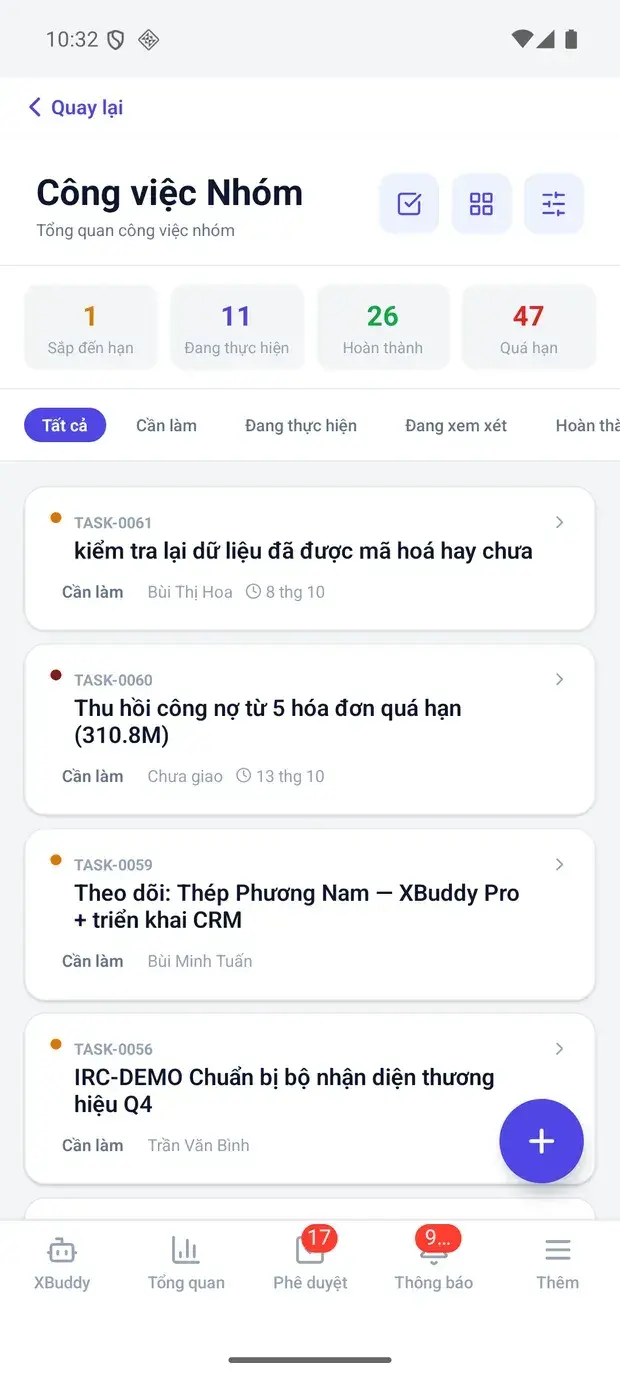
Budgets, purchasing, site material issues and subcontracts tied to each project — know what is committed and what is spent.
- See commitments before spending
- Materials issued to the right site
- Clear profit per project
Before and after
What changes on XBuddy
Today
- Site budgets in spreadsheets
- Purchases not linked to projects
- Material issues untraceable
- Losses discovered at final settlement
With XBuddy
- Budget by cost line, compared to actuals
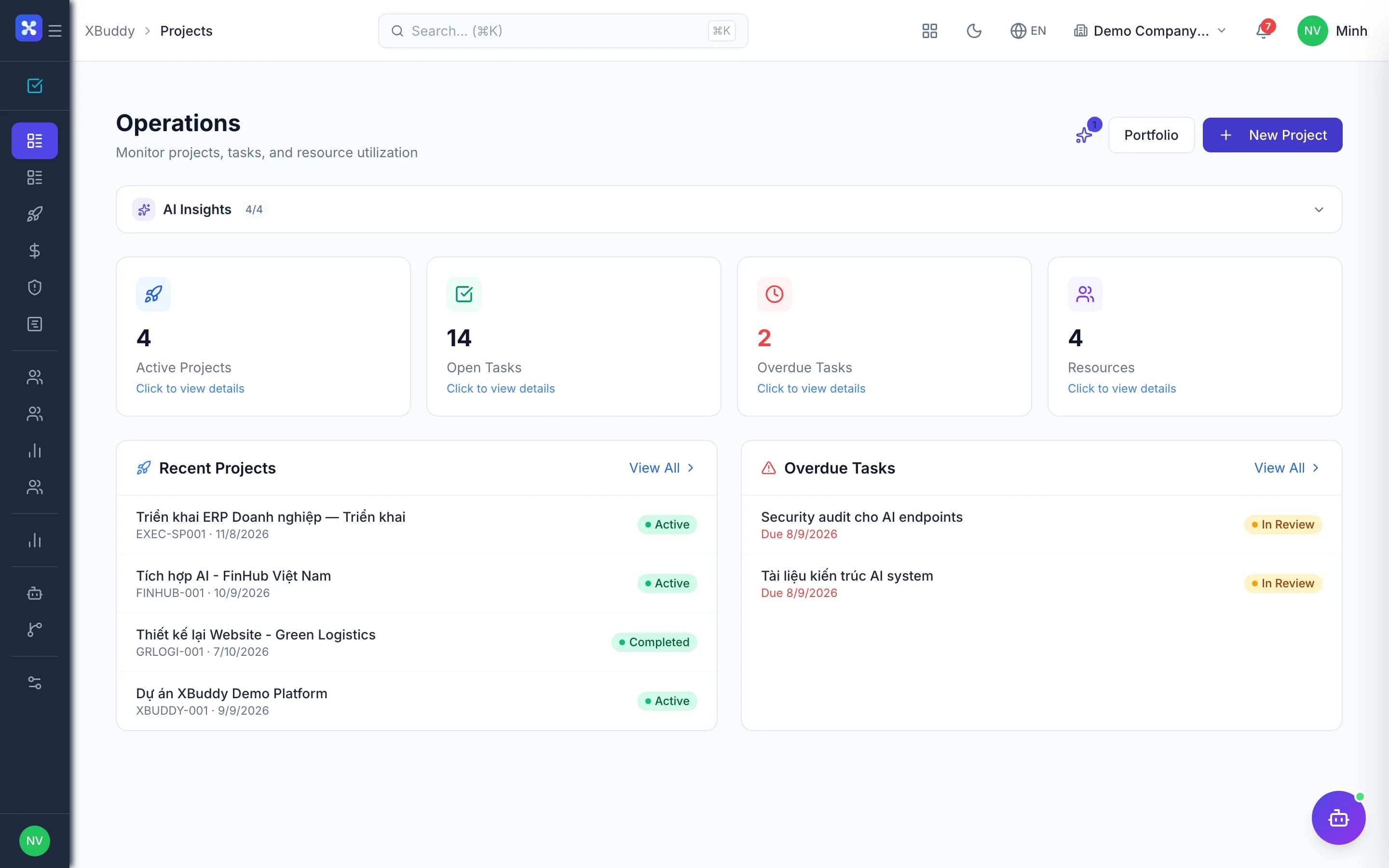
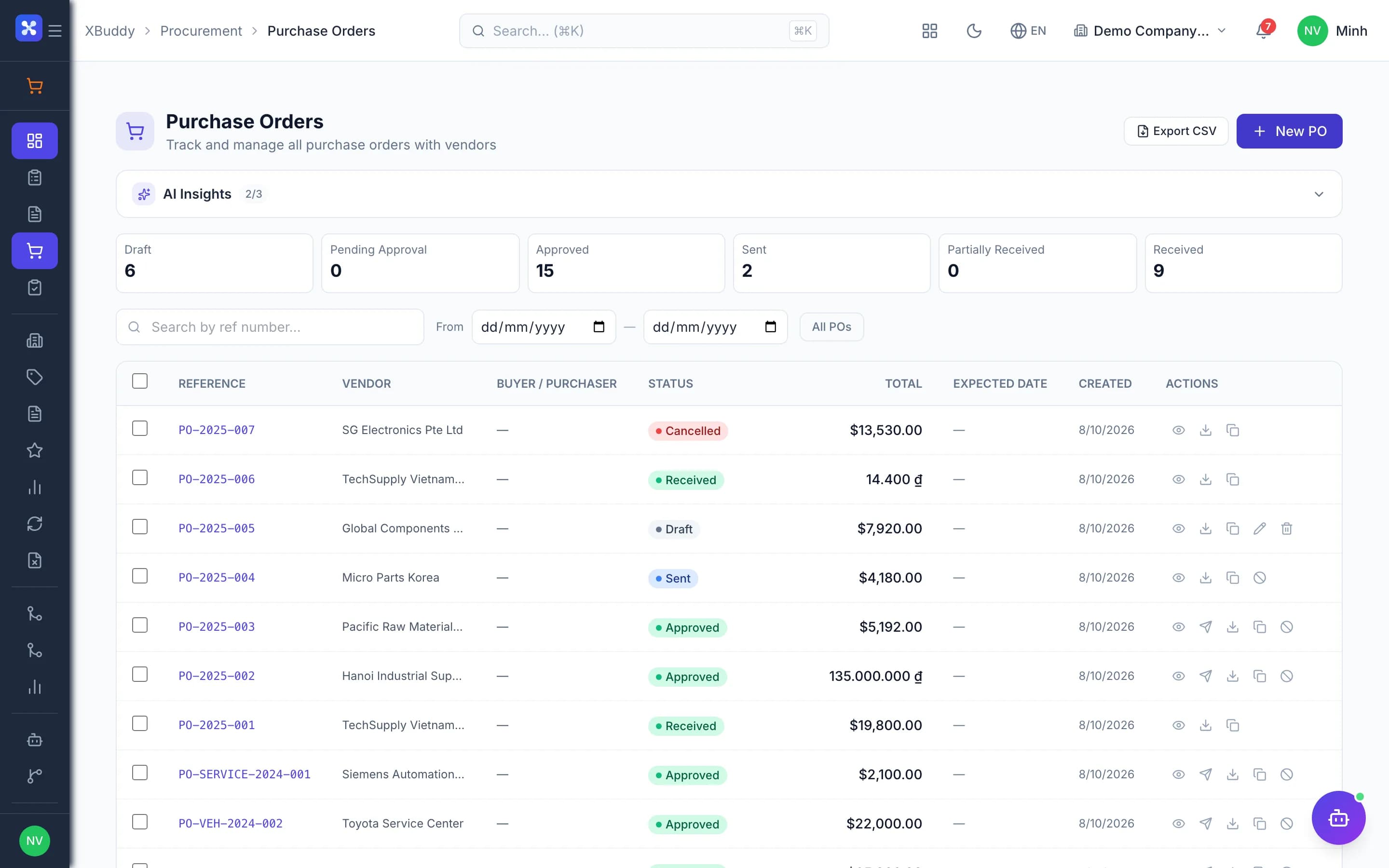
- Requisitions and POs tied to the project
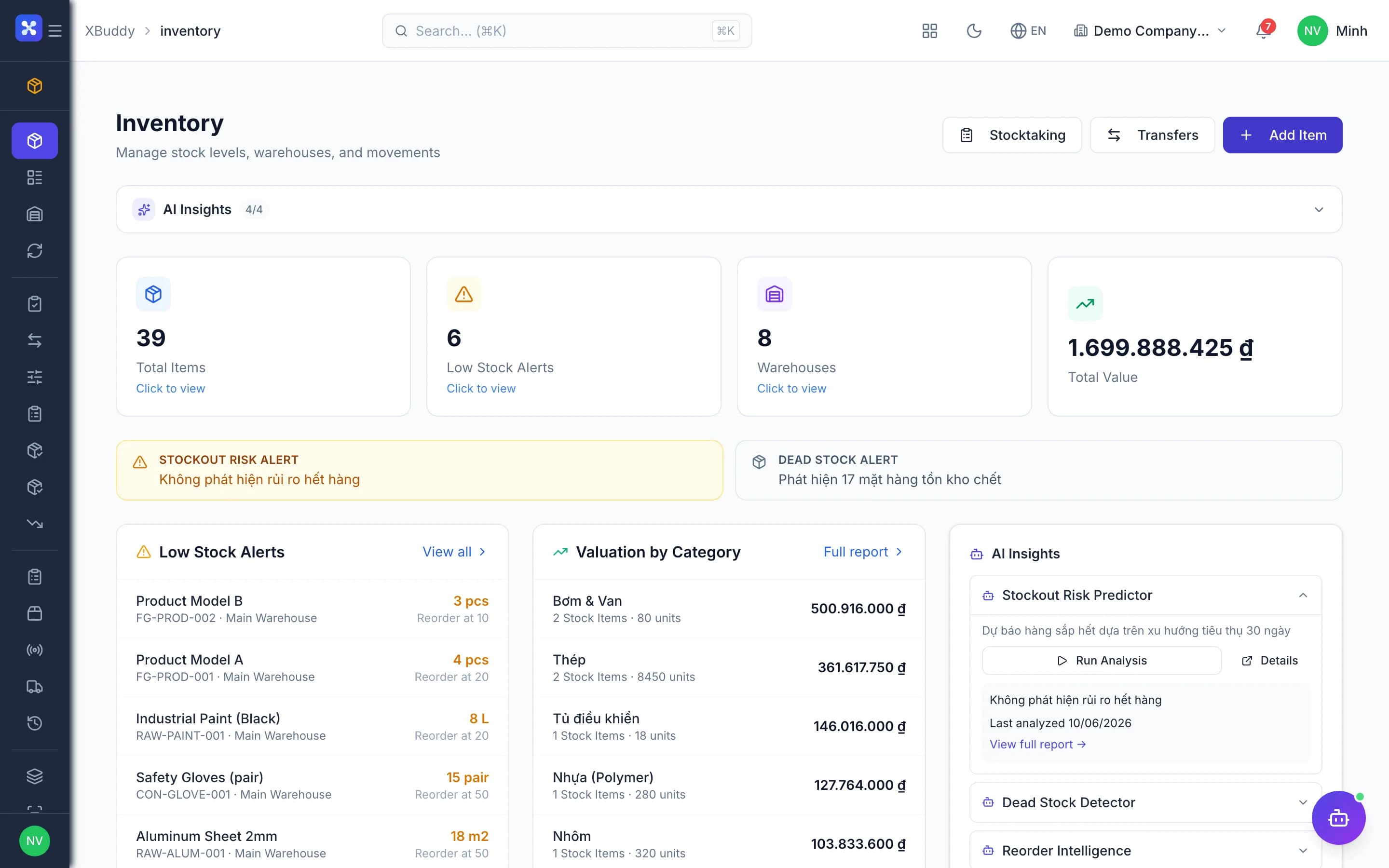
- Issues to site at ledger cost
- Committed and spent tracked separately, live
The flow
5 steps, one continuous record
Handled out of the box
Hard questions XBuddy already answers
A PO is about to exceed the site budget?Commitments are counted and you are warned before approving a PO over the cost line.What counts as project cost?One definition: labor, materials, purchases, vendor bills, expenses and allocations.Split one requisition into many POs?POs draw down the requisition's remaining quantity — no over-buying.Site teams request purchases without the Purchasing app?Requisitions start from the project; reference prices are filled in and sensitive fields hidden.
What’s inside
Apps and AI assistants involved
FAQ
Frequently asked
Gantt scheduling?
Yes, with milestones and risks.
Pay subcontractors by accepted progress?
Yes, subcontracts carry milestones and payment stages.
Cost center reporting?
Yes, every document carries a cost center for P&L by center.
See this flow on your own data
A thirty-minute demo focused on the process you are actually stuck on.