Point of sale

Sell at the counter while stock and books stay in sync

Sell at the counter with revenue and stock updated instantly — and it keeps working offline.

  • Shares catalog, stock and ledger with the whole system
  • Clear shift opening, closing and cash drawer reconciliation
  • QR payments, promotions and loyalty points built in
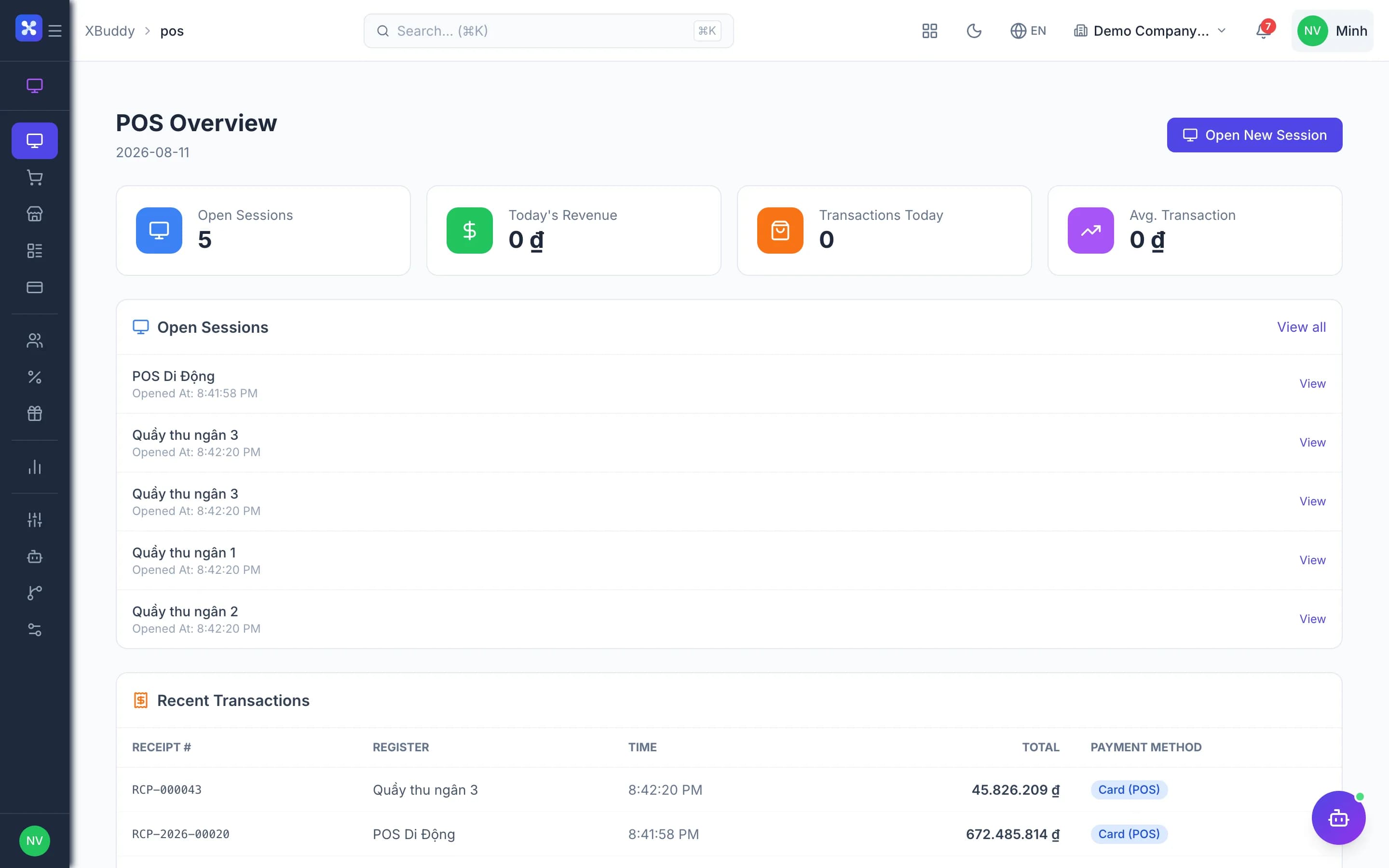
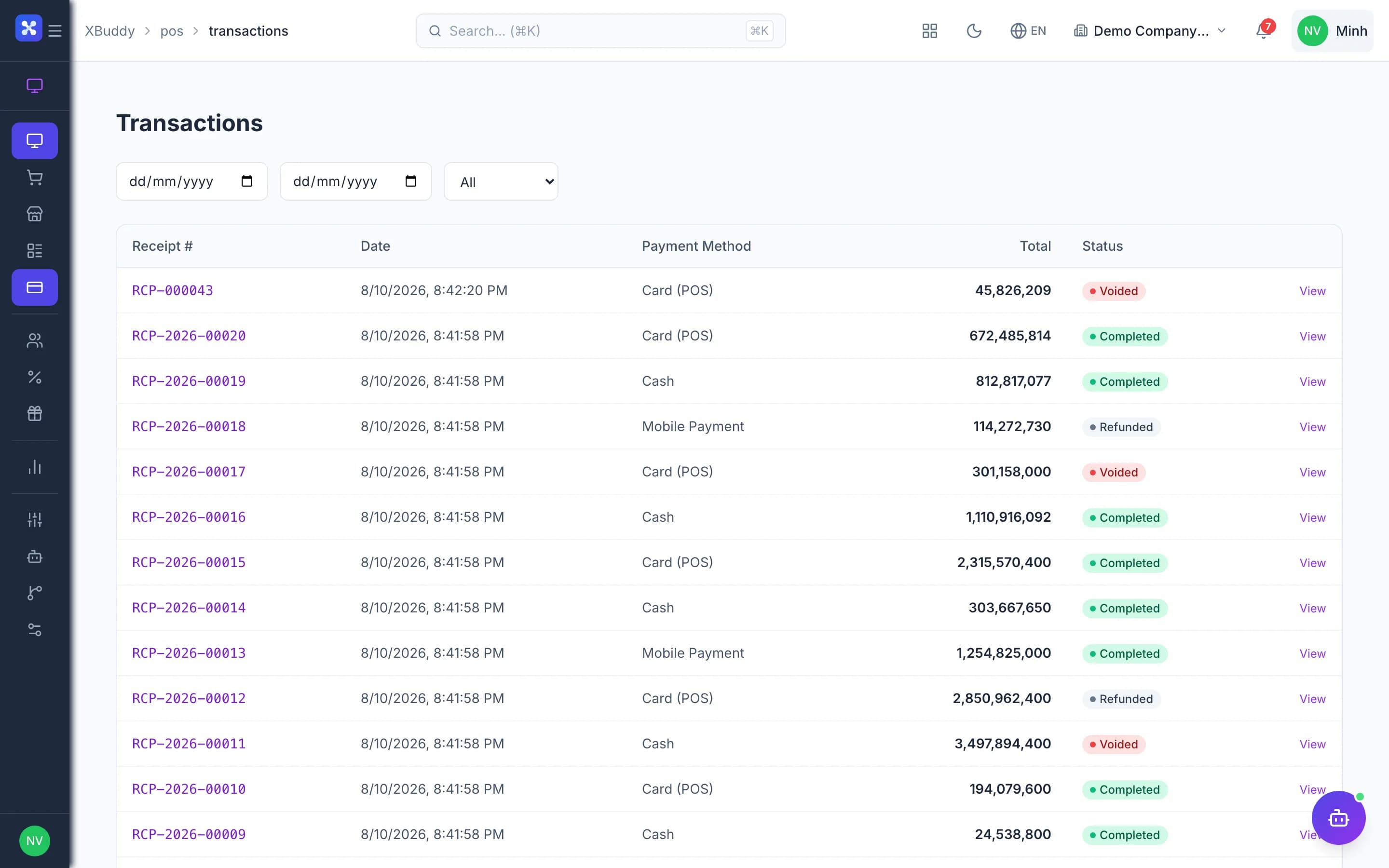
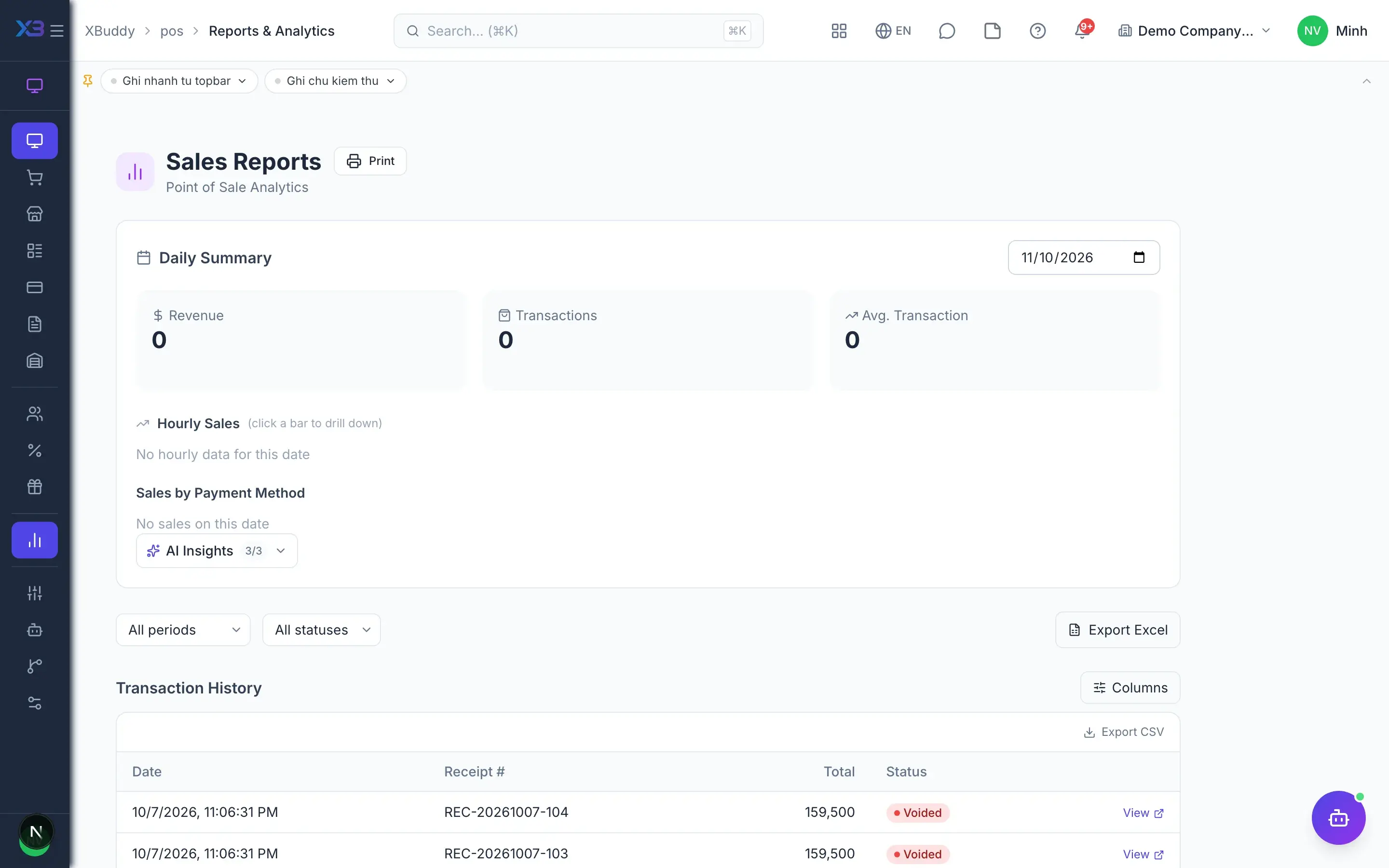
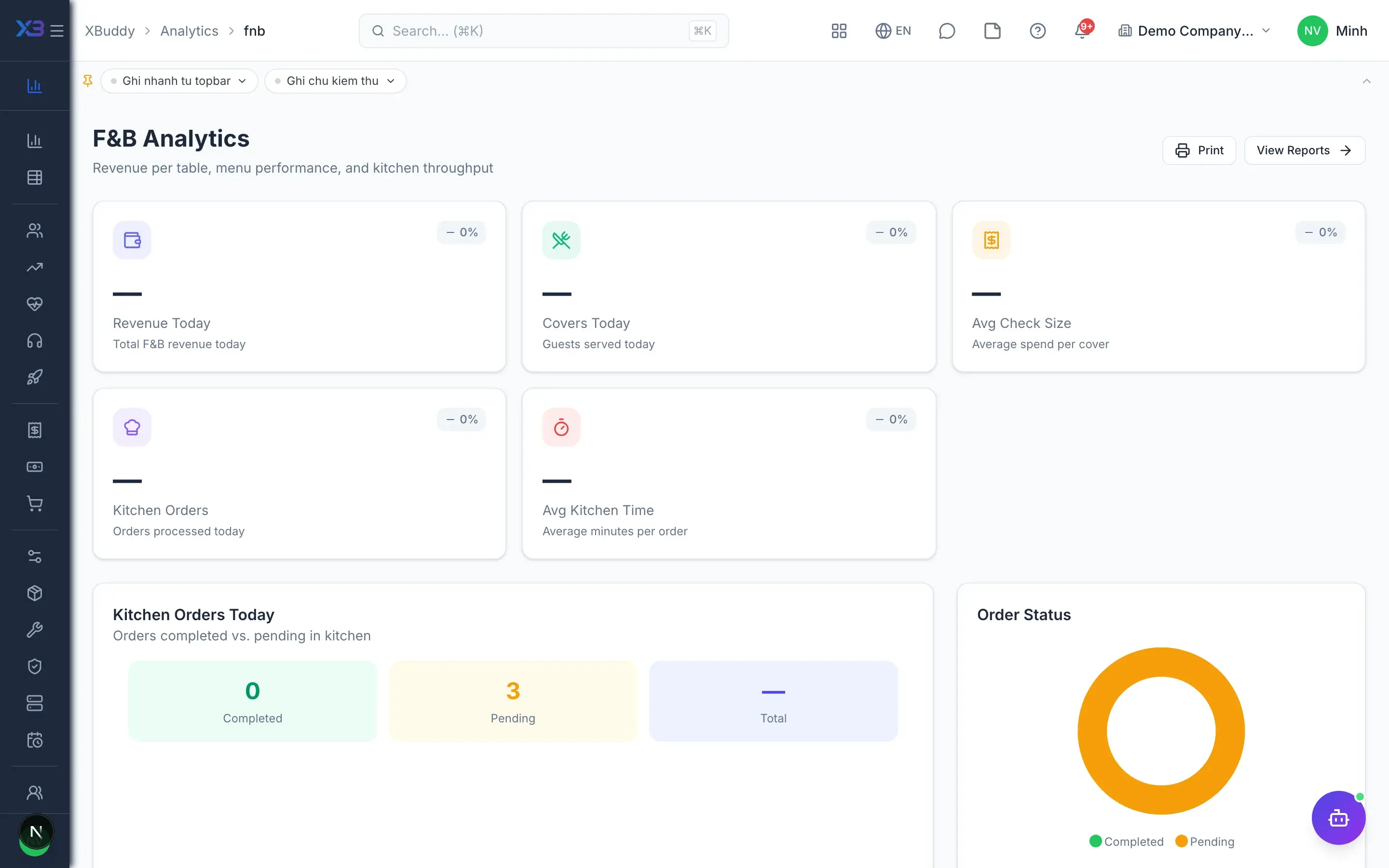
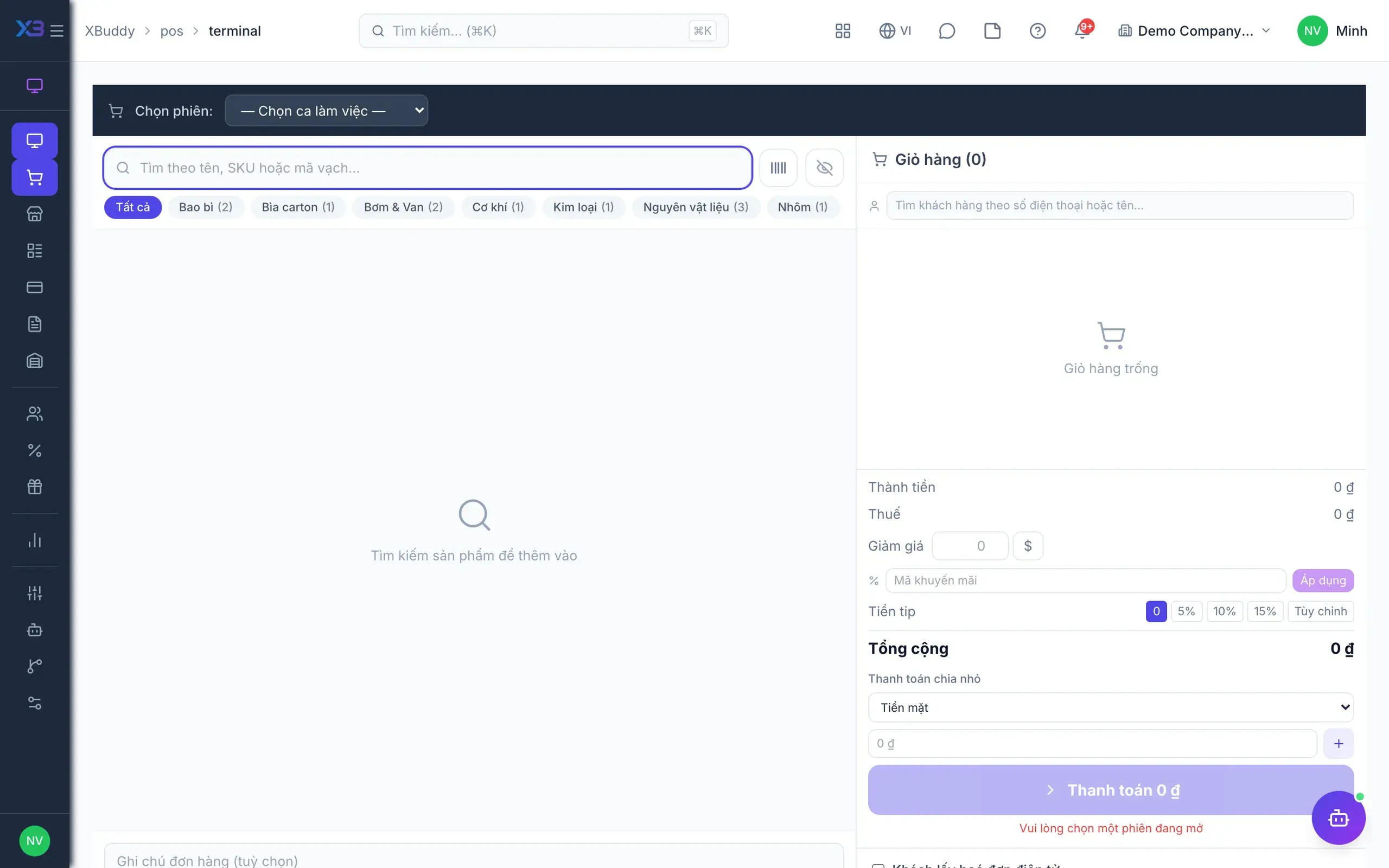
Point of sale — product screen

Screenshot 1 of 8

20
capabilities
10
advanced & AI features
1
AI assistants on this data
Web
on mobile

Sound familiar?

The problems this app removes

  • Standalone retail software means re-entering stock every evening
  • Cash drawer is short at shift end with no explanation
  • No visibility into best-selling items by hour
  • Refunds and voids at the counter go unchecked

Capabilities

20 capabilities in Point of sale

Catalogued against screens that exist in the product, grouped by the work they do — not a flat marketing list.

Checkout

5
  • Fast checkout

    Search or scan barcodes, build the cart and take payment in a few taps.

  • Product modifiers

    Add sizes, toppings and notes per item with extra charges calculated automatically.

  • VNPay & ZaloPay QRAdvanced

    Customers scan a QR at the counter; payments record automatically once integration is configured.

  • Voids & refunds with reasonsAdvanced

    Require a reason for every void or refund so managers keep control.

  • Retail receipts

    Print a PDF receipt for the customer right after payment.

Shifts & stores

3
  • Multi-store, multi-register

    Run a chain of stores and every register from one system.

  • Shift open & closeAdvanced

    Open shifts with a cash float, record cash in and out, reconcile at close.

  • Cash drawer reconciliationAdvanced

    Compare counted cash with expected cash and record any variance at shift end.

Stock & costing

4
  • Store warehousesAdvanced

    Each store has its own warehouse so sales deduct from the right stock.

  • Auto or keeper-confirmed issueAdvanced

    Issue stock automatically on sale or wait for storekeeper confirmation, per store.

  • Recipe-based consumptionAdvanced

    F&B items deduct their ingredients according to the recipe when sold.

  • Cost & ledger postingAdvanced

    POS revenue and cost post to the ledger automatically; voids reverse them.

Customers & promotions

4
  • POS customers

    Save counter customers, import lists from files and look them up fast.

  • Loyalty points

    Customers earn points on every purchase to encourage repeat visits.

  • PromotionsAdvanced

    Set up discount programmes that apply automatically at checkout.

  • Gift cards

    Issue gift cards and accept them as payment.

Invoices & reports

4
  • Retail e-invoices (beta)Advanced

    Issue e-invoices per transaction or per shift once a provider is connected.

  • Sales by day & hour

    See revenue by day and hour to plan staffing.

  • Best sellers

    Rank products by quantity and revenue.

  • VAT summary & export

    Summarise retail VAT and export transaction lists.

Real screens

Inside Point of sale

Point of sale — product screen
POS — Terminal checkout screen with cart

In practice

When you reach for it

1

The shop loses its connection at peak hour

This is where a point-of-sale system either proves its worth or loses customers.

  1. 1.The till keeps recording transactions locally
  2. 2.When the network returns, transactions sync in order
  3. 3.Stock and revenue reconcile without anyone retyping

Not a single sale lost, and the shift still counts out normally.

Assistants on this app

1 assistants work on this data

Each assistant carries its own skills on this app’s data, inside the caller’s permission scope.

Analyzes POS transaction data for peak hours, top-selling items, average basket size, and register performance. Generates weekly sales insights for retail operations.

Explore skills
  • POS Cross-Shop BenchmarkingCompares revenue and transaction performance across all POS shops every week. Uses Z-score analysis to detect underperforming or overperforming outlets and flags statistical outliers for review.
  • POS Daily Reconciliation AgentReconciles POS session declared totals against actual transaction amounts by payment method. Flags sessions with cash overages, shortages, or unmatched card settlements.
  • POS Shrinkage DetectorCompares inventory consumed vs POS sales to detect unexplained shrinkage or recording errors
  • Peak Staffing AdvisorAnalyzes hourly transaction patterns to recommend optimal cashier and floor staffing levels

FAQ

Frequently asked

Does POS work offline?

Not currently; the register needs an internet connection.

Does POS deduct stock?

Yes. Stock is issued on sale or after storekeeper confirmation, depending on store settings.

Can POS issue e-invoices?

Yes (beta), once your e-invoice provider is connected.

See Point of sale running on your data

A thirty-minute demo focused on the process you are actually stuck on.