XBuddy Chat

Ask your company anything, answered from real data

A natural-language front door to the business: ask in Vietnamese or English on live operating data, inside your own permissions, with every figure linked to its source document.

  • Ask about receivables, stock or revenue without opening reports
  • Answers stay within the asker's own permissions
  • Create documents right in the conversation, always with confirmation
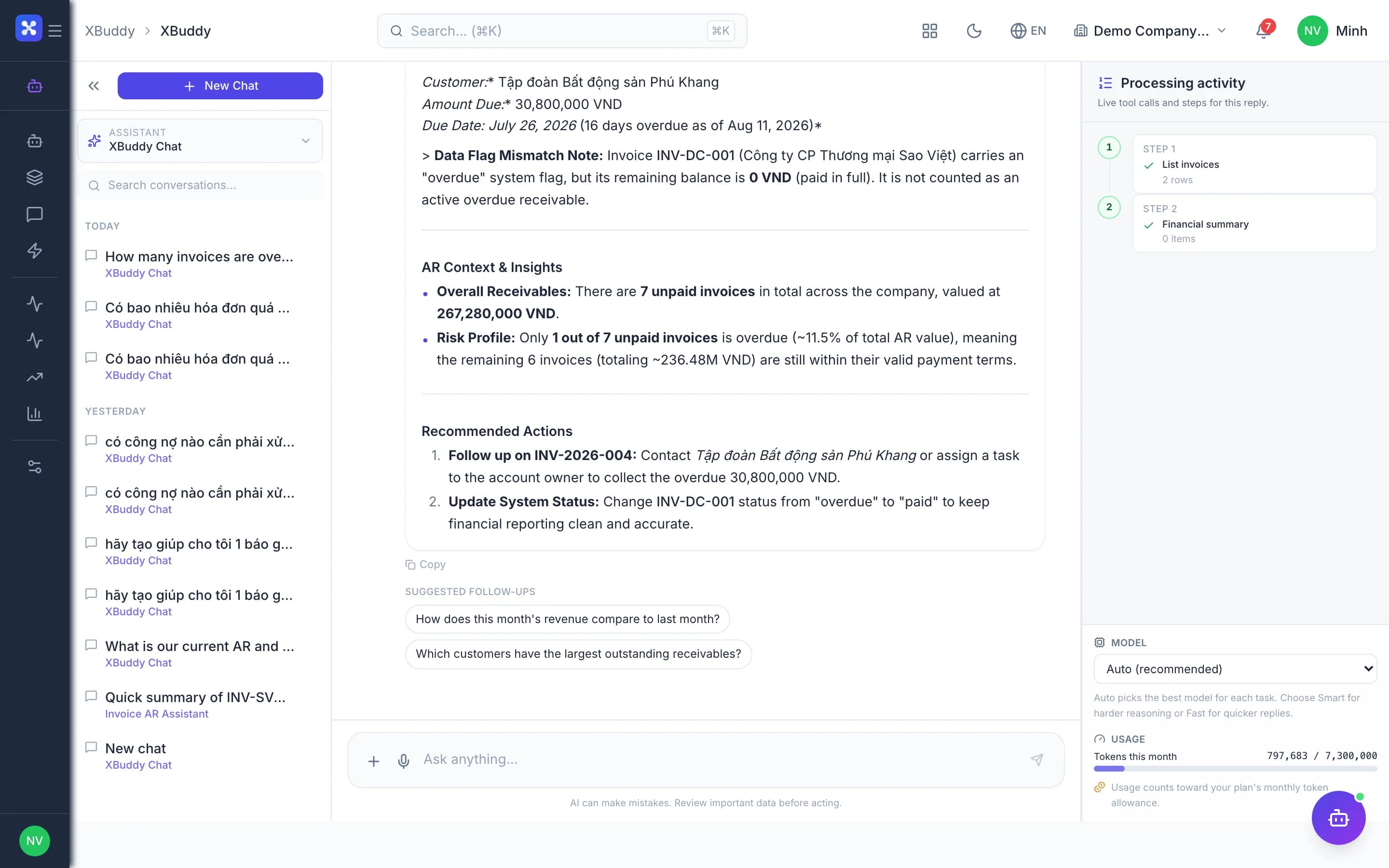
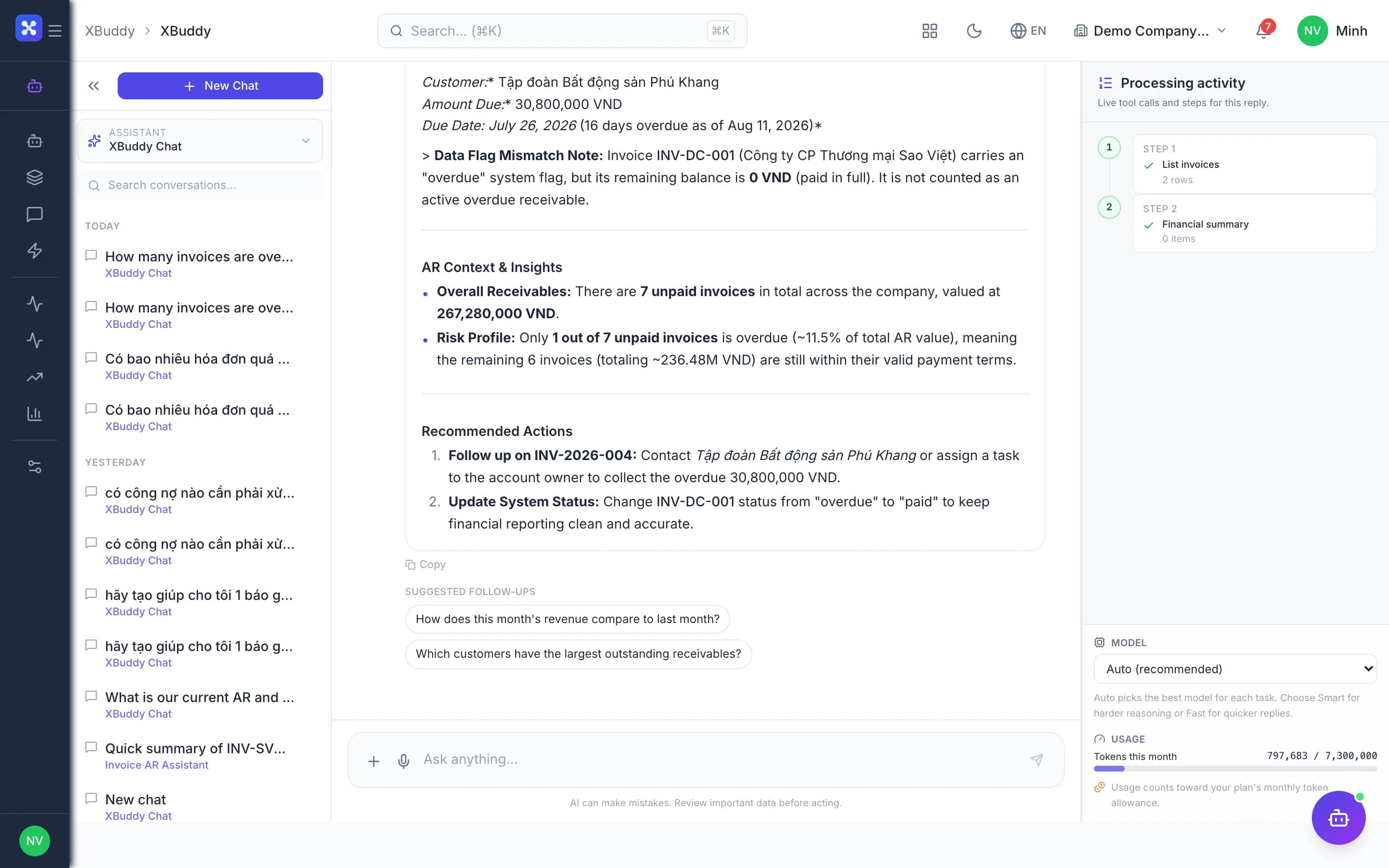
XBuddy Chat — product screen

Screenshot 1 of 7

20
capabilities
12
advanced & AI features
Yes
on mobile

Sound familiar?

The problems this app removes

  • One number means opening five screens and exporting three files
  • New staff cannot find which menu holds a feature
  • External AI tools cannot read your company's data
  • Fear that AI oversteps permissions or writes data on its own

Capabilities

20 capabilities in XBuddy Chat

Catalogued against screens that exist in the product, grouped by the work they do — not a flat marketing list.

Questions on your data

5
  • Natural language questionsAI

    Ask about receivables, stock, revenue, contracts or people the way you would ask a colleague.

  • Live numbers, not static docsAI

    Data questions are answered by tools that query your real records, never by guessing.

  • Answers with sources

    Figures in each answer link back to the exact document or record that produced them.

  • Vietnamese and English

    Ask in either language and get answers in it, even when source data uses the other.

  • Voice questionsAI

    Speak your question instead of typing, handy when you are on the move.

Actions from chat

4
  • Create documents in chatAI

    Create quotations, tasks, payment requests or tickets without leaving the conversation.

  • Confirm before writingAdvanced

    Every write shows a confirmation card; nothing happens until you approve it.

  • Jump to the right screen

    Chat suggests and opens the exact screen you need, no menu memorising required.

  • Follow-up suggestionsAI

    After each answer, chat proposes next questions so you can dig deeper quickly.

Specialist assistants

4
  • Scoped assistantsAI

    Pick a domain assistant such as accounting or sales to keep the conversation focused.

  • Permission-locked assistantsAdvanced

    Users without access to an assistant get a clear refusal, not a silent fallback to general chat.

  • Internal knowledge lookupAI

    Chat searches procedures and guides in the Knowledge Base when a question needs them.

  • Meeting lookup

    Ask about meetings and open conclusions without opening the Calendar app.

Boundaries & security

3
  • Inherits the asker's rightsAdvanced

    Chat sees only what the asker may see; two people can rightly get different answers.

  • Respects data scopeAdvanced

    Own, team or company-wide limits apply exactly as they do on the original screens.

  • Conversation log

    Conversations and the tools they called are recorded for review when needed.

Wherever you work

4
  • Ask from the home page

    The XBuddy home page opens with a question box and suggestions based on your modules.

  • Record-context chatAI

    Open chat on an invoice, contract or customer to ask questions in exactly that context.

  • Reopen recent chats

    Return to earlier conversations and continue without re-explaining the context.

  • Chat on mobileMobile

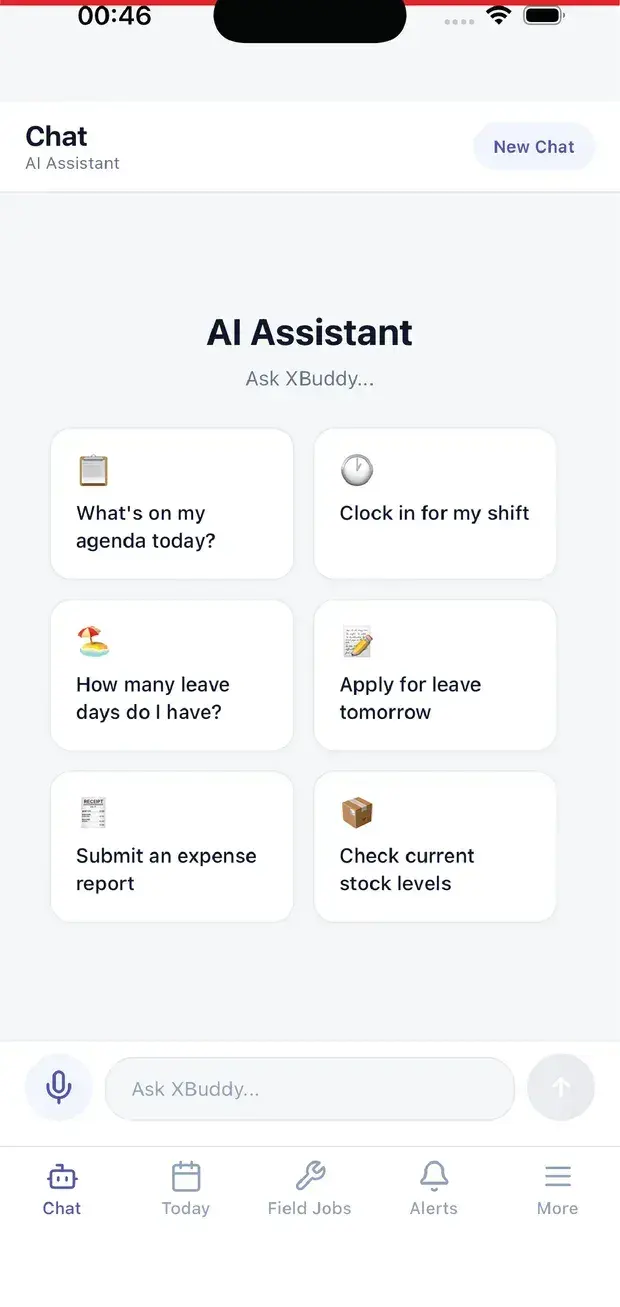
    Managers and field staff ask the same data questions from the mobile apps.

Real screens

Inside XBuddy Chat

XBuddy Chat — product screen
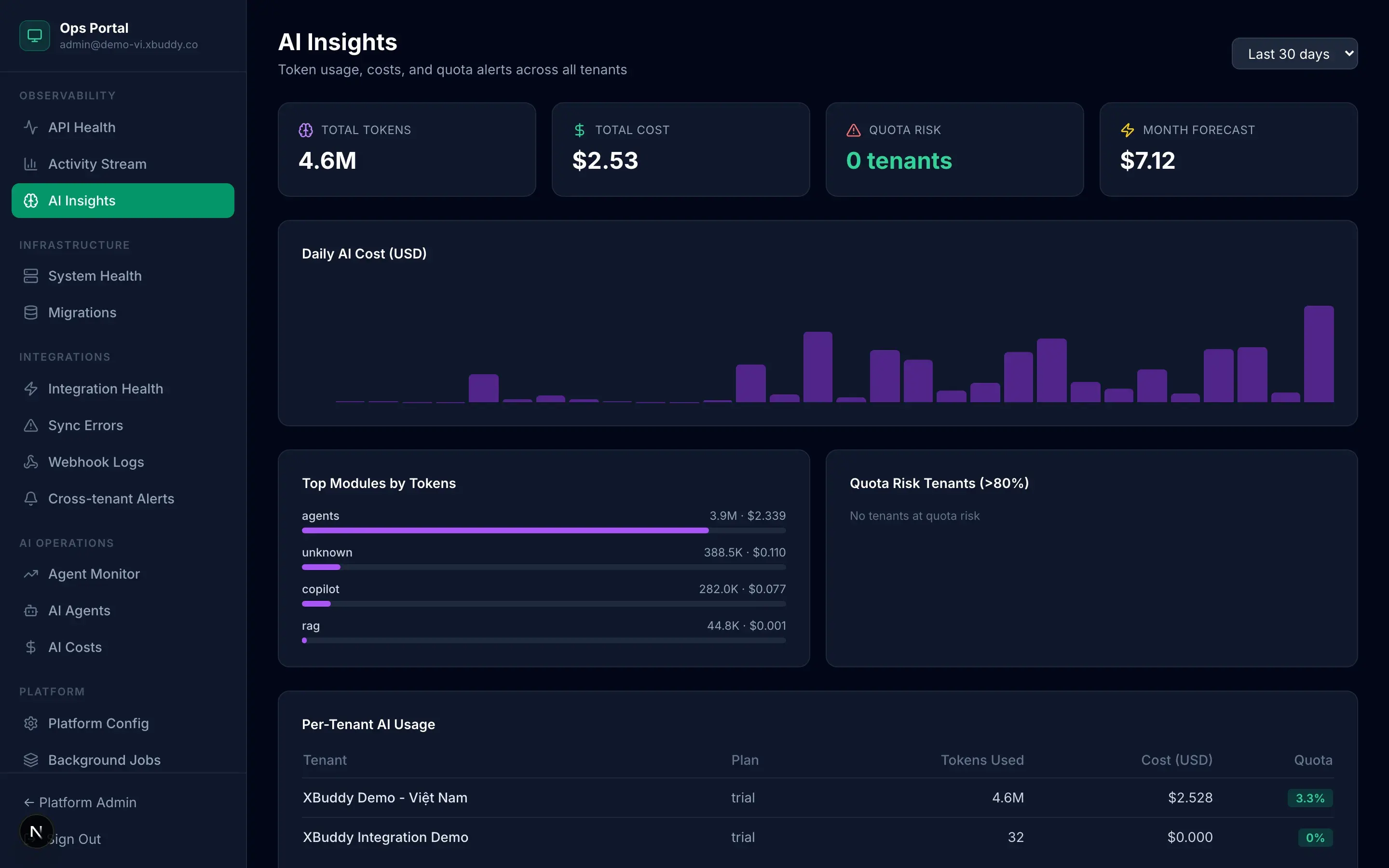
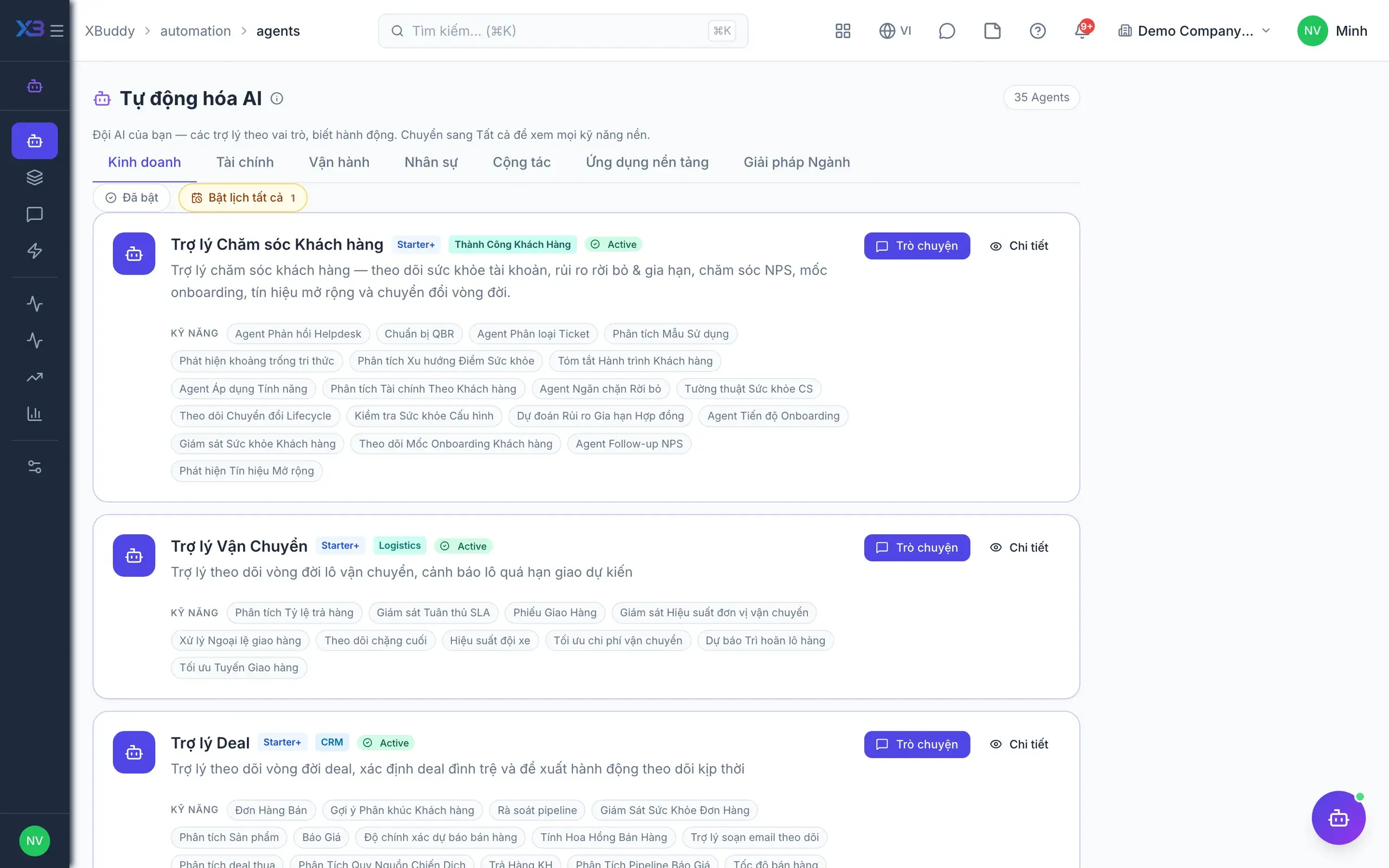
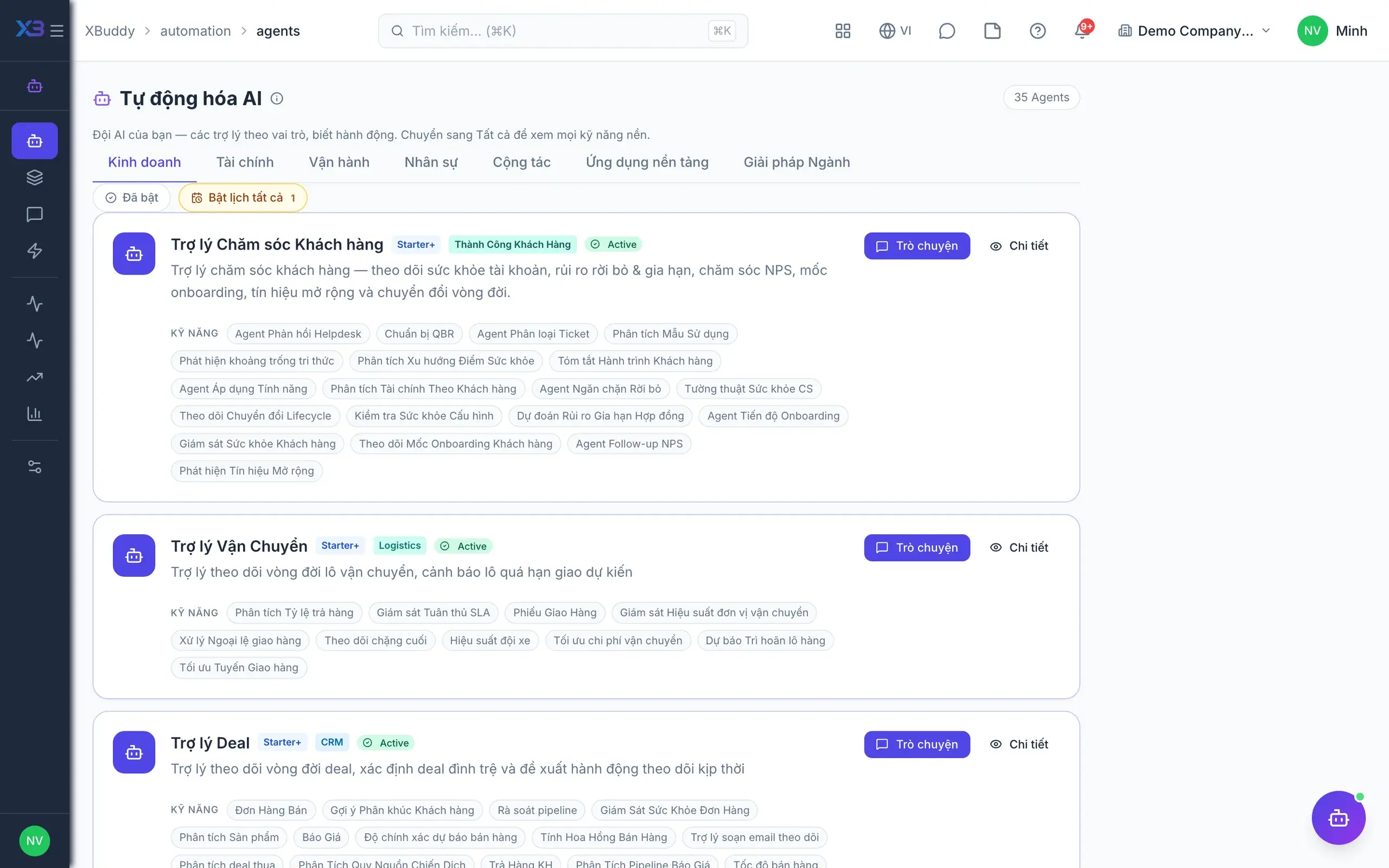
AI Agents — catalog list on Automation → Agents
AI Agents — Assistant detail pages navigation

On mobile

Work anywhere with XBuddy Office & XBuddy Work

AI assistant on mobile
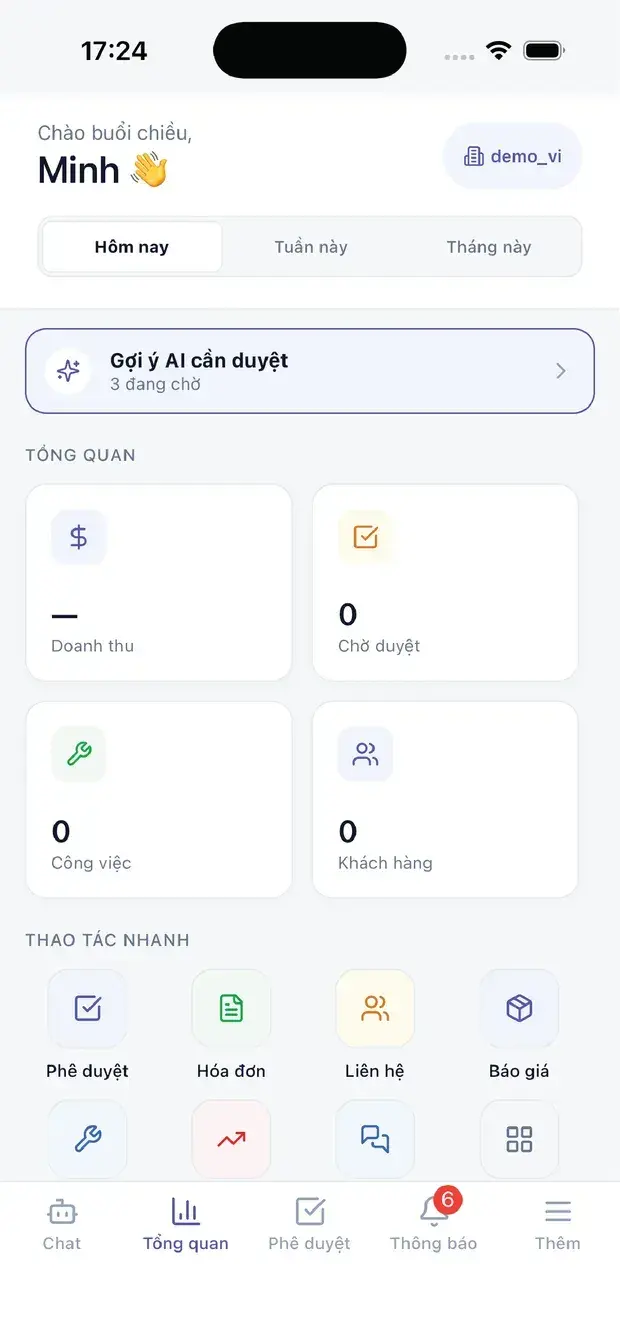
Executive overview on XBuddy Office

In practice

When you reach for it

1

The question no report answers on its own

"Anything unusual in receivables this month" is not one query — it is ten, plus judgement.

  1. 1.The assistant reads data within the asker's own scope
  2. 2.Answers cite the underlying documents so the asker can verify
  3. 3.To act on it, the assistant drafts and the user confirms

An answer in seconds that you can always check.

Solutions

XBuddy Chat in end-to-end solutions

FAQ

Frequently asked

Can chat show data I am not allowed to see?

No. Chat inherits the exact permissions and data scope of the person asking.

Does AI create or edit documents by itself?

No. Every write shows a confirmation card and only runs after you approve it.

Can I ask in English?

Yes. Chat answers in the language you ask, Vietnamese or English.

Does it work on phones?

Yes. The mobile apps use the same XBuddy Chat as the web.

See XBuddy Chat running on your data

A thirty-minute demo focused on the process you are actually stuck on.