
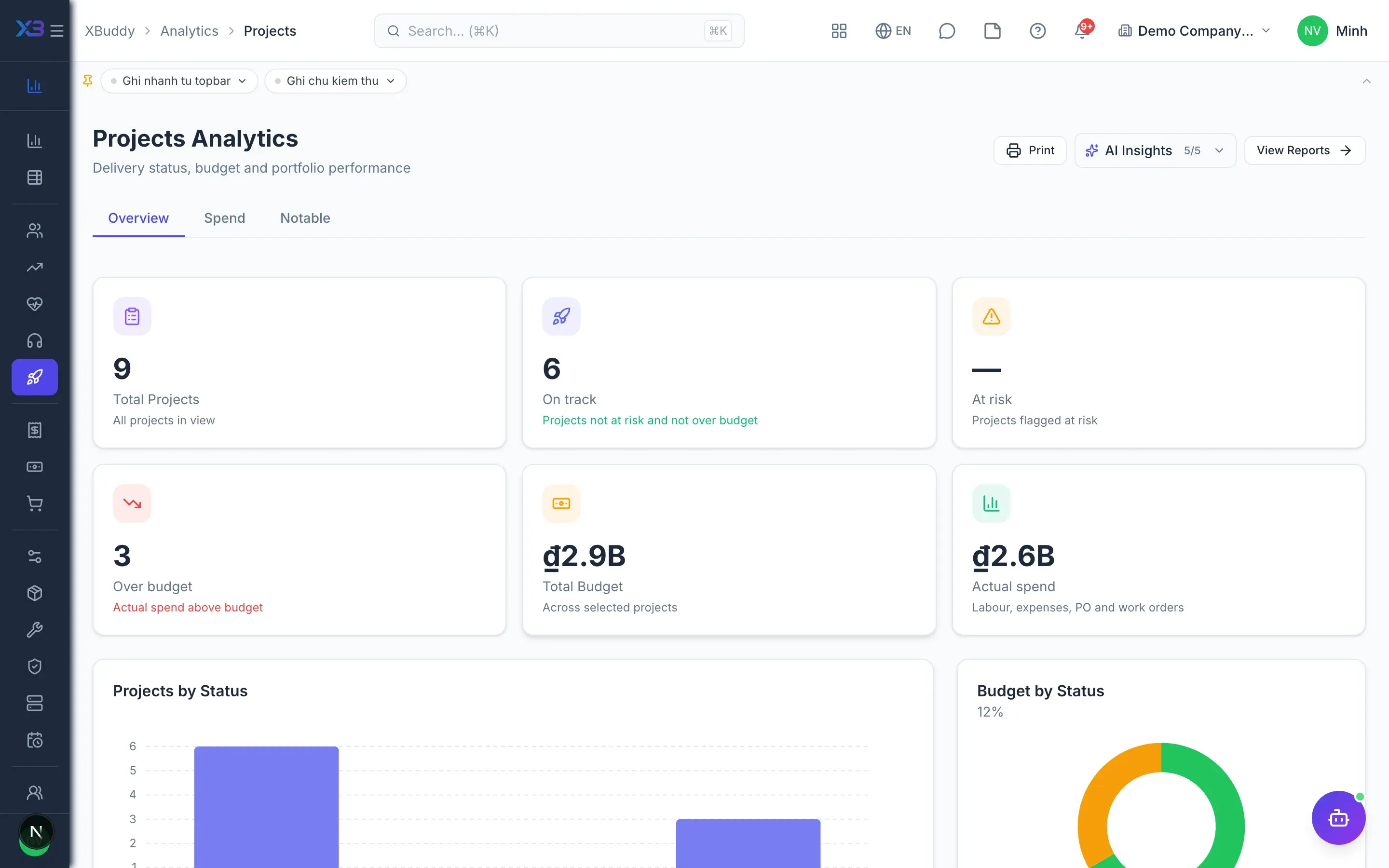


Projects

Know whether a project makes money while it runs

Plan, resources, cost and revenue of each project on one record.

  • Plans, hours, costs and invoices on one screen
  • Only approved hours get invoiced, never missed or doubled
  • Project P&L from documents and the ledger, always current
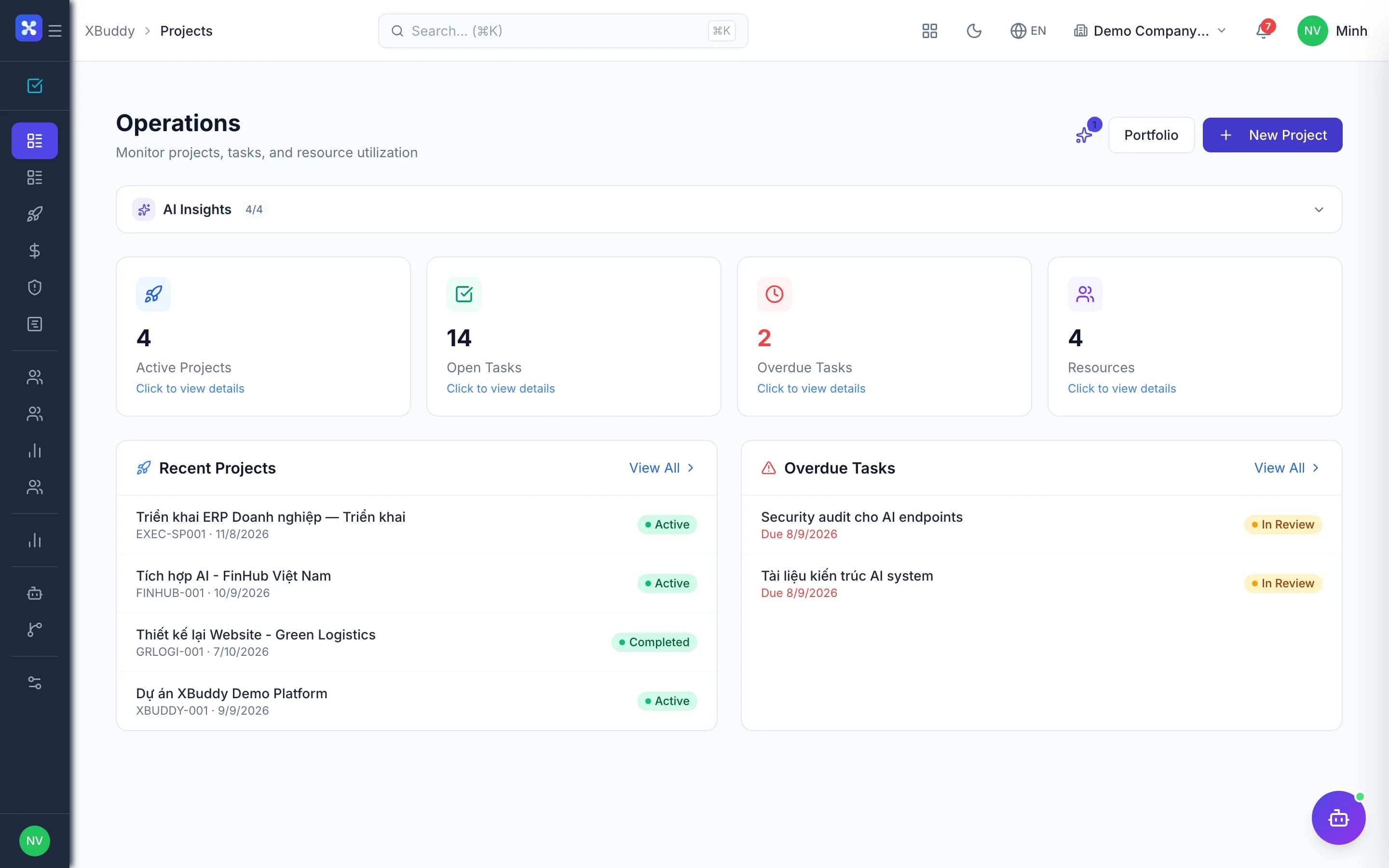
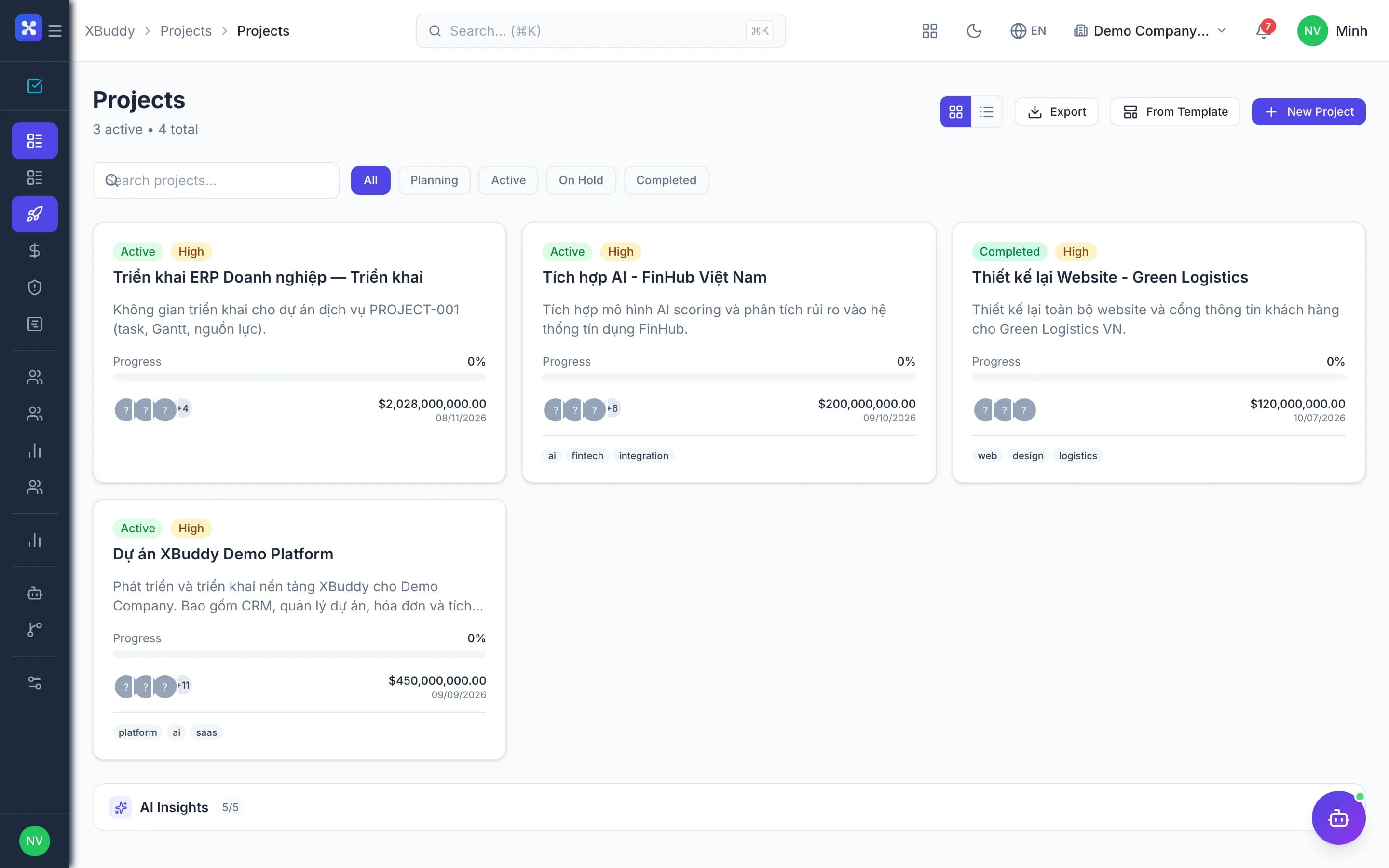
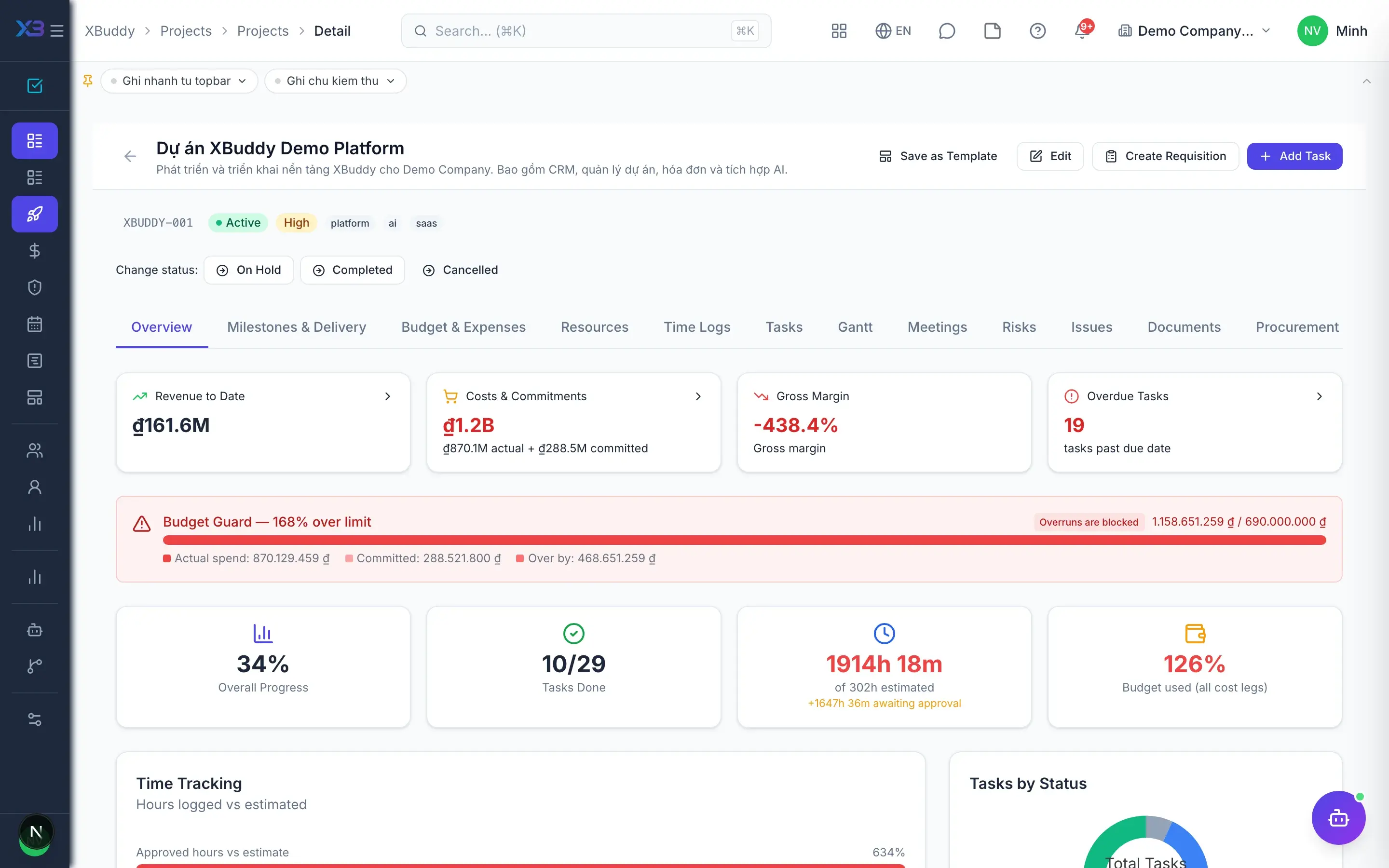
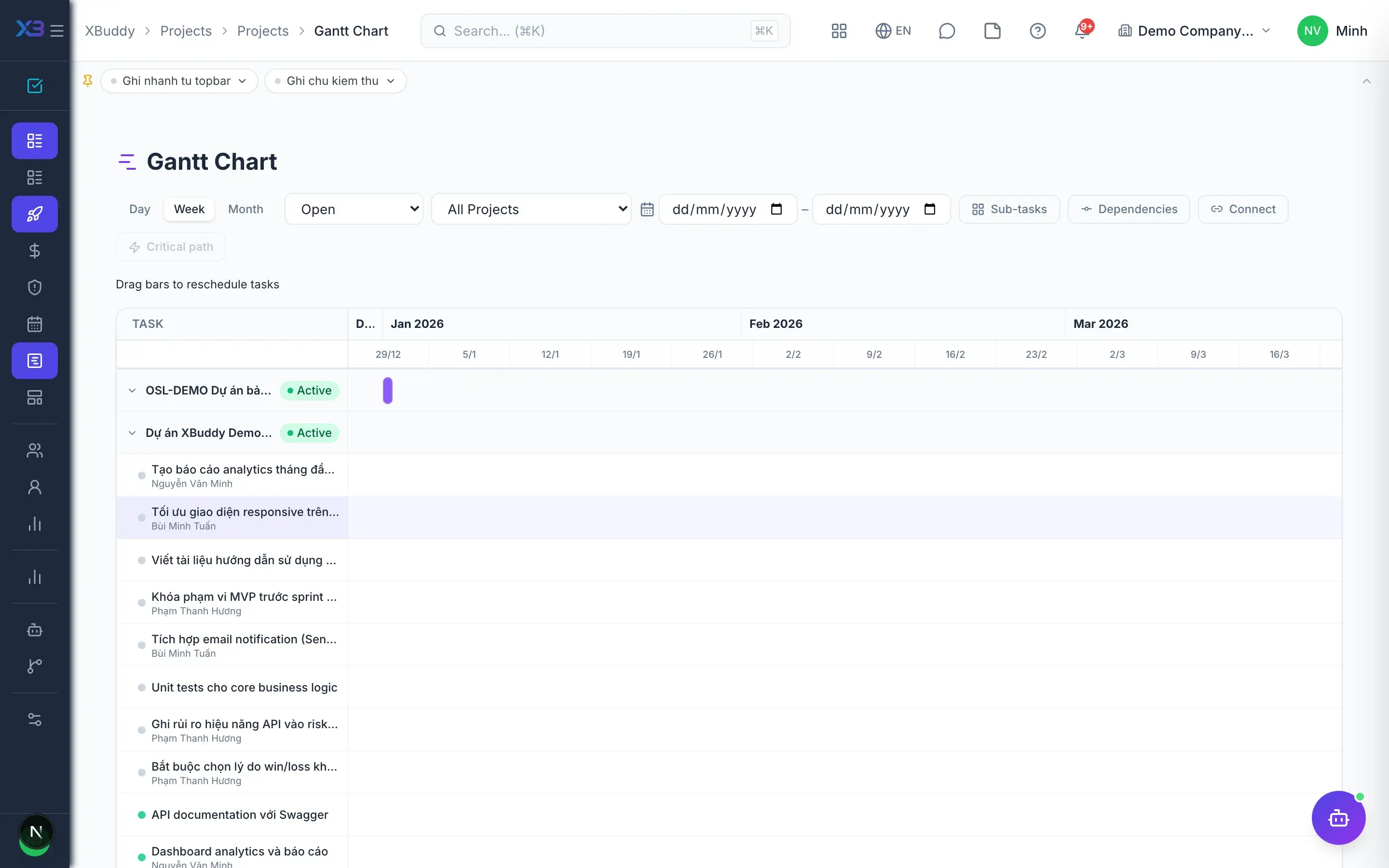
Projects — product screen

Screenshot 1 of 9

24
capabilities
8
advanced & AI features
1
AI assistants on this data
Yes
on mobile

Sound familiar?

The problems this app removes

  • You only learn a project lost money after closing it
  • Hours are forgotten on invoices or billed twice
  • Budgets change without anyone approving
  • People are overloaded across projects and nobody sees it

Capabilities

24 capabilities in Projects

Catalogued against screens that exist in the product, grouped by the work they do — not a flat marketing list.

Planning and portfolio

5
  • Project portfolio

    Overview of every project, filtered by status, with health and risk in one place.

  • Drag-and-drop Gantt

    Portfolio-wide and per-project Gantt; drag to reschedule tasks in seconds.

  • Projects from templates

    Start from a template or marketing campaign, or save a running project as a new template.

  • Milestones and deliverables

    Manage milestones and deliverables tied to progress and payment conditions.

  • Issues and RAID logAdvanced

    Record issues, risks, assumptions and dependencies right on the project detail page.

Time and expenses

5
  • Time logged per taskMobile

    Staff log hours on web or phone against the right project and task.

  • Bulk time approval

    PMs approve or reject hours in batches; only approved hours count.

  • Project expensesMobile

    Record costs as they occur, submit for approval and optionally rebill the client.

  • Material rebillingAdvanced

    Stock issued to a project can be added to the client invoice when needed.

  • Internal projects

    Internal projects capture full cost while hours are automatically non-billable.

Budget and P&L

4
  • Versioned estimatesAdvanced

    Draft estimates, submit for approval and compare plan versus actual across versions.

  • Portfolio budget

    See budget and actual cost for every project on a single table.

  • Project P&LAdvanced

    Profit and loss by documents and by ledger, covering labour, purchasing and materials.

  • Committed versus spent

    Separate costs committed through POs from costs incurred, with no double counting.

Billing

3
  • Time-based invoices

    Invoice per period from approved hours or from all unbilled hours.

  • Milestone invoices

    Invoice when a milestone is reached, matching the contract's payment terms.

  • Revenue and purchasing hub

    See the project's quotations, sales orders, invoices, PRs, POs and GRNs in one tab.

People and collaboration

4
  • Project rolesAdvanced

    Admin, manager, member, viewer, observer: a second permission layer that hides financials from those who don't need them.

  • Workload and capacity

    See each person's load across all projects and rebalance before overload.

  • Project teams

    Organise members into teams and add many people at once with preset roles.

  • Project meetings

    Meetings linked to the project, with conclusions turned into concrete tasks.

Automation and AI

3
  • Kickoff approvalAdvanced

    A workflow approval before the project officially starts, recording who decided.

  • Project AI assistantAI

    AI analyses project cost, progress and risk, and suggests what needs attention.

  • Ask about project numbersAI

    Ask XBuddy Chat about project cost, revenue and hours in natural language.

Real screens

Inside Projects

Projects — product screen

On mobile

Work anywhere with XBuddy Office & XBuddy Work

Team tasks by status
Team tasks
My approvals inbox

In practice

When you reach for it

1

Knowing a project is losing money before it ends

Services projects lose money quietly: hours run past plan and nobody adds them up.

  1. 1.Project spend covers all four legs: labour, expenses, received purchase orders, work orders
  2. 2.Hours use the COST rate, kept separate from the BILL rate — otherwise margin is structurally zero
  3. 3.Crossing the budget threshold warns at approval time, not at close

The decision to stop or renegotiate happens while it still helps.

Assistants on this app

1 assistants work on this data

Each assistant carries its own skills on this app’s data, inside the caller’s permission scope.

Project management assistant — monitors project risk, budget and margin, task assignment and velocity, dependency blockers and resource capacity across projects and tasks.

Explore skills
  • Project Budget GuardianMonitors project budget burn rate using actual time logs and expenses. Forecasts budget exhaustion dates and alerts when projects are on track to exceed budget before their deadline.
  • Project Margin ForecasterWeekly AI forecast of project margin at completion using actual and committed costs combined with current burn rate. Warns when forecasted margin falls below configurable threshold.
  • Project Procurement RecommenderDetects tasks in progress with resource allocations but no Purchase Requisition, then recommends or auto-creates draft PRs to prevent procurement delays.
  • Project Cross-Module HealthChecks cross-module coherence for active projects: stale sales orders not invoiced, purchase orders with pending GRN, overdue delivery orders, and scope creep indicators.
  • Milestone Deadline ForecasterForecasts milestone completion dates based on current task velocity and remaining work. Flags milestones at risk of missing deadlines and suggests recovery actions before it is too late.
  • Task Smart AssignerFinds unassigned tasks and suggests the best team member based on current workload and skill tags.
  • Task Velocity CoachWeekly measurement of each team member's task completion velocity. Detects declining velocity trends, flags potential blockers or burnout, and generates personalized coaching suggestions.
  • Task Bottleneck DetectorDetects tasks stuck in the same status for too long and identifies workflow bottlenecks by stage. Analyzes patterns across projects and provides actionable unblocking recommendations.
  • Task Overdue Risk PredictorPredicts which tasks are likely to go overdue in the next 3 days based on due date, completion progress, and assignee historical on-time rate.
  • Task Dependency Blocker AlertDetects tasks that are blocking multiple downstream dependent tasks and flags critical path risks. Prioritizes alerts by the number of tasks blocked and proximity to deadlines.
  • Resource Capacity BalancerIdentifies overloaded and underutilized team members based on active task count and logged hours. Suggests task redistribution to improve team throughput and prevent burnout.
  • Resource Utilization OptimizerAnalyzes workload distribution across team members to identify over-burdened and underutilized resources. Recommends task rebalancing for optimal throughput.
  • Billable Hours OptimizerAnalyzes logged hours to identify unbilled or miscategorized time entries and recommends corrections to maximize revenue capture.

FAQ

Frequently asked

How do you avoid billing hours twice?

Only approved hours reach invoices, and the invoice is created in the same transaction that marks those hours as billed.

Can every team member see project financials?

Not necessarily. Project roles decide who sees budgets and P&L, on top of system permissions.

Can hours be logged on a phone?

Yes. Staff log hours and expenses in the mobile app, and PMs approve on web or mobile.

See Projects running on your data

A thirty-minute demo focused on the process you are actually stuck on.