Employee Service

Employees serve themselves, HR stops answering repeat questions

Staff handle their own admin; managers approve from their phone.

  • Request leave, check attendance and payslips without messaging HR
  • Submit requests, receive decisions and announcements in one portal
  • Free for every signed-in employee
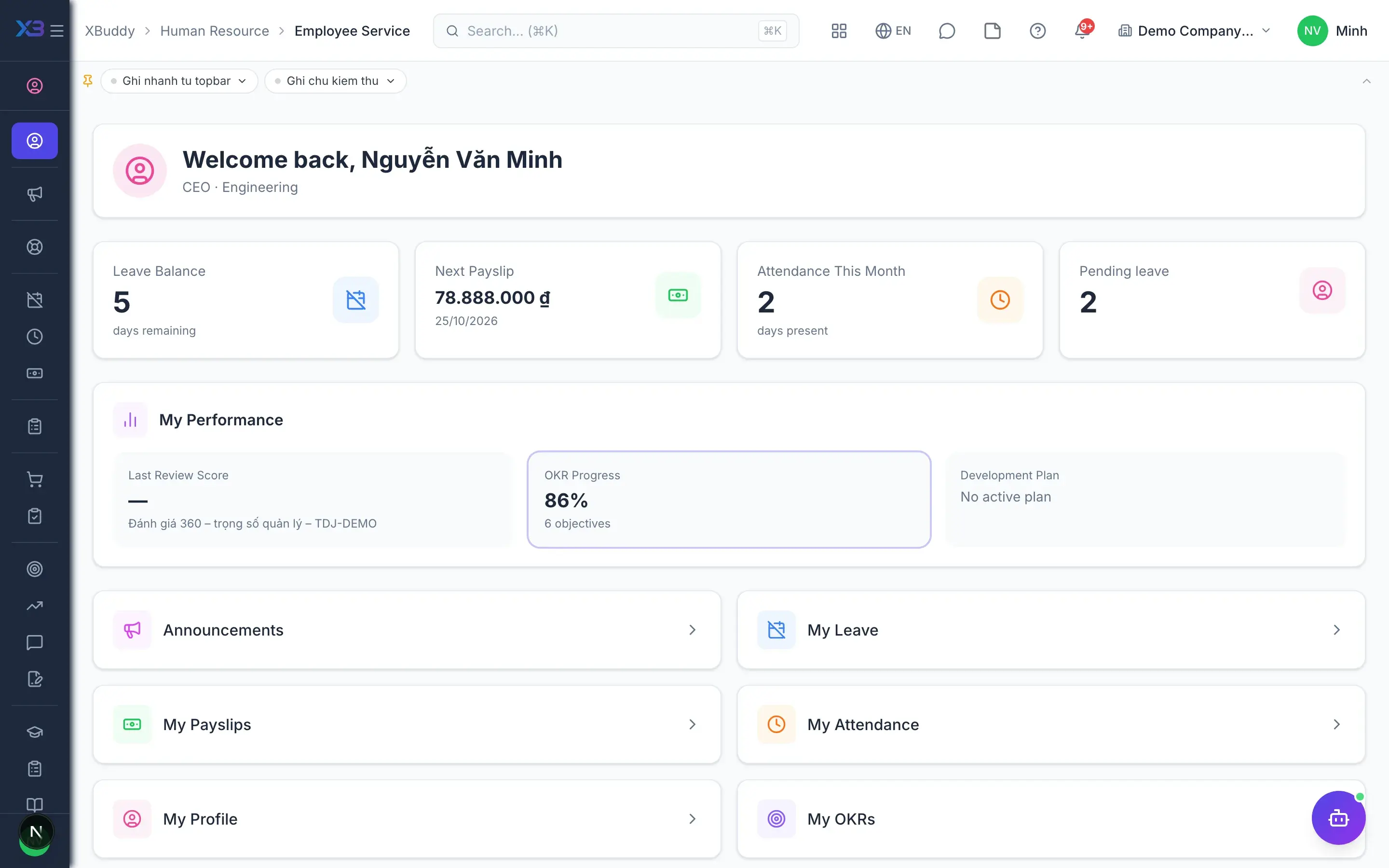
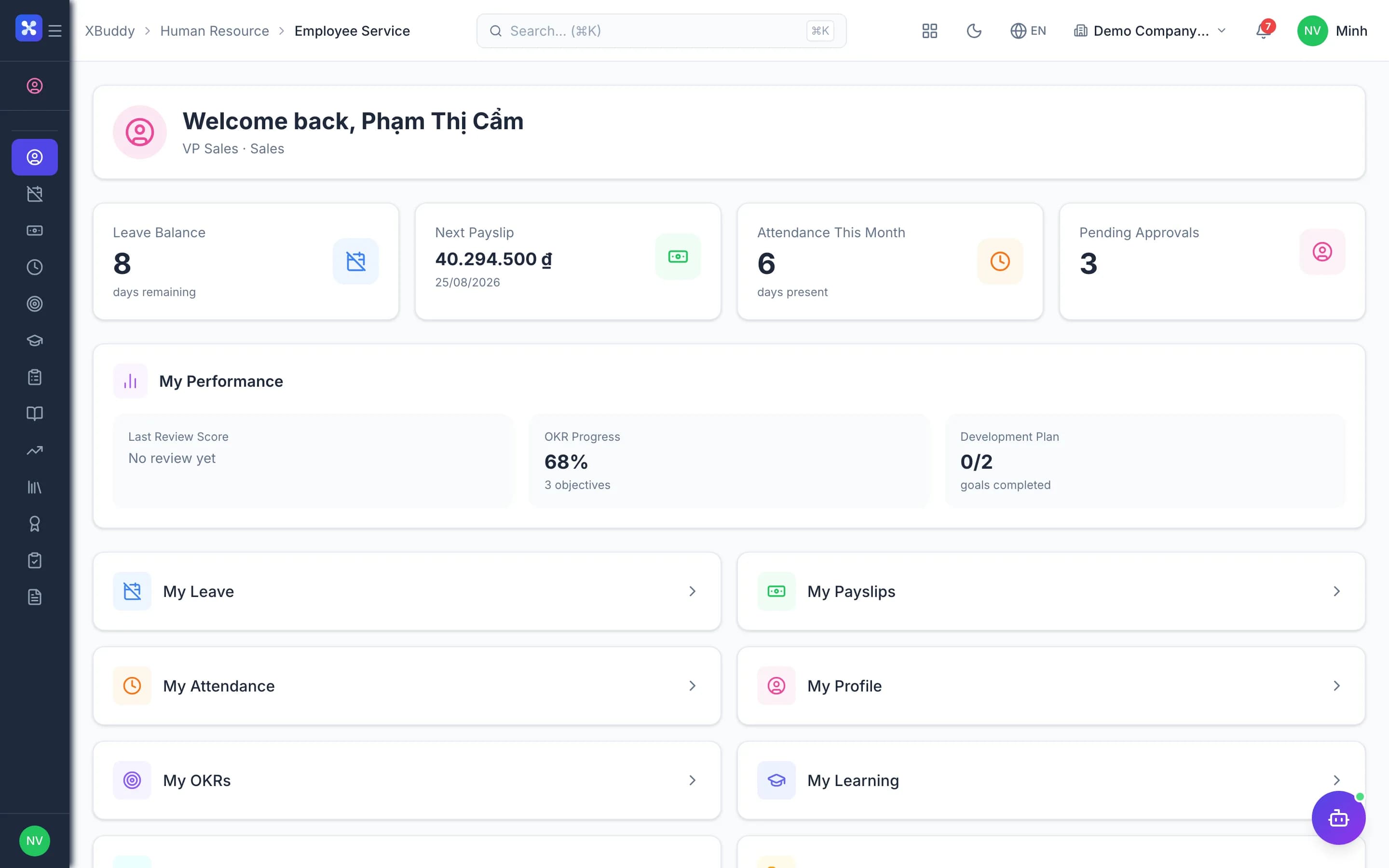
Employee Service — product screen

Screenshot 1 of 7

20
capabilities
7
advanced & AI features
1
AI assistants on this data
Yes
on mobile

Sound familiar?

The problems this app removes

  • Staff message HR to ask how much leave remains
  • Payslips and employment letters take days to obtain
  • Nobody understands why this month's pay looks different
  • Decisions are issued but nobody knows who received them

Capabilities

20 capabilities in Employee Service

Catalogued against screens that exist in the product, grouped by the work they do — not a flat marketing list.

Leave & attendance

5
  • Personal overview

    One page showing your leave balance, working days and latest payslip.

  • Self-service leave

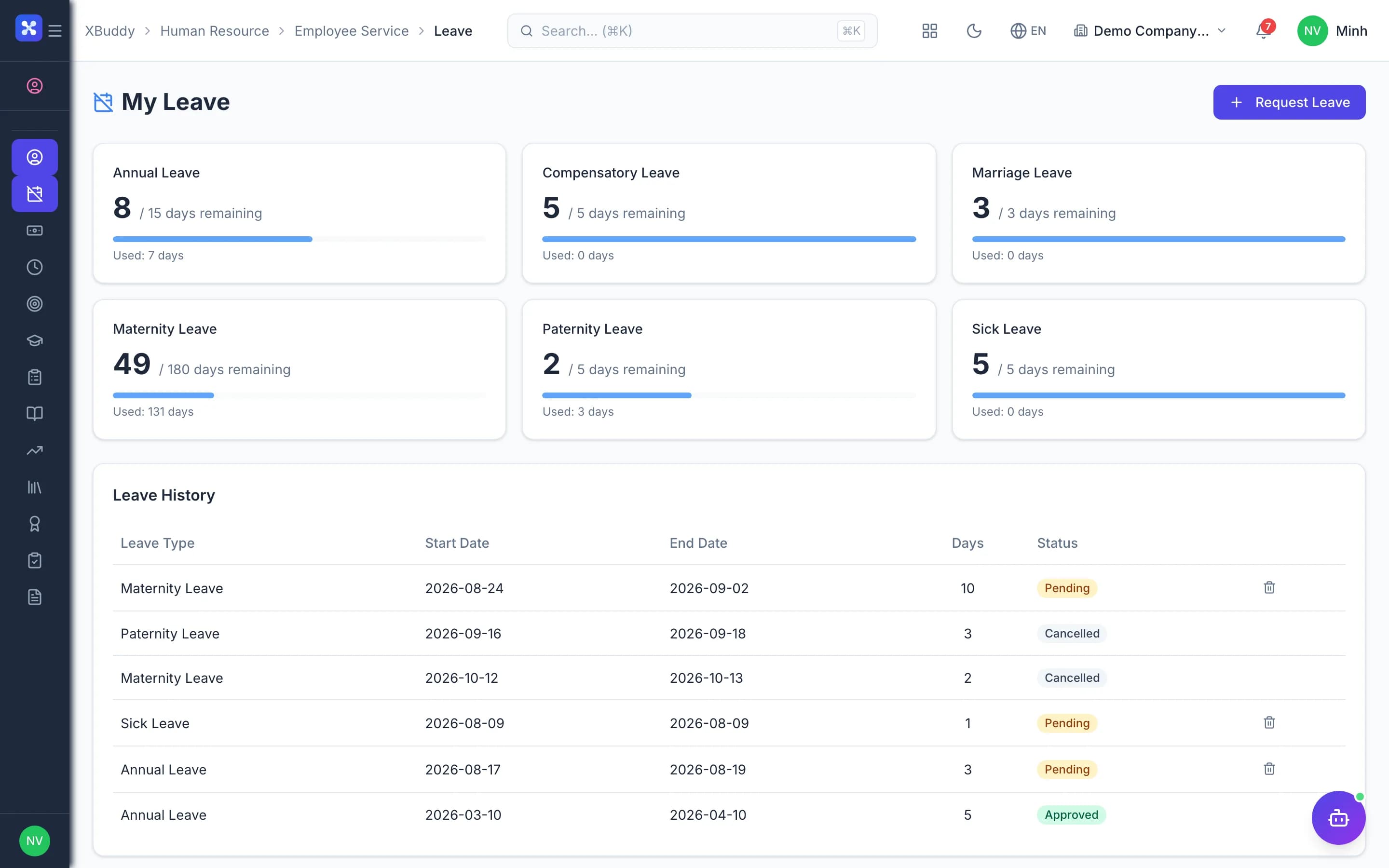
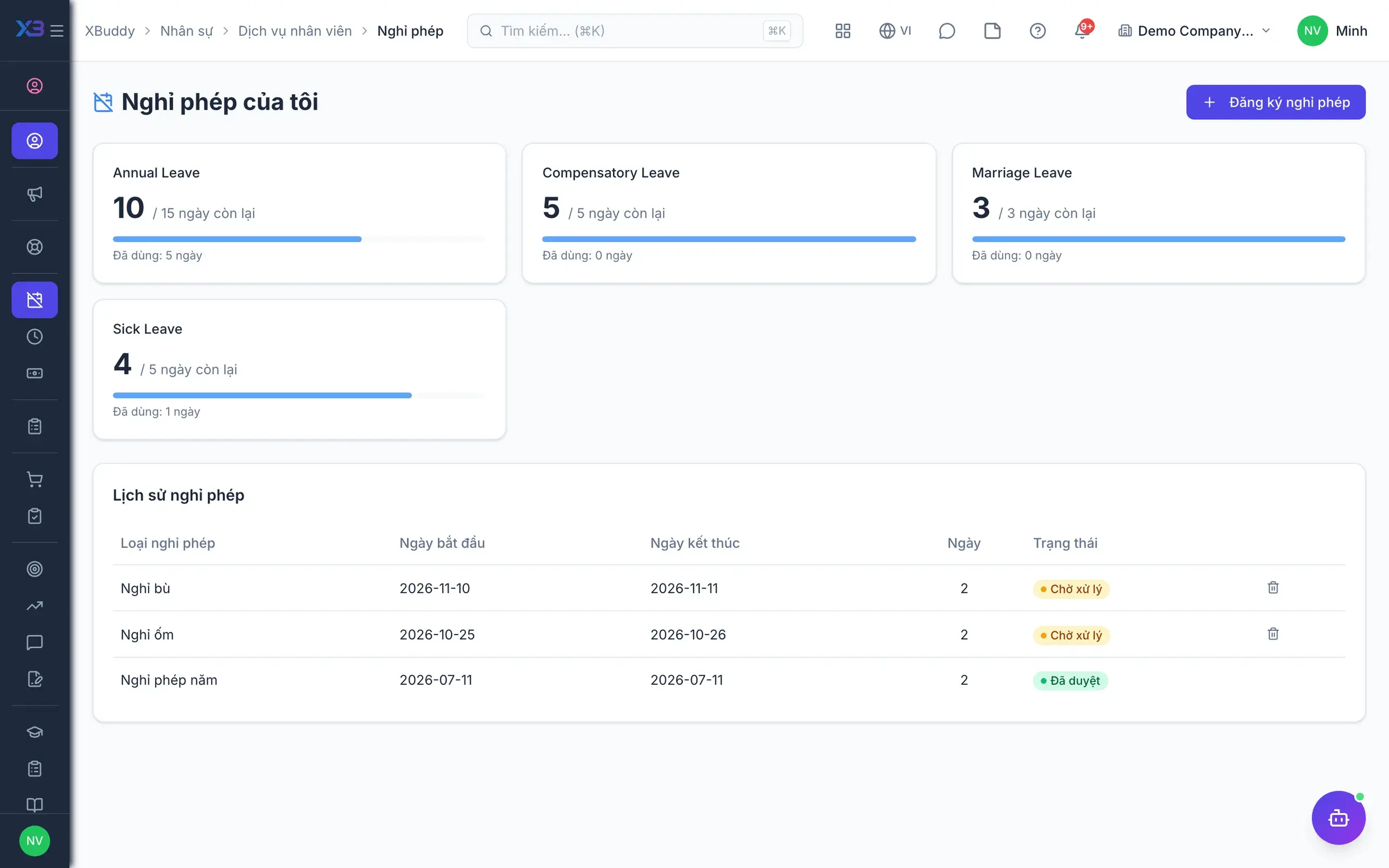
    Create leave requests, save drafts, attach evidence and cancel pending requests.

  • Same rules as HRAdvanced

    Self-service requests follow the same policies, holidays and approval flow as the HR desk.

  • Balances split by yearAdvanced

    Pending days are deducted from the correct calendar year, so balances stay accurate.

  • Attendance and disputes

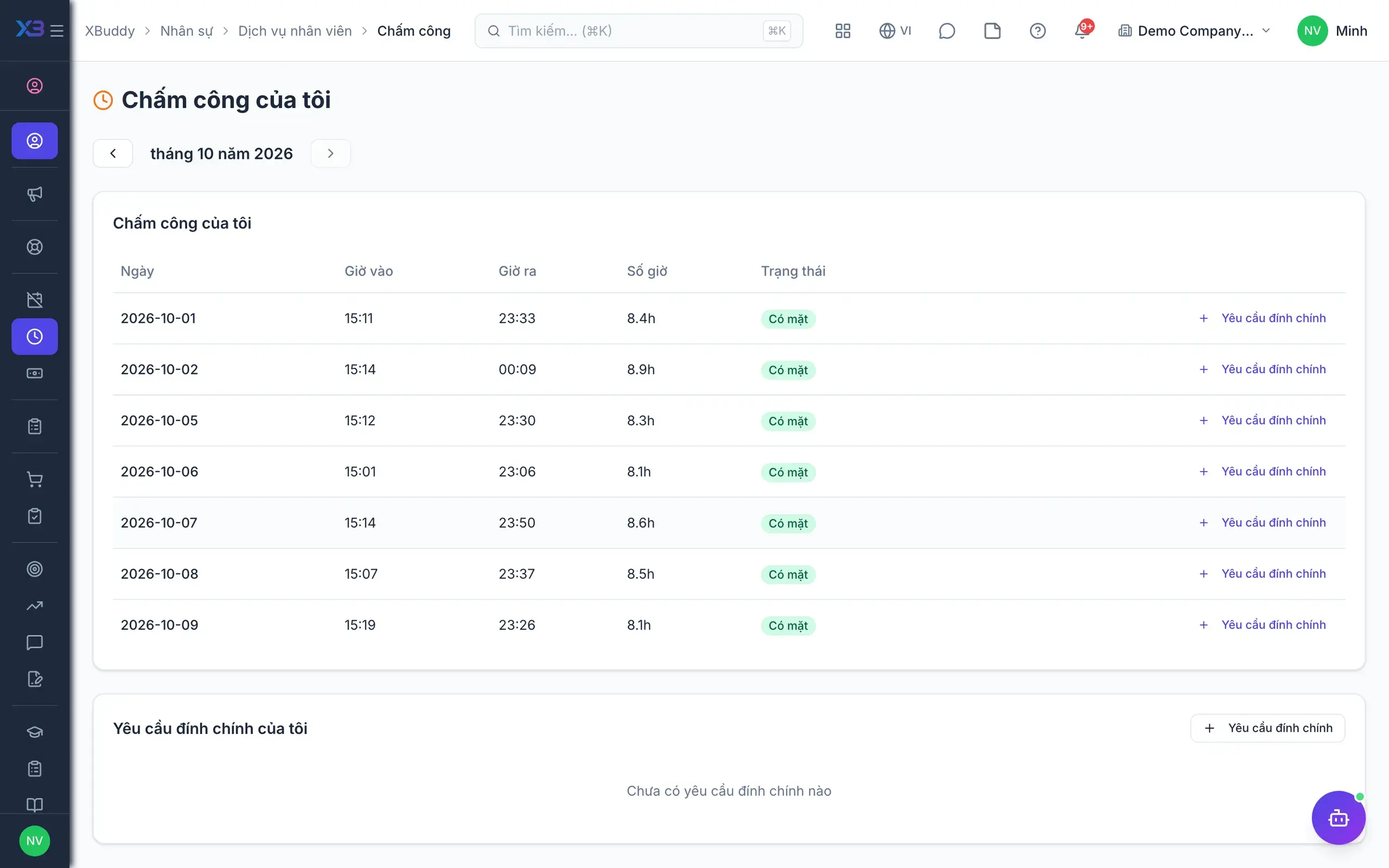
    View monthly attendance and raise a dispute when something looks wrong.

Payslips

4
  • View and download payslips

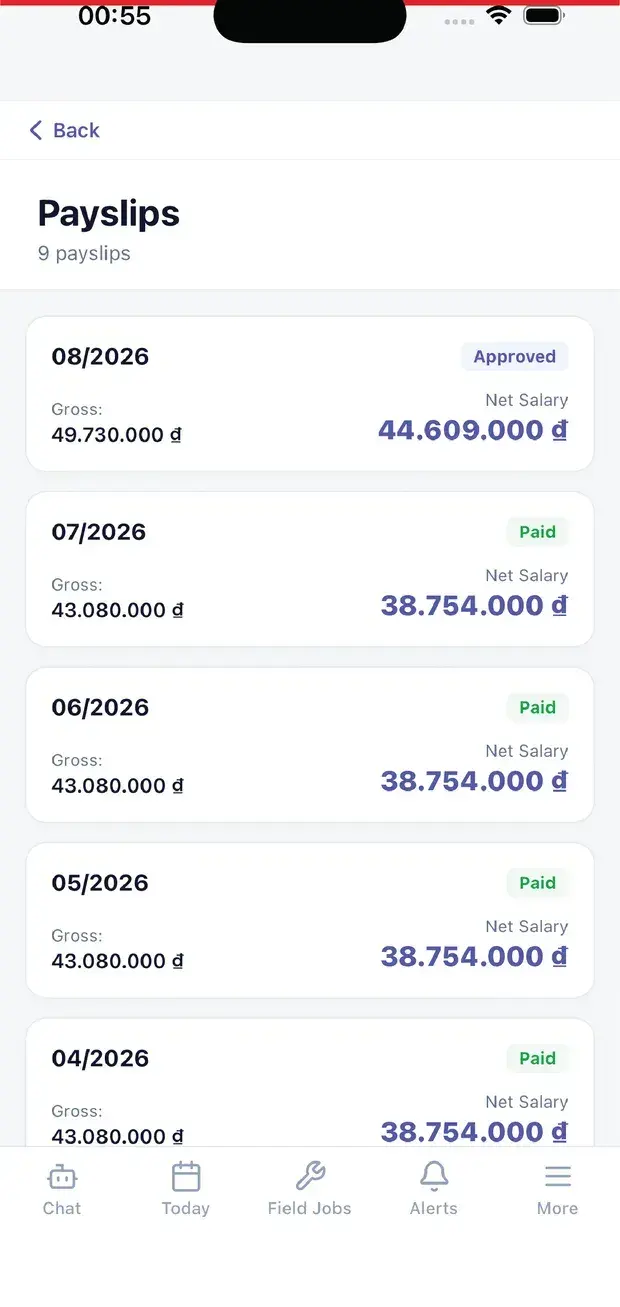
    Only approved or paid payslips appear, ready to download at any time.

  • Payslip explanationsAdvanced

    See formulas, inputs, personal income tax brackets and insurance bases behind each line.

  • Salary advance requests

    Request a salary advance straight from the employee portal, no paper form needed.

  • Only your own payslipsAdvanced

    Every query is locked to the signed-in user and company; others' payslips stay hidden.

Profile & paperwork

3
  • Personal profile

    View your own profile information and HR documents.

  • Instant employment lettersAdvanced

    Generate employment and income confirmation letters in the app without waiting for HR.

  • HR documents

    Access the contracts and HR documents that concern you in one place.

Requests & decisions

5
  • Internal requests

    Submit request types your company defines; they land in the right approver's inbox.

  • Purchase requests

    Shortcuts to create purchase requisitions and confirm service acceptance from the portal.

  • Opinion requests

    Receive and respond to opinion requests sent by HR.

  • Decision acknowledgementAdvanced

    Confirm receipt of HR decisions so HR knows exactly who has received them.

  • Company announcements

    Read and acknowledge company announcements so nothing important is missed.

Growth & help

3
  • My OKRs

    Track your personal objectives and key results inside the employee portal.

  • Skills and learning

    See your skills, courses, submissions, transcript and certificates.

  • Help & lookupAI

    Search Knowledge Base procedures; ask AI with source articles when your company enables it.

Real screens

Inside Employee Service

Employee Service — product screen
Self-Service — Leave request form showing live balance by type
Self-Service — Monthly attendance history with dispute option

On mobile

Work anywhere with XBuddy Office & XBuddy Work

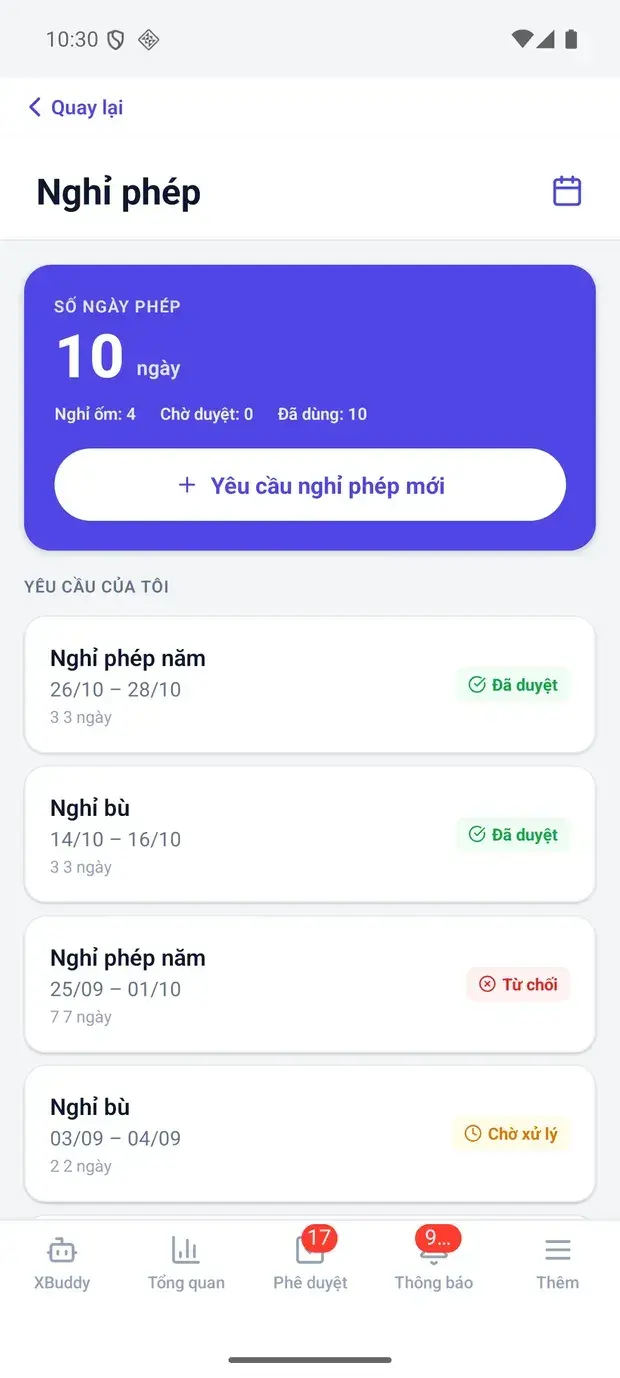
Leave balance and my requests
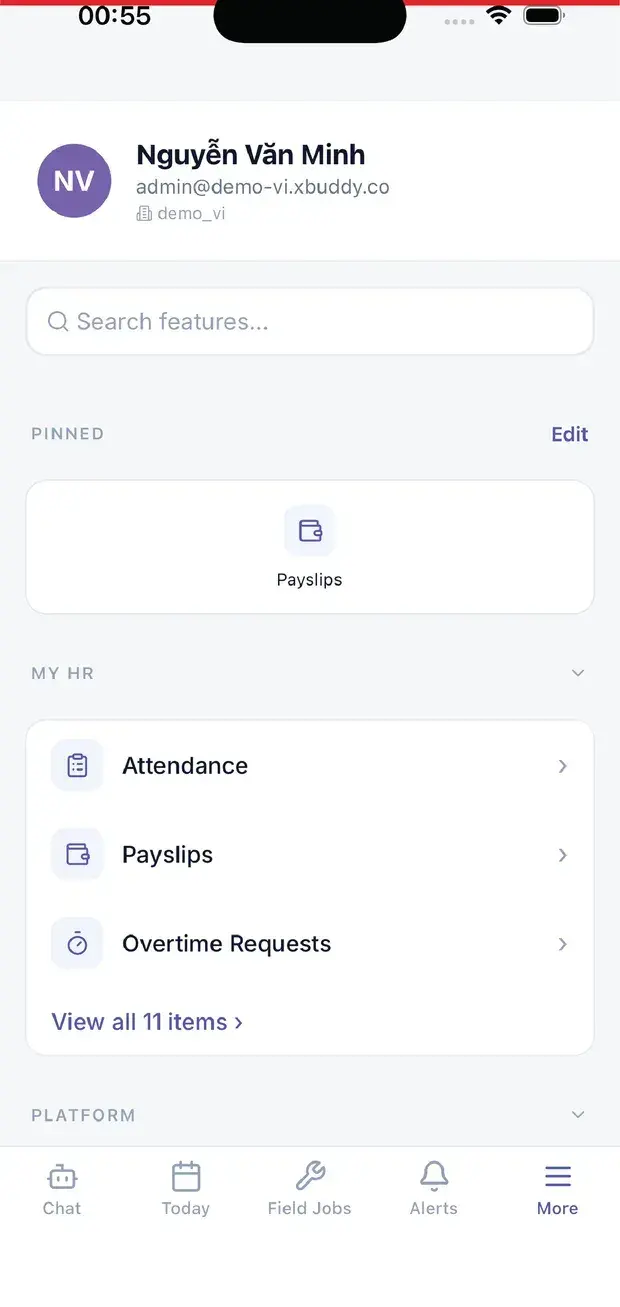
My HR: attendance, payslips, overtime
Monthly payslips
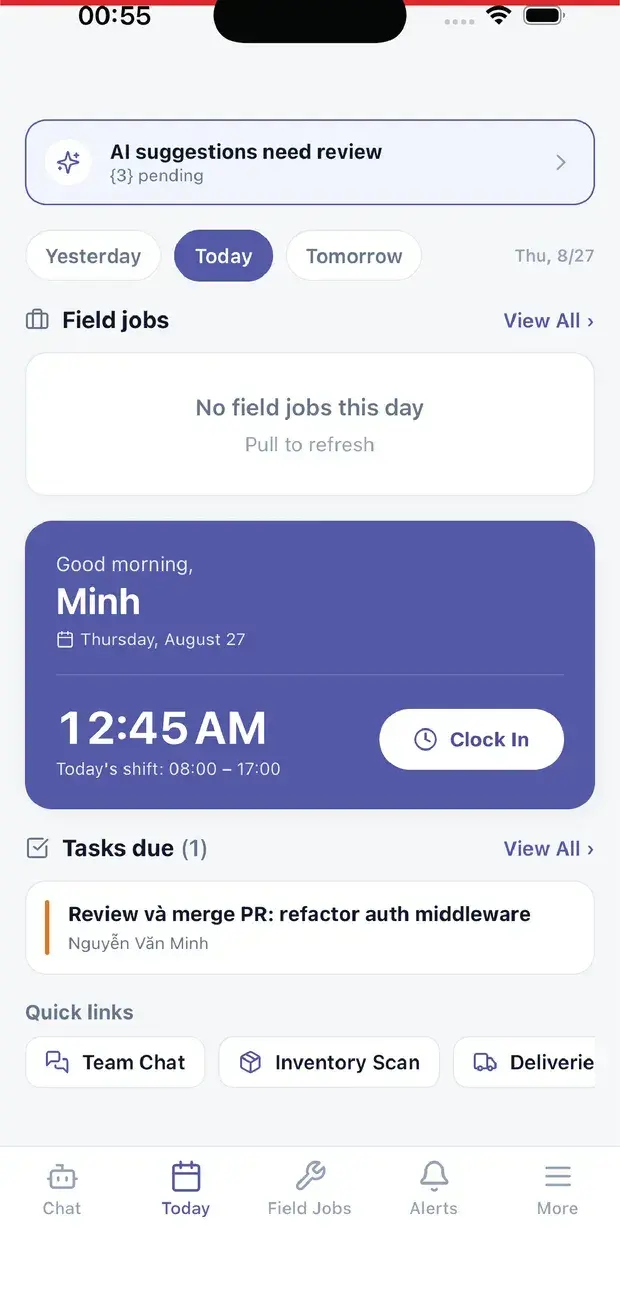
Today: clock-in and field jobs

In practice

When you reach for it

1

Requesting leave in thirty seconds, on a phone

Paper forms are where leave balances and payslips start to disagree.

  1. 1.The employee picks dates; the system shows the remaining balance for that specific year
  2. 2.The request follows its declared route; the manager approves on a phone
  3. 3.Approved leave deducts the balance and lands in the matching payroll period

Entered once, agreeing in three places: leave, attendance and pay.

Assistants on this app

1 assistants work on this data

Each assistant carries its own skills on this app’s data, inside the caller’s permission scope.

HR operations assistant — monitors flight/attrition risk, engagement, leave & overtime patterns, succession and workforce planning, and nudges self-service tasks.

Explore skills
  • Employee Engagement MonitorWeekly analysis of employee activity patterns to detect early signs of disengagement or burnout. Alerts HR confidentially.
  • Leave Pattern AnalystDetects leave patterns indicative of burnout, disengagement, or coverage risks. Identifies peak leave periods and departments with capacity shortfalls.
  • Probation Review NudgerNudges upcoming and overdue probation reviews and flags probation decisions stuck awaiting approval.
  • Attendance Anomaly DetectorDetects repeated lateness, missing checkouts, and absences without approved leave over the last 14 days.
  • Overtime Risk DetectorDetects employees approaching overtime thresholds and alerts managers to redistribute workload proactively.
  • Learning Gap DetectorAnalyzes skill inventory against job requirements to identify team-wide skill gaps. Recommends targeted training programs and identifies critical capability deficits.
  • Succession Planning AdvisorIdentifies critical roles at succession risk by analyzing seniority, tenure, and organizational structure. Flags knowledge concentration risks and recommends succession strategies.
  • Workforce Planning AnalystAnalyzes headcount by department, turnover trends, and hiring velocity. Forecasts workforce gaps and recommends proactive hiring strategies.
  • Performance CoachWeekly analysis of team OKR progress. Identifies at-risk goals, suggests corrective actions, and automatically prepares 1:1 meeting agendas with talking points.
  • Onboarding Experience MonitorTracks new hire onboarding progress across the first 90 days. Identifies employees at risk of poor onboarding outcomes and recommends timely interventions.
  • Knowledge Gap DetectorScans the knowledge base for articles that have not been updated in over 90 days, identifies topic coverage gaps across categories, and suggests new articles based on what is missing.
  • Self-Assessment NudgerReminds employees to complete self-assessments during performance review cycles to ensure timely feedback.
  • Leave Balance ReminderNotifies employees of expiring leave balances and encourages them to plan time off before entitlements lapse.
  • Timesheet Submission ReminderSends timely reminders to employees who have not submitted their timesheets before the deadline.
  • Utilization AnalyzerAnalyzes billable vs total hours per employee monthly and flags those below the target ratio with AI-generated recommendations.
  • Overtime AlertDetects employees exceeding standard weekly hours and alerts managers with severity classification (low / medium / high).
  • Timesheet ReminderSends weekly reminders to employees who have not logged sufficient hours for the prior week. Configurable minimum-hours threshold.
  • Time Log Compliance MonitorMonitors time logging habits across the team and flags gaps or inconsistencies that may affect payroll or billing accuracy.

FAQ

Frequently asked

Is there a per-user fee?

No. Employee Service is included with the platform and available to every signed-in user.

Can employees see other people's data?

No. All data is resolved from the signed-in user; employee IDs are never accepted from outside.

Where do I clock in and out?

In the Time Tracking app; the employee portal shows history and handles attendance disputes.

See Employee Service running on your data

A thirty-minute demo focused on the process you are actually stuck on.