
Expense Approval
2 steps
Standard 2-tier expense approval workflow
- 1. Manager review
- 2. Finance director approval
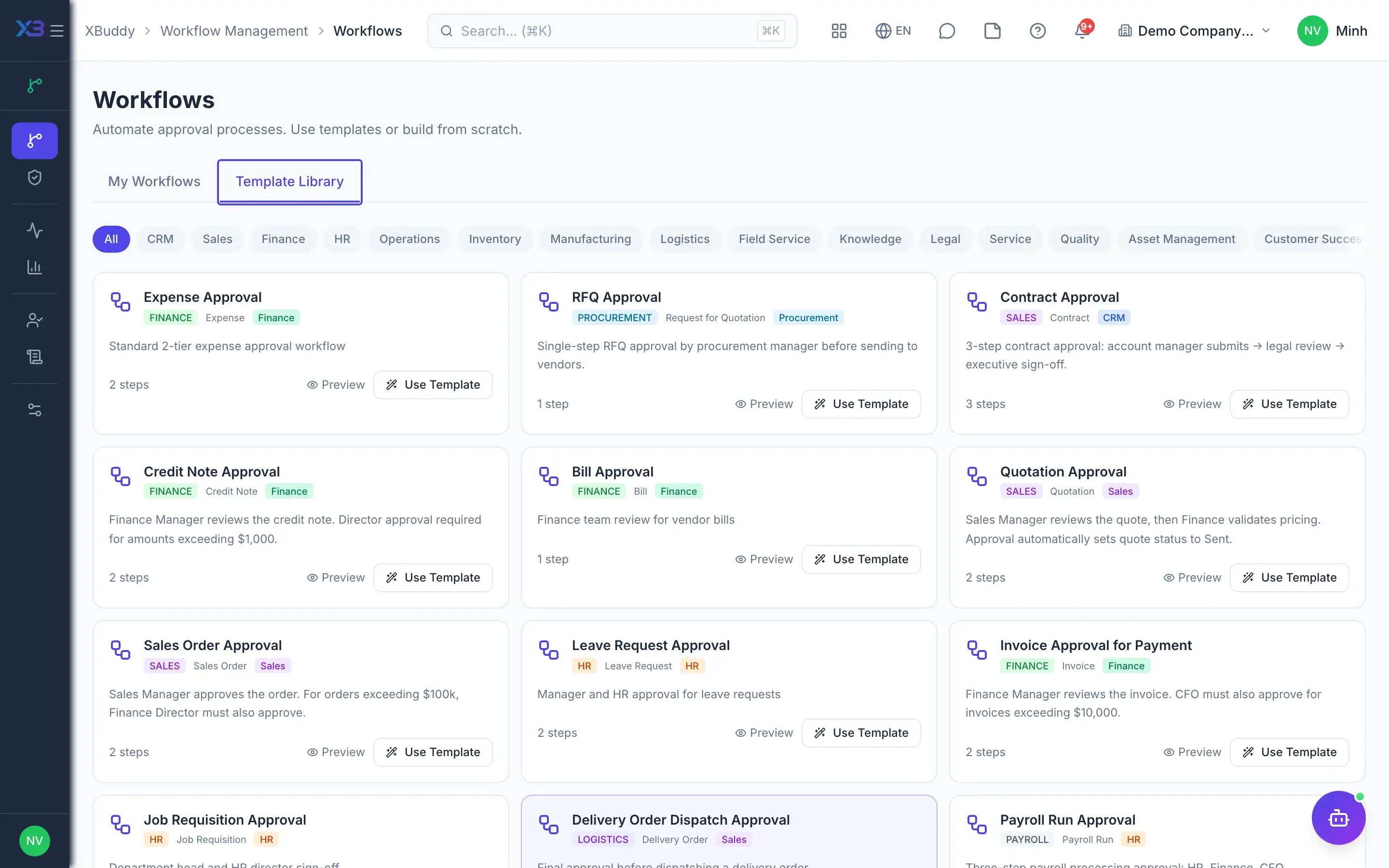
Template library
65 ready-made approval workflows for purchasing, payments, contracts, assets, HR, manufacturing… — each with steps, role-based approvers, per-step forms and escalation. Copy and adjust in the drag-and-drop builder.
Standard 2-tier expense approval workflow
3-step contract approval: account manager submits → legal review → executive sign-off.
Finance Manager reviews the credit note. Director approval required for amounts exceeding $1,000.
Sales Manager reviews the quote, then Finance validates pricing. Approval automatically sets quote status to Sent.
Manager and HR approval for leave requests
Department head and HR director sign-off
Final approval before dispatching a delivery order.
Three-step payroll processing approval: HR, Finance, CFO.
Guided setup in 28 apps asks a few questions about your size, industry and way of working, then proposes matching templates and configuration. You preview every change and click apply yourself — the assistant never writes data on its own.
A 30-minute demo: we load the templates, adjust them to your company and run one business cycle.