
Overtime Registration
HR2-day SLA
Register overtime hours in advance for approval.
- Overtime date
- From
- To
- Total hours
- Work content
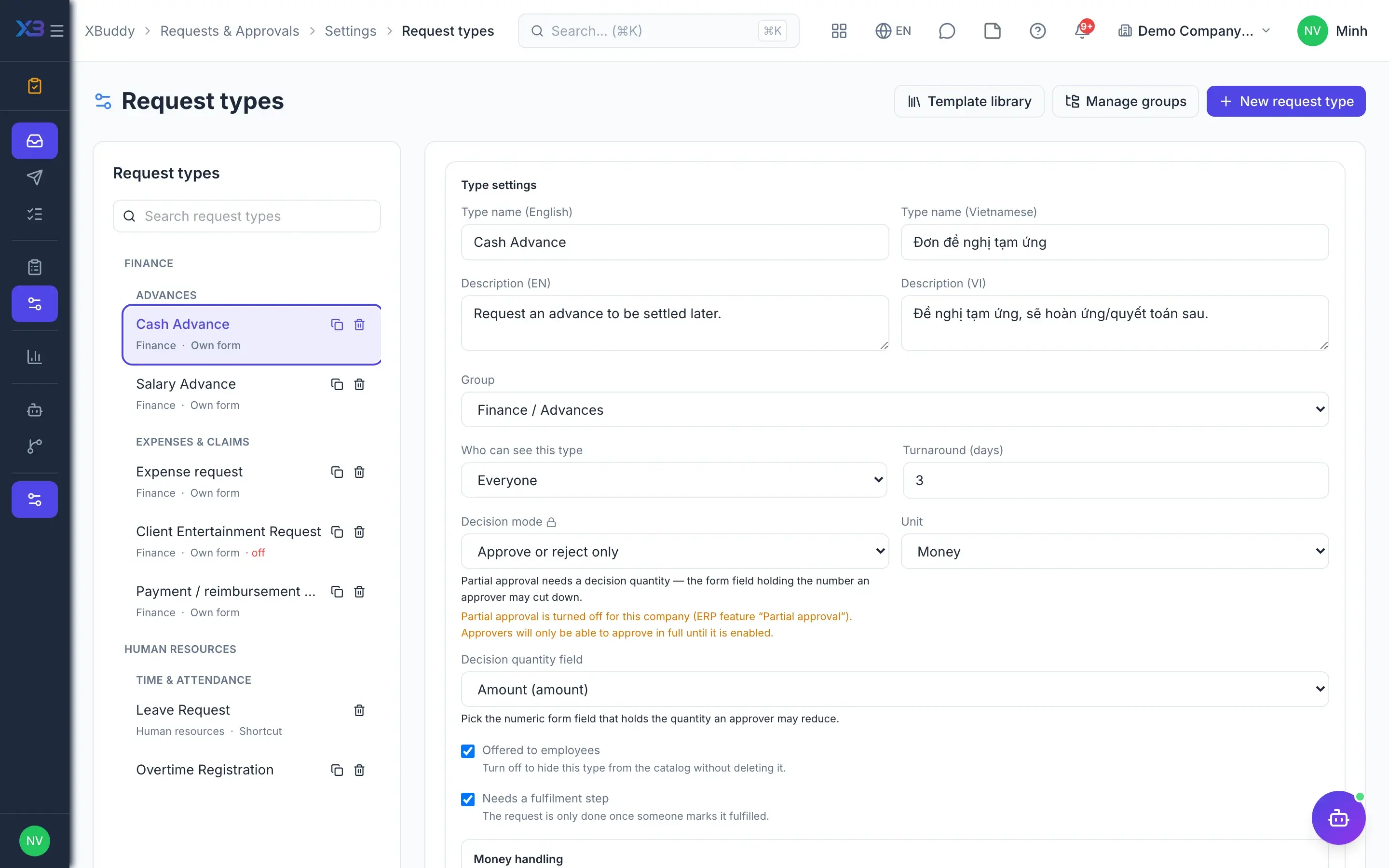
Template library
25 everyday employee request types — advances, reimbursements, business trips, equipment, certificates… — each with a form, SLA and approval flow; money requests post the advance or expense automatically.
Register overtime hours in advance for approval.
Register a business trip with itinerary and estimated cost.
Request an employment/income confirmation letter.
Update bank account, address, dependants or contact details on file.
Notify resignation and agree a handover plan.
Request an advance to be settled later.
Advance against the next salary, repaid by payroll deduction.
Pre-approve estimated spend (no GL). File a payment/reimbursement claim afterwards.
Guided setup in 28 apps asks a few questions about your size, industry and way of working, then proposes matching templates and configuration. You preview every change and click apply yourself — the assistant never writes data on its own.
A 30-minute demo: we load the templates, adjust them to your company and run one business cycle.