
Recruitment and talent development
From hiring to development, on one employee record
Recruitment, onboarding, probation, competencies, 360° reviews and training in one flow — review results lead straight to development plans and courses.
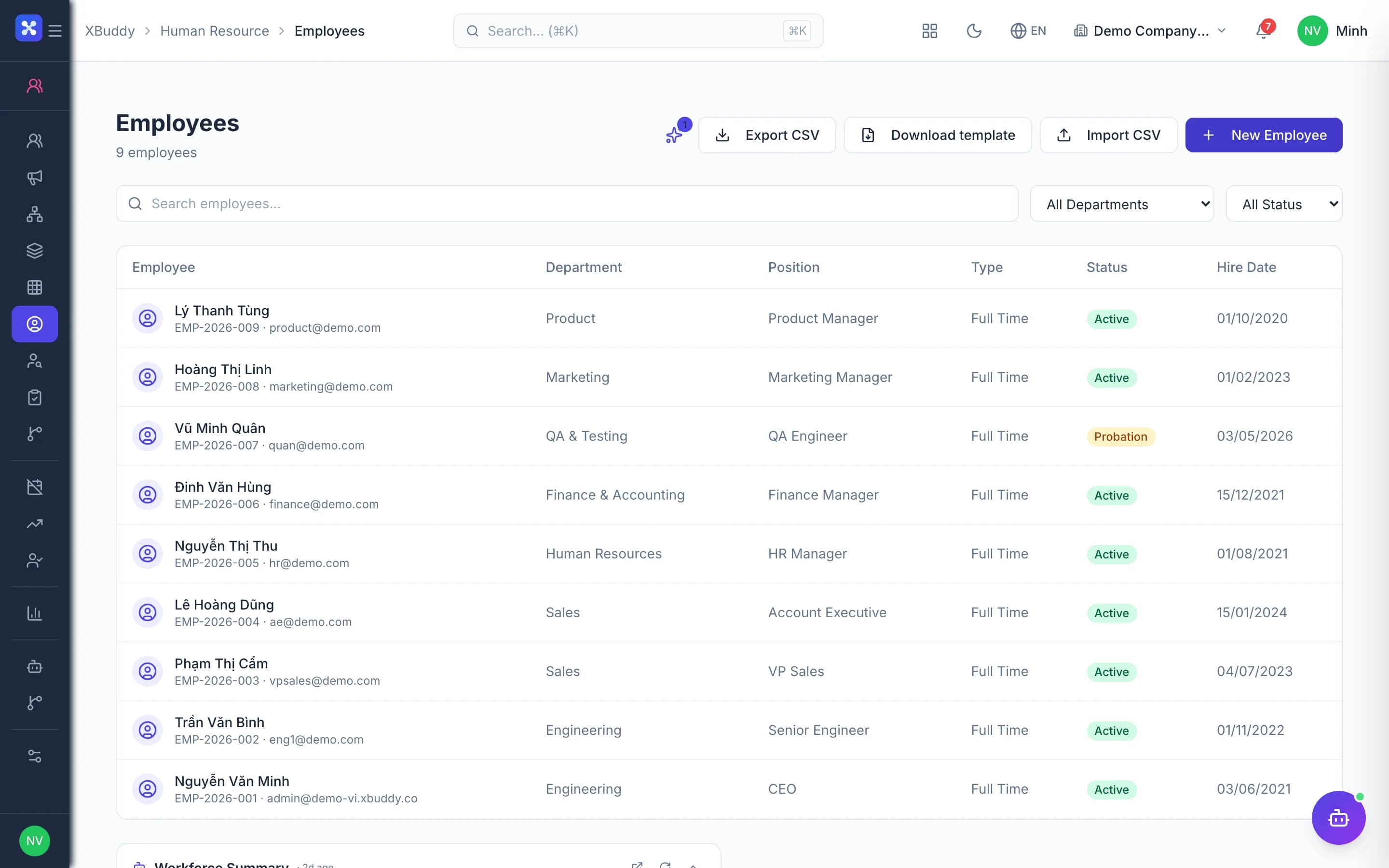
- Candidates become employees without re-entry
- 360° reviews tied to the competency framework
- Competency gaps turned into specific courses
The core problems
What is costing you time and money
Hiring by email and loose forms
Candidate files sit in inboxes, tests go out by chat, and every interviewer keeps notes somewhere different. Once someone is hired, HR re-types the candidate's details into an employee record.
New hires fall through the cracks
Preparing equipment, accounts and mandatory training has no shared checklist, and nobody is reminded when probation ends. New employees start work before they are ready.
Subjective reviews that lead nowhere
Year-end reviews use loose forms scored only by the line manager, with no link to competencies. The results stay in a file and never lead to training or a development path.
No idea who lacks which skills
There is no picture of the team's skills, so training plans are built on gut feel and nobody can say who is missing mandatory courses or who is ready to succeed a key role.
Before and after
What changes on XBuddy
Today
- CVs in inboxes, re-typed once hired
- Onboarding run from the coordinator's memory
- Probation ends without a reminder
- One-way reviews on loose forms
- Training plans disconnected from review results
With XBuddy
- Public careers page; candidates convert into employees
- Template onboarding checklists that can block activation
- Probation review reminders and confirmation in the system
- 360° reviews, calibrated and finalised per person
- IDPs suggest courses for the competencies to develop
The flow
7 steps, one continuous record
- 1
Recruitment
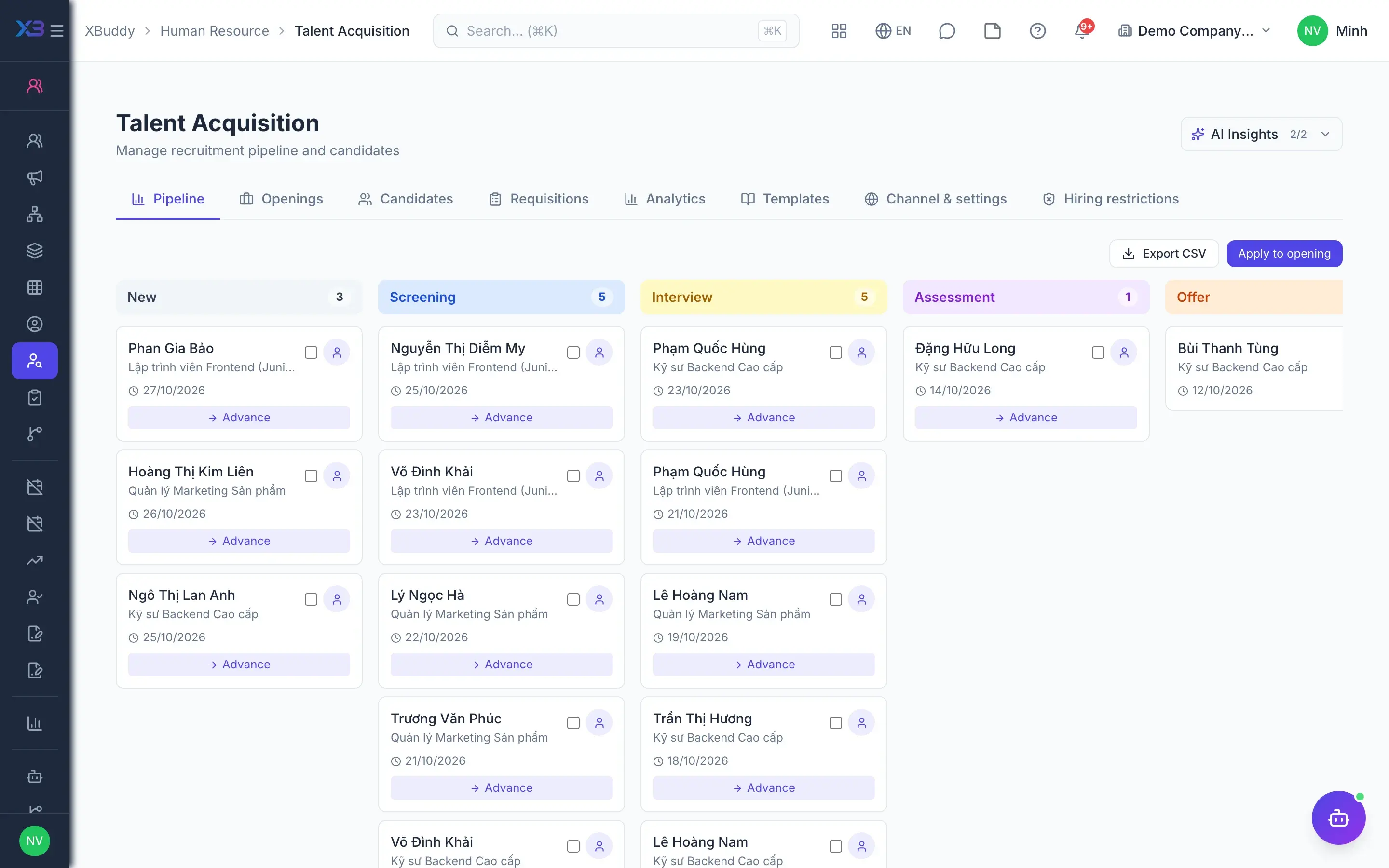
A job requisition is approved through a workflow and the opening goes live. Candidates apply on the public careers page without signing in, take tests via a link, and HR tracks them on a stage-based pipeline and compares candidates before deciding.
- Public careers page and link-based candidate tests
- Candidate pipeline and comparison screen
- Consent to personal data processing recorded (Decree 13)
- 2
Onboarding and probation
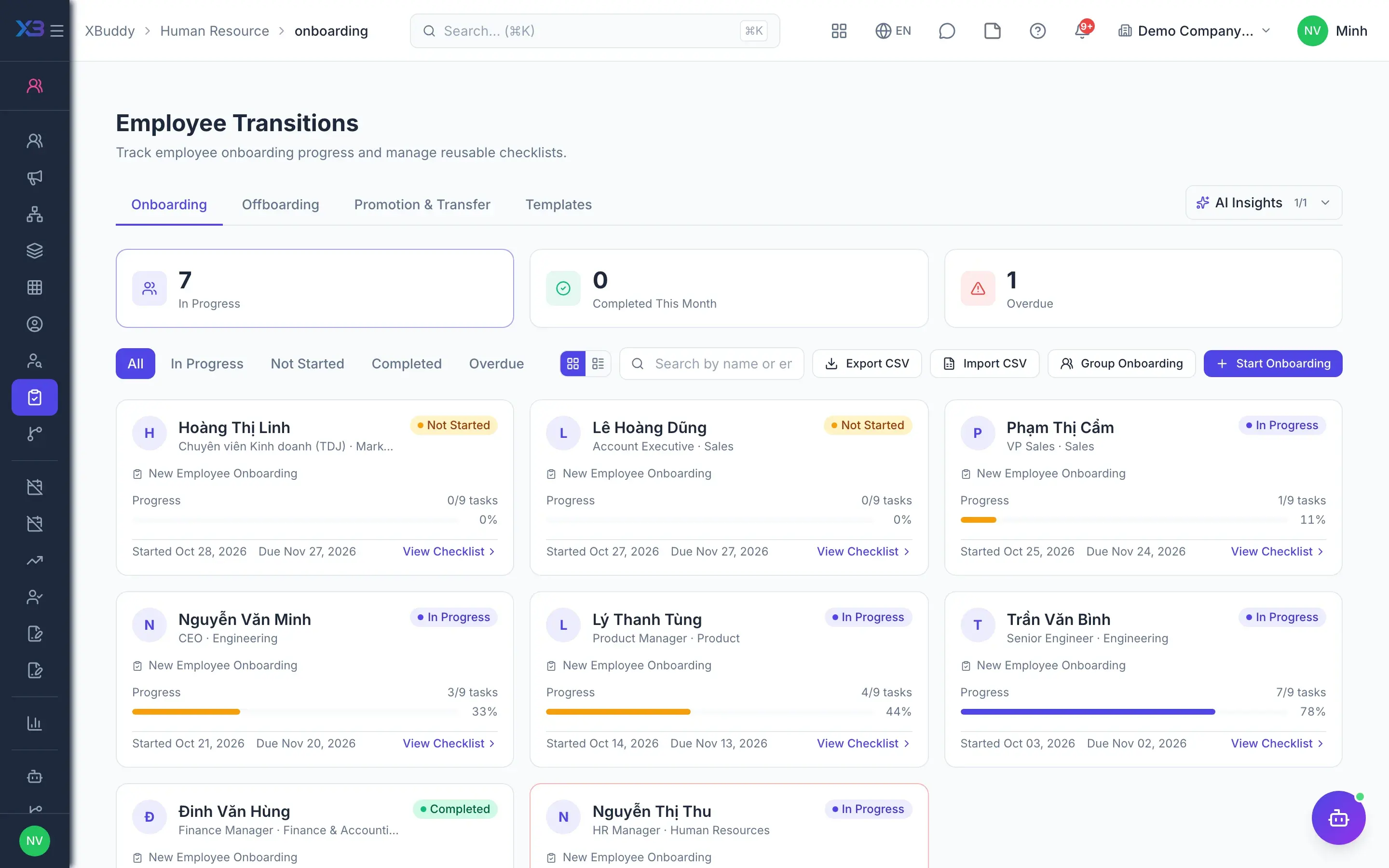
The successful candidate becomes an employee in pre-onboarding status with a template onboarding checklist. When enabled, the system blocks activation until the checklist is done; the manager runs the probation review and confirms the employee.
- Template onboarding and offboarding checklists
- Reminders for probations about to end
- Template HR decisions acknowledged by the employee
- 3
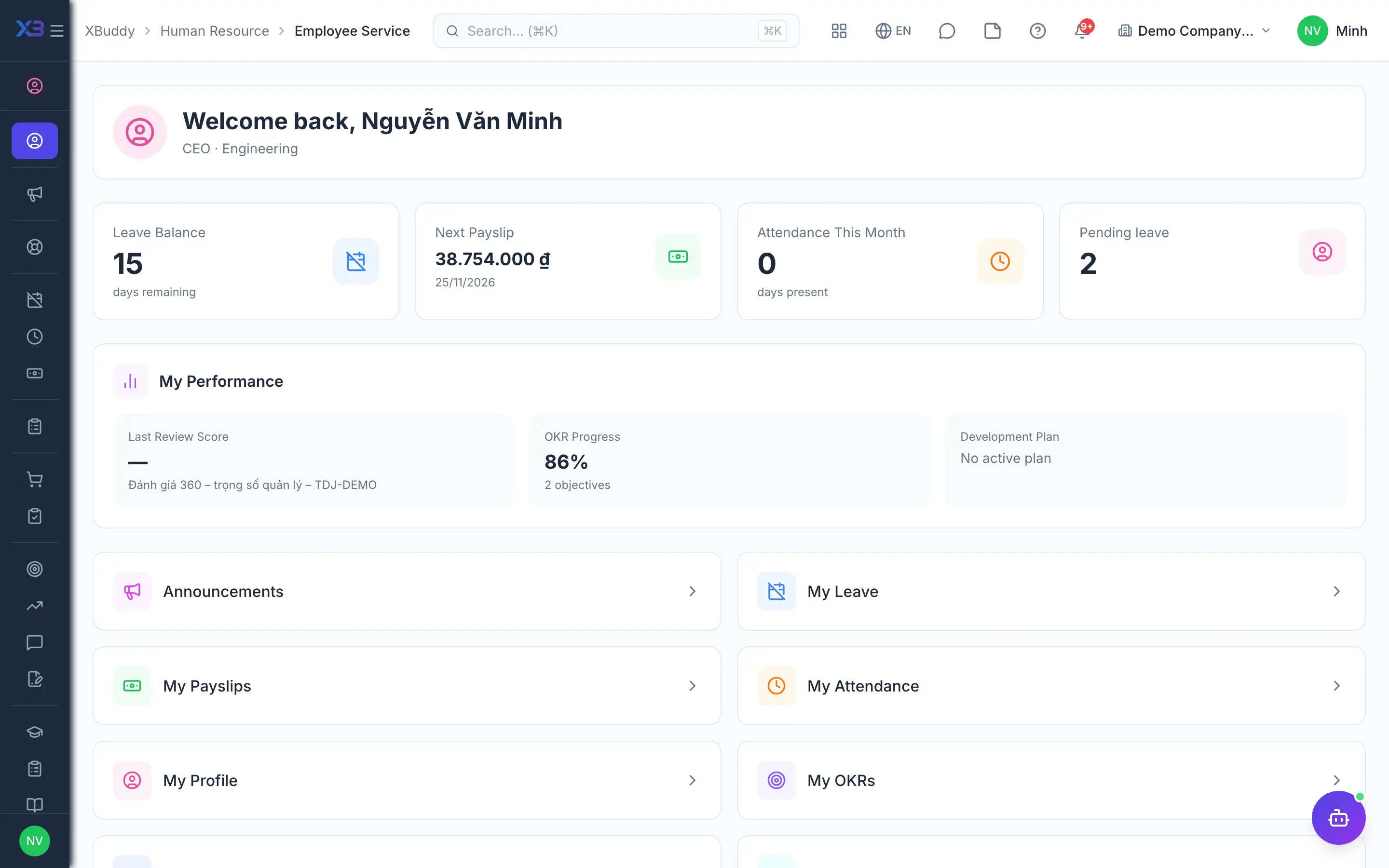
Self-service portal
As soon as their account is linked to the employee record, the new hire uses My HR to read and acknowledge announcements, confirm receipt of decisions, view their skills and start assigned courses. Everything shows only that person's own data.
- Announcements and decisions to acknowledge
- Skills, learning, certificates and transcript
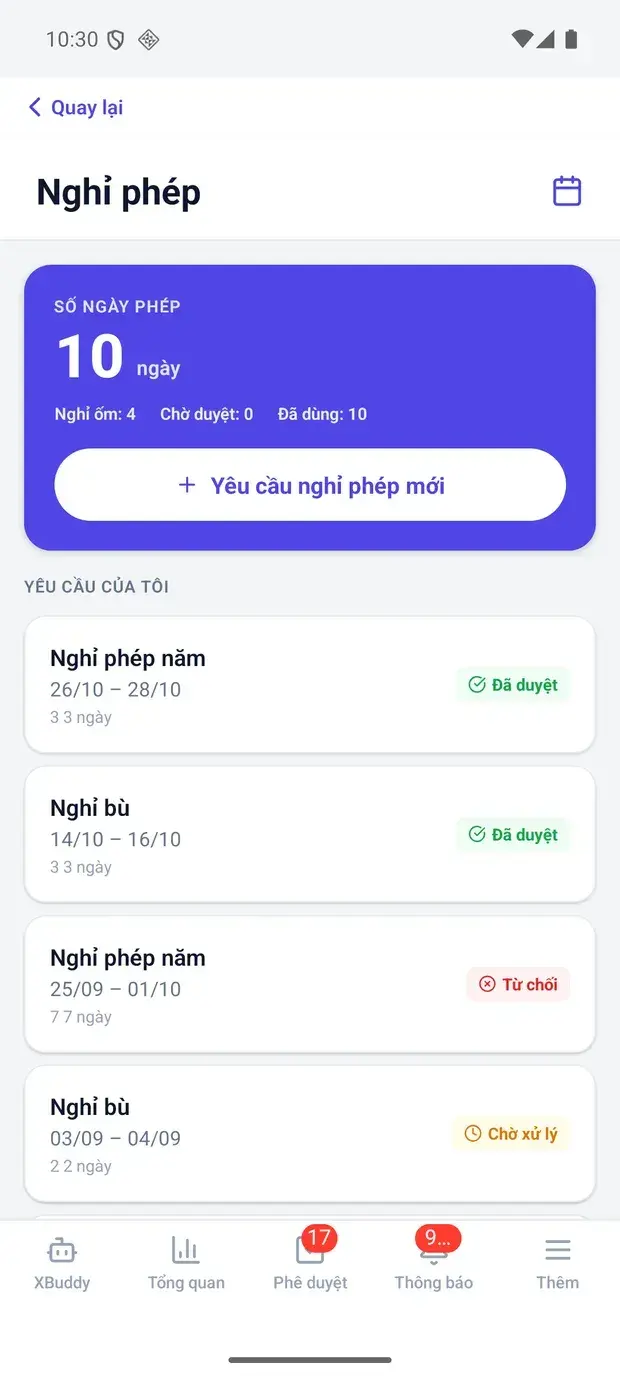
- Leave, attendance and payslips in the same portal
- 4
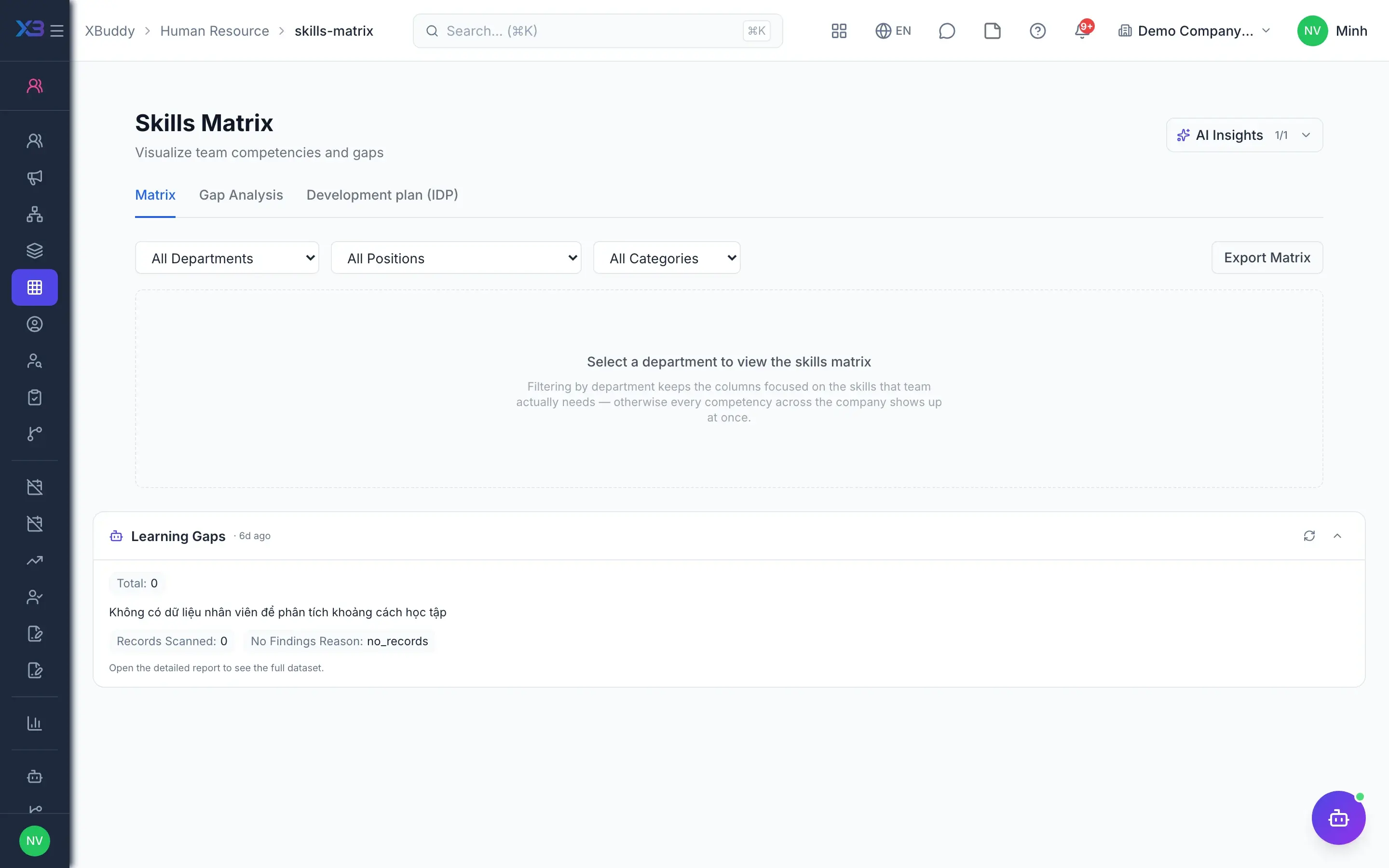
Competency framework
HR builds the competency framework by group and category and sets required levels for each position. The skills matrix shows each person's current level against the requirement, records verified external courses, and underpins succession planning.
- Competency framework, skill groups and categories
- Skills matrix by person and by team
- Succession plans with readiness derived from skill coverage
- 5
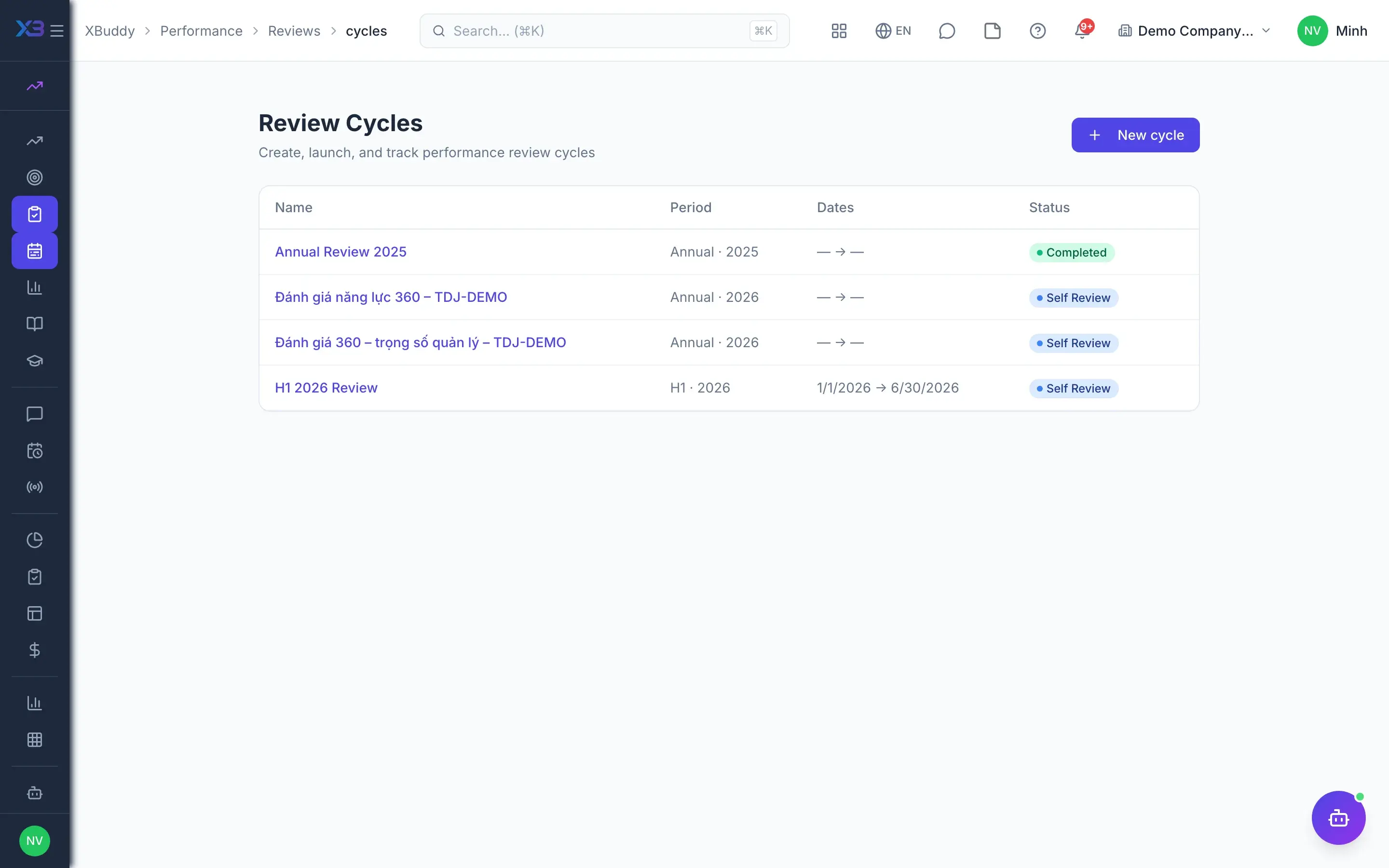
360° review
HR creates a review cycle, assigns 360° reviewers and employees complete self-reviews. After a calibration session, results are finalised per person; when enabled, competency scores in the manager's review update competency levels on the employee record.
- Multiple reviewers, self-review, calibration sessions
- Nine-box matrix and analytics
- Merit pay proposals from completed cycles
- 6
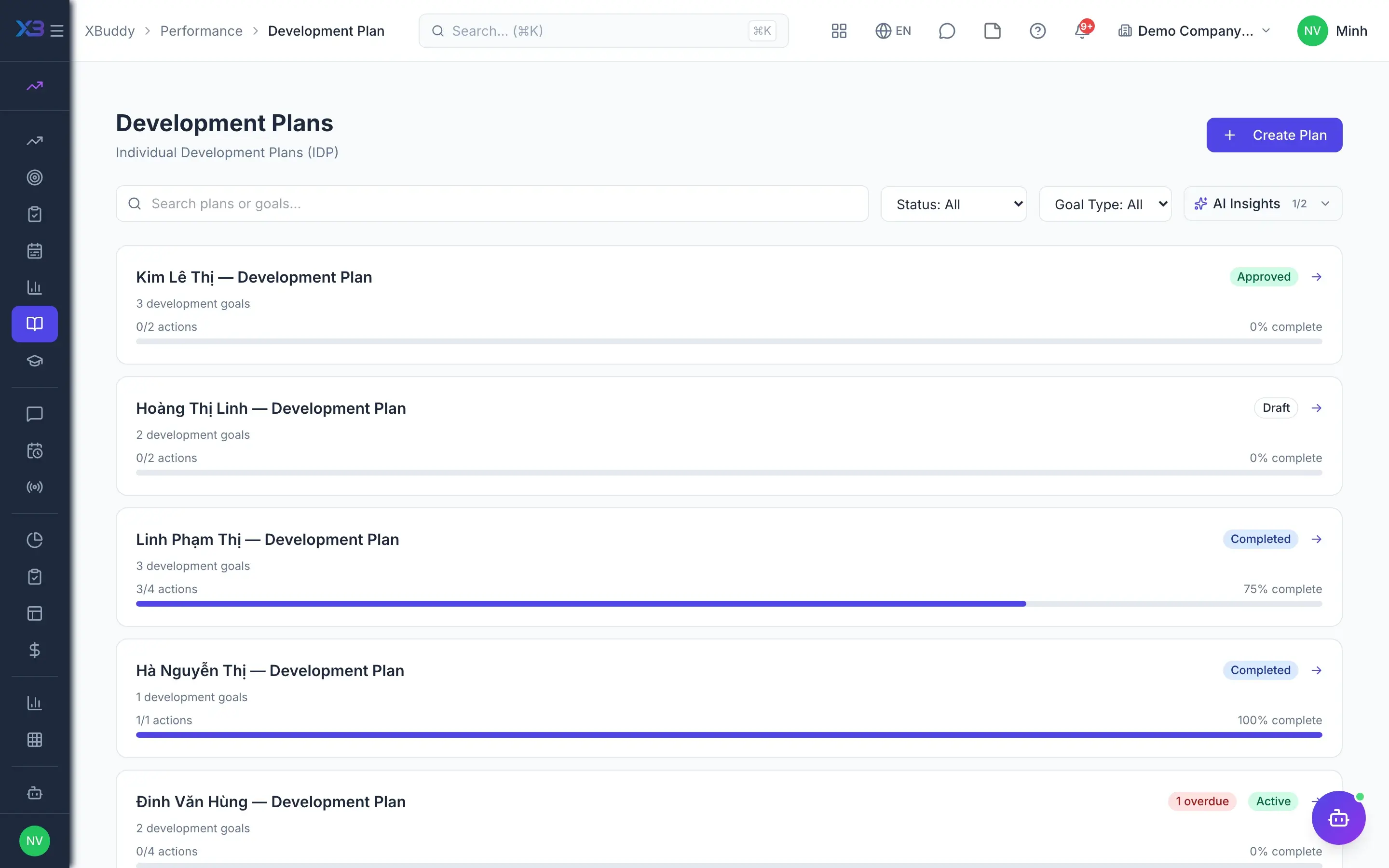
Development plan
From the finalised results, the manager and employee draw up an Individual Development Plan (IDP). The IDP suggests courses and coaching programmes matching the competencies to develop, and the manager follows milestones through 1:1s and continuous feedback.
- IDP suggests courses and coaching by competency
- IDP can be required before merit pay proposals
- 1:1 meetings, continuous feedback, pulse surveys
- 7
Training and certificates
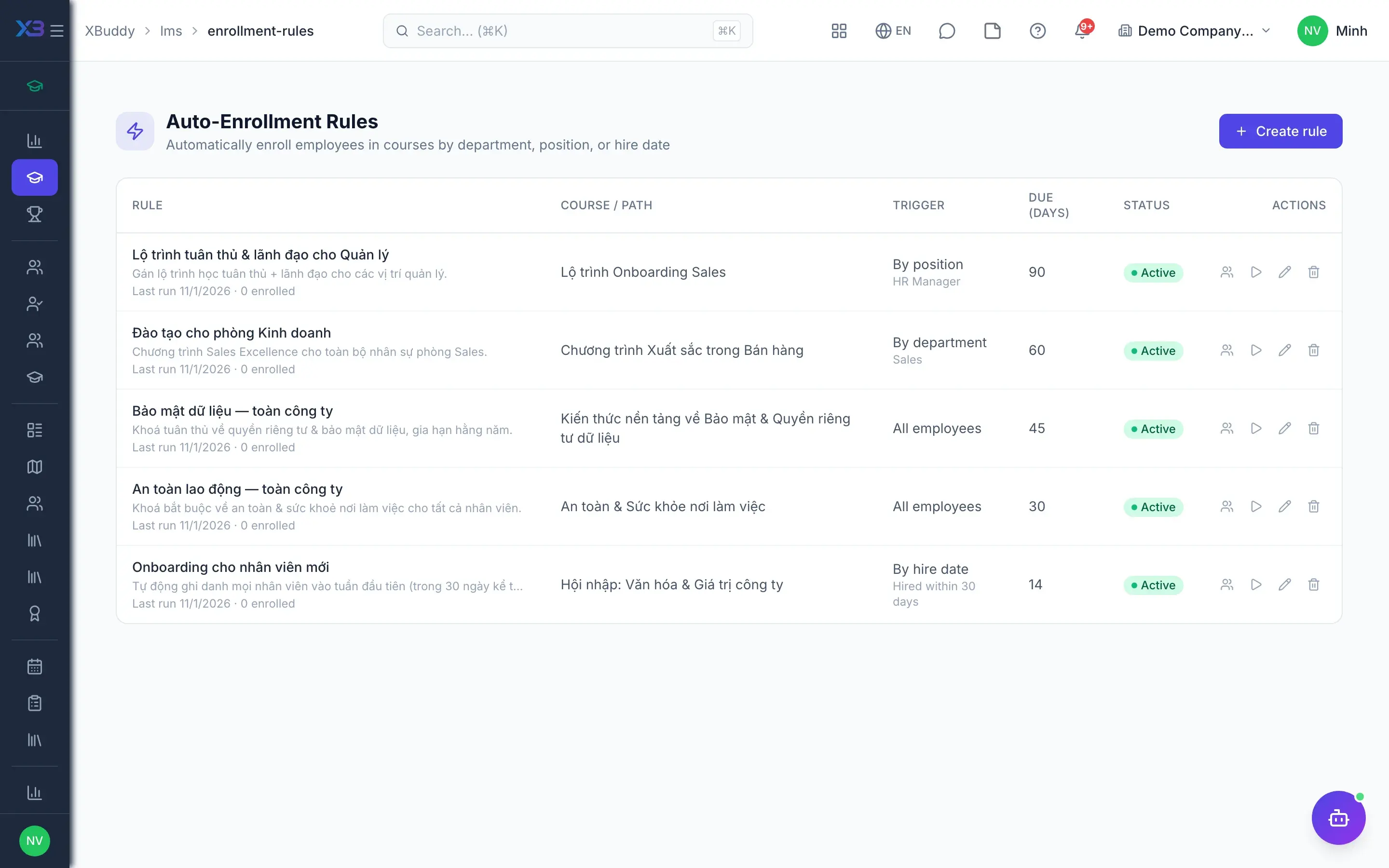
Automatic enrollment rules put the right people into courses, learning paths and cohorts. Learners study, take assessments and receive certificates with expiry dates; completing a course updates competencies on the record, and reports show who still lacks mandatory courses.
- Courses, paths, cohorts, sessions and attendance
- Assessments, expiring certificates and a verification page
- Course completion recorded as competency on the record
- Existing SCORM/xAPI content supported
Key capabilities
What this solution relies on
Recruitment and onboarding
Public careers page
Pipeline and comparison
Onboarding checklistsAdvanced
Mandatory training before roleAdvanced
Competencies and succession
Competency framework
Skills matrix
Succession planning
Employee 360 record
Reviews and engagement
360° reviews
Nine-box and analytics
1:1s and feedback
Pulse surveys
AI people assistants
Candidate screeningAI
HR operationsAI
Performance coachingAI
Learning coordinationAI
Handled out of the box
Hard questions XBuddy already answers
FAQ
Frequently asked
Do candidates need an account to apply?
No. The public careers page accepts applications without signing in, and tests are sent via a private link. Consent to personal data processing is recorded right where the application is submitted.
Do review results update competencies automatically?
Yes, with competency sync enabled: competency scores in the manager's review update levels on the employee record. Completing a course linked to a competency records that competency as well.
How does the IDP suggest courses?
The IDP matches the competencies to develop against LMS courses and coaching programmes linked to them and proposes them. Manager and employee choose, and enrollment still follows the LMS approval rules.
Can we use our existing training content?
Yes. The LMS supports SCORM/xAPI content and a resource library from the Documents app, and external learners can join through a registration link approved by an administrator.
Are reviews connected to pay rises?
Yes. Merit pay proposals can be created from a completed cycle; the company can require calibration and an IDP before a proposal is created.
Does a small company need every step turned on?
No. Gates such as mandatory onboarding checklists, IDP after review or training before role are switches, off by default and enabled as the process matures.
See this flow on your own data
A thirty-minute demo focused on the process you are actually stuck on.