
Storekeepers & warehouse managers
The stock ledger matches what is on the shelf
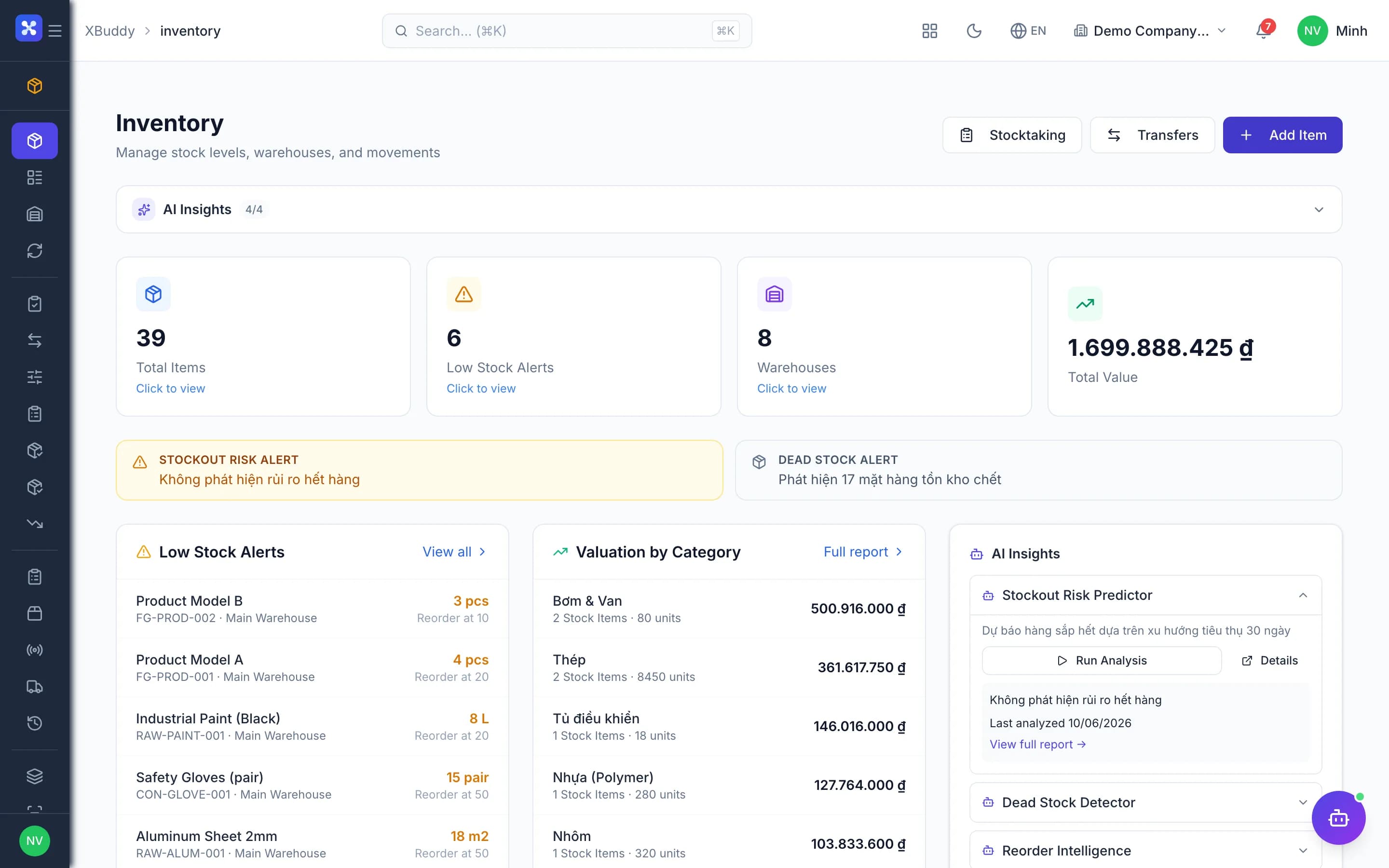
Receipts, issues, transfers, stocktakes, lots/serials and reorder points across warehouses — one stock ledger, with cost flowing straight to accounting.
- Stock matches the accounting books
- Know which lots expire, where serials are
- Reorder before you run out
The core problems
What is costing you time and money
Stock ledger out of line with the books
Storekeepers record receipts and issues in spreadsheets while accounting posts from its own documents. At month end the two figures disagree, and nobody can point to the document that is missing its journal entry.
No idea where goods are
Stock sits across several warehouses and bins, with some lots in transit between them. Expiring lots are found after sitting on the shelf too long, and warranty serials cannot be traced to the customer who received them.
Stocktaking is a manual reconciliation
After counting, every line has to be checked against the system figure and stock corrected by hand. Differences are overwritten straight into the data, with no approver and no audit trail.
Buying only once stock runs out
There is no reorder point per item, so buyers find out only when sales says an item is out. Some items are constantly short while others sit in overstock, tying up cash.
Before and after
What changes on XBuddy
Today
- Receipts and issues tracked in spreadsheets
- No warning of lots about to expire
- Transfers by message, goods in transit untracked
- Stock corrected by hand after a count
- Buying only once stock runs out
With XBuddy
- Every movement through one stock ledger, with matching entries
- Lots, expiry dates and serials; first-expiry-first-out issuing
- Transfers with an in-transit status
- Stocktake sessions closed and differences posted by an approver
- Reorder points and a reorder plan that creates POs
The flow
7 steps, one continuous record
- 1
Receive goods
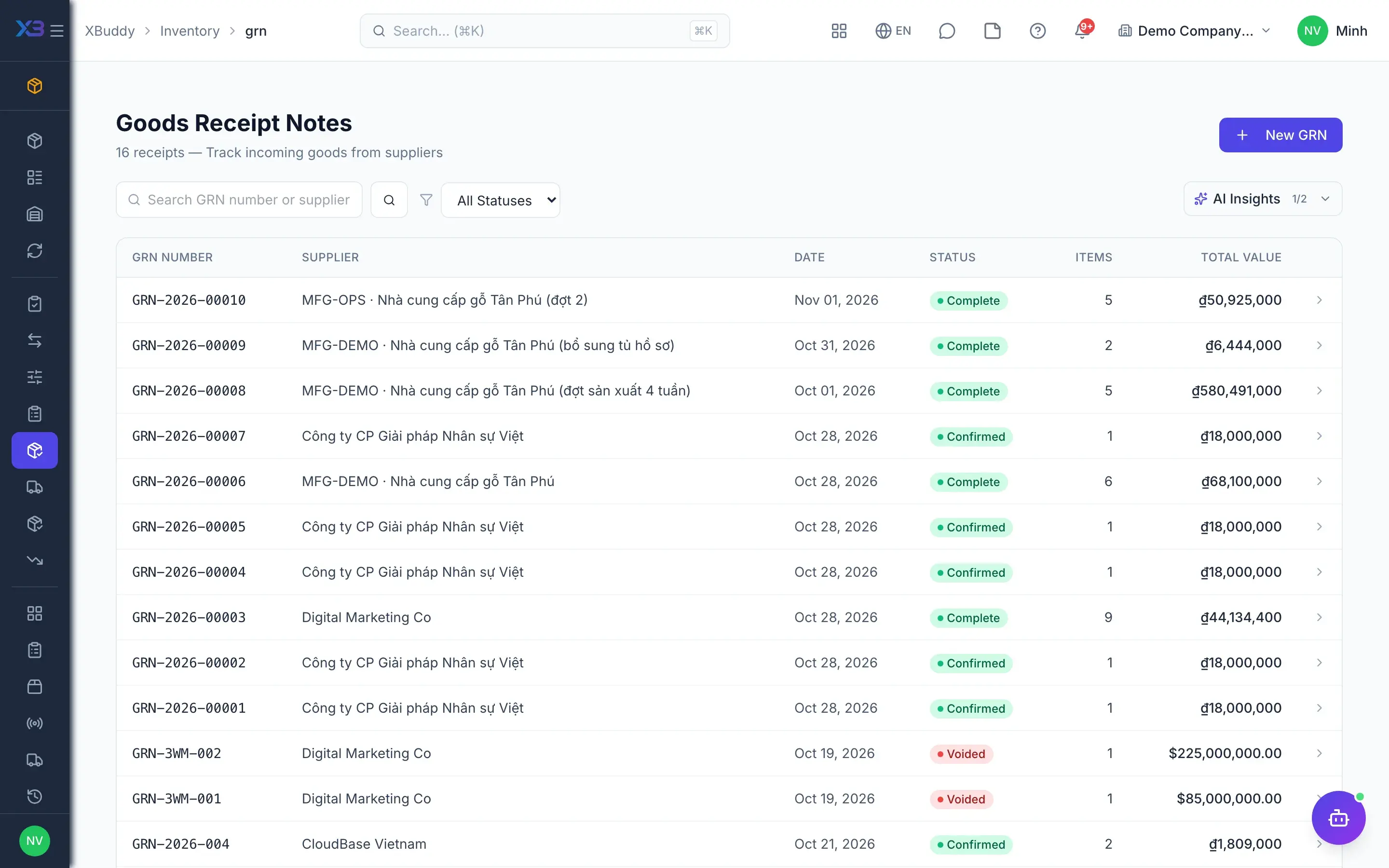
When a Purchase Order is approved, a draft Goods Receipt Note (GRN) is created. The storekeeper checks quantities, converts the purchase unit into the base unit, records lots, expiry dates or serials and confirms; part of the order can be received with the rest left on backorder.
- Draft GRN from the approved PO
- Unit conversion, stock in base units
- Lots/serials mandatory for tracked items
- Partial receipts and backorders
- 2
Inspect incoming goods
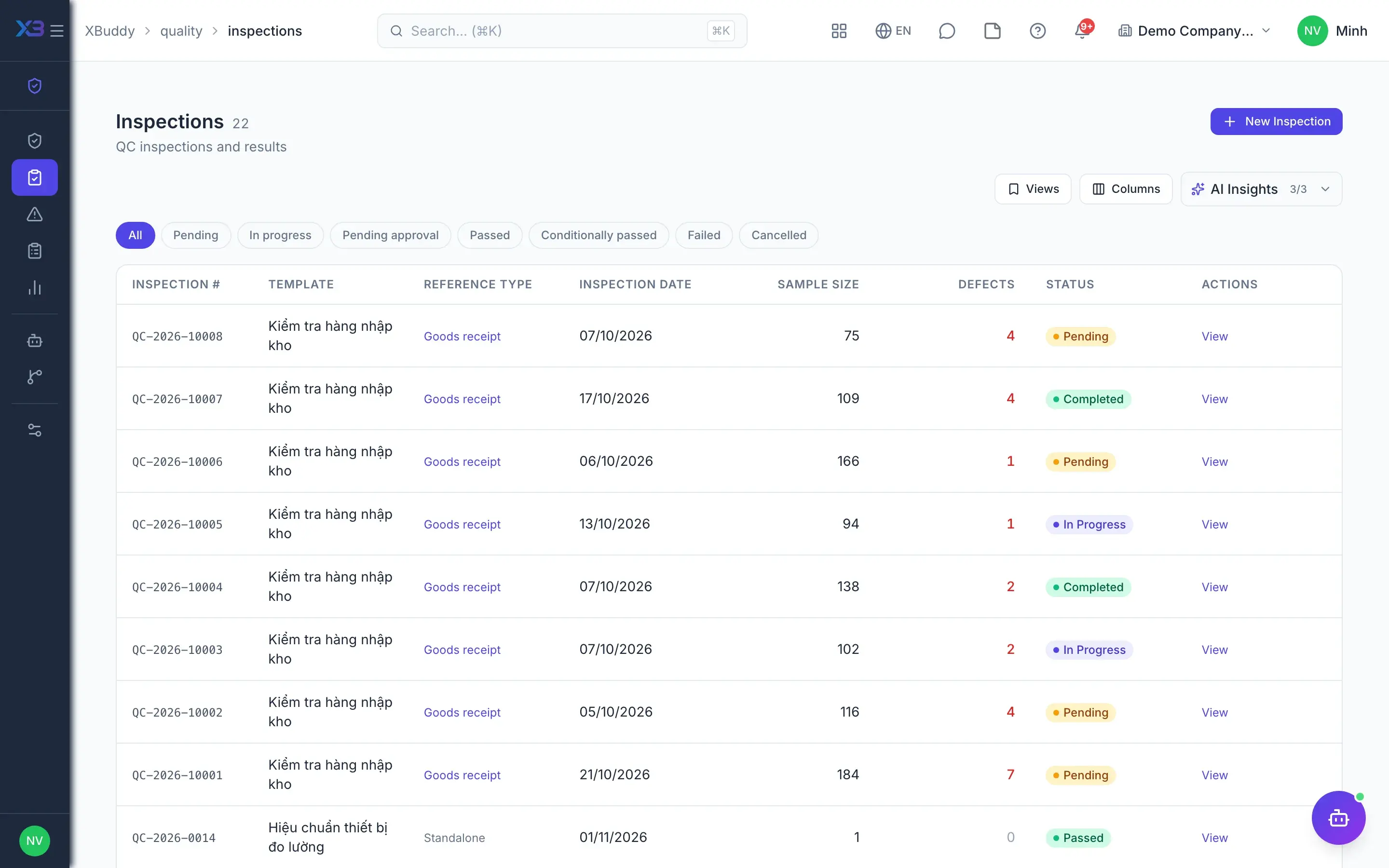
Quality staff create an inspection straight from the GRN, with lines pre-filled and measured against a template with tolerances. The system concludes pass or fail on its own; a failure can put the goods on hold and raise a non-conformance report (NCR) that is followed until resolved.
- Inspections created from GRNs and POs
- Templates with tolerances, automatic verdict
- Hold and NCR on failure
- 3
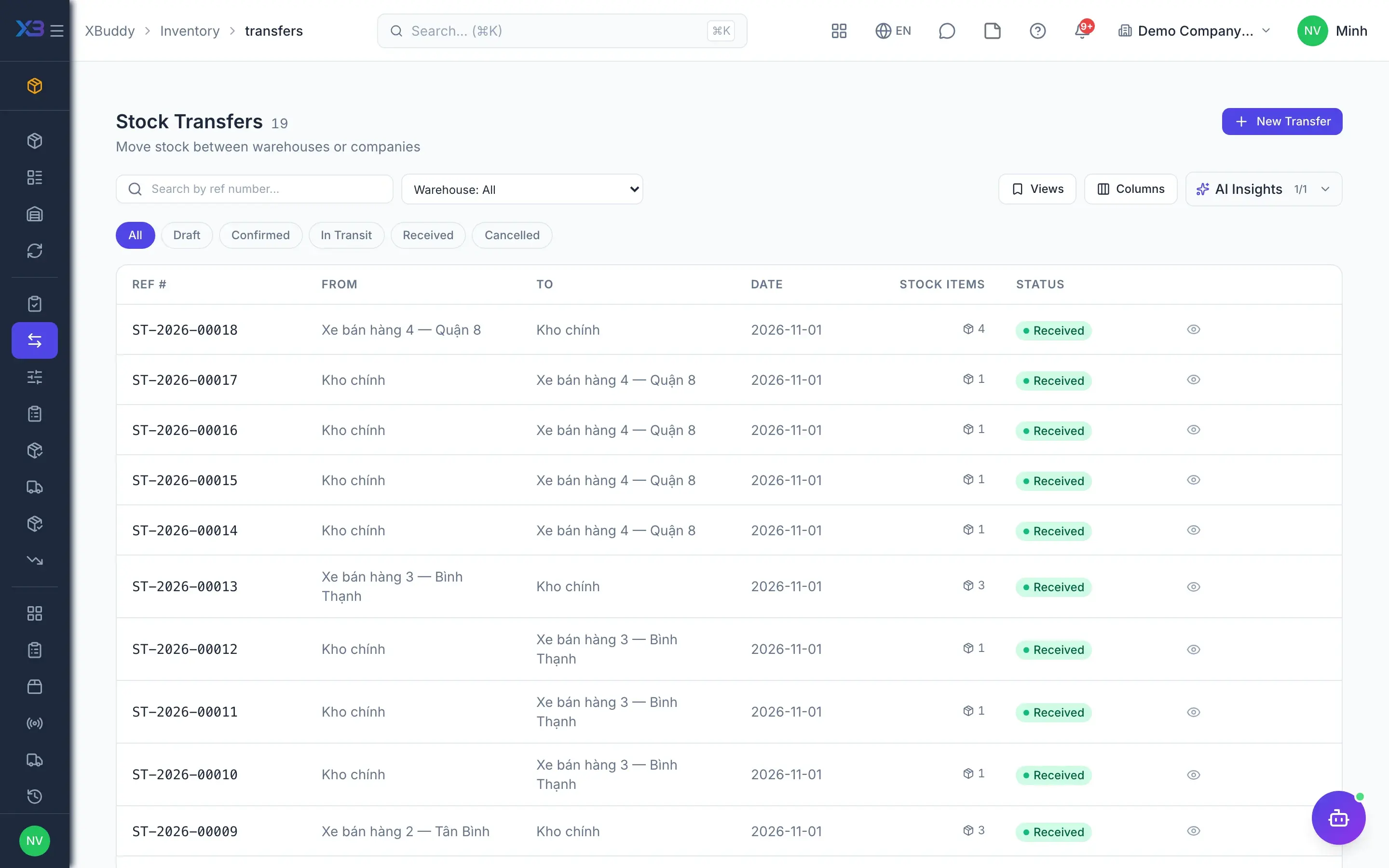
Transfer between locations
The storekeeper raises a transfer between warehouses; on confirmation, stock leaves the source warehouse and sits in an in-transit status. Stock appears at the destination only when it completes the receipt, so goods on the road are always accounted for.
- Multiple warehouses and bin locations
- In-transit status between warehouses
- Cancelling in transit: returned or lost
- Stock requests from other departments
- 4
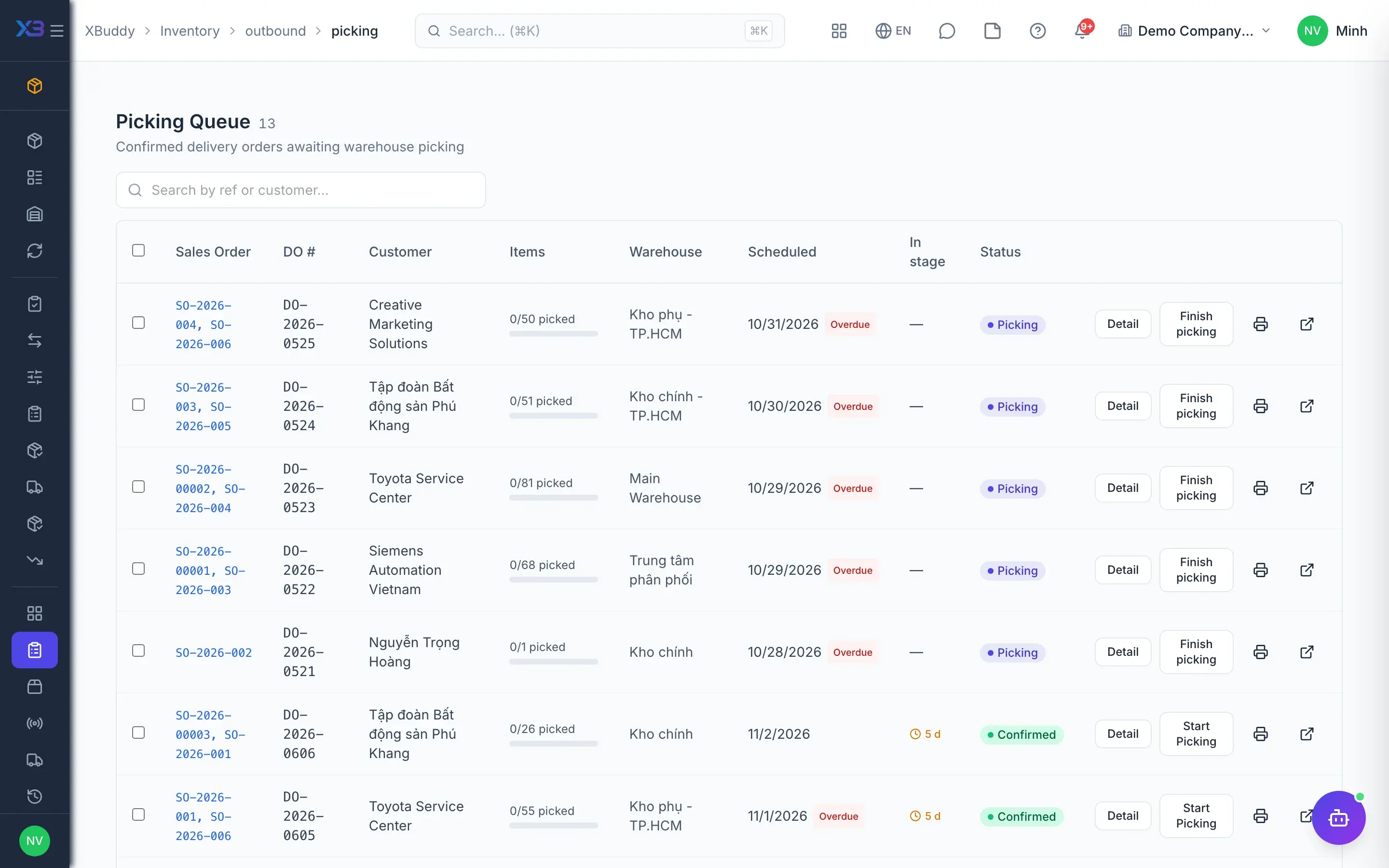
Pick, pack and ship
Sales orders with reserved stock flow into outbound queues: items to pick, packing, the dispatch board and goods in transit. The Delivery Order belongs to Sales, while the warehouse works these queues and stock is deducted through the stock ledger.
- Picking and packing queues
- Outbound dispatch board
- Outbound overview and history
- 5
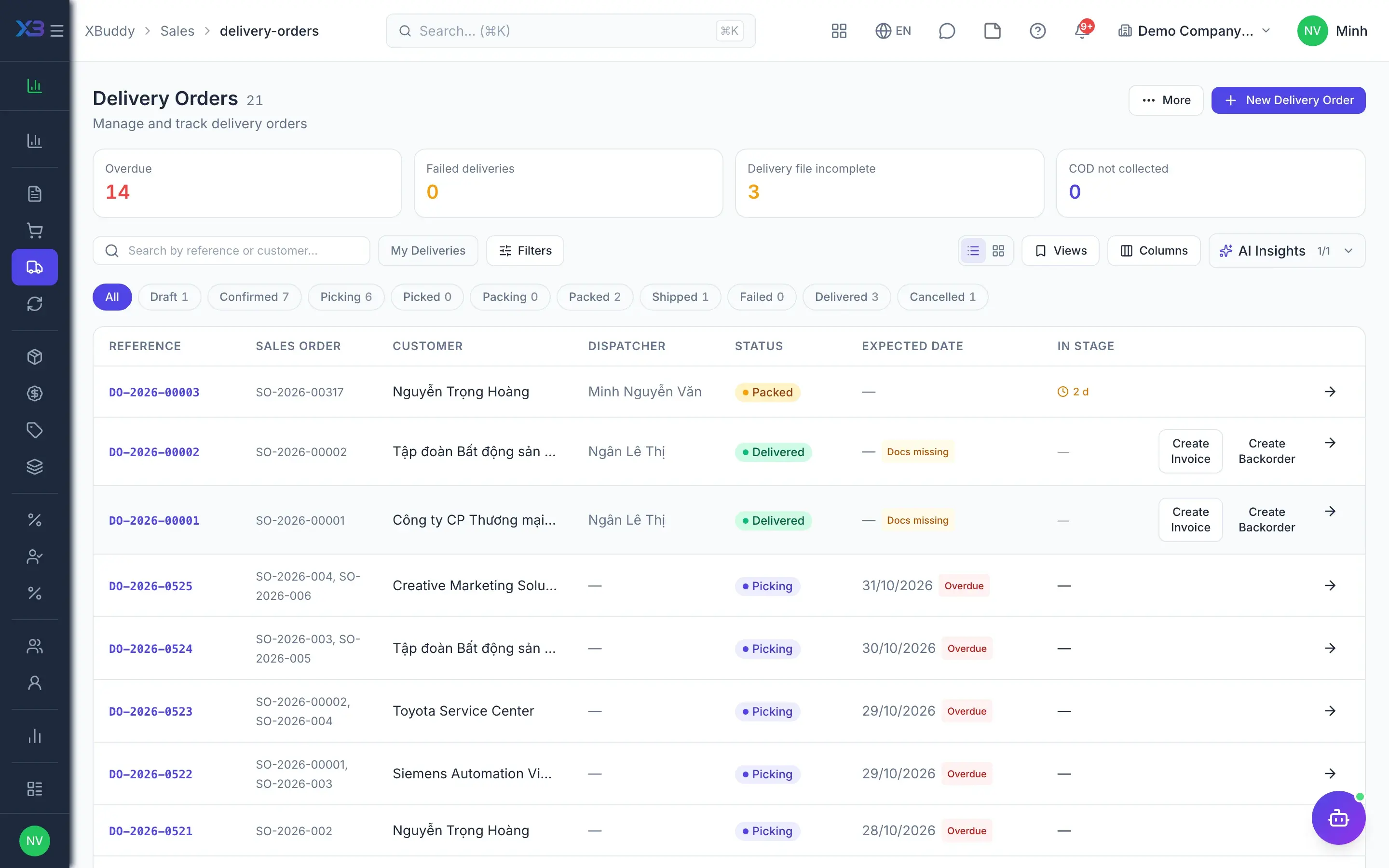
Delivery and proof of delivery
Shipped goods travel on the Sales Delivery Order through packed, dispatched and delivered. The list counts overdue orders and orders missing delivery proof up front, so the warehouse and sales both see which goods have not yet reached the customer.
- Delivery Orders by pick, pack and dispatch status
- Counters for overdue and missing-proof orders
- Recipient signature kept in the signature ledger
- 6
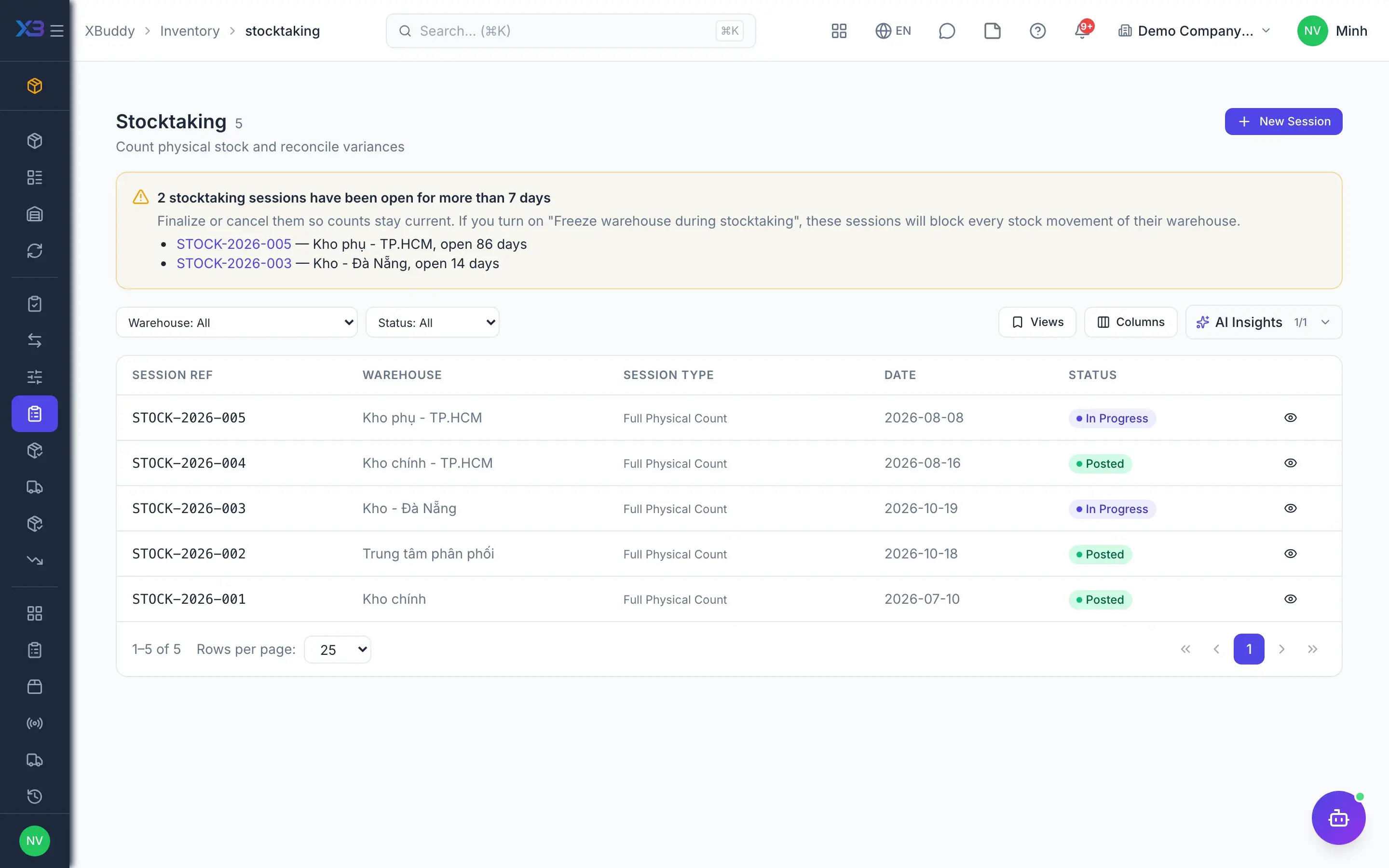
Periodic or cycle stocktakes
The storekeeper opens a stocktake session for a warehouse, and the system snapshots stock at that moment. Counters enter or scan quantities, the team lead closes the count to compute differences, and only an authorized approver posts the differences to stock and accounting.
- Stock snapshot when the session opens
- Count in other units, converted to base
- Cycle counting
- Differences posted only after approval
- 7
Reorder
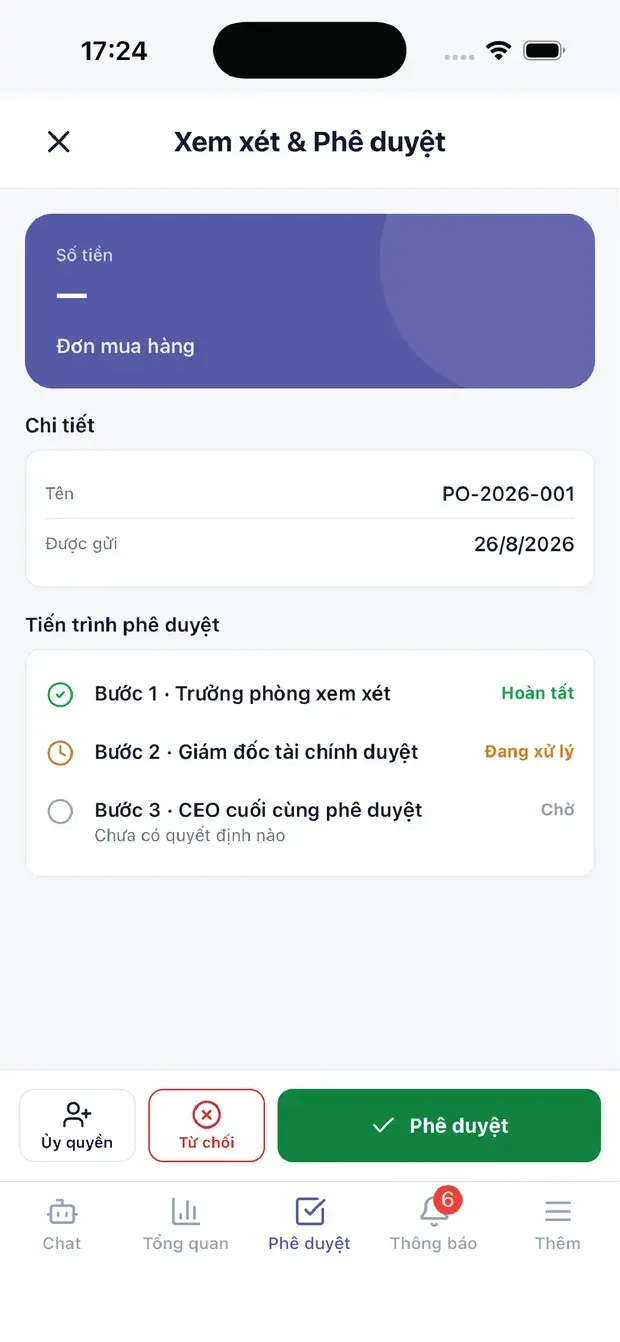
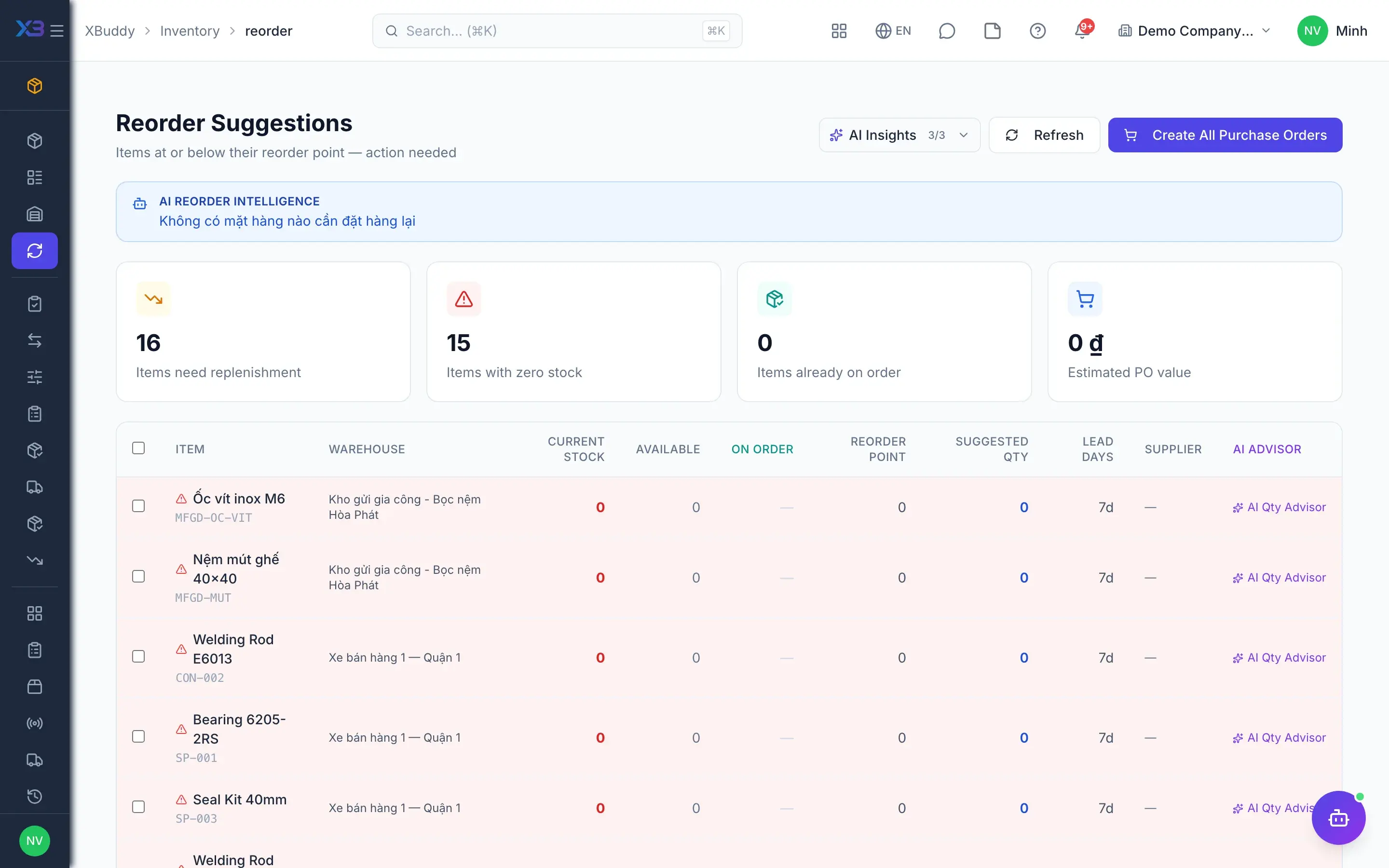
Each item has a reorder point and a target quantity; when stock falls below the threshold, the system sends a daily alert. From the reorder plan, the buyer selects the suggested items and creates a Purchase Order straight away.
- Reorder point per item
- Daily alert below the threshold
- Create POs from reorder suggestions
Key capabilities
What this solution relies on
Warehouses & catalog
Multiple warehouses and bins
Unit of measure conversion
Catalog and opening stock import
Substitute items
Receive – issue – transfer
Receipts from POs
Goods issues and stock requests
Transfers with goods in transit
Queue-based outbound
RMA returns
Stock control
Lots, expiry dates and serials
Approved stocktakes
Stock adjustments
Negative stock blocked
Costing, books & AI
Inventory costing policy
Automatic stock entries
Operations & Repair
Inventory Planner assistantAI
Handled out of the box
Hard questions XBuddy already answers
What’s inside
Apps and AI assistants involved
FAQ
Frequently asked
Can stock quantities be edited directly?
No. Stock changes only through documents: receipts, issues, transfers, adjustments or posted stocktakes. Adjustments and stocktakes need dedicated permissions, so every change leaves a trail.
Which inventory costing methods are supported?
Moving average, periodic average by month, quarter or year, FIFO, specific identification and standard cost. The costing scope can be per warehouse, company-wide or per branch. Changing method is treated as a change in accounting policy and requires a decision number and reason.
Does switching from average to FIFO change stock value?
No. On switching, the system seeds the FIFO layers at the current average cost, so inventory value is unchanged at the moment of the switch.
Does the Delivery Order live in Inventory or Sales?
The Delivery Order document belongs to Sales. Inventory has shortcuts and the picking, packing and dispatch queues, so storekeepers can work without opening the Sales app.
Can storekeepers be limited to their own warehouses?
Yes. With warehouse access restriction enabled, each user can only work in the warehouses assigned to them. It is off by default so small companies don't have to configure anything extra.
What if the stock ledger and general ledger disagree?
The Operations & Repair page detects stock documents with missing or failed journal entries and lets you rerun them. Differences are found and fixed at the source instead of with a manual adjusting entry at period end.
See this flow on your own data
A thirty-minute demo focused on the process you are actually stuck on.