
Asset & maintenance management
Know where every asset is, who holds it, how it is maintained
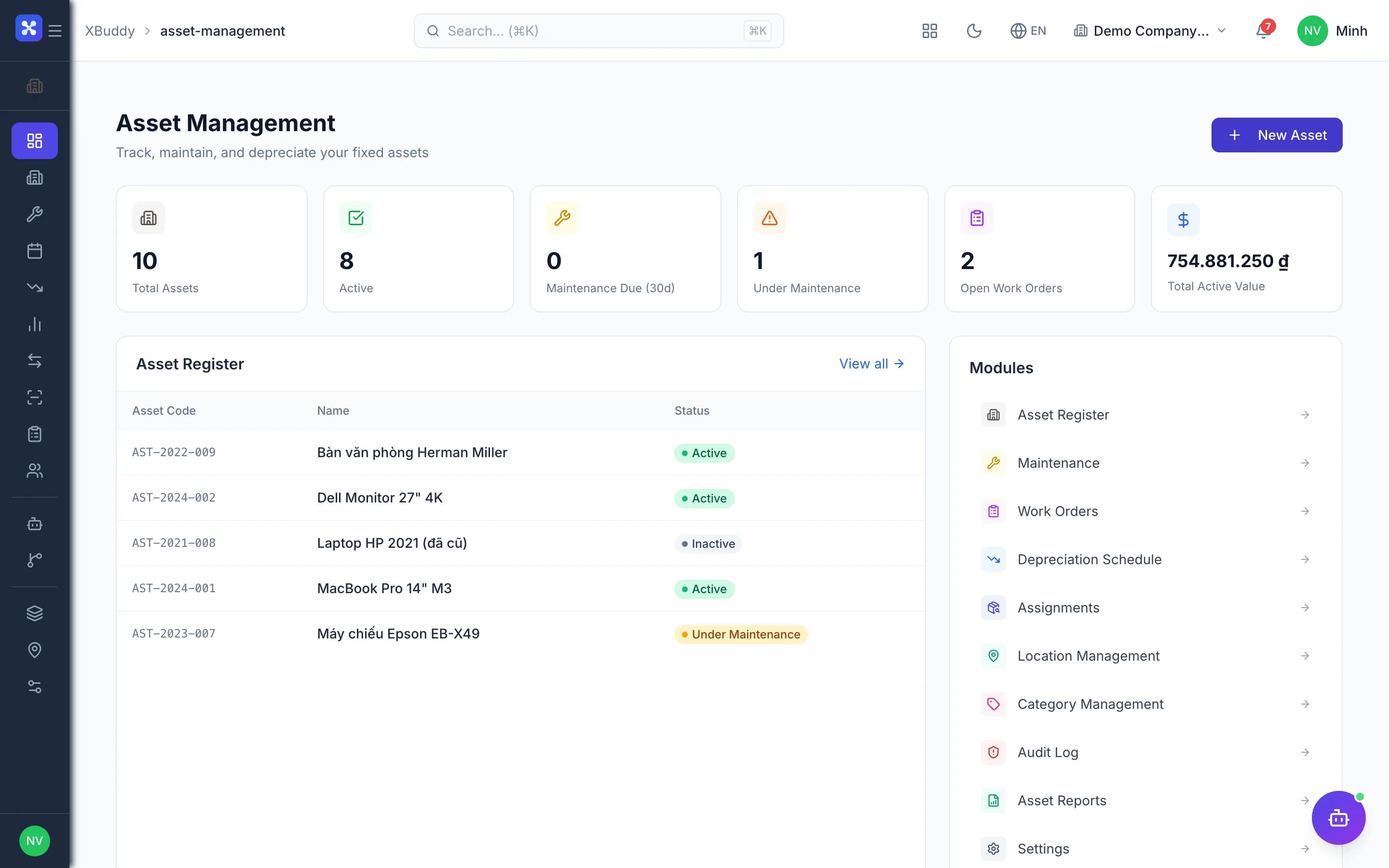
Asset register, custodians, preventive maintenance, work orders, parts and depreciation in one flow — the operating register matches accounting.
- Every asset has a clear custodian and location
- Preventive maintenance never forgotten
- Repair costs and depreciation land in the right books
The core problems
What is costing you time and money
No one knows who holds an asset
Laptops, equipment and vehicles are handed over verbally or on paper forms. When someone resigns or changes department, nobody is sure the asset was ever returned.
Maintenance runs on memory
Service schedules live in a technician's notebook. Overdue maintenance is only discovered when the machine breaks, bringing big repair bills and downtime.
Bought once, entered twice
Purchased assets are typed into the management register by hand and again into the accounting fixed-asset card. The two records disagree from day one.
Depreciation and repair costs out of sync
Spare parts taken from stock are not tied to any asset, and outside repair bills are not linked to the repair job. At period end, operating depreciation and the accounting figures differ for no clear reason.
Before and after
What changes on XBuddy
Today
- Asset register in Excel, counted by hand
- Verbal handovers, returns never tracked
- Maintenance done whenever someone remembers
- Parts issued from stock with no repair job
- Operating depreciation out of line with accounting
With XBuddy
- QR-tagged register, audits by scanning per location
- Assigned to a person or location, one custodian per asset
- Maintenance calendar, optionally generating due orders
- Completing a work order issues parts via a goods issue
- Assets with a fixed-asset card are posted by accounting only
The flow
7 steps, one continuous record
- 1
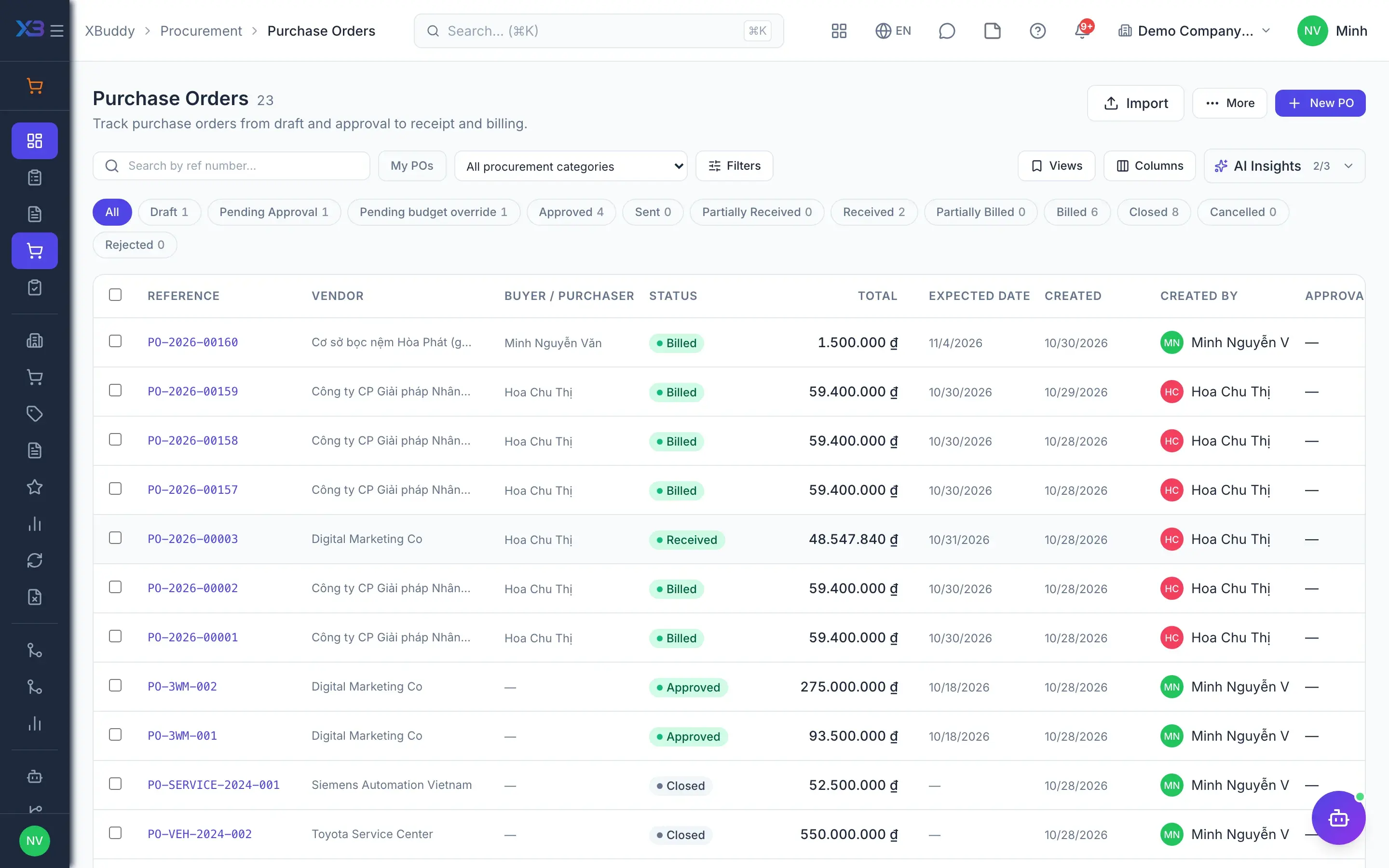
Buy & capitalize
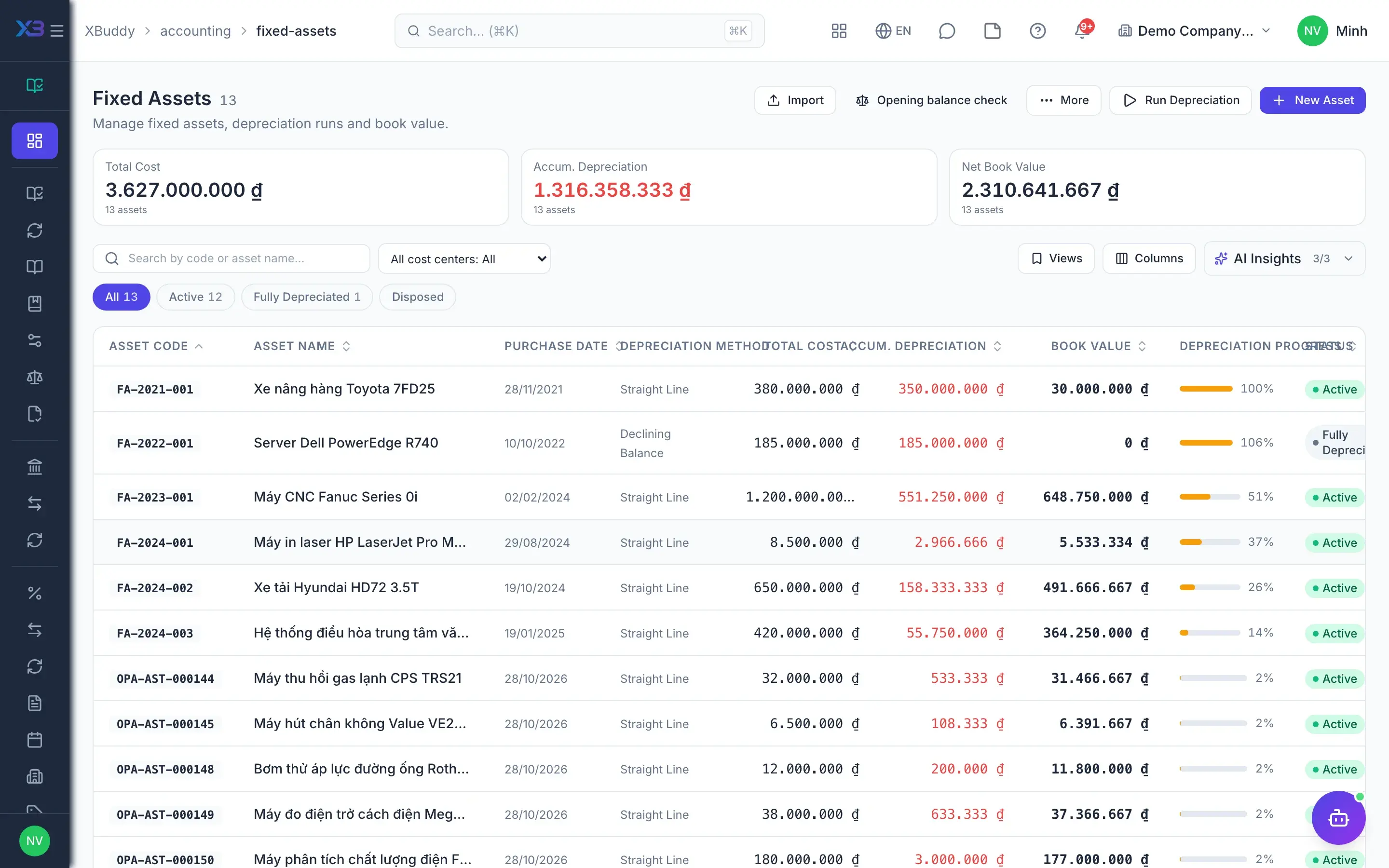
Purchasing orders the asset on a PO like any other purchase. When the storekeeper receives it, the asset line on the goods receipt is added to the asset register and creates the accounting fixed-asset card, with nothing re-entered.
- PO and goods receipt for assets
- Register entry created from the receipt
- Fixed-asset card created with its journal entry
- 2
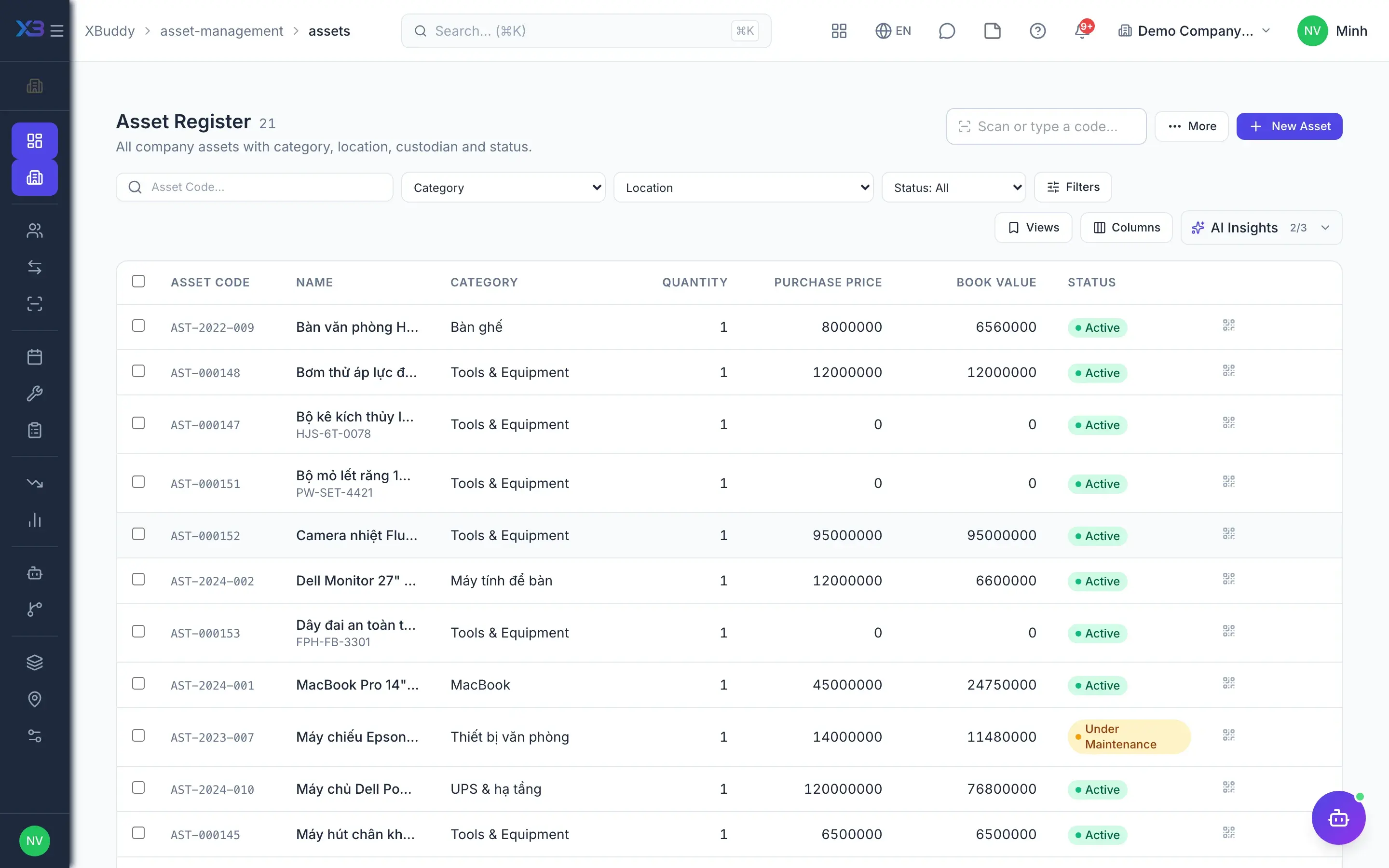
Asset register
The asset manager sees every asset by category, location and status, tracked individually or by quantity. QR or barcode labels are printed and stuck on; scanning a label opens the asset directly, within the scanner's data scope.
- Category tree with GL mapping and maintenance cycle
- CSV import with preview
- Print labels, scan QR/barcode
- 3
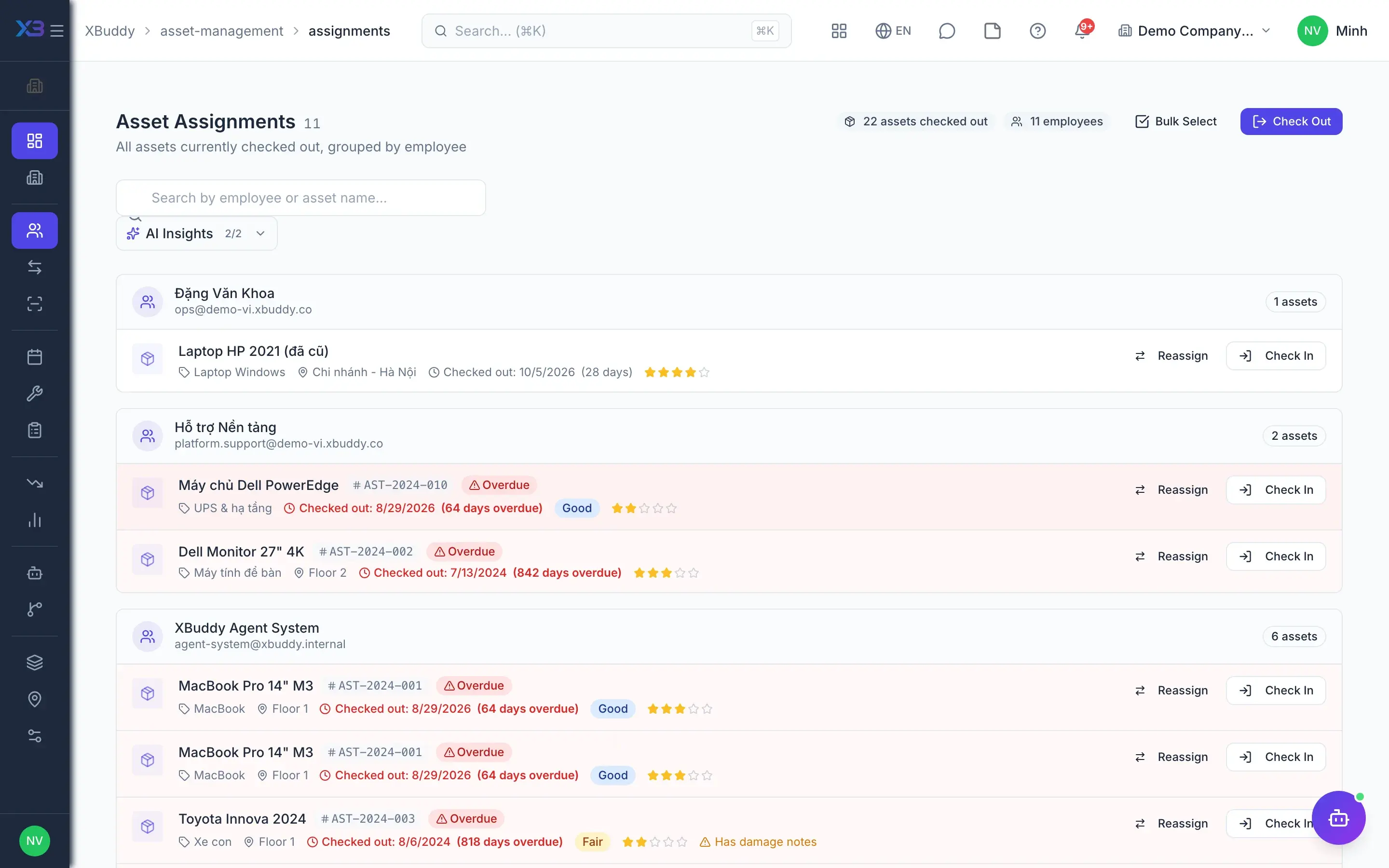
Assign & transfer
IT or administration assigns the asset to a person or a location and records its condition on return. Location transfers require approval, and the requester cannot approve their own transfer.
- Check out, check in, change custodian
- Block assigning assets that are not available
- Partial-quantity transfers
- 4
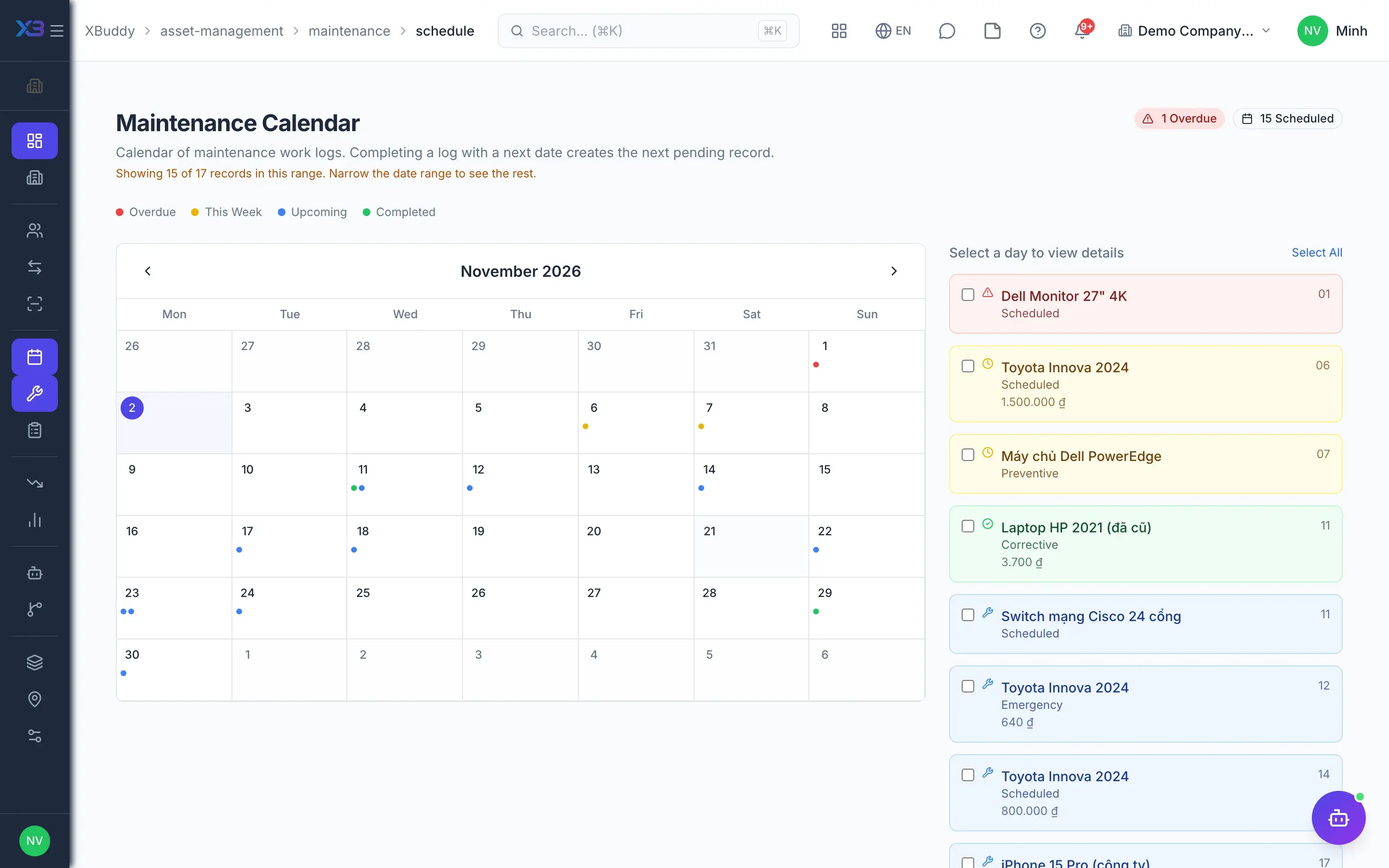
Maintenance calendar
The maintenance calendar shows which assets are coming due based on their category's cycle. When enabled, a nightly run generates preventive maintenance orders, optionally with a draft Work Order.
- Calendar by category cycle
- Due maintenance orders generated automatically
- Optional draft Work Order
- 5
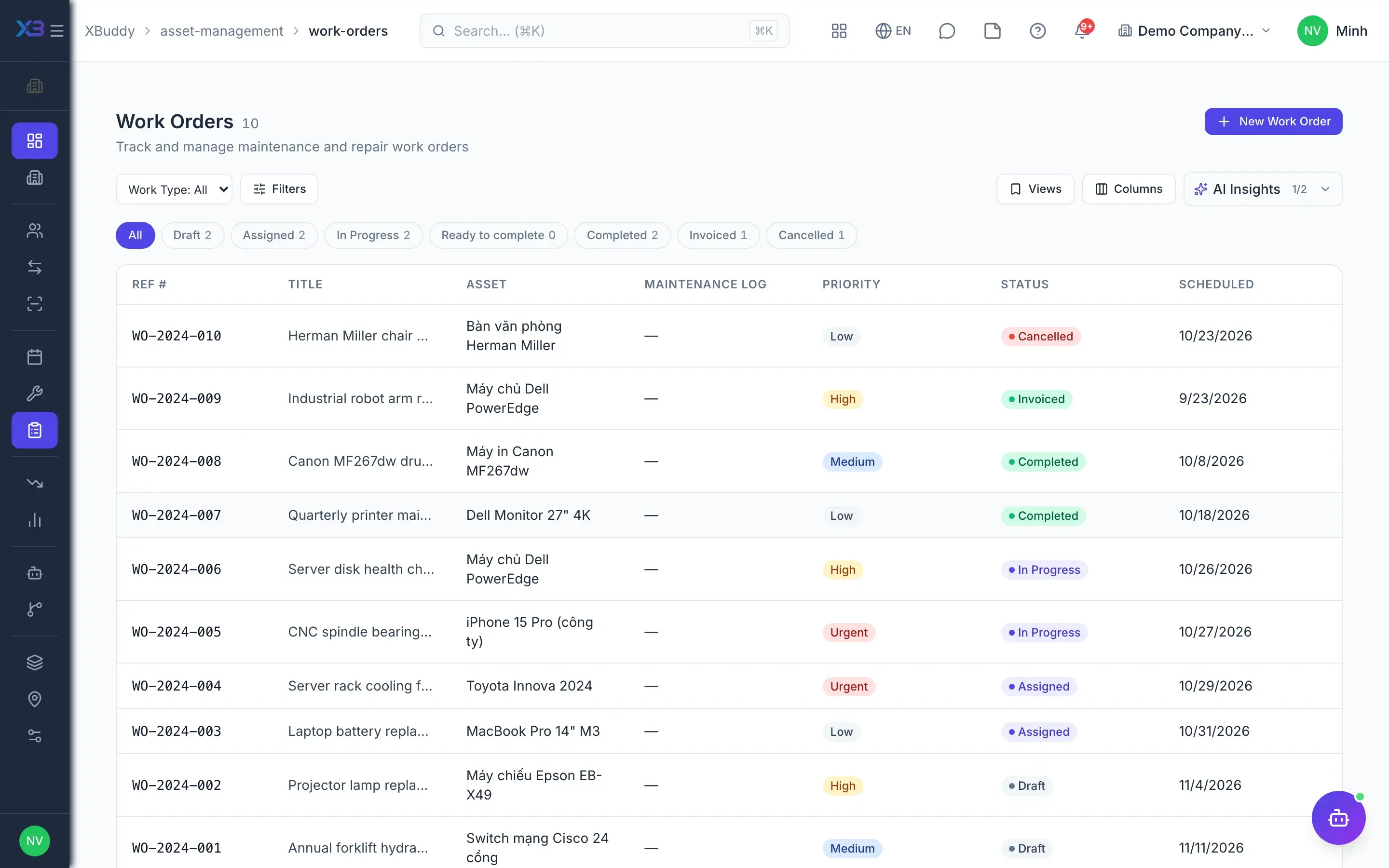
Work orders
A Work Order is created from an asset, a maintenance order or an internal ticket, and assigned to an owner. The technician logs labor and parts; the Complete action issues parts from stock via a goods issue and returns borrowed tools.
- Assign, log labor and parts
- Completion issues stock via a goods issue
- Supplier bill for outsourced work
- 6
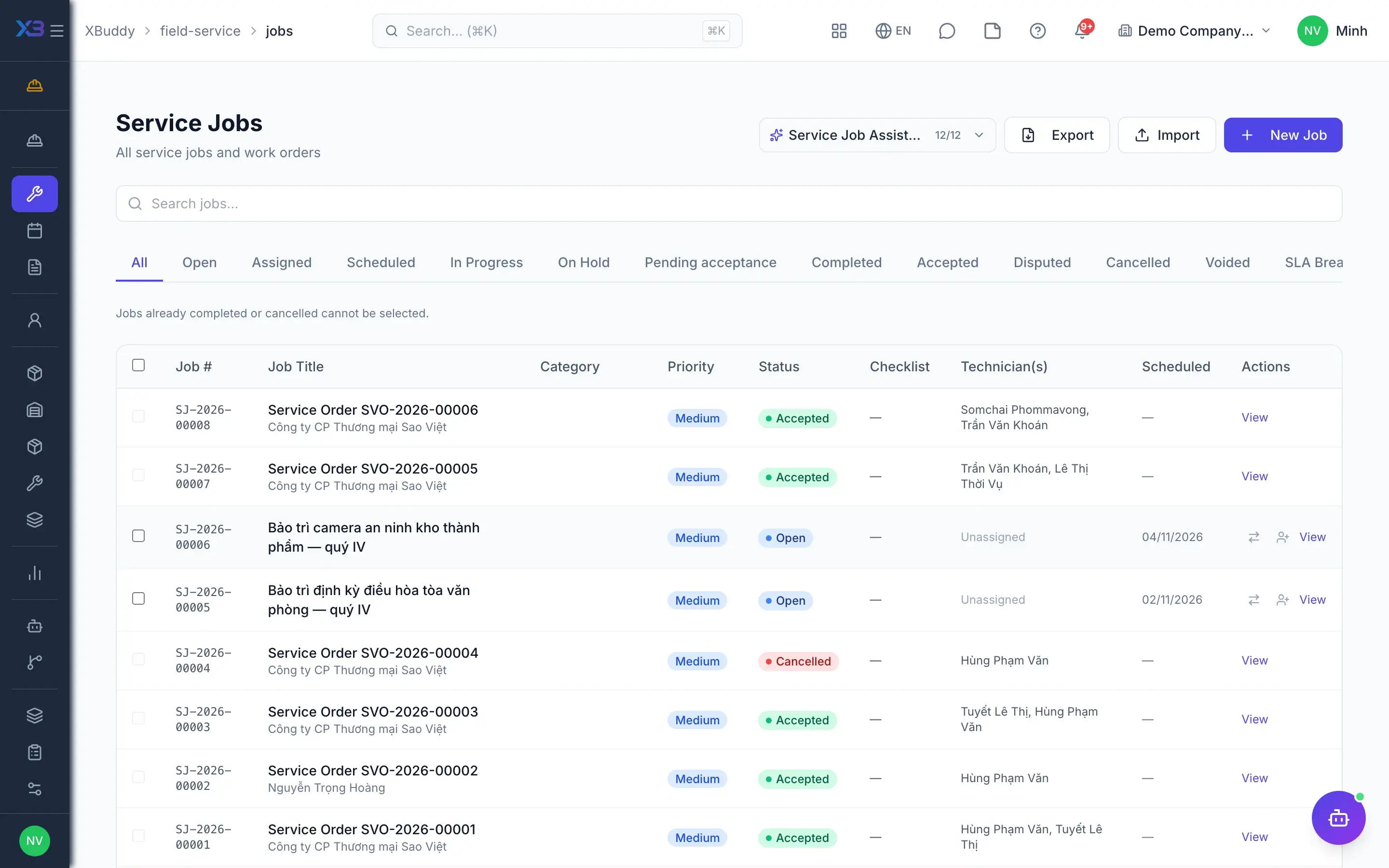
Field dispatch
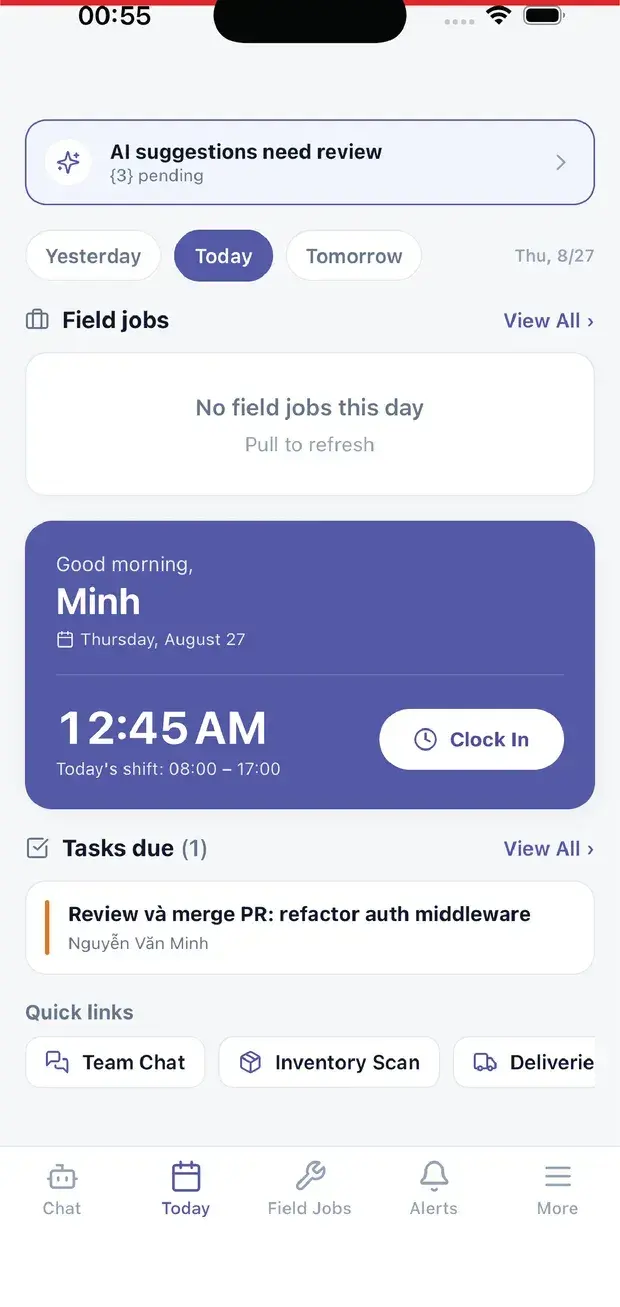
When the repair needs a technician on site, the dispatcher creates an internal job from the Work Order in the Field Service app. Internal jobs are never invoiced to a customer; parts go to maintenance expense with a mandatory cost center.
- Internal jobs start from the asset Work Order
- Technicians take the job in the mobile app
- Closing the job readies the Work Order to complete
- 7
Depreciation
Accounting runs depreciation on fixed-asset cards for the open period; periods already run are skipped, so nothing is duplicated. Assets linked to a fixed-asset card are posted by accounting only, never again by the operating register.
- Depreciation per period, locked periods rejected
- Depreciation split by the custodian's cost center
- Revaluation and disposal
Key capabilities
What this solution relies on
Register & tracking
Asset register
QR/barcode labels
Audits by location
Scanning on the phoneMobile
Custodians
Check out & check in
Approved transfers
Inter-company transfersAdvanced
Maintenance
Calendar & maintenance orders
Auto preventive maintenanceAdvanced
Work Orders
Internal field jobs
Finance & assistants
One posting source
Reports
Asset manager assistantAI
Inventory planner assistantAI
Handled out of the box
Hard questions XBuddy already answers
What’s inside
Apps and AI assistants involved
FAQ
Frequently asked
We already have fixed assets in Accounting — why this app?
Accounting keeps the fixed-asset card and journal entries; Asset Management keeps operations: who holds it, where it is, maintenance and audits. The two registers are linked and only one of them posts to the ledger.
Are consumables managed here?
Consumables live in the Inventory app. Assets only record parts usage through the goods issue of a Work Order or maintenance order.
Which depreciation method does the operating register use?
Operating depreciation uses the straight-line method. For assets linked to a fixed-asset card, depreciation entries are posted by the accounting card.
Can someone outside the data scope view an asset by scanning its label?
No. The scan page only opens assets within the scanner's data scope; otherwise it reports not found.
Are revaluation entries supported under Vietnamese standards?
Yes under TT99/TT200 (revaluation surplus on account 412). TT133 has no account 412, so the system refuses rather than picking an account on its own.
Can an internal support ticket create a repair order?
Yes. Internal tickets create repair Work Orders; a ticket has only one execution path, either a Work Order or a Field Service job.
See this flow on your own data
A thirty-minute demo focused on the process you are actually stuck on.