What usually goes wrong without it
Results are written on paper or in Excel, each inspector in their own way. The same lot passes for one person and fails for another, and nobody can check afterwards.
Inspection sheets are separate from goods receipts. Uninspected or failed goods still get issued because nothing stops them.
Issues are reported over chat with no owner and no deadline. Root causes are never recorded, so the same defect returns in the next lot.
7 steps, one chain of documents
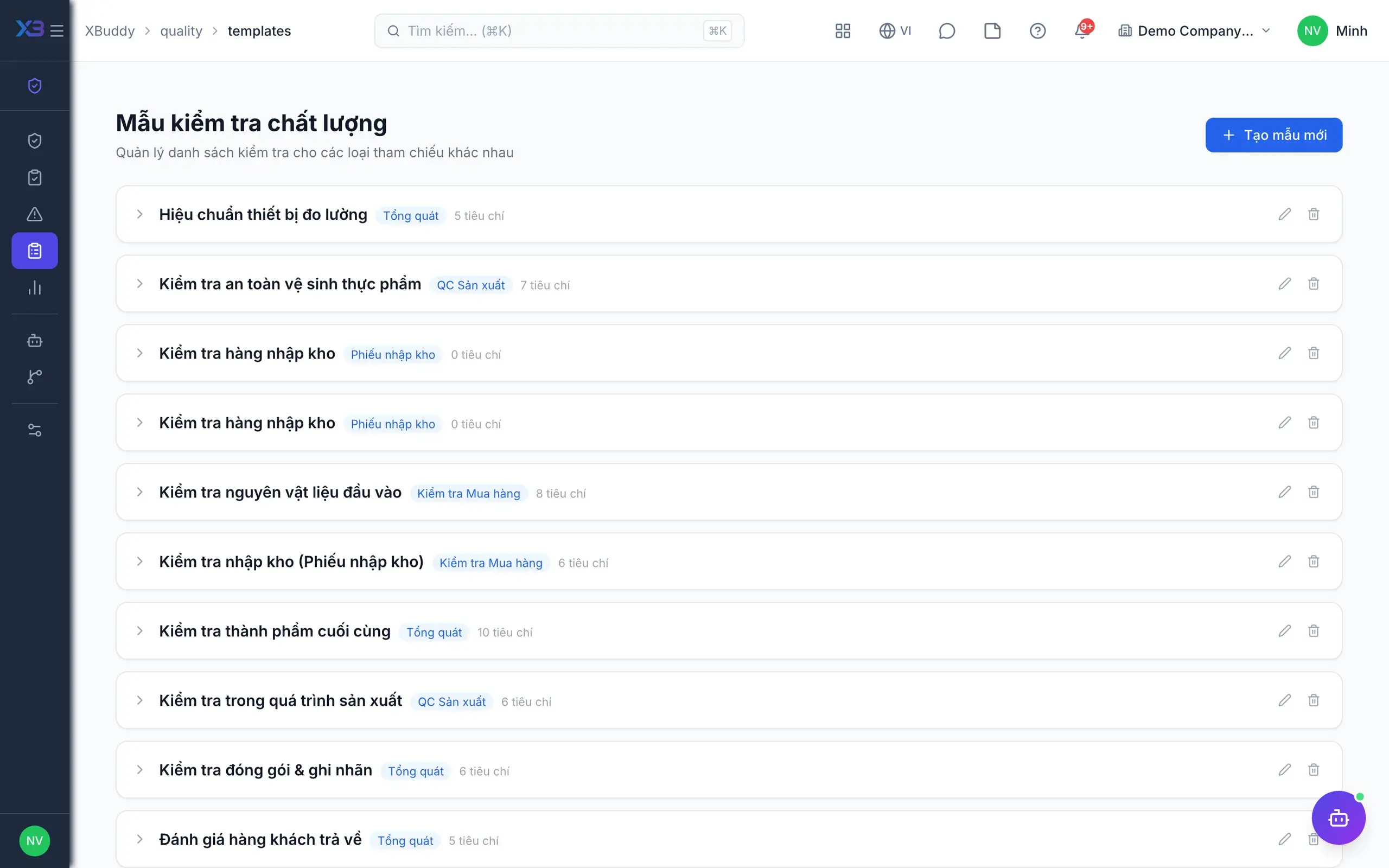
- 1Standardize templatesThe quality manager builds inspection templates with checklist items and min/max limits for each measured characteristic. Templates are reused for every inspection of that type and can be soft-deleted and restored, so criteria no longer depend on the inspector.
- Checklist items with min/max tolerances
- Out-of-tolerance values fail automatically
- Soft delete and restore templates
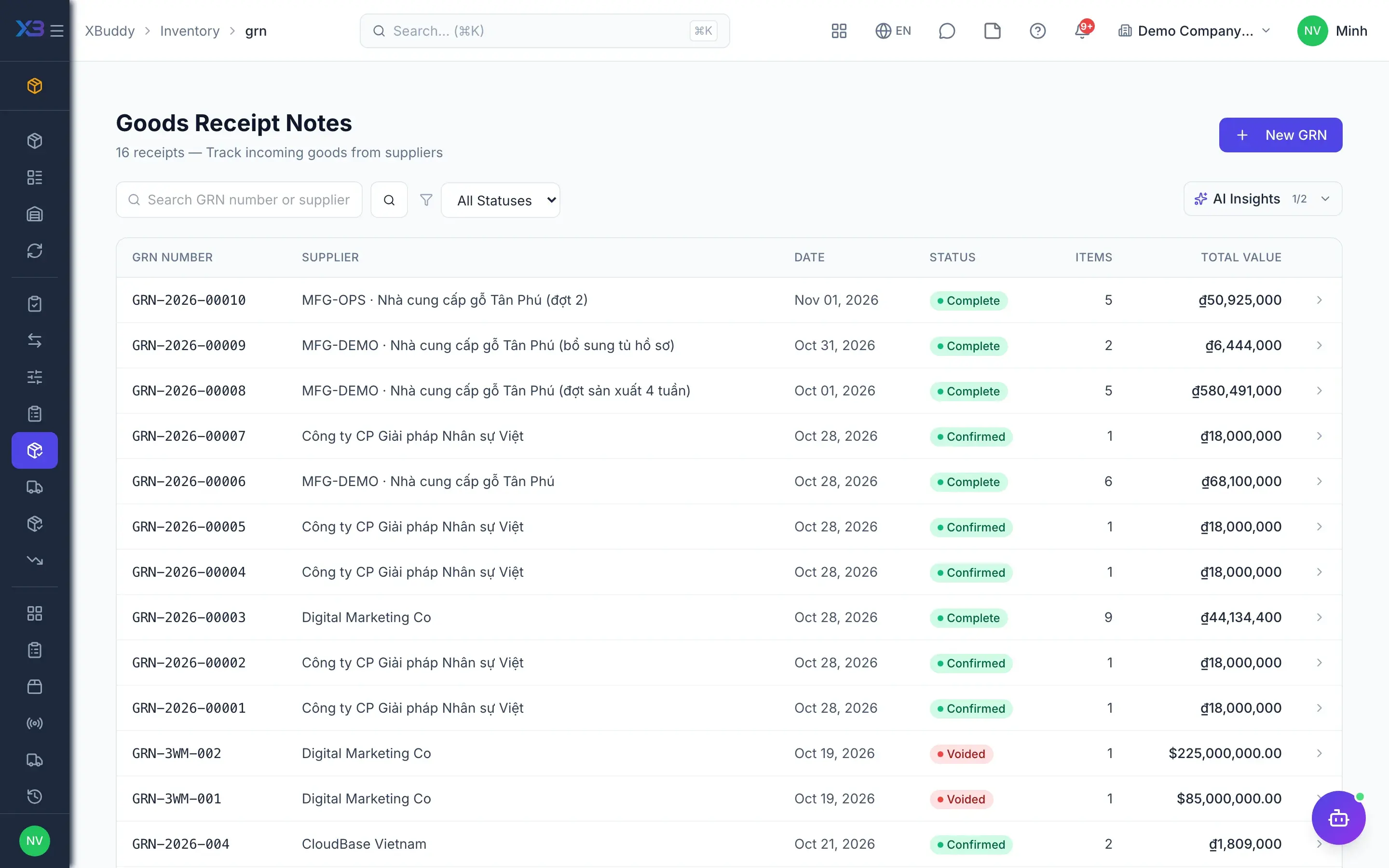
- 2Inspect receipts from GRNWhen the storekeeper confirms a goods receipt, the system can create an inspection automatically if auto-inspect on GRN is on. Inspections can also be created from a GRN or PO, with lines prefilled and linked in the same document chain as the supplier.
- Auto-create inspection on GRN confirm (toggle)
- Lines prefilled from GRN or PO
- A separate decision for each line
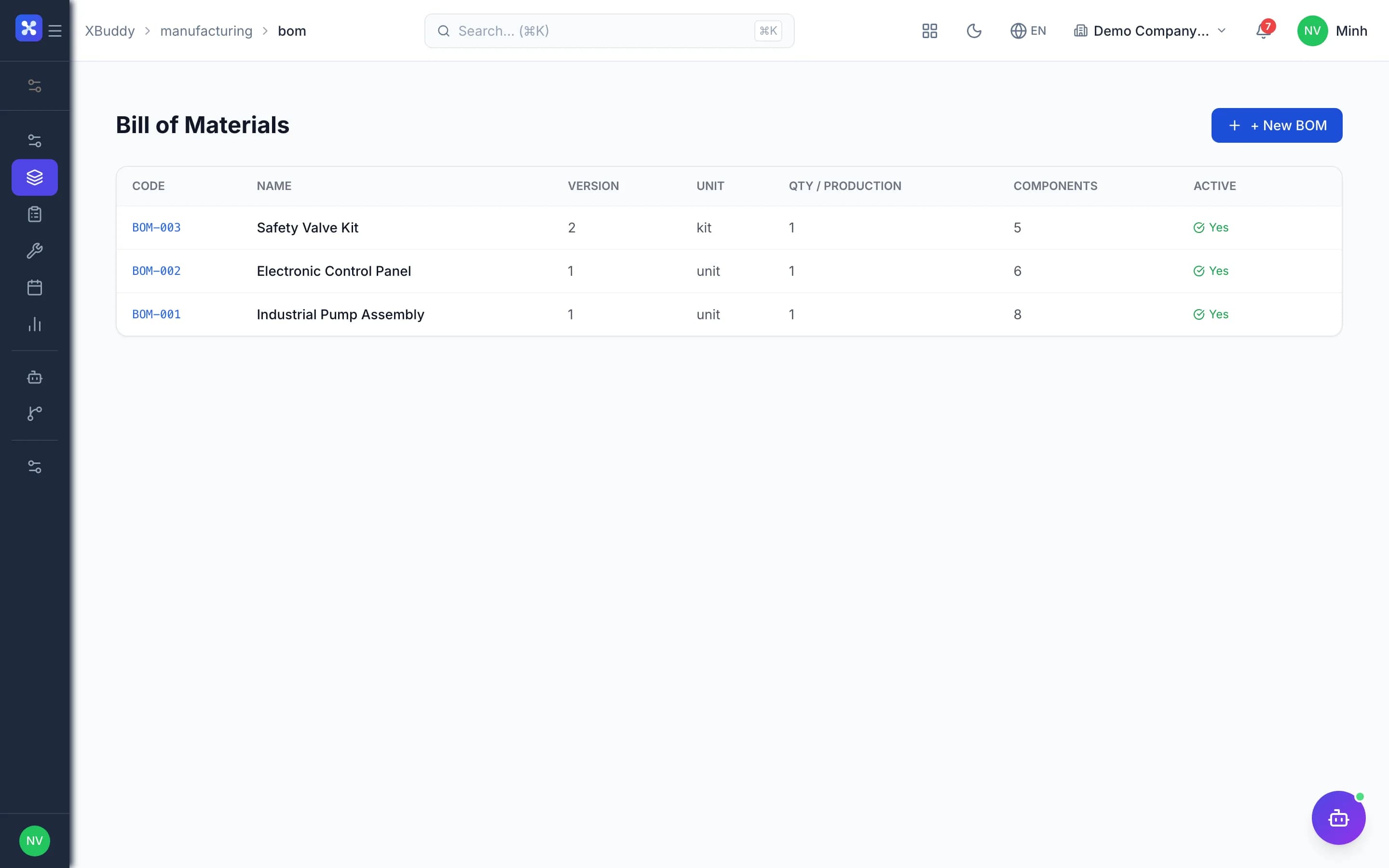
- 3Inspect in productionInspections can be raised from a work order to record results for semi-finished and finished goods. The work order has a quality tab listing related inspections, so supervisors see which lot passed before it moves on.
- Inspections referencing the work order
- Quality tab on the work order
- Same templates and verdict logic as receipts
- 4Two-step result entryThe inspector enters results item by item, reviews them, then confirms to lock the verdict. The system concludes pass, conditional pass or fail; a locked verdict cannot be resubmitted, and many inspections can be submitted at once from the list.
- Review before confirming, then locked
- Pass, conditional pass, fail
- Bulk submit from the list
- 5Approve and holdWith approval required, passing results wait for an authorized person to accept or reject, optionally through an approval process in Workflow. On failure, goods can be held automatically and only someone with quality approval can release them.
- Inspection and NCR approval via Workflow
- Automatic hold on failure (toggle)
- Release requires quality approval permission
- 6Handle non-conformanceNCRs are created automatically from failed inspections or by hand, singly or in bulk. They move from open to review, resolved and closed; root cause and corrective action are required, with an owner and due date, comments, attachments and a verification step.
- Disposition: accept, rework, scrap, return to vendor
- Root cause and corrective action required
- List of overdue and unverified NCRs
- 7Track pass rateThe overview compares this period with the last for pass rate, open and overdue NCRs; reports show trends in pass rate, defect rate and NCR age, with CSV export for review meetings. The quality assistant flags falling pass rates and tracks supplier quality.
- This period versus the last
- Pass rate, defect rate and NCR age trends
- AI assistant tracks supplier quality
Every step is a familiar screen
6 real scenarios with how-tos
5 apps in this solution
Assistants that work the process with you
Detailed paper: Quality management
End-to-end process, apps involved, AI assistant roles, KPIs and a 30/60/90-day rollout plan.
Must every incoming lot be inspected?
No. Auto-inspect after GRN is a toggle, off for existing companies and on for new ones. You can still raise inspections manually for lots that need checking.
How is a conditional pass decided?
No failed items is a pass; under 20% failed items is a conditional pass; 20% or more is a fail. Approvers can still accept or reject when approval is on.
Are goods held automatically on failure?
Only with the hold-on-failure toggle on. Check the configuration before relying on automatic holds.
Is inspection connected to production?
Yes. Inspections can be raised from a work order, and the work order has a quality tab listing related inspections.
Who can release goods or close an NCR?
People with quality approval permission. Write permission only covers creating inspections, entering results, creating NCRs and commenting.
Does the AI assistant close NCRs?
No. The quality assistant analyzes defects and trends and raises alerts; approving, releasing goods and closing NCRs stay with people.