Which app?
Both apps use your company account. They differ in the daily work of the person using them.
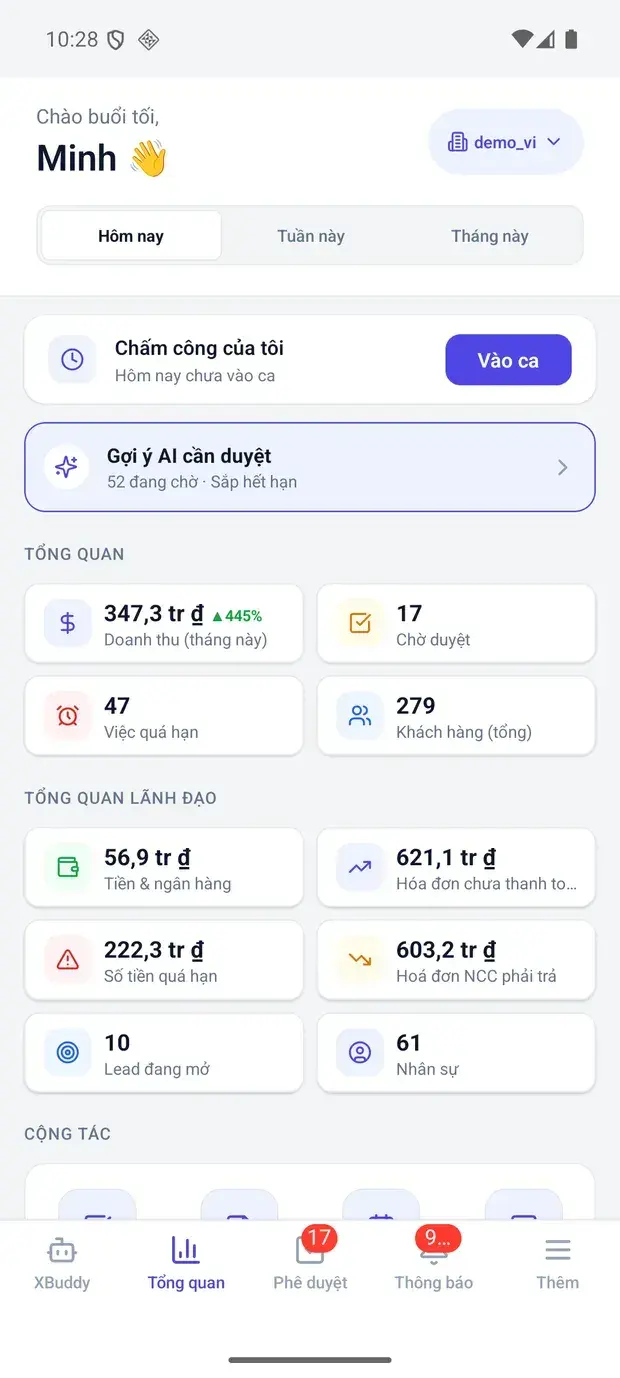
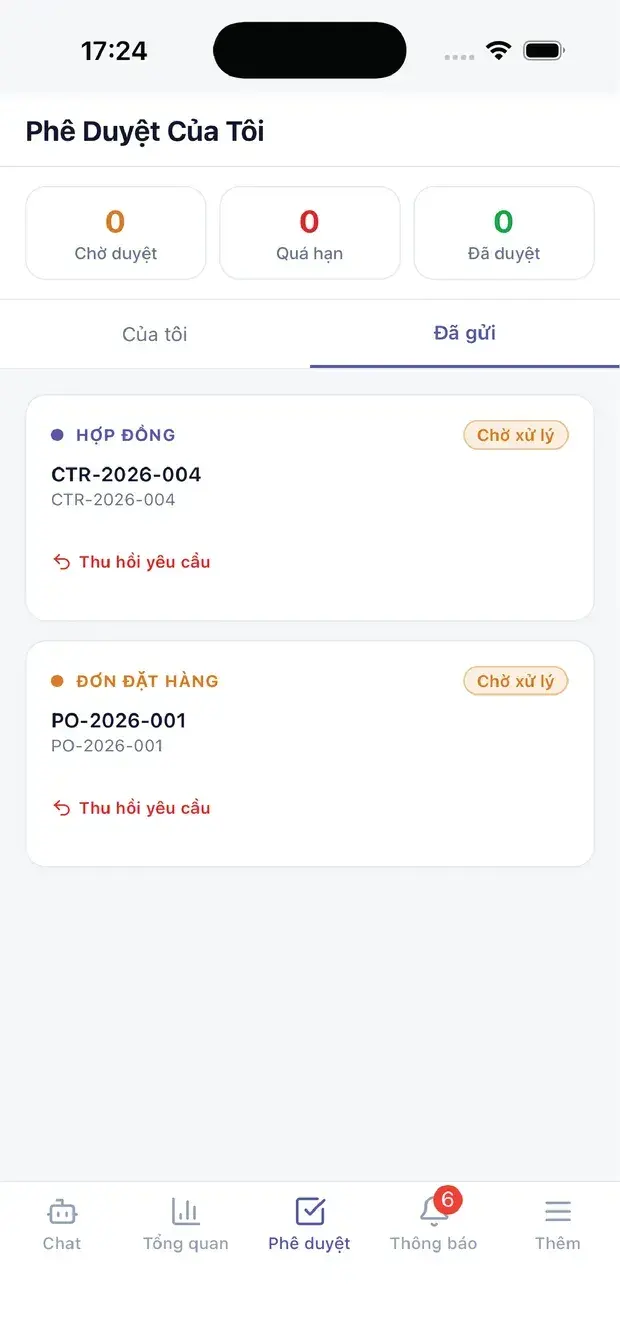
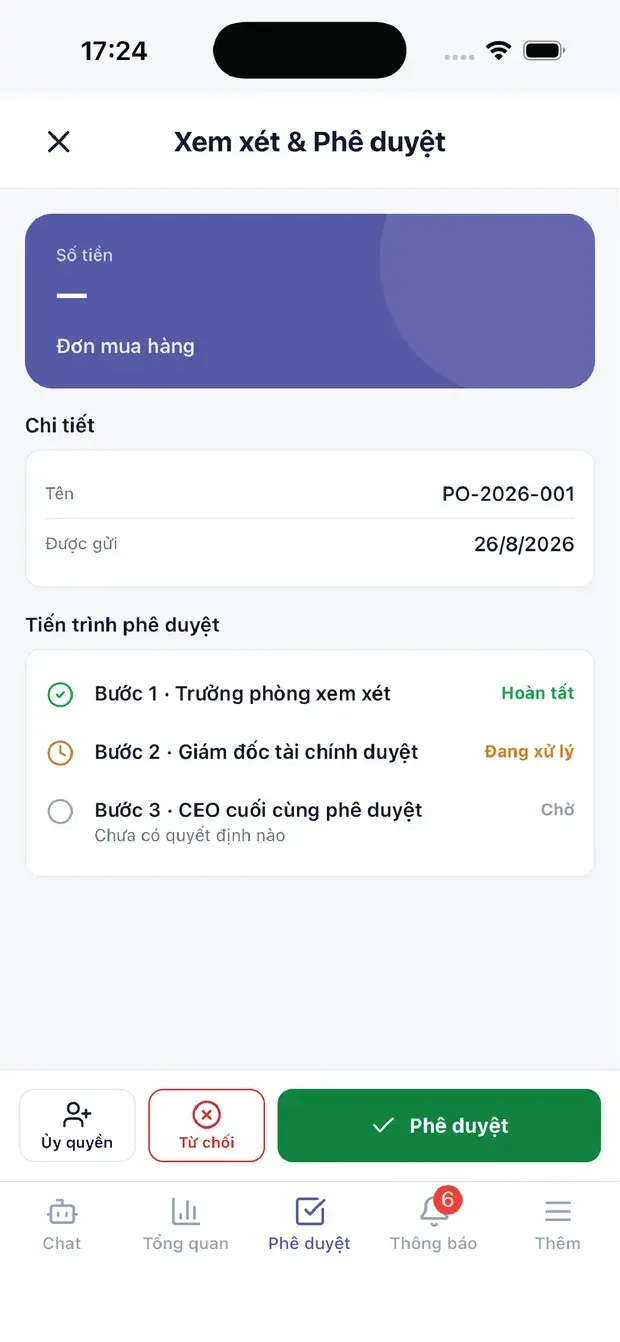
XBuddy Office
Business owners, managers and office staff.
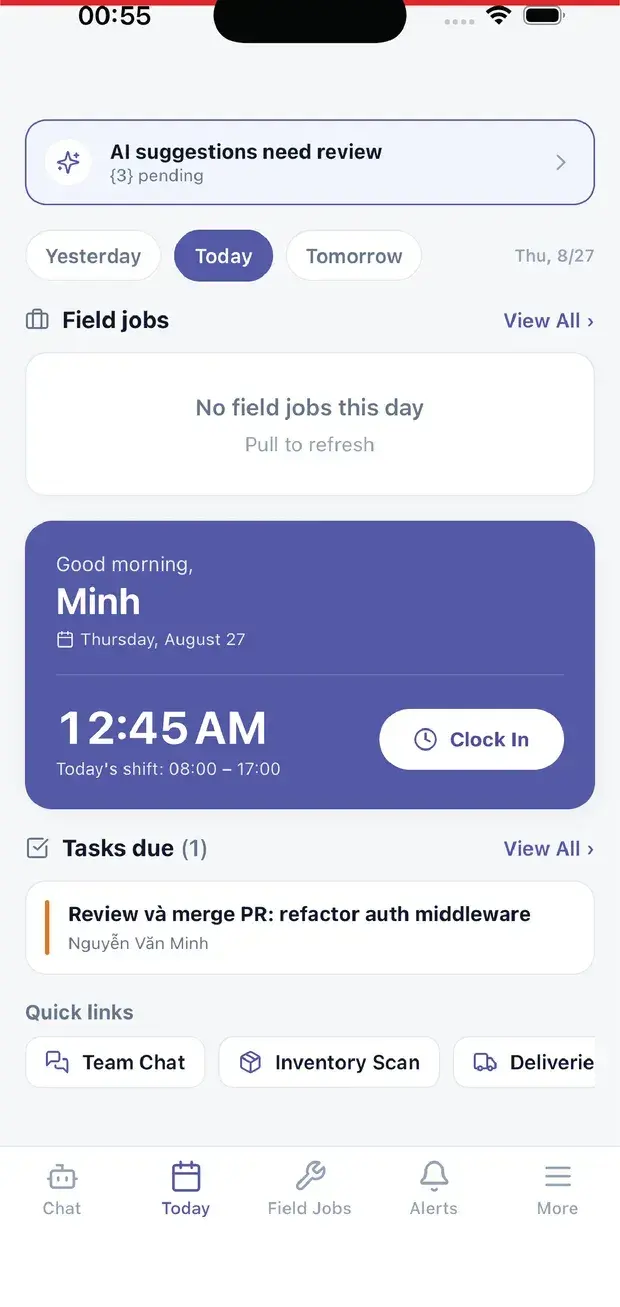
XBuddy Work
Technicians, field sales, shop-floor workers and anyone working away from the office.
XBuddy Office
For office staff and leaders
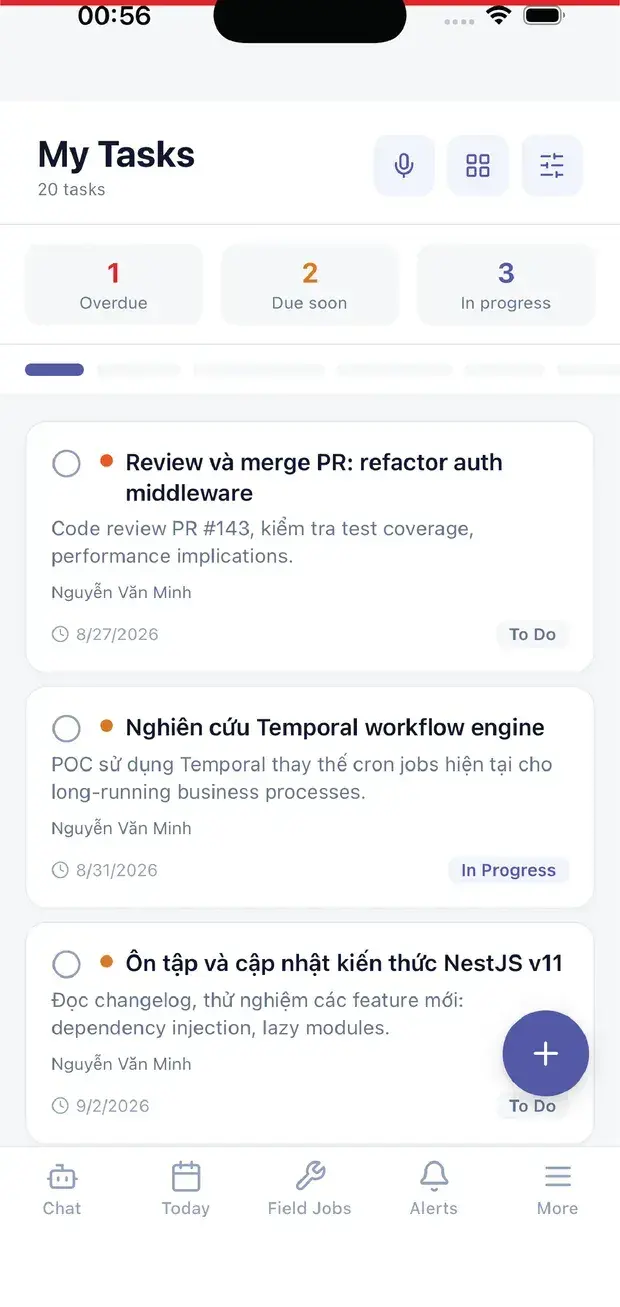
- Approve requests, leave, expenses and documents; follow team attendance and tasks
- See customers and jobs on a map and dispatch technicians by location
- Ask questions, create tasks and view reports with a voice AI assistant
- Scan business cards into CRM contacts
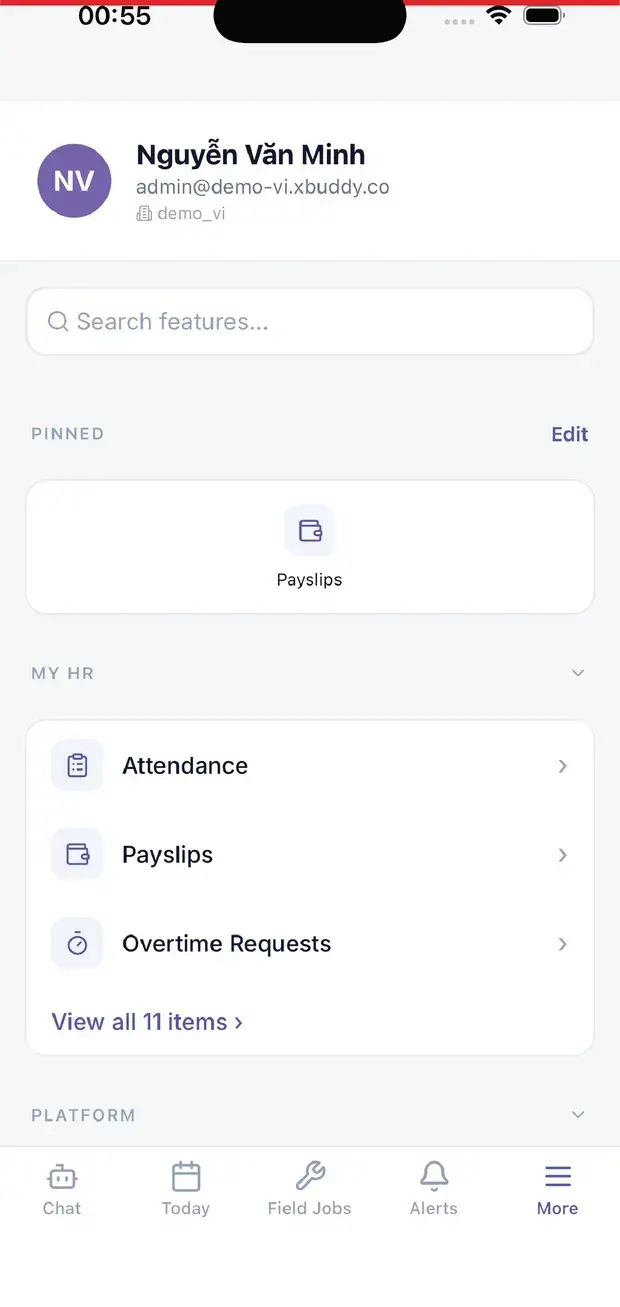
- View business figures; check your own payslips, leave and requests
- Sign in with Face ID or fingerprint
XBuddy Work
For field staff
- Clock in and out with location checks (geofence)
- Get jobs on a map, update status, attach photos, scan QR codes or barcodes
- Start, pause and finish operations; scan material lots and serials
- Today's sales route, outlet check-in, and ordering even without signal
- View payslips, request salary advances, update your profile
- Voice AI assistant and internal chat with your team and manager
Frequently asked questions
About the mobile apps
iOSAndroid
Do I need an XBuddy account?
Yes. The apps use the account your company issues on XBuddy and follow that account's permissions.
Should I install XBuddy Office or XBuddy Work?
Office staff, managers and leaders use XBuddy Office. People in the field, on the shop floor or on sales routes use XBuddy Work.
Which platforms are supported?
Both apps are on the App Store (iOS) and Google Play (Android).
Do the apps work offline?
XBuddy Work lets you place outlet orders without signal on a sales route. Other functions are best used with a connection.