
Procure to pay
Buy right, receive in full, pay the right party
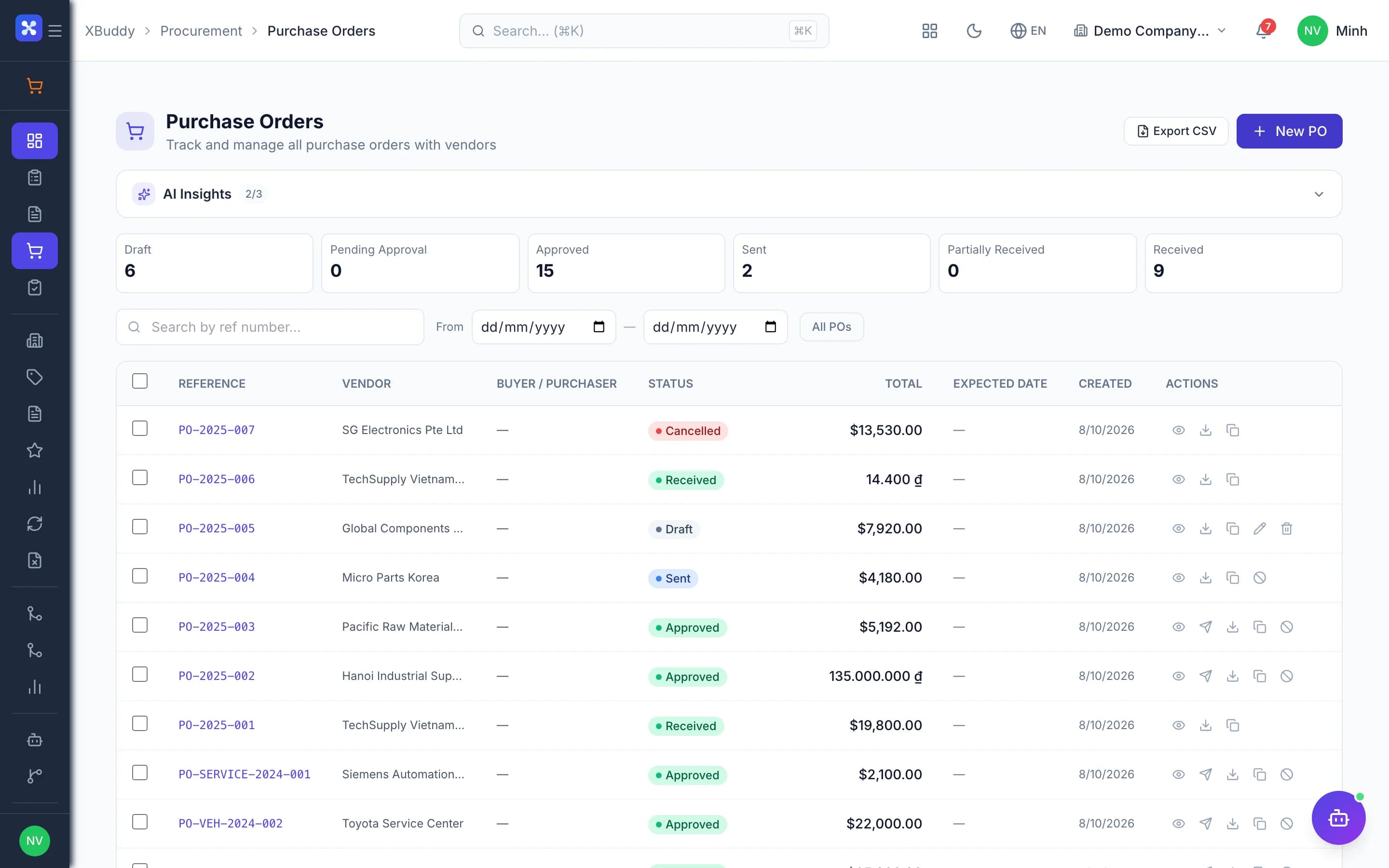
Requisitions, quotes, POs, receipts, vendor bills and payments run through approvals and three-way matching — no paying for goods not received.
- Every purchase has an approver
- PO – receipt – bill matched
- Payments pass an approval gate
The core problems
What is costing you time and money
Buying over chat messages
Departments message the buyer, the buyer calls the vendor, and no document records who asked and who agreed. When something goes wrong there is no accountability trail, and nobody knows how much the company has already committed to spend.
No way to compare prices
Vendor quotes are scattered across emails and attachments. Buyers pick out of habit, with no side-by-side comparison and no history showing which vendors actually deliver on time.
Paying before goods arrive in full
Accounting receives vendor invoices without being able to match them against the purchase order and the receipt. Short deliveries, wrong prices and duplicate invoices still get paid, and then have to be clawed back.
Payments outside any control
Payment orders are raised on verbal requests, and budget overruns are discovered after the fact. The payables balance in the books does not match what is actually still owed to vendors.
Before and after
What changes on XBuddy
Today
- Purchases over chat, no documents
- Quotes scattered across emails
- No record of who approved a purchase
- Paying before goods arrive in full
- Payables reconciled by hand
With XBuddy
- Requisitions with an approval flow, open to everyone
- RFQs that score and compare quotes from many vendors
- Approval chains by amount threshold and purchase category
- PO – receipt – bill matched before payment
- Payables and stock entries posted automatically, matching the ledger
The flow
7 steps, one continuous record
- 1
Raise a requisition
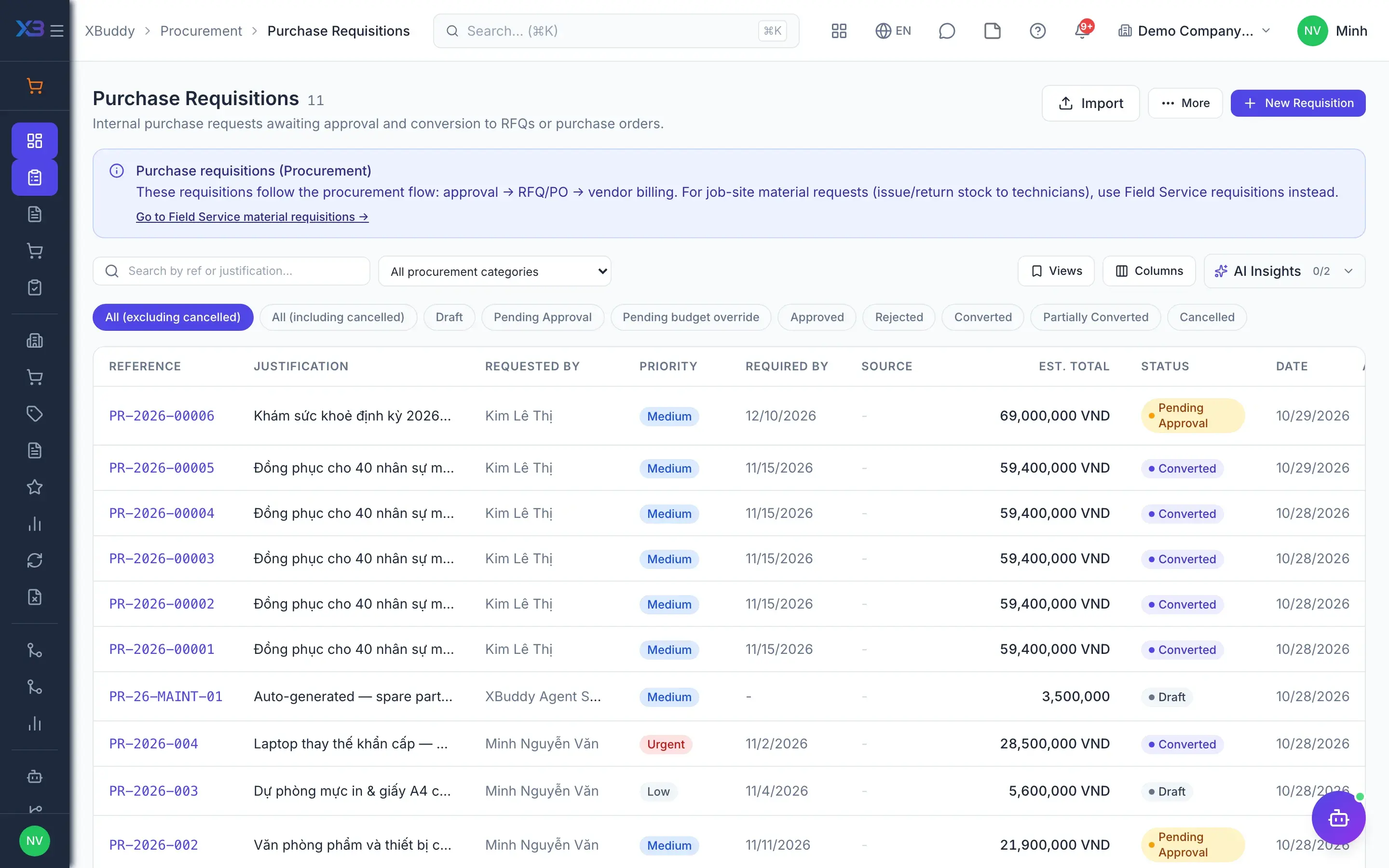
Staff in any department raise a Purchase Requisition and tag each line with a cost center, project or budget category. With budget control enabled, the system checks each line against the remaining budget before it goes for approval.
- Every user can raise requisitions
- Only purchasable items can be added
- Budget check by cost center and project
- 2
Request quotes and choose a vendor
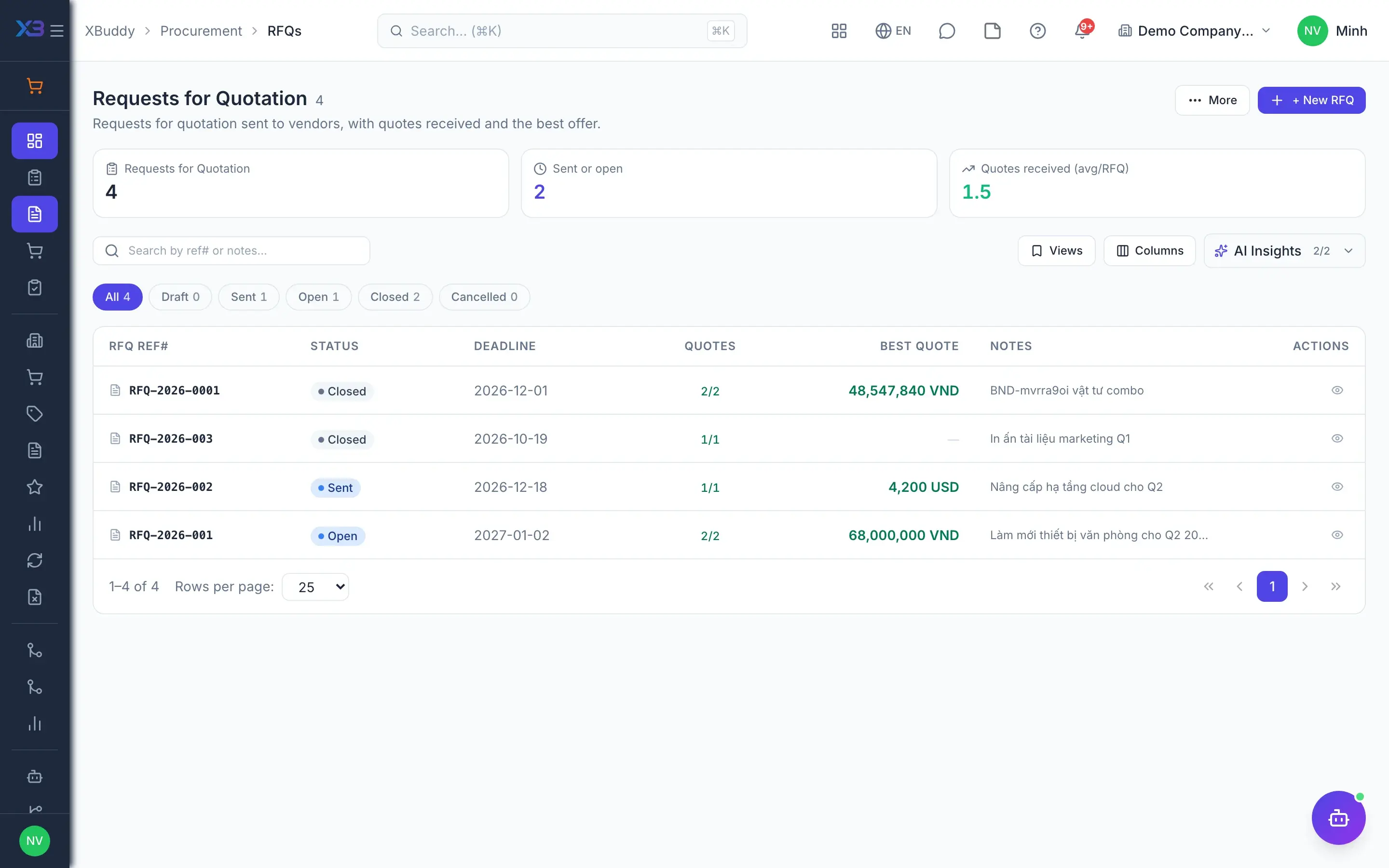
The buyer sends an RFQ to several vendors; vendors submit quotes through a dedicated portal via a tokenized link, with no account needed. Quotes are scored, an award is recommended, and the accepted quote turns straight into a Purchase Order.
- RFQs sent to multiple vendors
- Vendor portal for submitting quotes
- Quote scoring and comparison
- Selected quote becomes the PO
- 3
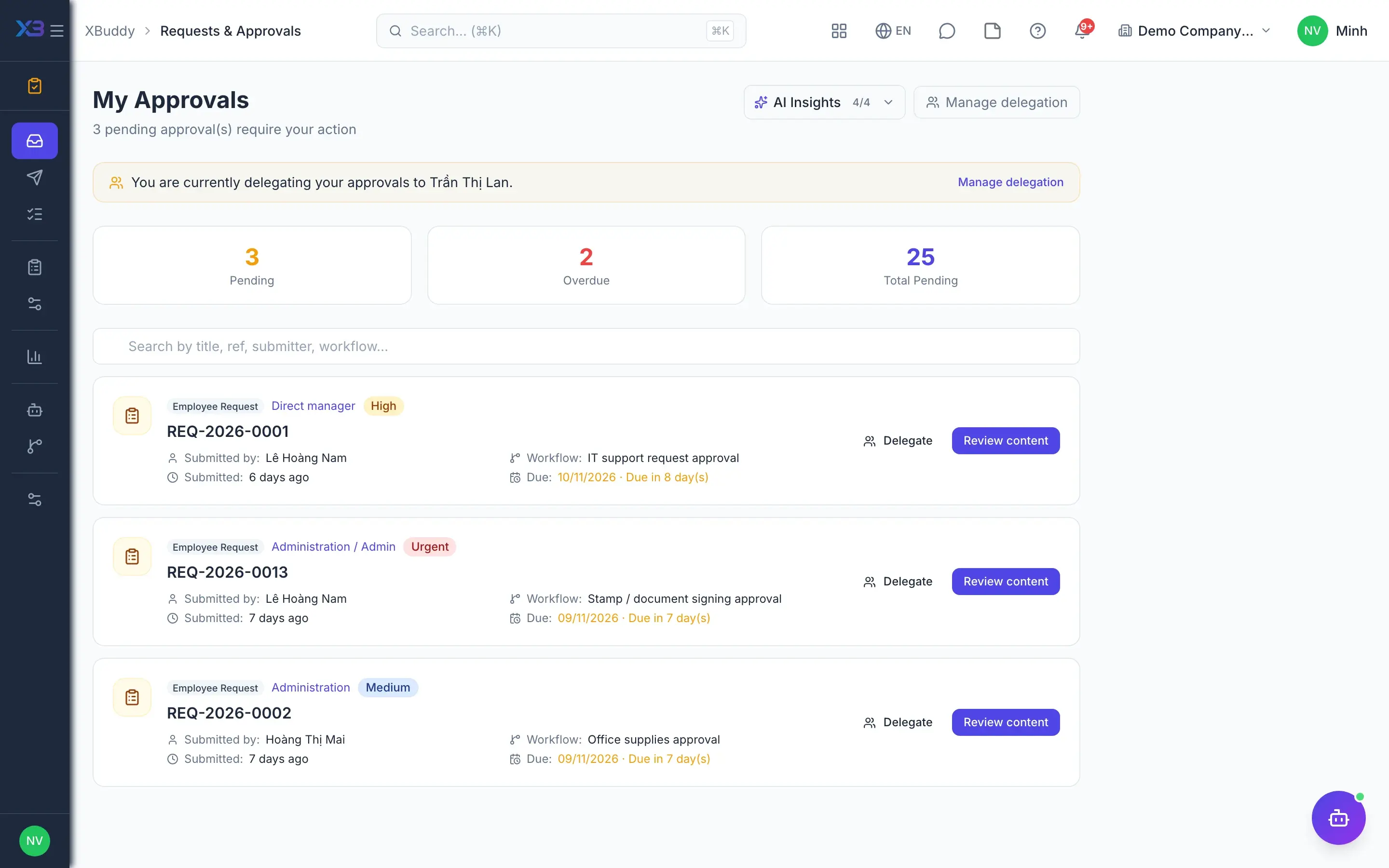
Approve
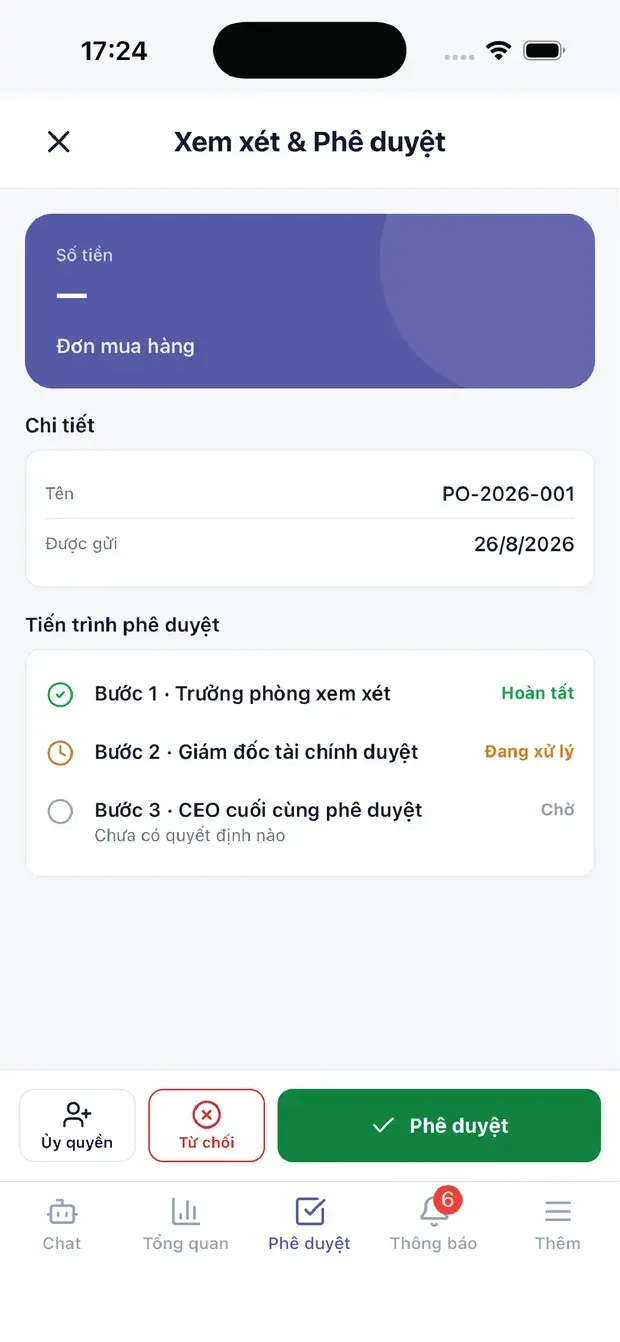
Requisitions and POs pass through approval chains based on amount thresholds in the company's base currency, on purchase category and on the person responsible. Approvers work from the Approval Inbox; preparers cannot approve their own documents unless the company allows it.
- Approval chains by amount threshold
- Routing by purchase category
- One central Approval Inbox
- No self-approval by the preparer
- 4
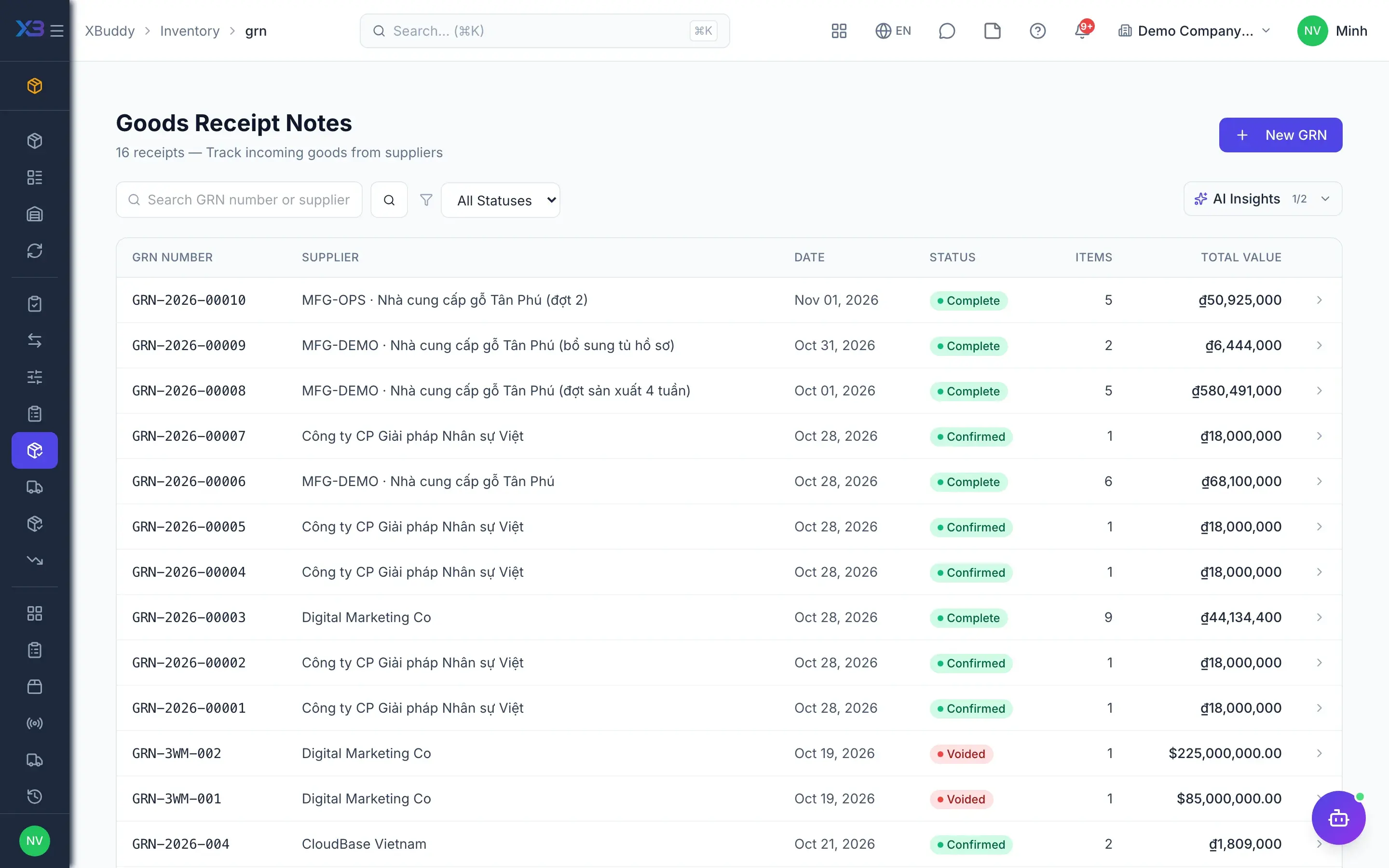
Receive into stock
Once a PO is approved, a draft Goods Receipt Note (GRN) is created; the storekeeper checks quantity, lot and expiry and posts it, receiving part of the order and leaving the rest on backorder if needed. For services, the requesting department records a Service Confirmation instead of a receipt.
- Draft GRN created from the approved PO
- Partial receipts and backorders
- Purchase unit converted to stock unit
- Service Confirmation for service POs
- 5
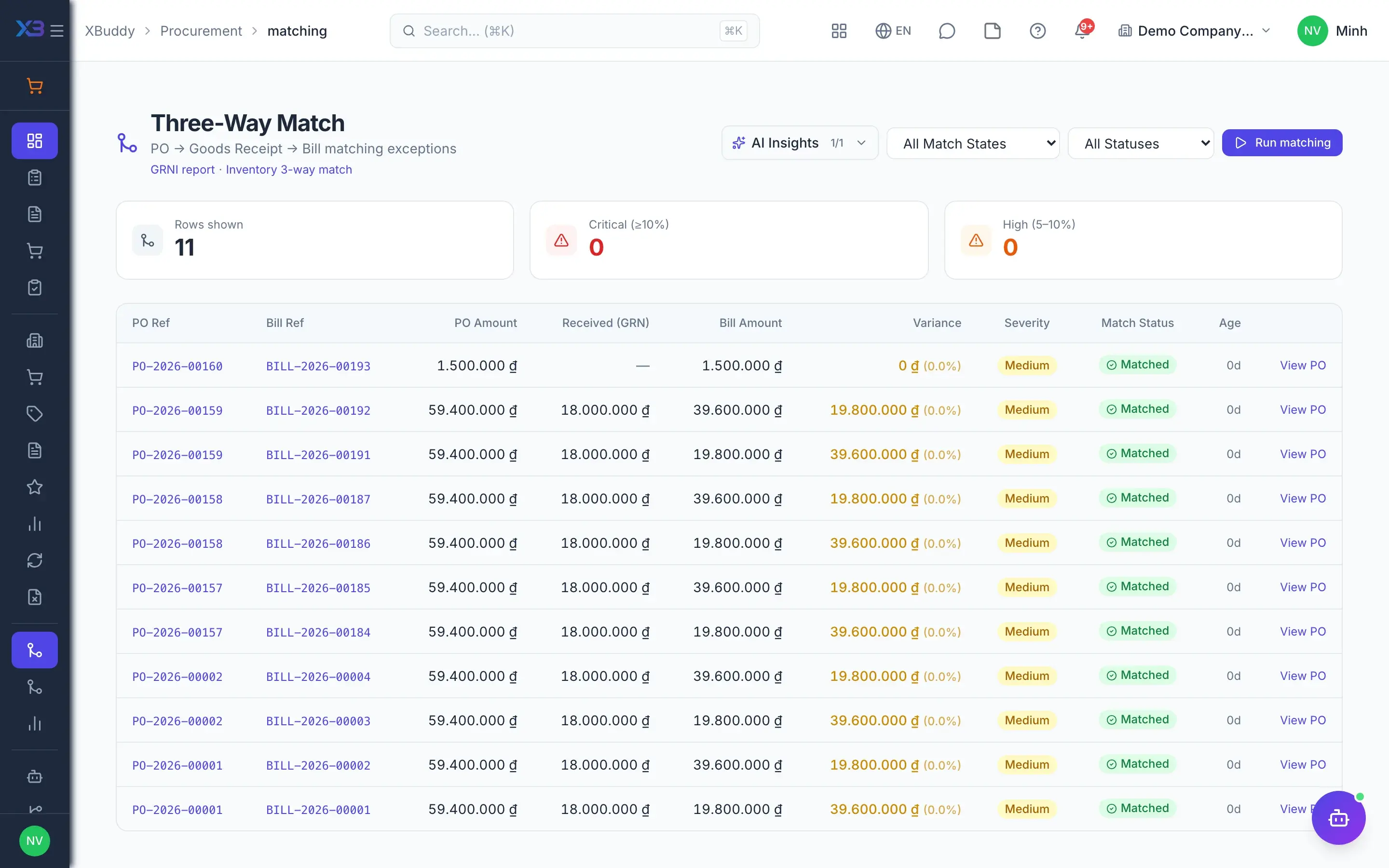
Vendor bill and matching
Accounting creates the Bill from the GRN or Service Confirmation, so quantities and unit prices carry over from the earlier document. Three-way matching of PO – GRN – Bill flags discrepancies and can block payment until the exception is resolved.
- Bill inherited from GRN or service confirmation
- Three-way match, optional payment block on mismatch
- Vendor returns and debit notes
- 6
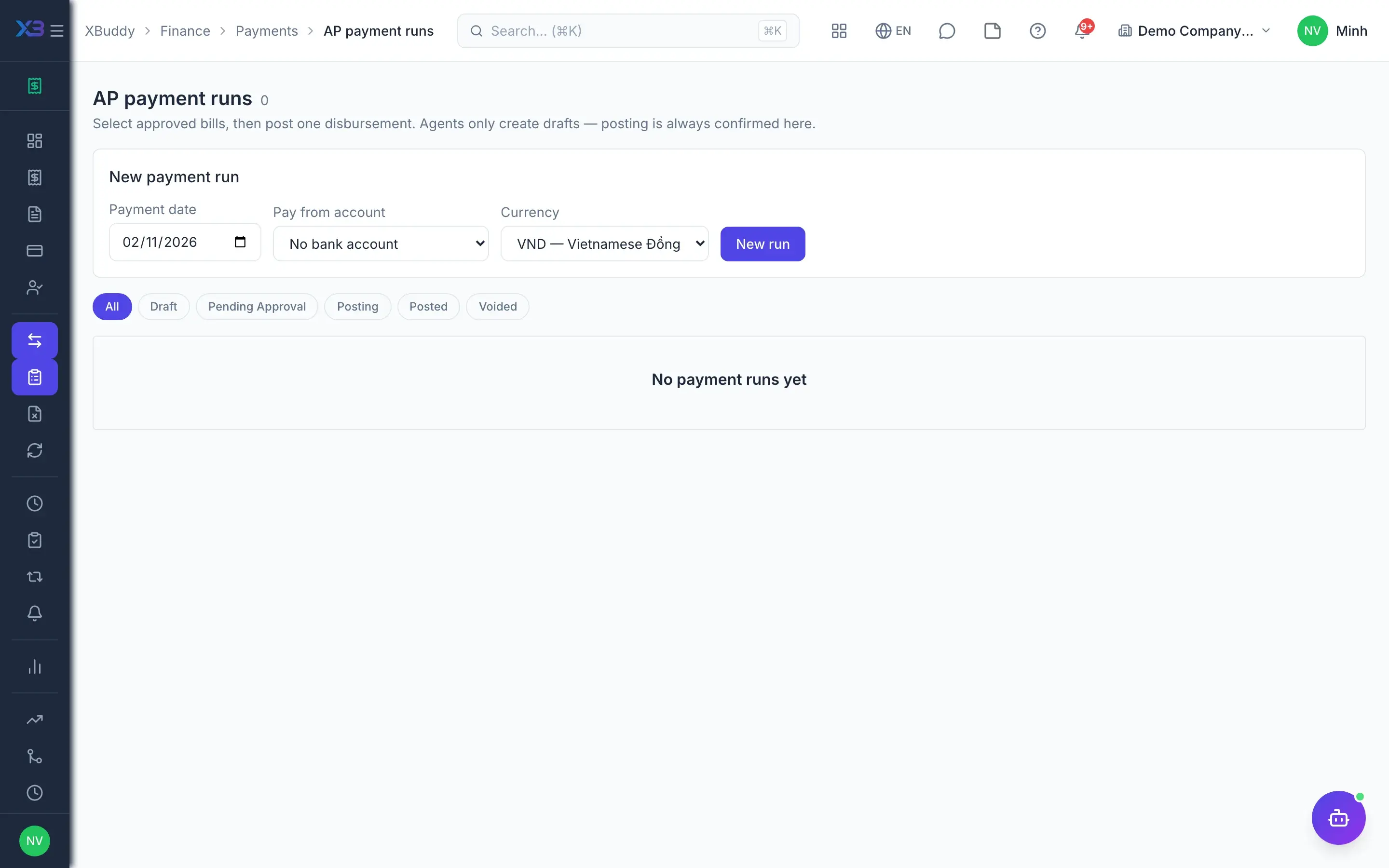
Pay
The cashier or payables accountant creates a payment or a payment run for bills that are due. A payment that needs approval waits in a state with no effect, and only once approved does it reduce payables and cash.
- Payment runs across many due bills
- Approval gate on outgoing payments
- Payables reduced when the payment is posted
- 7
Post to the ledger
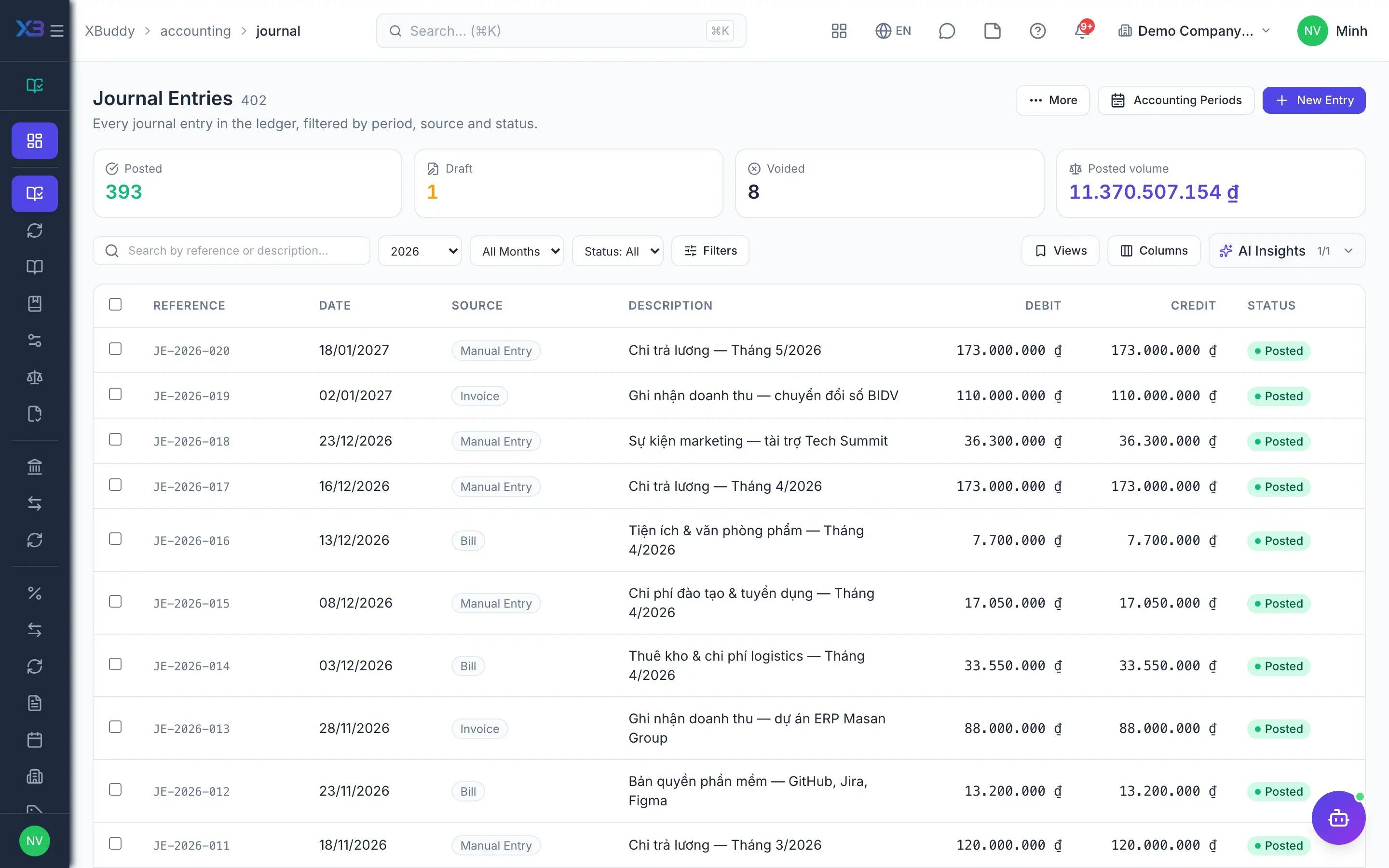
Receipts, vendor bills, returns and payments all generate journal entries under the company's Vietnamese chart of accounts. Purchase costs such as freight and import duty are allocated into the cost of the goods received.
- Stock receipt and payables entries posted automatically
- Landed costs allocated into inventory cost
- Goods received not invoiced report
Key capabilities
What this solution relies on
Requisitions & quotes
Free requisitions for everyone
RFQs and quote scoring
Vendor portal
Purchasable catalog
Control & approval
Threshold-based approval chains
Purchase categories with access controlAdvanced
Budget control
Mandatory rules
Receiving, bills & payment
Partial receipts and backorders
Three-way matching
Vendor returns and debit notes
Payment approval gate
Landed costsAdvanced
Vendors & AI
Vendor profiles and contracts
Vendor scorecards
Procurement assistantAI
Accounts payable assistantAI
Handled out of the box
Hard questions XBuddy already answers
What’s inside
Apps and AI assistants involved
The in-depth document for this solution
Full PDF: step-by-step process, controls, metrics and a 30/60/90-day rollout plan.
FAQ
Frequently asked
Does a small company have to use PRs and RFQs?
No. Requiring POs to come from a PR or go through an RFQ is off by default, so you can create POs directly. As the company grows, an administrator switches on each rule without changing software.
Can departments without Finance Pack raise requisitions?
Yes. Raising, submitting and approving requisitions is free for every user, including service acceptance by the requesting department. Only people who handle RFQs, POs, receiving, vendor bills and payments need the corresponding seat.
Can spending be blocked when over budget?
Yes. With budget control enabled, requisition lines are checked against the remaining budget, including amounts already committed on POs. Depending on configuration, going over budget either warns or blocks.
What about services that have no goods receipt?
Service POs use a Service Confirmation as proof of acceptance instead of a GRN. Accounting creates the Bill from that confirmation, so the payable is still backed by a source document.
Can we buy by the carton and stock by the piece?
Yes. The receipt converts the purchase unit into the base unit, and stock is always counted in the base unit. Cost is recalculated according to that same conversion.
How do we fix a wrong receipt that is already billed?
Inventory refuses to void a receipt that already has a Bill, so stock and payables never drift apart. Void the Bill first, then reverse the receipt — the reverse order of the document chain.
See this flow on your own data
A thirty-minute demo focused on the process you are actually stuck on.