
Request to payment
Advances and reimbursements in one tidy flow
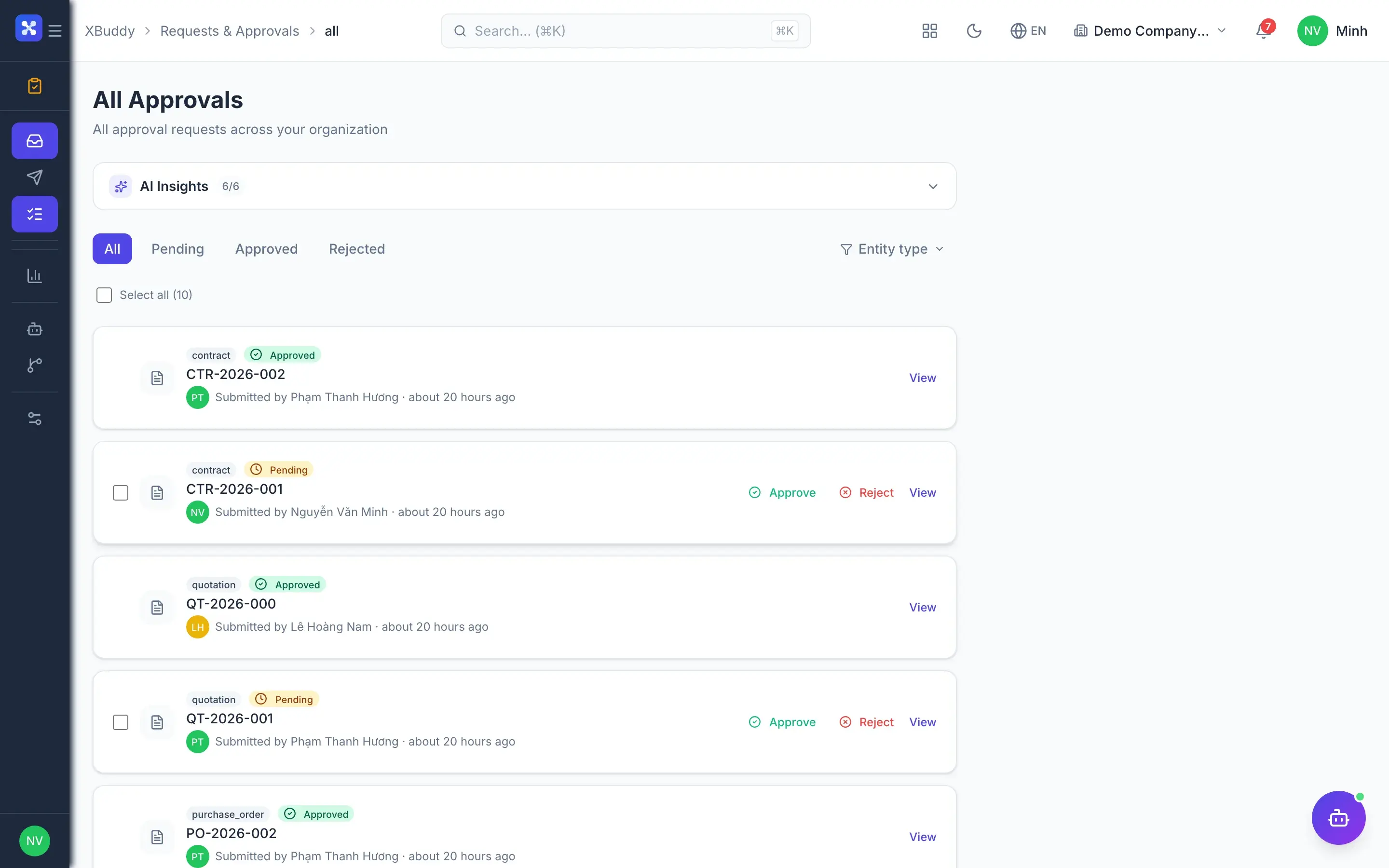
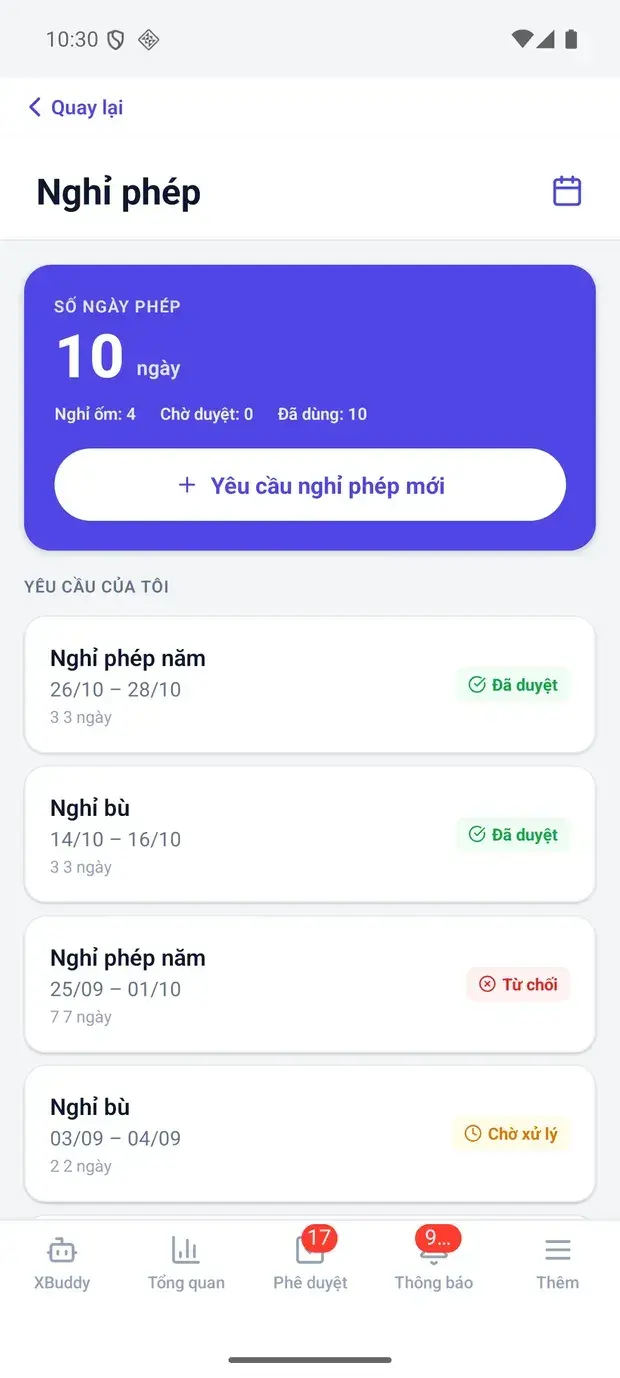
Employees submit advance and expense requests from their phone; multi-level approval, finance pays and posts — no paper going in circles.
- Submit from your phone
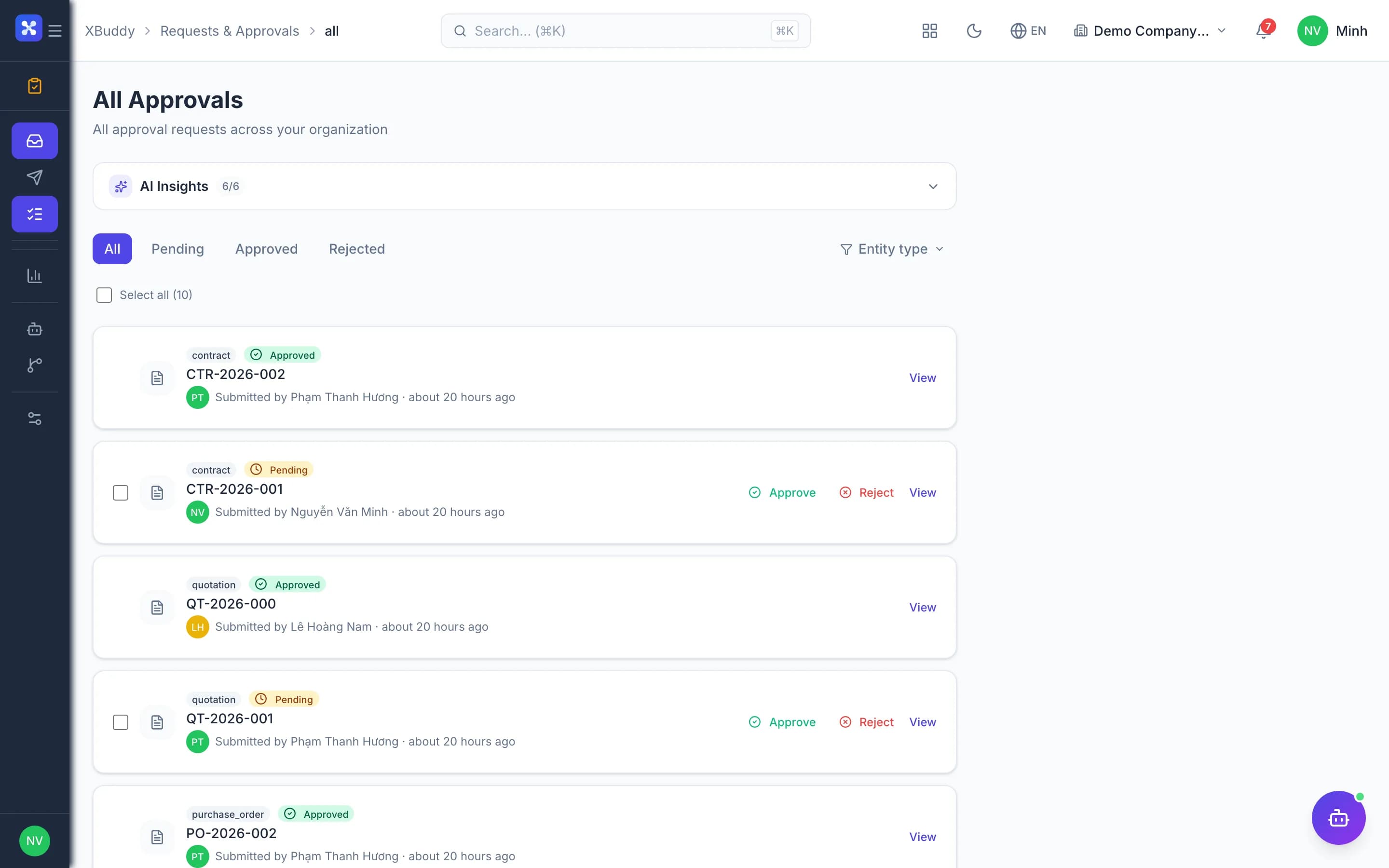
- Transparent multi-level approval
- Payment comes with the entry
Before and after
What changes on XBuddy
Today
- Paper forms passed desk to desk
- No idea where a request is stuck
- Finance re-enters amounts
- Advances never settled
With XBuddy
- Digital requests with attachments
- Every approval step visible
- Approved means queued to pay, no re-keying
- Advances booked and tracked until settled
The flow
4 steps, one continuous record
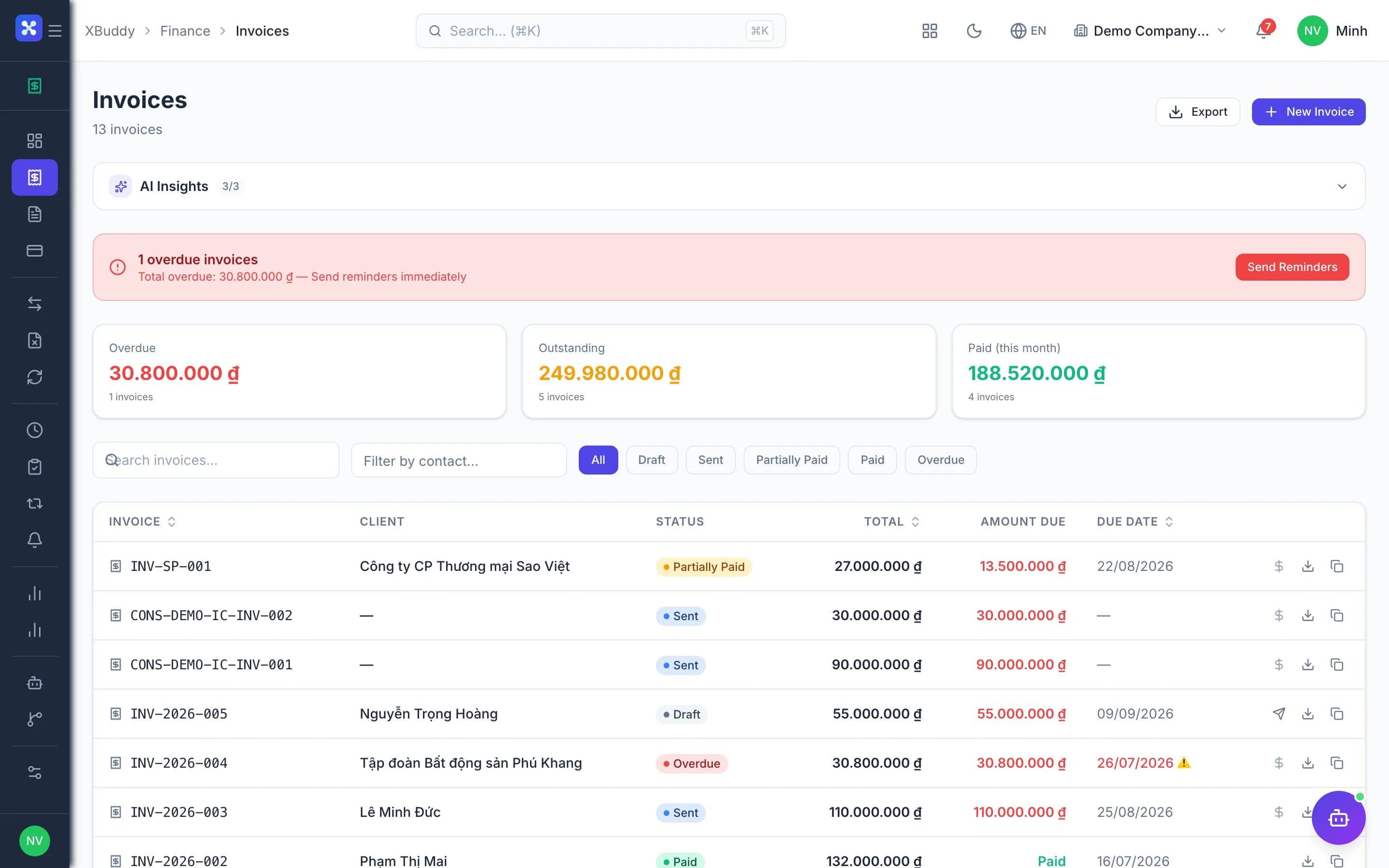
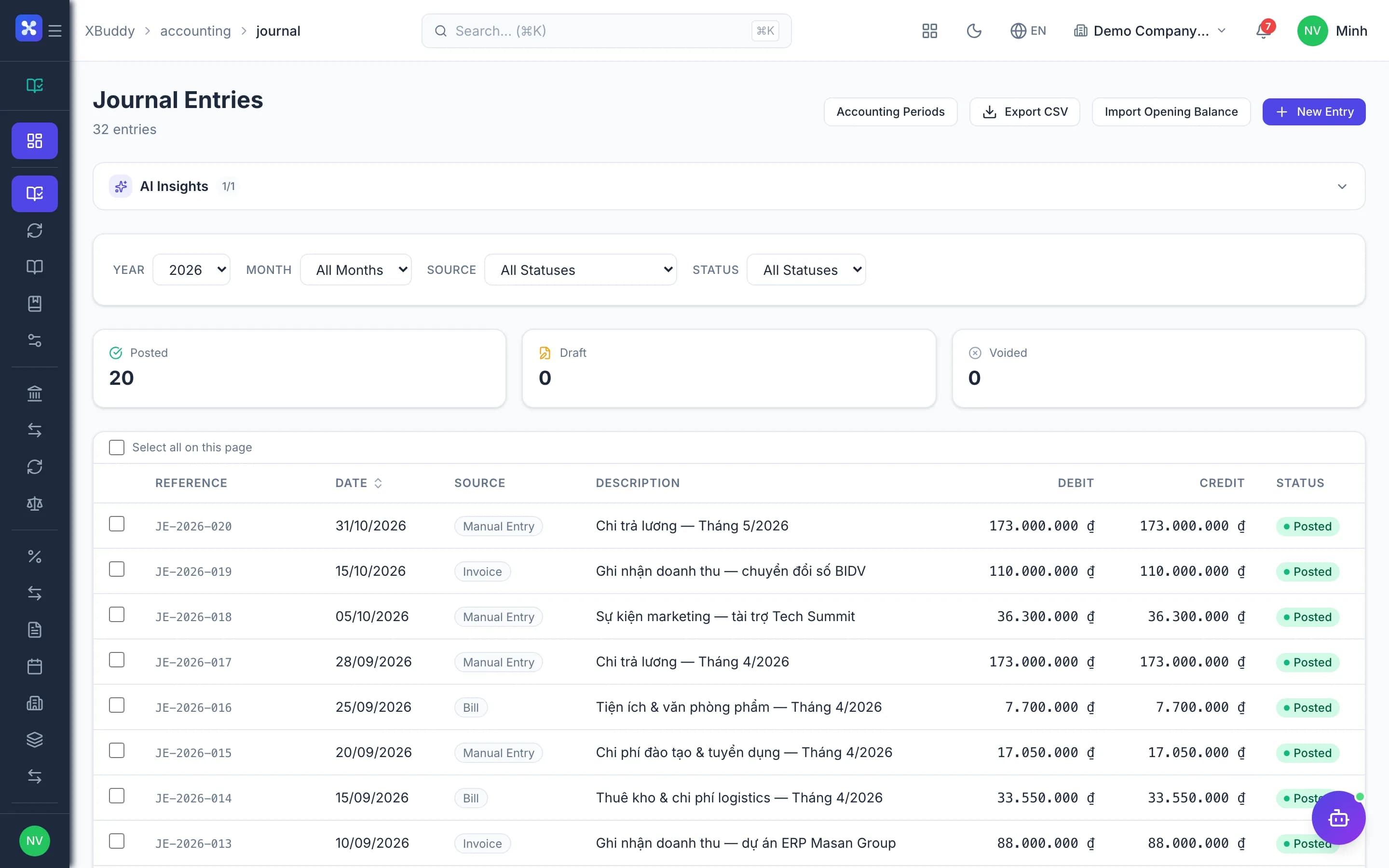
Handled out of the box
Hard questions XBuddy already answers
Missing receipts — send it back?Approvers return it with a reason; the employee fixes and resubmits, history kept.Travel advance, then settlement?Advances post to the advance account; actual expenses offset it and the difference is paid or collected.Approved but not yet paid?Money requests wait in the payment queue and close only when paid.A different chain for each request type?Chains are pinned per request type and configured without code.
What’s inside
Apps and AI assistants involved
FAQ
Frequently asked
Approve on mobile?
Yes, with push notifications.
Authentication when signing approvals?
OTP or passkey can be required.
Custom request types?
Yes, and you choose whether they involve money.
See this flow on your own data
A thirty-minute demo focused on the process you are actually stuck on.