Contract management

Every contract in one place, no missed deadlines or risks

From drafting to signature, renewal and closure — with AI clause review on your own playbook.

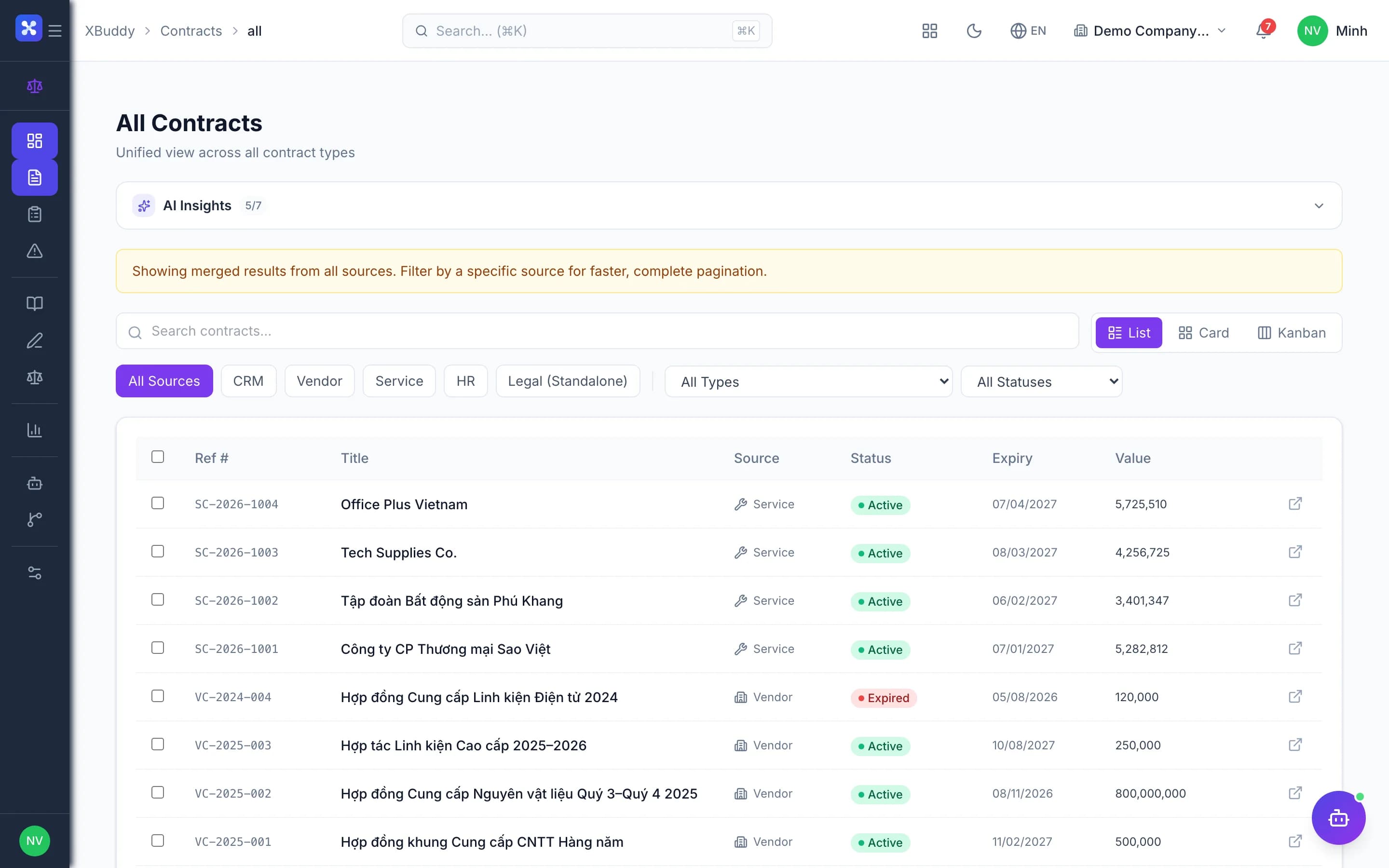
  • Sales, purchase, service and standalone contracts in one hub
  • Automatic expiry alerts, renewals linked to the original contract
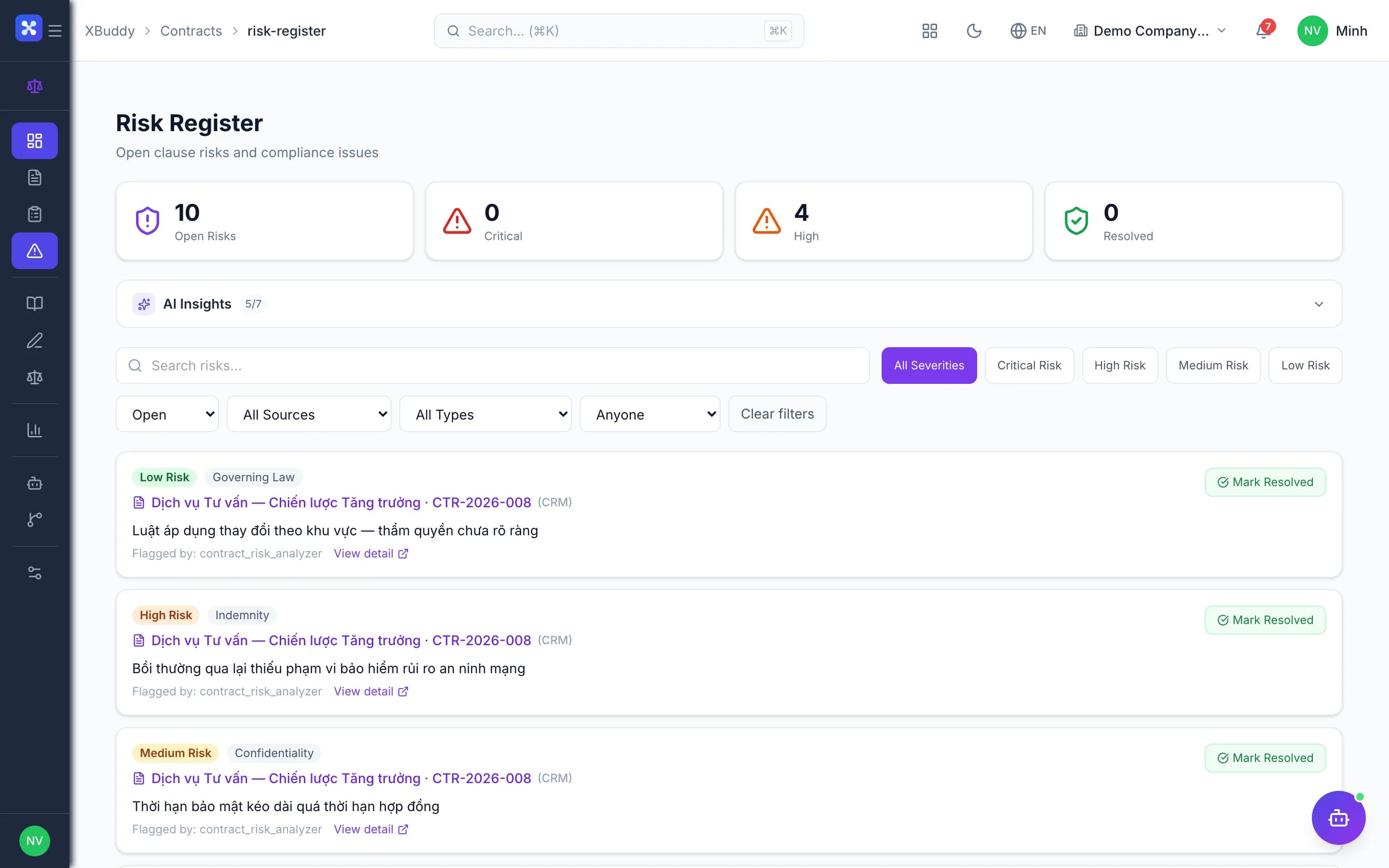
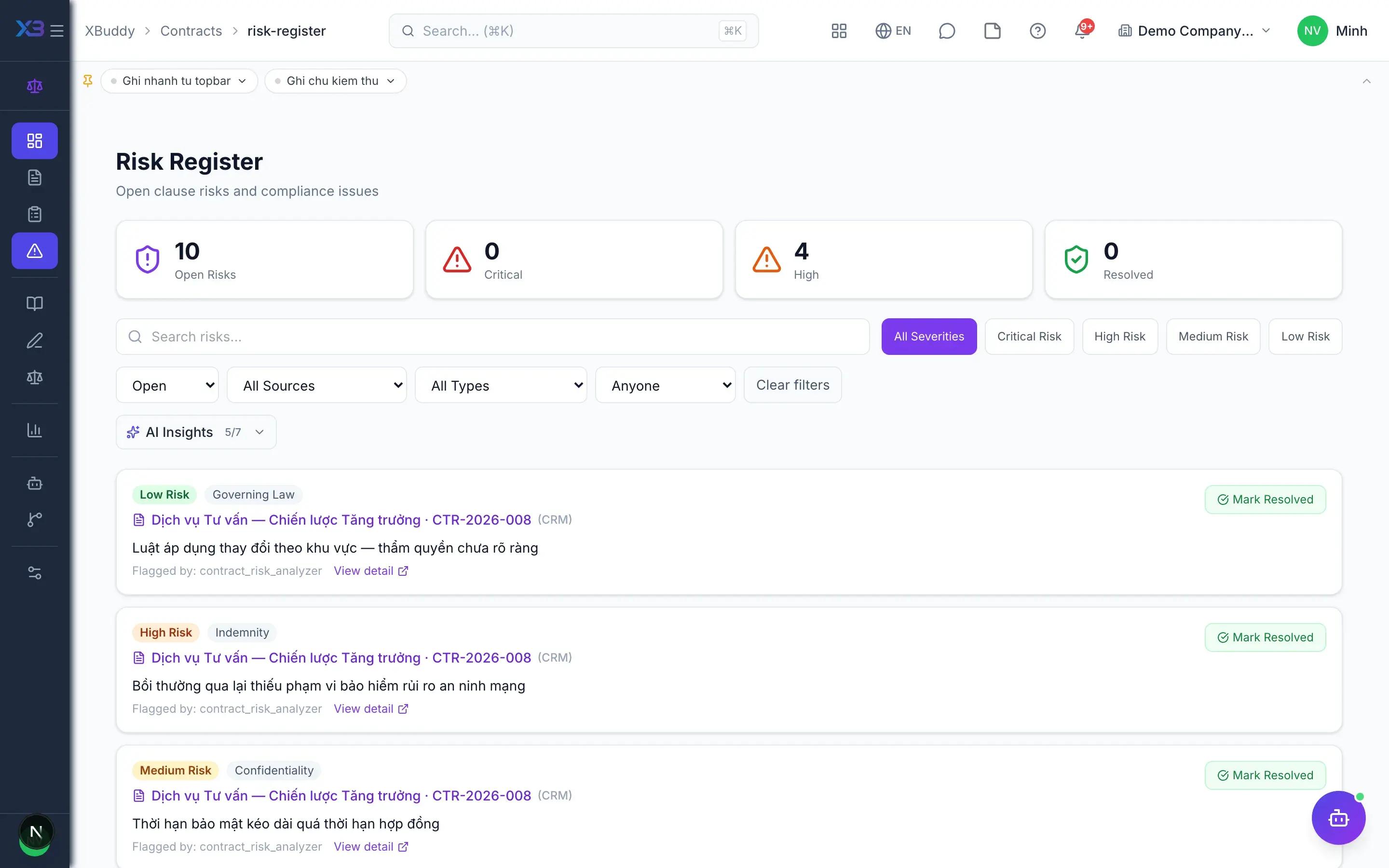
  • Traceable legal review and a clause-level risk register
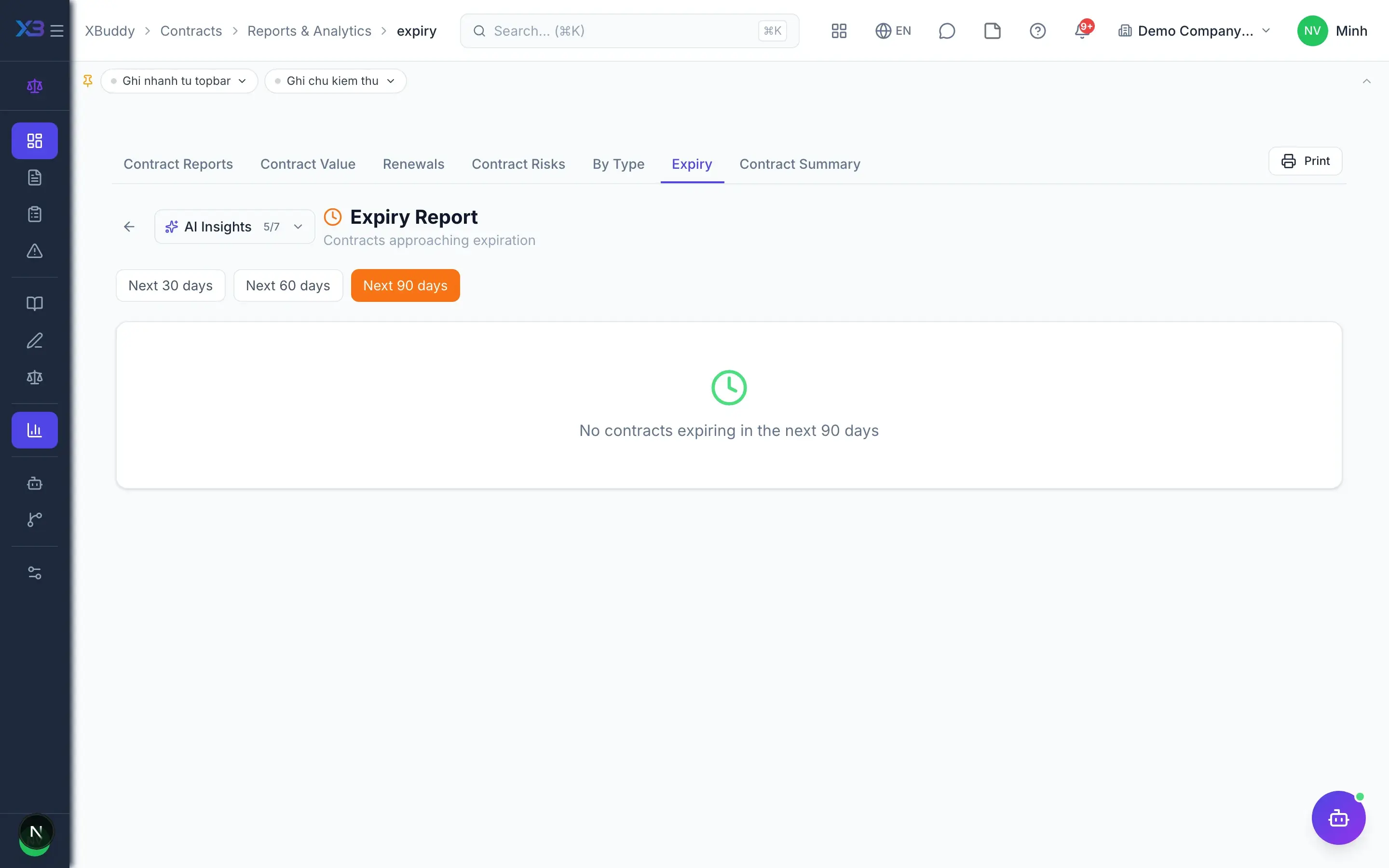
Contract management — product screen

Screenshot 1 of 9

25
capabilities
9
advanced & AI features
1
AI assistants on this data
Web
on mobile

Sound familiar?

The problems this app removes

  • Contracts scattered across departments and hard to find
  • Contracts expire without anyone noticing
  • Sign-offs by gut feeling, with no record of who reviewed what
  • Risky clauses ignored until a dispute arises

Capabilities

25 capabilities in Contract management

Catalogued against screens that exist in the product, grouped by the work they do — not a flat marketing list.

Contract hub

6
  • One list, five sourcesAdvanced

    See contracts from CRM, Procurement, Field Service, Service Management and standalone in a single list.

  • Standalone contracts

    Create contracts outside sales or purchasing flows: NDAs, office leases, partnerships, consulting.

  • Clear lifecycle

    Draft, in review, pending approval, pending signature, signed, active; termination always requires a reason.

  • Linked renewals

    Renewing creates a new draft linked to the old contract, keeping history across every term.

  • Attachments and timeline

    Store contract files and annexes, and view a timeline of every change on one page.

  • List export

    Export a filtered contract list for management or auditors whenever needed.

Legal review

4
  • Review queueAdvanced

    Legal receives contracts awaiting review, assigns an owner and tracks progress.

  • Checklists and comments

    Review against template checklists and discuss directly on the contract record.

  • Maker-checker separationAdvanced

    The drafter cannot approve their own contract, ensuring a clear two-person control.

  • Text extraction and clause splitAI

    Extract file text, split it into clauses for review, compare redlines and record decisions.

Risk and policy

4
  • Clause risk registerAdvanced

    Log risks per clause with severity and owner; close them once resolved.

  • Block activation on open riskAdvanced

    Optionally prevent a contract from going active while serious risks remain open.

  • Clause playbook

    Define standard clauses and acceptable negotiation positions for the whole team.

  • Contract policies

    Publish policies per contract type as the reference basis for every review.

Templates and clauses

3
  • Grouped templates

    Manage contract templates by group with attachments, and draft new contracts from them quickly.

  • Default template pack

    Load a ready pack of common contract templates and start without drafting from scratch.

  • Clause library

    Reuse clauses already approved by legal across every future contract.

Signing and expiry

3
  • Expiry alertsAdvanced

    Contracts automatically move to expiring 30 days ahead and to expired on the end date.

  • Wet-ink signatures

    Record contracts signed on paper and send reminders to parties still missing a signature.

  • E-signature link

    Send contracts to the Signatures app for electronic signing and track signing status.

Reports and automation

5
  • Value and type reports

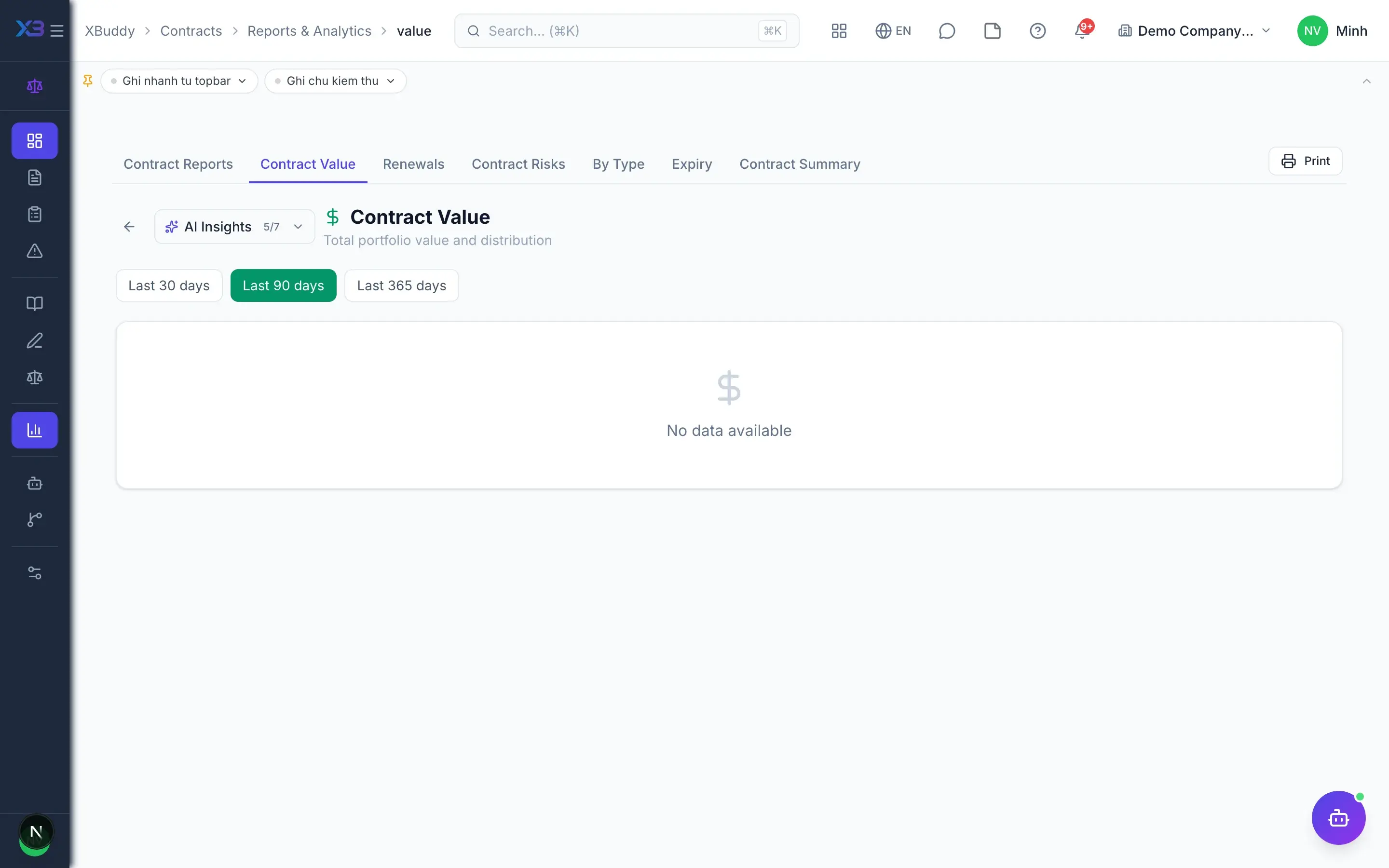
    Total contract value by type and source, giving leadership a full view of commitments.

  • Renewal rate and open risks

    Track expiring contracts, renewal rate and the number of risks still open.

  • Numbering by type

    Configure contract types and a separate numbering rule for each type.

  • Contract AI HubAI

    An AI assistant helps look up contracts, remind deadlines and summarise the risk picture.

  • Approval workflowsAdvanced

    Design multi-step approval flows by contract value or contract type.

Real screens

Inside Contract management

Contract management — product screen

In practice

When you reach for it

1

Reviewing a contract the customer sent over

Read thirty pages by hand and the worst clause is usually on page 24.

  1. 1.The system extracts clauses and compares them against your own policy
  2. 2.Anything past a red line is surfaced with the original wording quoted
  3. 3.Legal decides to accept, renegotiate or refuse

AI points to what needs reading closely; a person still decides.

Assistants on this app

1 assistants work on this data

Each assistant carries its own skills on this app’s data, inside the caller’s permission scope.

Contract lifecycle assistant — tracks contracts and service contracts across their lifecycle: renewal risk, expiry, clause and NDA screening, signature chasing and document compliance.

Explore skills
  • Contract Risk AnalyzerAI-powered analysis of standalone contract text to detect missing or risky clauses: missing liability cap, auto-renewal without adequate notice, unfavorable jurisdiction, weak confidentiality terms. Creates clause risk records for Legal review
  • Contract Clause AdvisorAI analysis of a standalone contract to suggest standard clauses missing from the document — liability cap, IP ownership, non-solicit, dispute resolution, force majeure, and more.
  • Contract Expiry MonitorScans all active contracts across CRM, Vendor, and Legal modules. Flags contracts expiring in 30/60/90 days with severity classification and creates a renewal action list for the Legal team
  • Contract Signature ChaserSends automated reminders to pending signers who have not signed within 3 days. Tracks outstanding signatures and escalates overdue contracts to ensure timely execution.
  • NDA Auto-ScreenerScreens NDA contracts submitted for legal review. If the NDA is a standard form, low value (under configured threshold), and has no custom high-risk clauses, suggests auto-approval to reduce Legal team workload
  • Service ContractProcess-aware agent tracking service contract lifecycle and proposing timely renewal actions
  • Service Contract RenewalDetects service contracts expiring within 30/60/90 days and creates renewal tasks for account managers to follow up before contracts lapse.
  • Document Compliance AuditorAudits documents for encryption policy compliance — flags confidential and restricted files that are not encrypted, generates a compliance score and remediation plan

FAQ

Frequently asked

Do contracts created in CRM need re-entry?

No. The hub reads contracts directly from CRM, Procurement, Field Service and Service Management, and opens details in the source app.

How are expiry alerts handled?

Every day the system flags contracts as expiring 30 days ahead and as expired on the end date, with a tracking report.

Can contracts be signed electronically?

Yes, through the Signatures app. For paper contracts you record the wet-ink signature and send signing reminders.

See Contract management running on your data

A thirty-minute demo focused on the process you are actually stuck on.