
SME CEO
Run the whole company in five minutes a morning
Revenue, cash, receivables, people and pending approvals on one screen — ask the AI in plain language, get answers from real data.
- One screen for every number
- Approve from your phone
- Ask AI, get real figures

Before and after
What changes on XBuddy
Today
- Waiting for month-end reports
- Each department on different software
- Documents pile up awaiting signature
- No view of cash in the coming weeks
With XBuddy
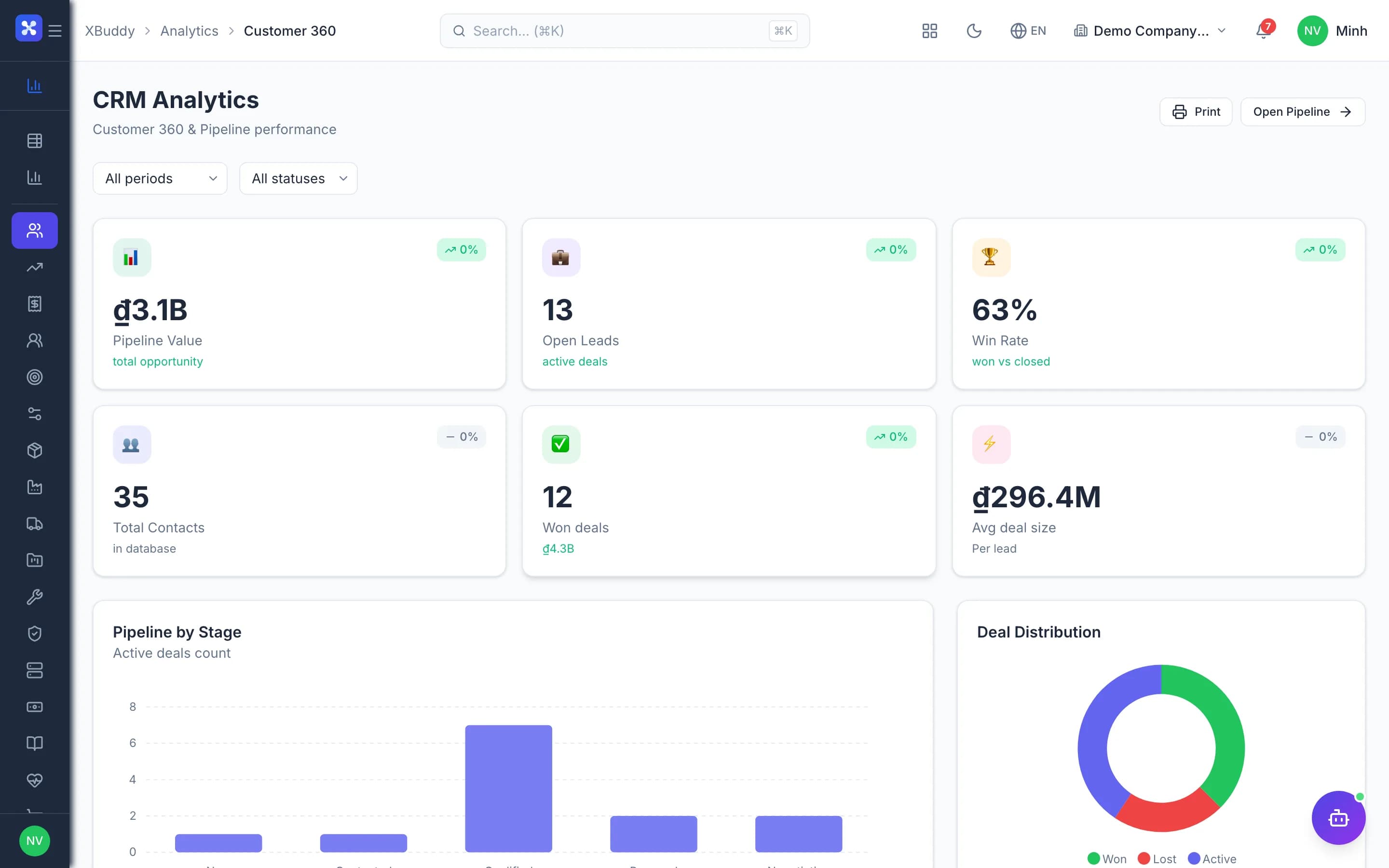
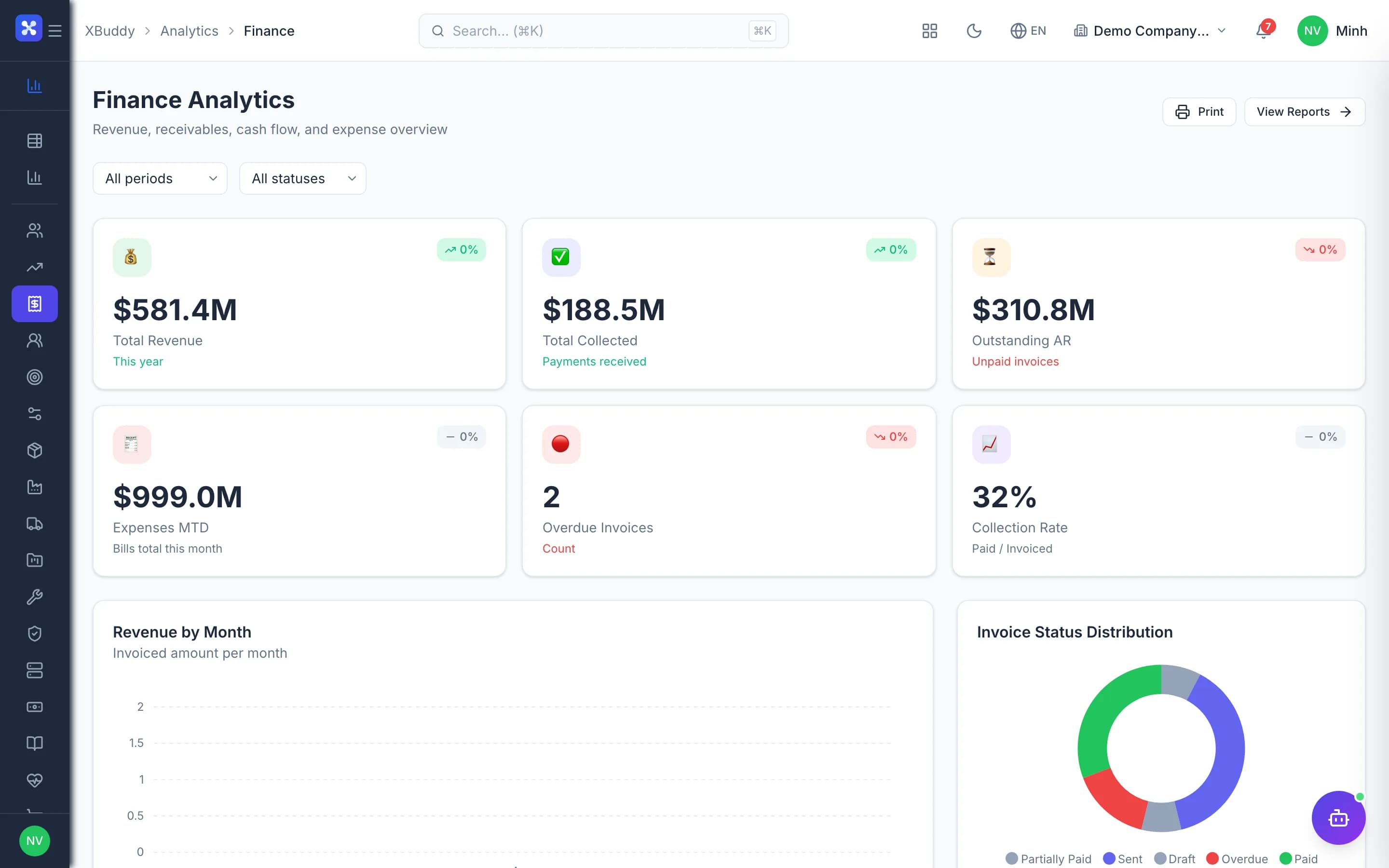
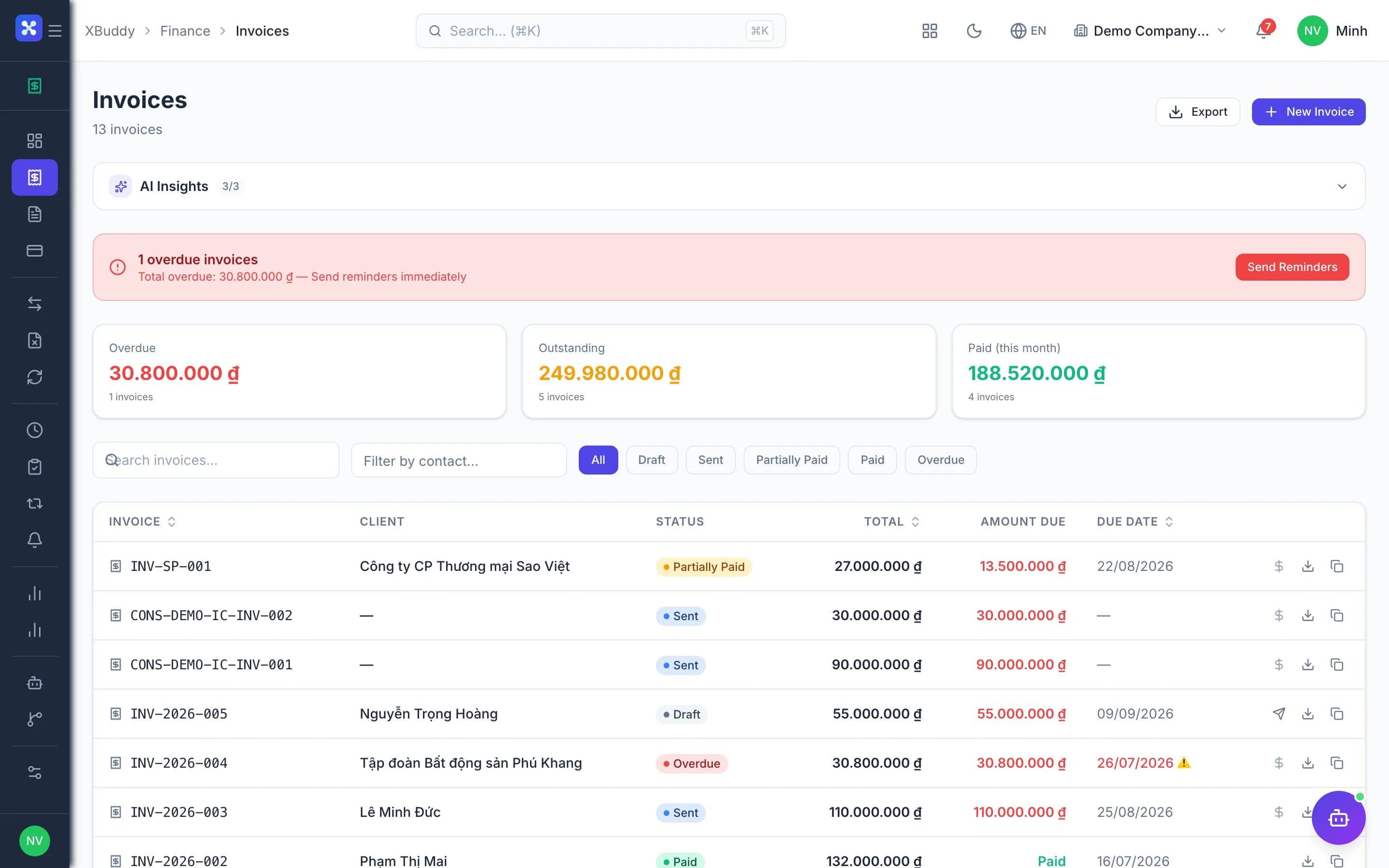
- Real-time dashboards
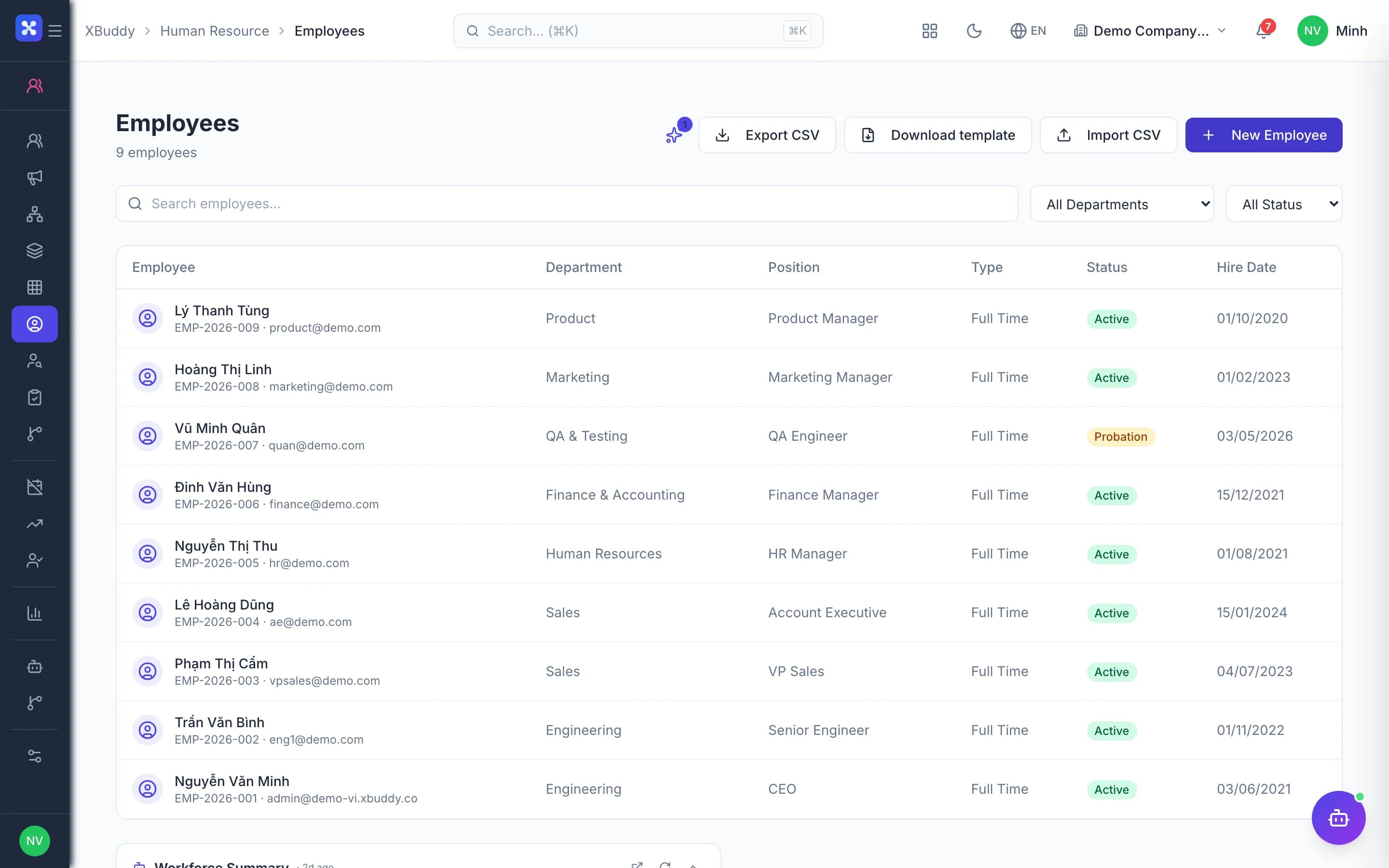
- One source of truth for every team
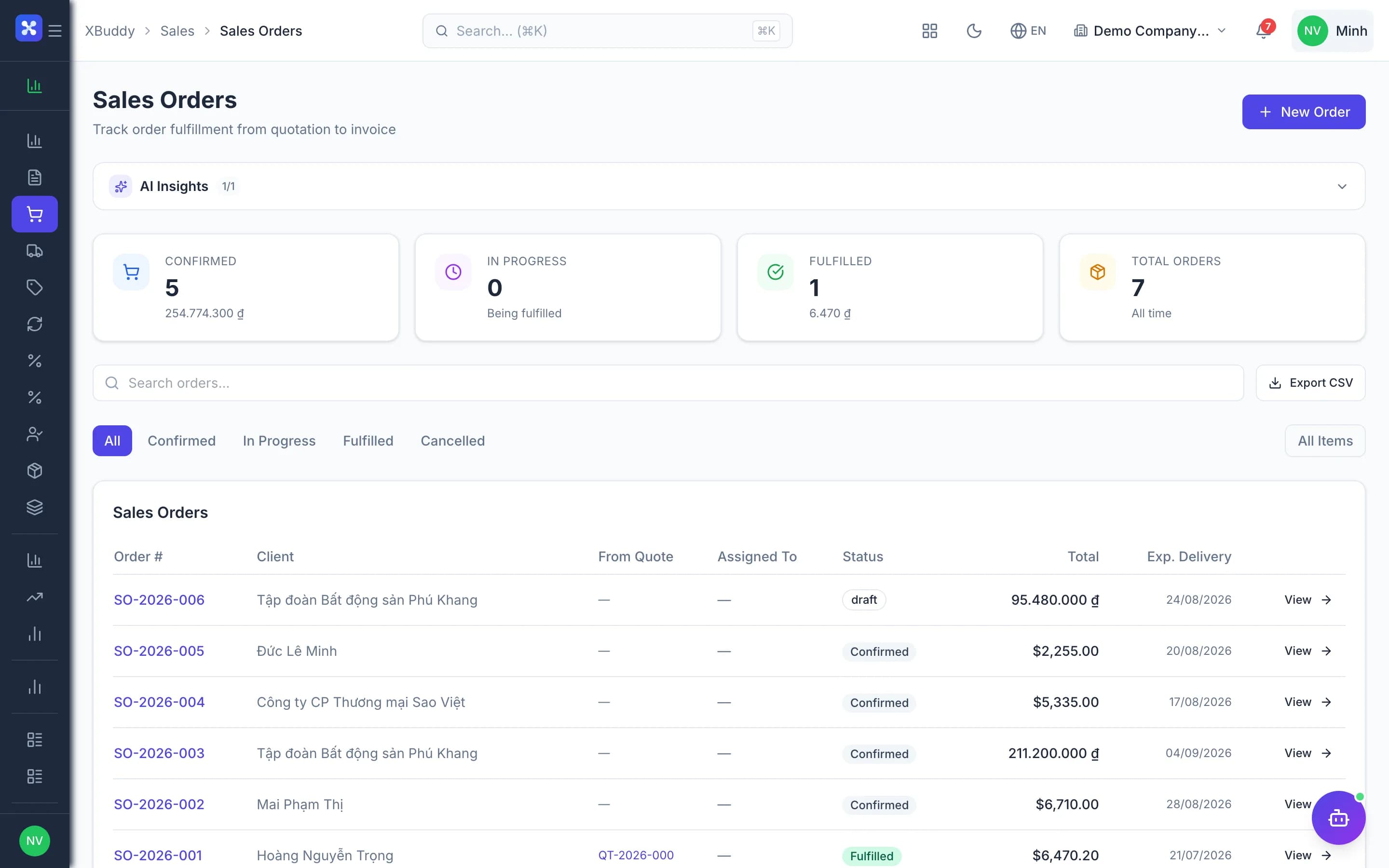
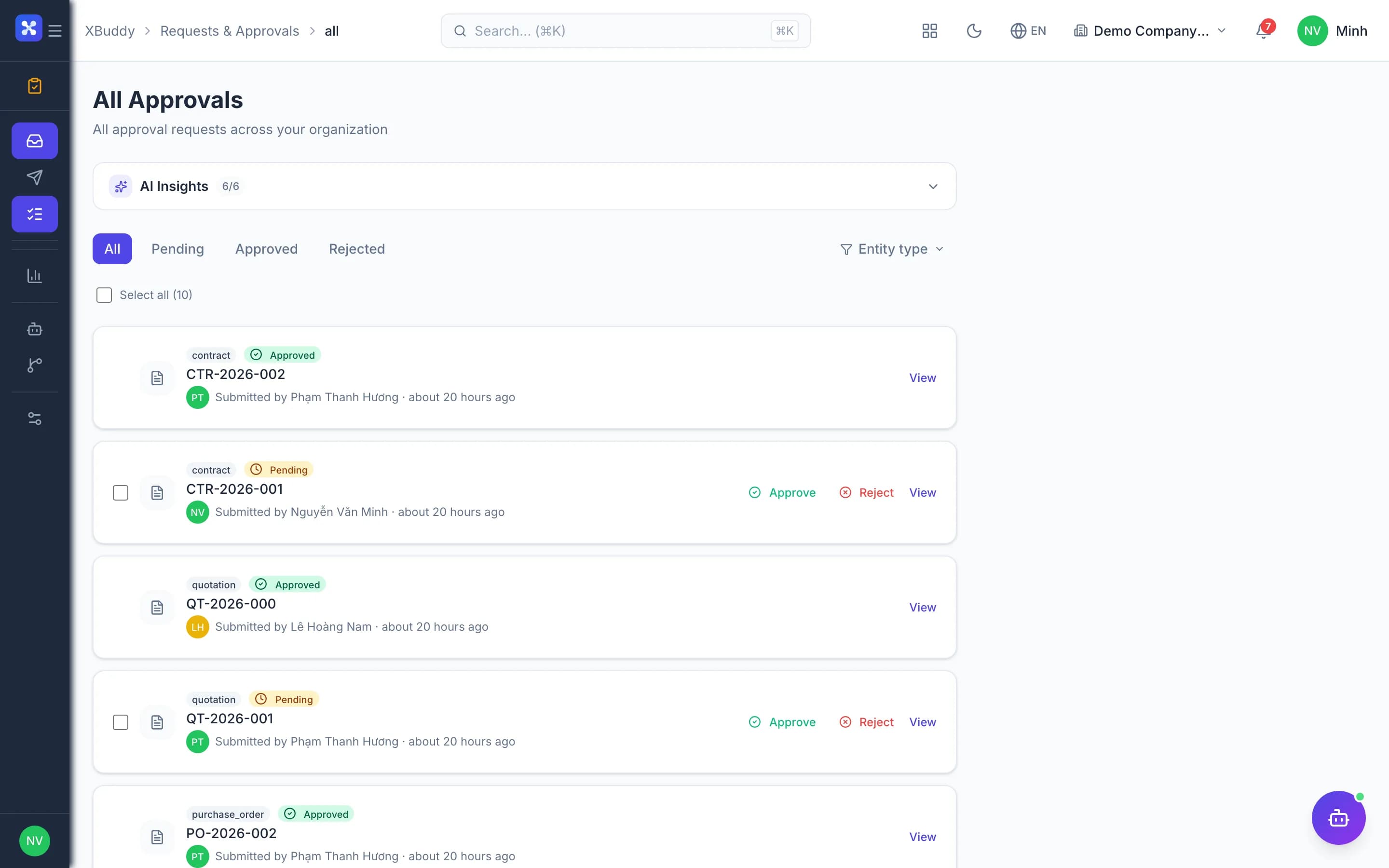
- One approvals inbox, anywhere
- 13-week cash flow forecast
The flow
6 steps, one continuous record
- 1
Morning brief
The AI assistant summarizes hot spots: revenue, receivables, overdue work.
XBuddy Chat →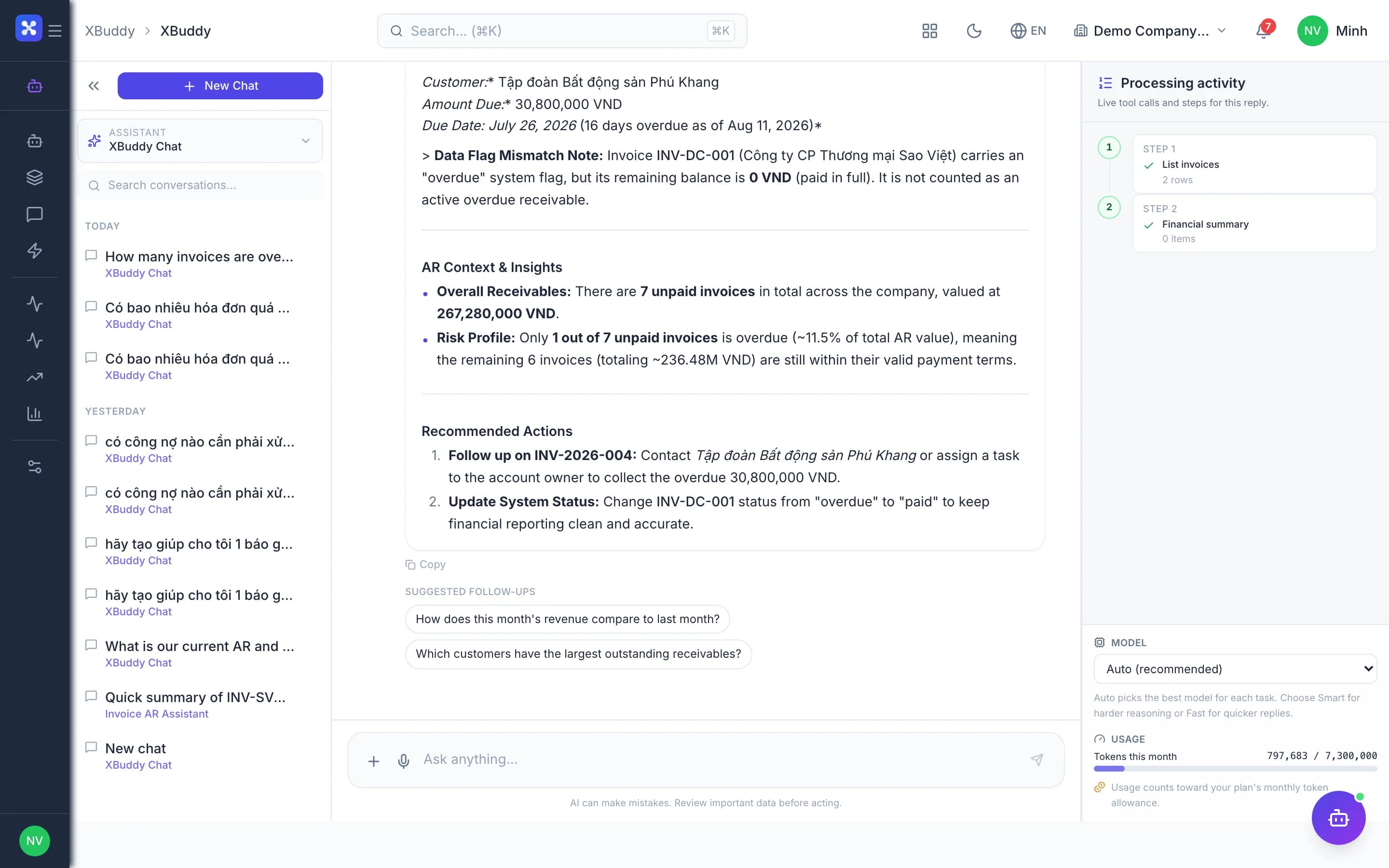
Handled out of the box
Hard questions XBuddy already answers
Ask the AI: "Will we be short of cash next week?"The assistant reads the real forecast and points to large flows and overdue items driving it.Do large payments need CEO approval?A threshold-based payment gate holds them unposted until approved.Traveling — who approves for me?Time-boxed delegation; delegates see only the items routed to them.Parent company sees its subsidiaries?Multiple companies in one account, company-level access and consolidated reports.
What’s inside
Apps and AI assistants involved
FAQ
Frequently asked
Will the AI make decisions for me?
No. It suggests and summarizes; every write waits for a human.
Is there a mobile app?
Yes, approvals and dashboards in the Office app.
Is our data isolated?
Yes, each business has its own data space.
See this flow on your own data
A thirty-minute demo focused on the process you are actually stuck on.