
Project manager
On time, on budget, properly staffed
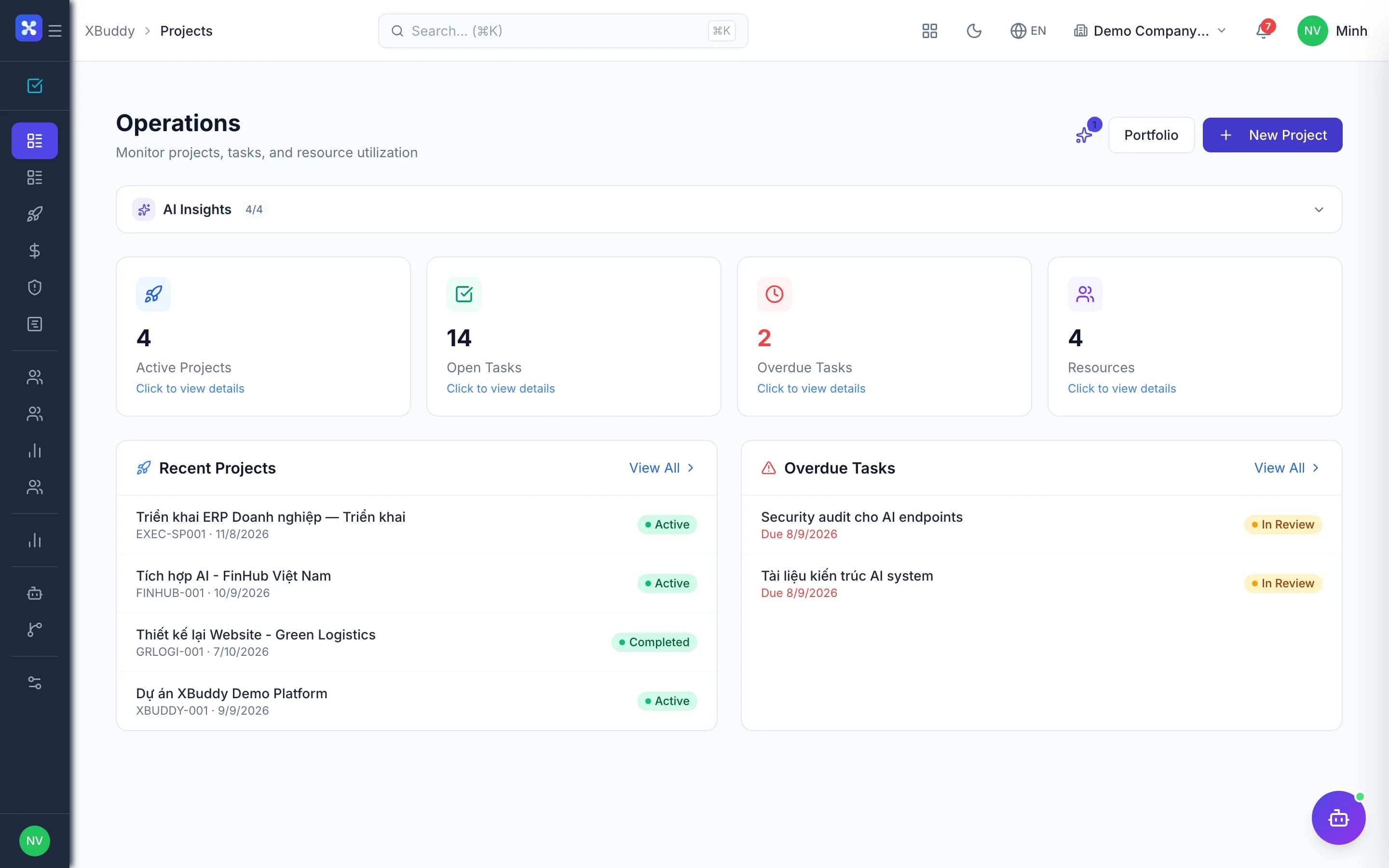
Tasks, time, resources, costs and approvals in one place — PMs spot risk early instead of chasing reports.
- Progress and budget on one screen
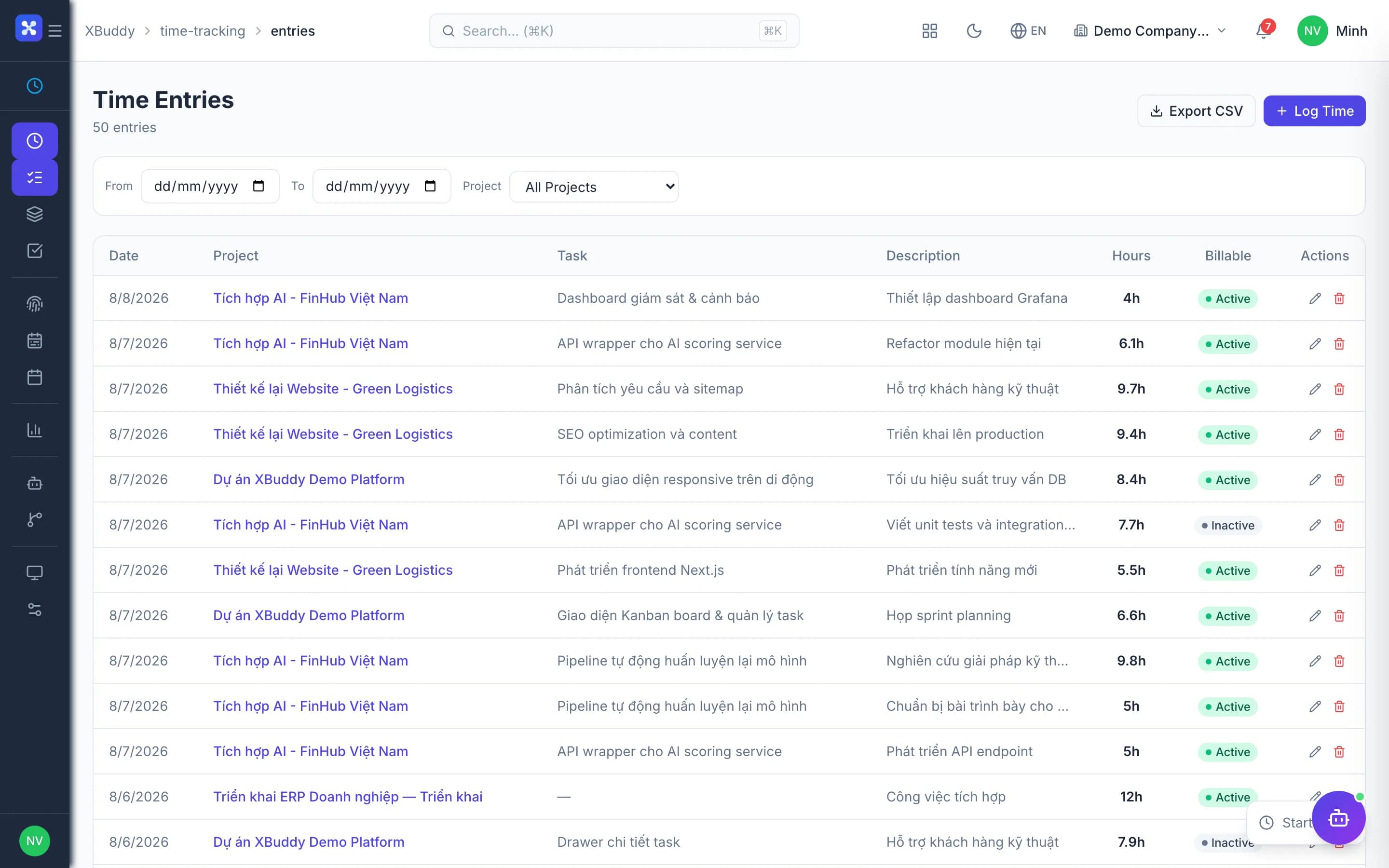
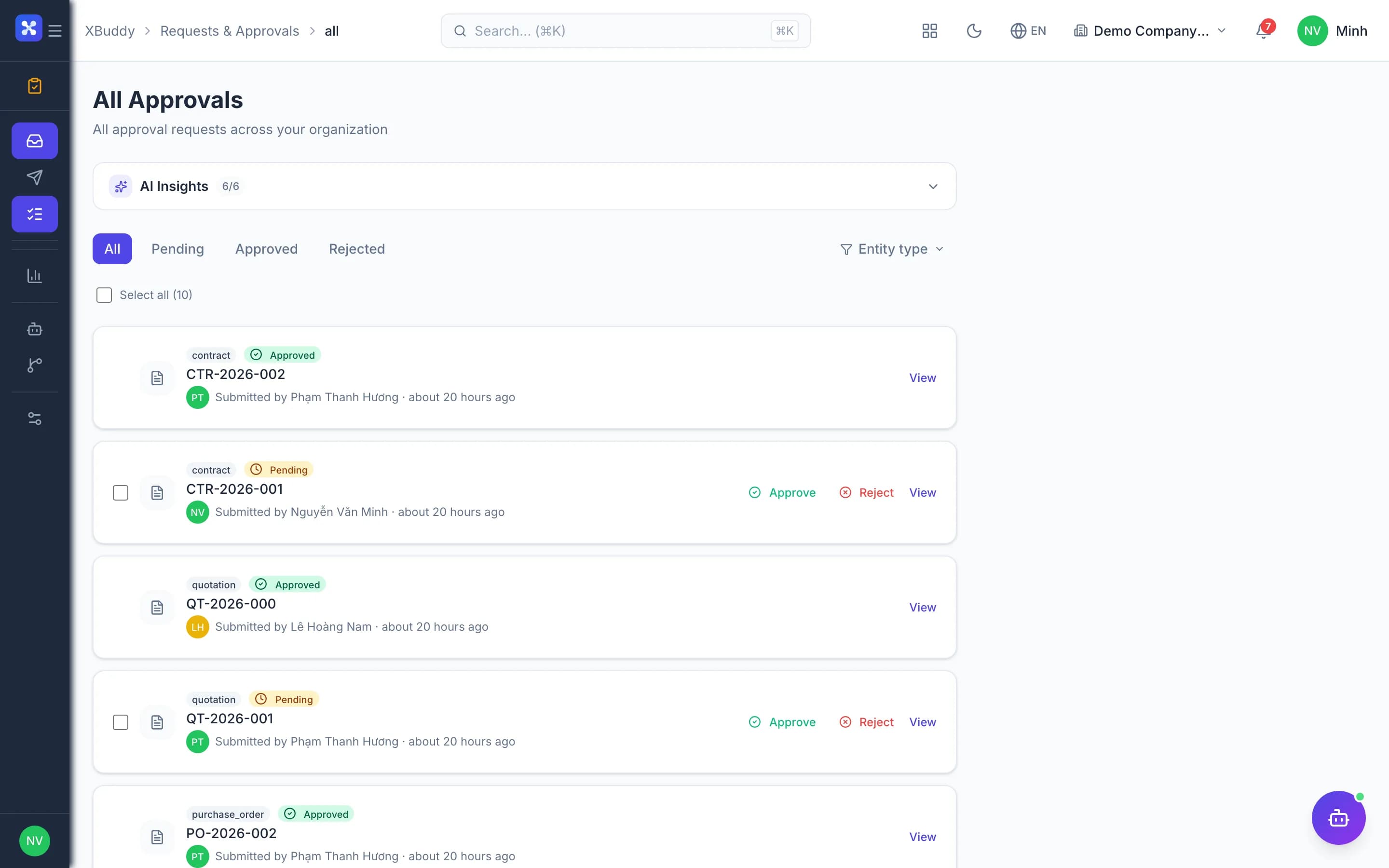
- Fast time and cost approvals
- See who is overloaded

Before and after
What changes on XBuddy
Today
- Tasks in one tool, time in another
- No view of who is overloaded
- Costs discovered too late
- Meeting outcomes get lost
With XBuddy
- Tasks, time and cost tied to the project
- Workload by person and week
- Spent and committed update continuously
- Meeting conclusions become owned tasks
The flow
5 steps, one continuous record
Handled out of the box
Hard questions XBuddy already answers
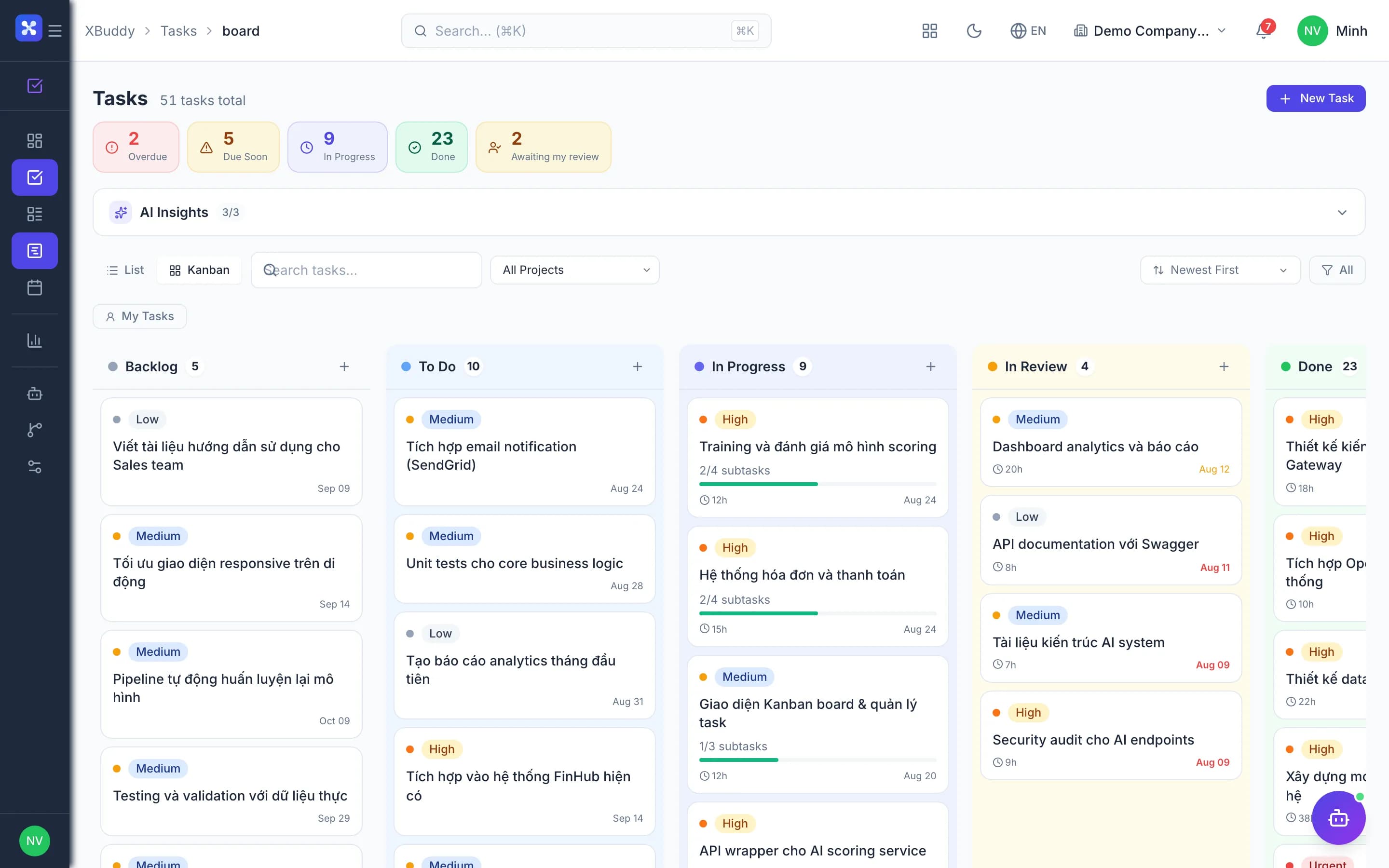
A task starts before its predecessor is done?Dependency gates block start or completion until prerequisites are met.Score a task before accepting it?Tasks are submitted against review criteria and scored before closing.Do meeting conclusions become tasks?Conclusions create tasks, and task status flows back to the minutes.Who approves project time?Only the project's PM, through one shared approvals inbox.Start new projects from a standard template?Versioned templates with phases, tasks and roles; new projects inherit instantly.
What’s inside
Apps and AI assistants involved
FAQ
Frequently asked
Can clients view the project?
Invite them as viewers; they see only what is shared.
Gantt and Kanban?
Both, plus calendar and workload views.
Does a PM need accounting access to see costs?
No, project financial access is separate from the ledger.
See this flow on your own data
A thirty-minute demo focused on the process you are actually stuck on.