Expense Assistant

Approve expenses faster and catch mistakes before money leaves

Process-aware agent tracking expense lifecycle and proposing timely approval or escalation actions.

Every week it does for you:
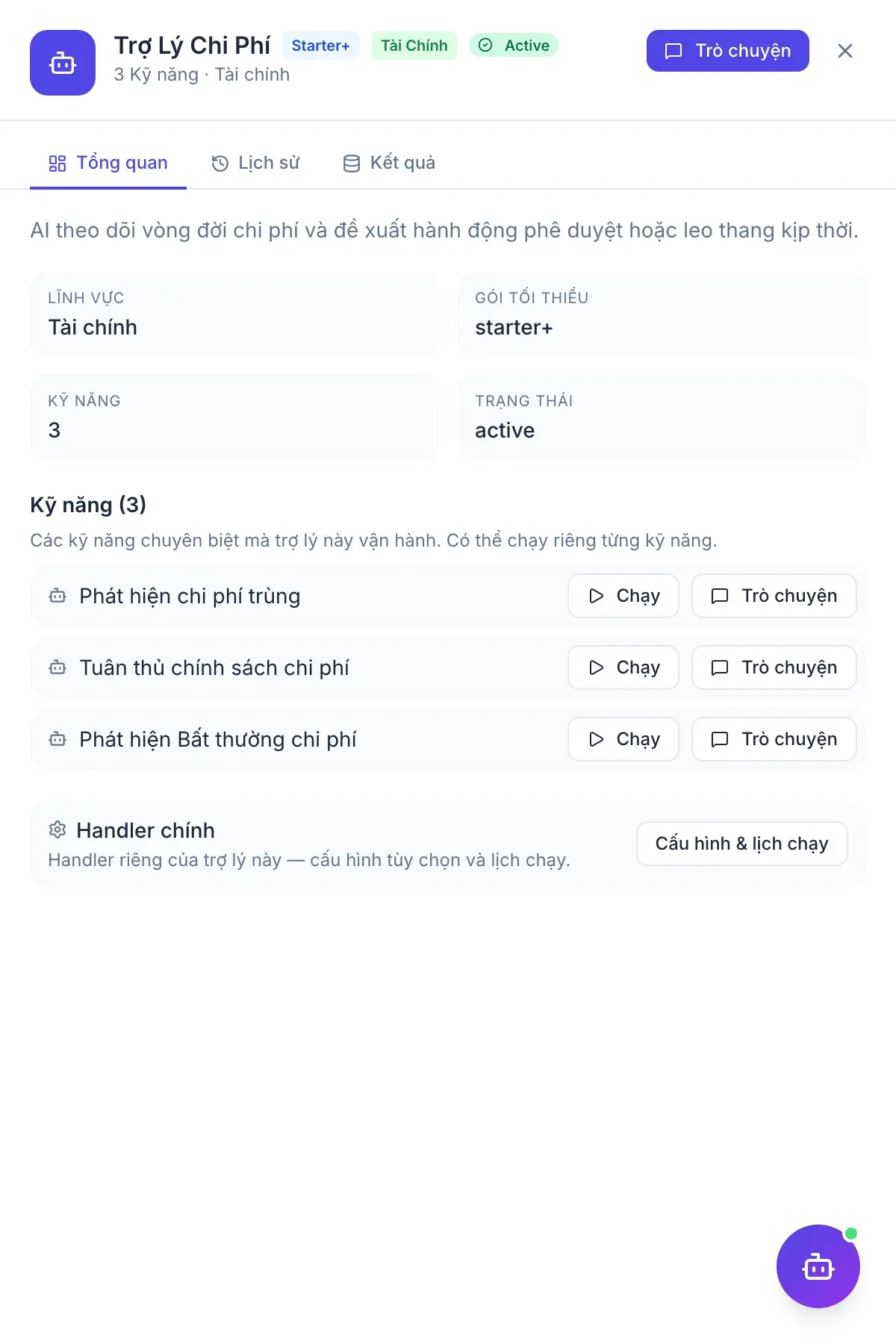
  • Flags expenses that break from historical spending patterns
  • Detects duplicate expense claims
  • Highlights claims missing receipts or over the limit
Expense Auditor — assistant output panel

Skills

3 skills

  • Expense Anomaly Detector

    Finds expenses that deviate sharply from past spending habits, surfacing errors or unauthorised spend early.

  • Duplicate Expense Detector

    Flags expense claims with the same merchant and amount submitted within a short window.

  • Expense Policy Compliance

    Highlights claims missing a required receipt or exceeding the per-claim limit set in your policy.

In chat

Sample questions on live data

Every answer is a proposal inside the asker’s permission scope. Writes still wait for an authorised person.

1

Any expense claims that look off this month?

Expense Anomaly Detector

  1. 1.Compares claims to the claimant’s history and policy caps
  2. 2.Flags outliers with the rule that fired
  3. 3.Drafts a request for a receipt or a reject

The manager still decides; the assistant only points.

2

Did anyone submit the same receipt twice?

Duplicate Expense Detector

  1. 1.Matches amount, date and merchant across claims
  2. 2.Shows both lines
  3. 3.Proposes keeping one

A duplicate to confirm, not a silent delete.

3

Which claims break the travel policy?

Expense Policy Compliance

  1. 1.Checks class of travel, per-diem and alcohol rules
  2. 2.Quotes the policy line
  3. 3.Drafts a return-to-employee note

Policy is applied as a proposal, with the original claim intact.

The person decides, not the AI

Every write an assistant proposes waits for an authorised human to approve it. Nothing executes on its own.