
Field service & maintenance
Dispatch technicians, account for every bolt
From customer request to dispatch, van stock, on-site sign-off and invoice — every step reconciles with inventory and the books.
- Right technician, right time
- Van stock matches the ledger
- Job done means invoice ready
Before and after
What changes on XBuddy
Today
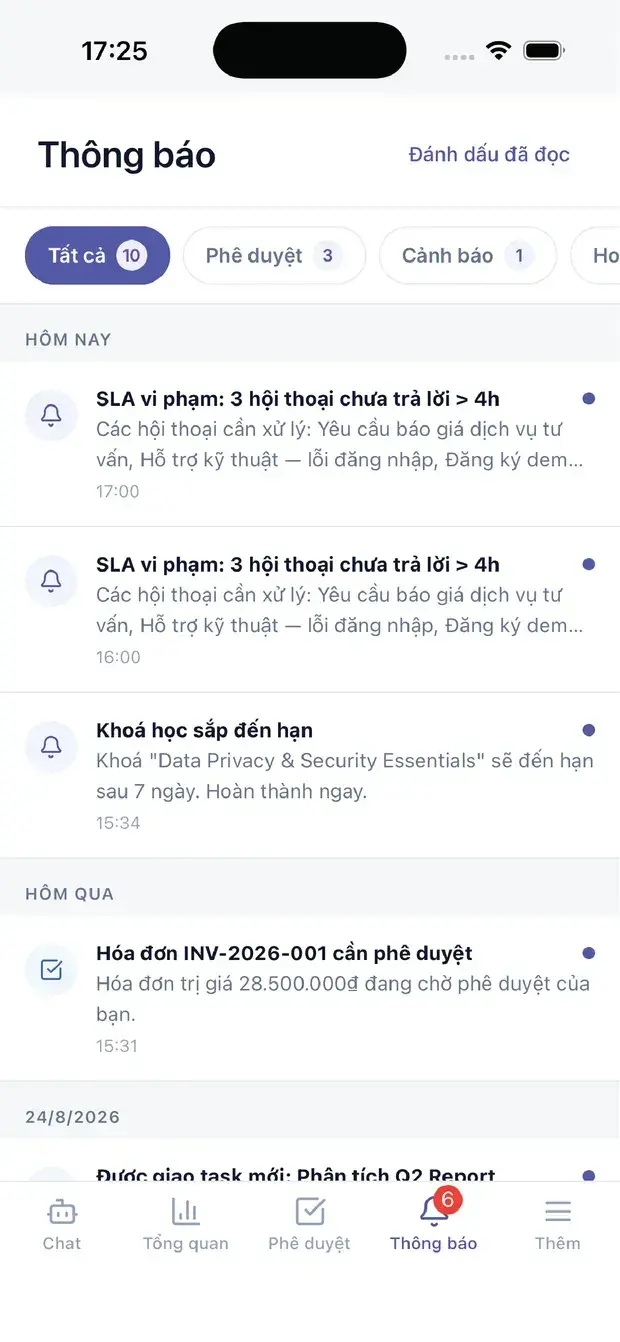
- Dispatch over phone and chat apps
- Nobody knows which van holds what
- Paper sign-offs, photos sent later
- Invoices weeks late
- Preventive maintenance forgotten
With XBuddy
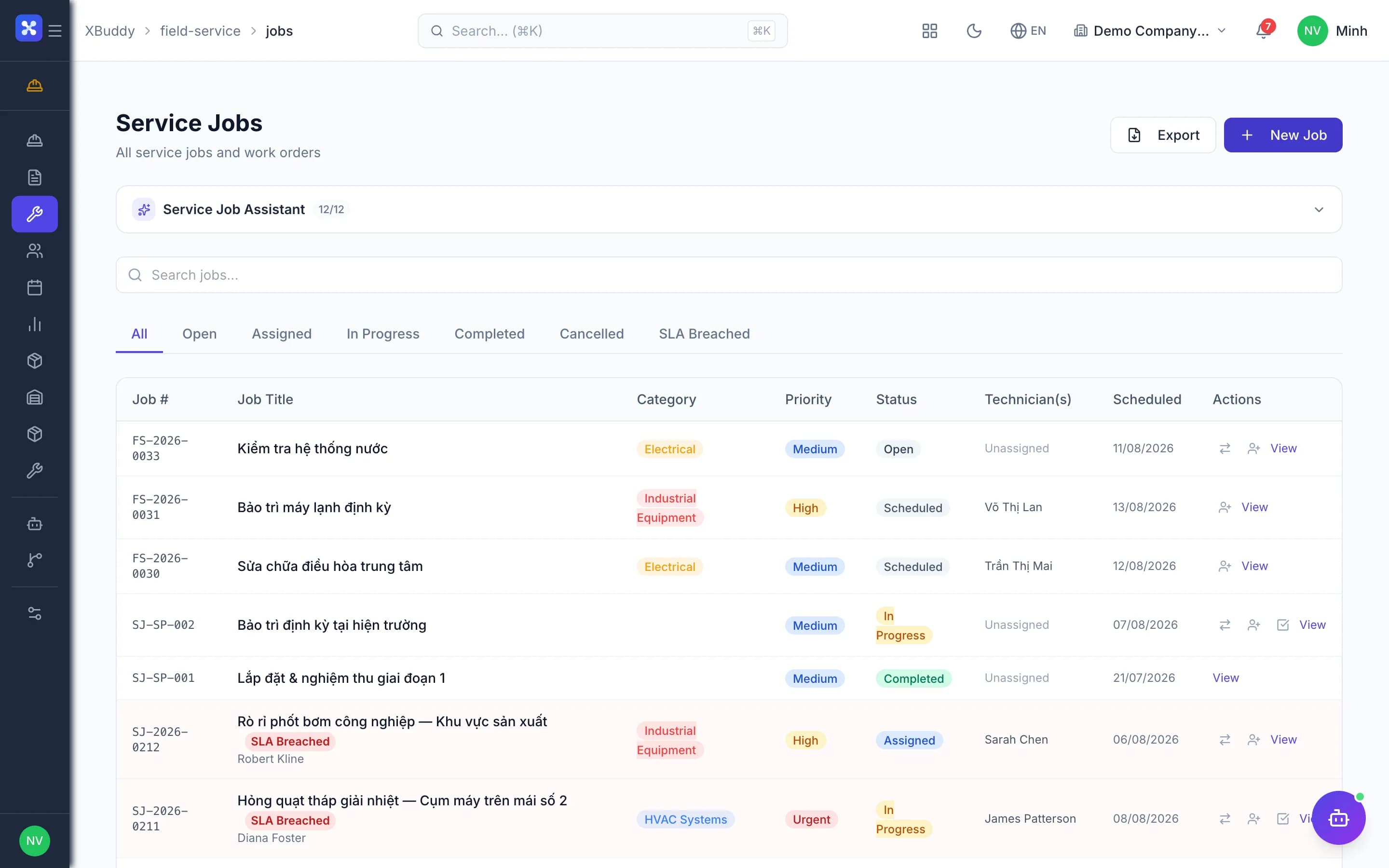
- Drag-and-drop board by skill and area
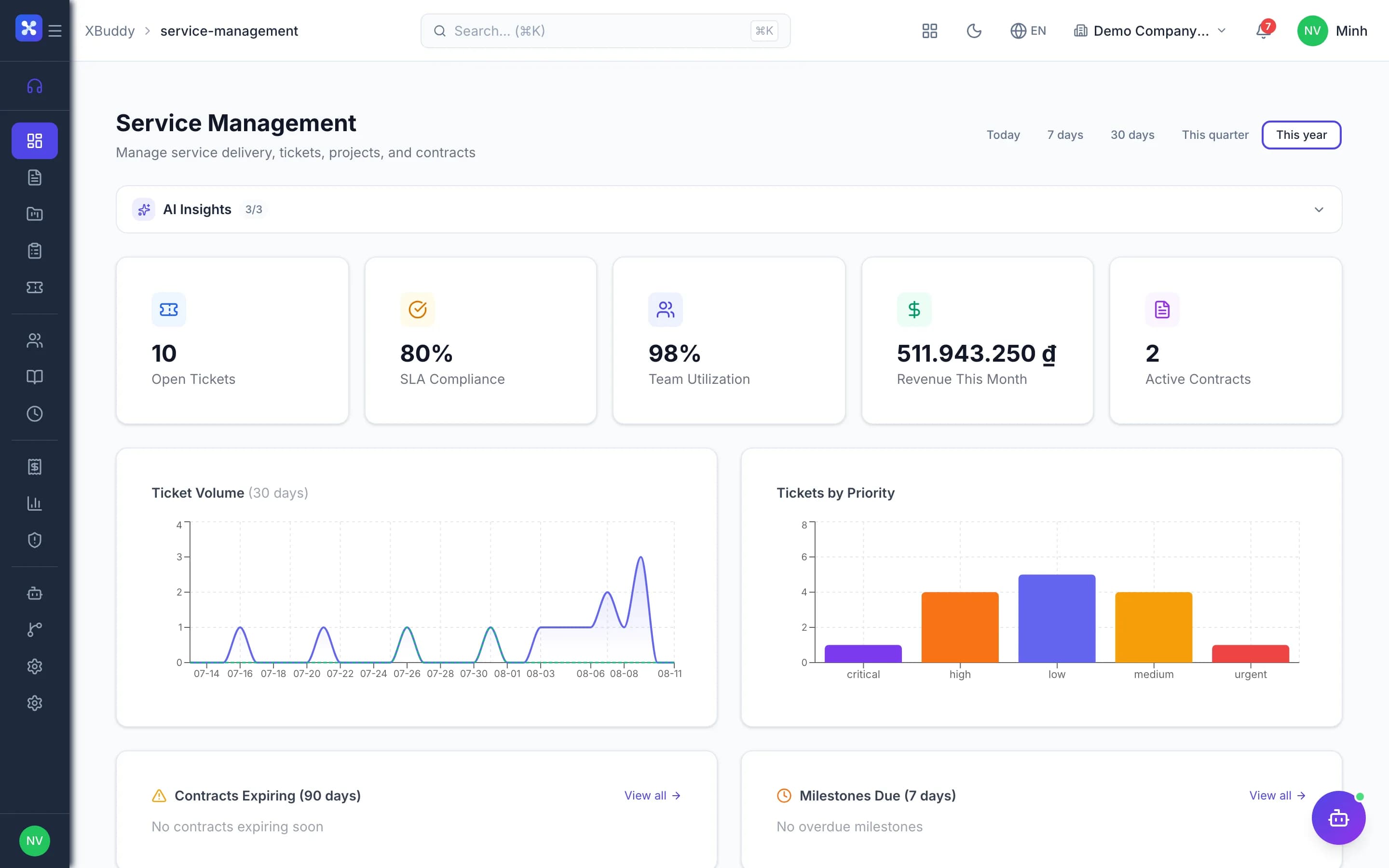
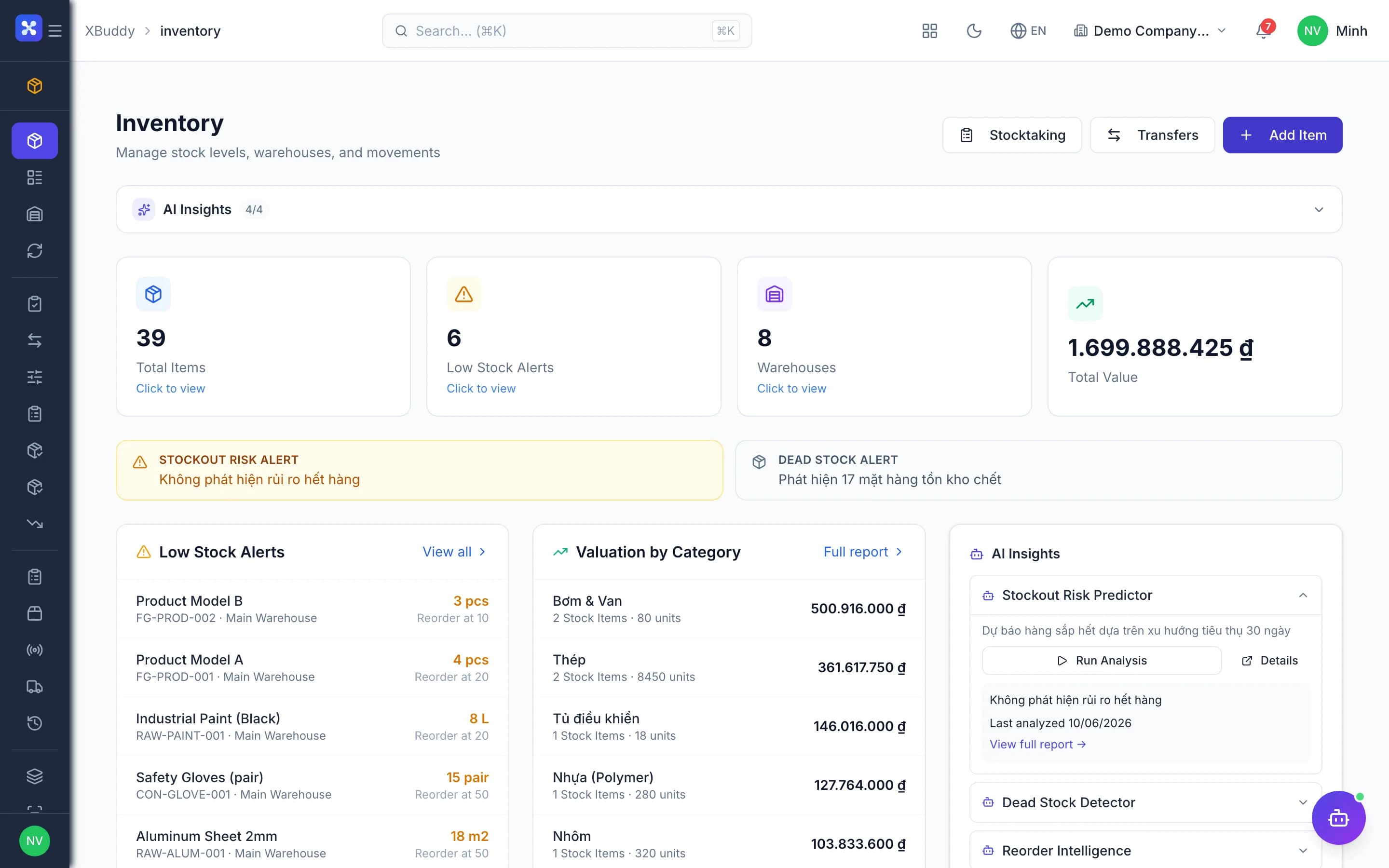
- Every van is a warehouse with a ledger
- Technicians capture photos and signatures in-app
- Closed jobs are ready to invoice
- Maintenance plans generate work orders
The flow
5 steps, one continuous record
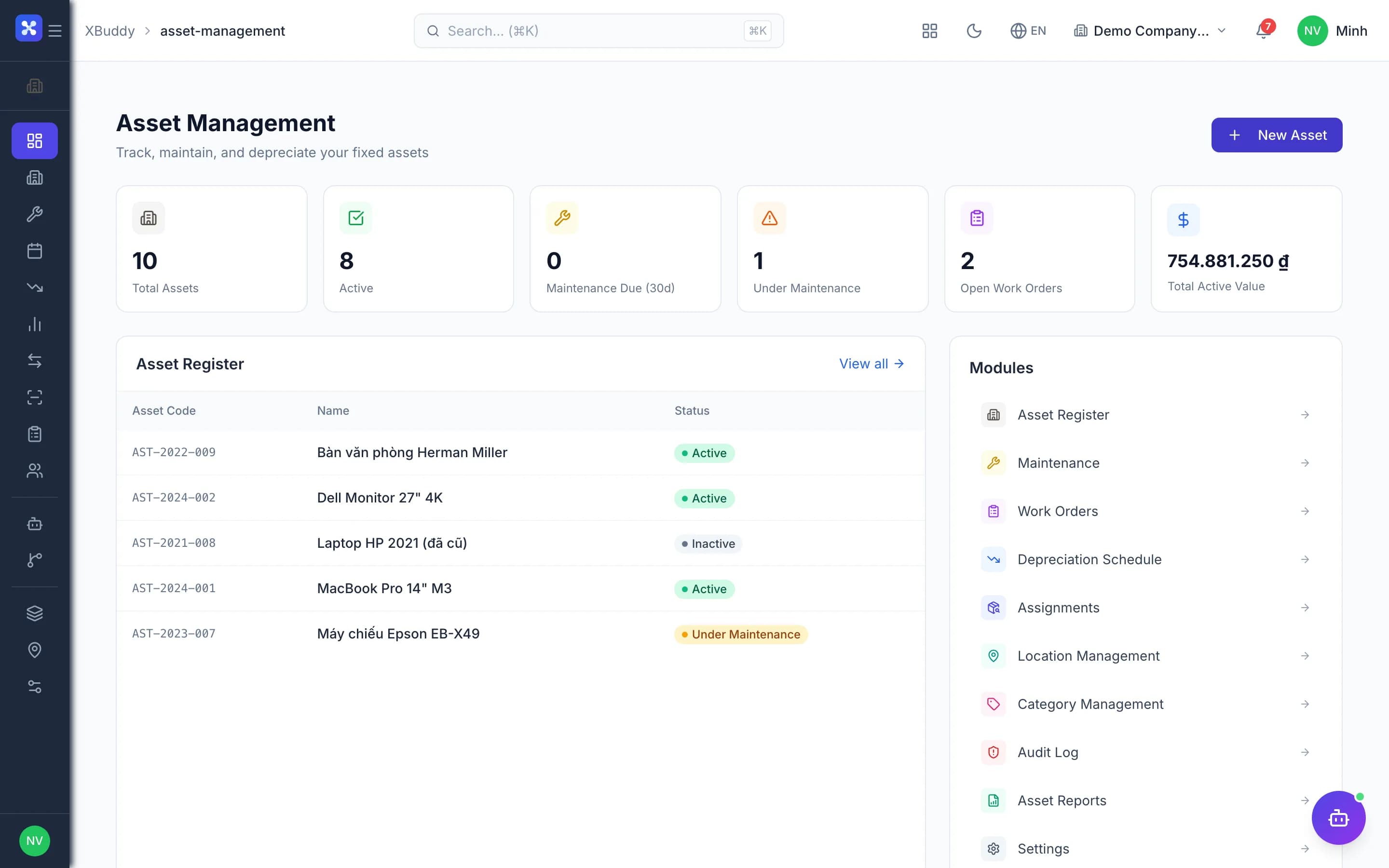
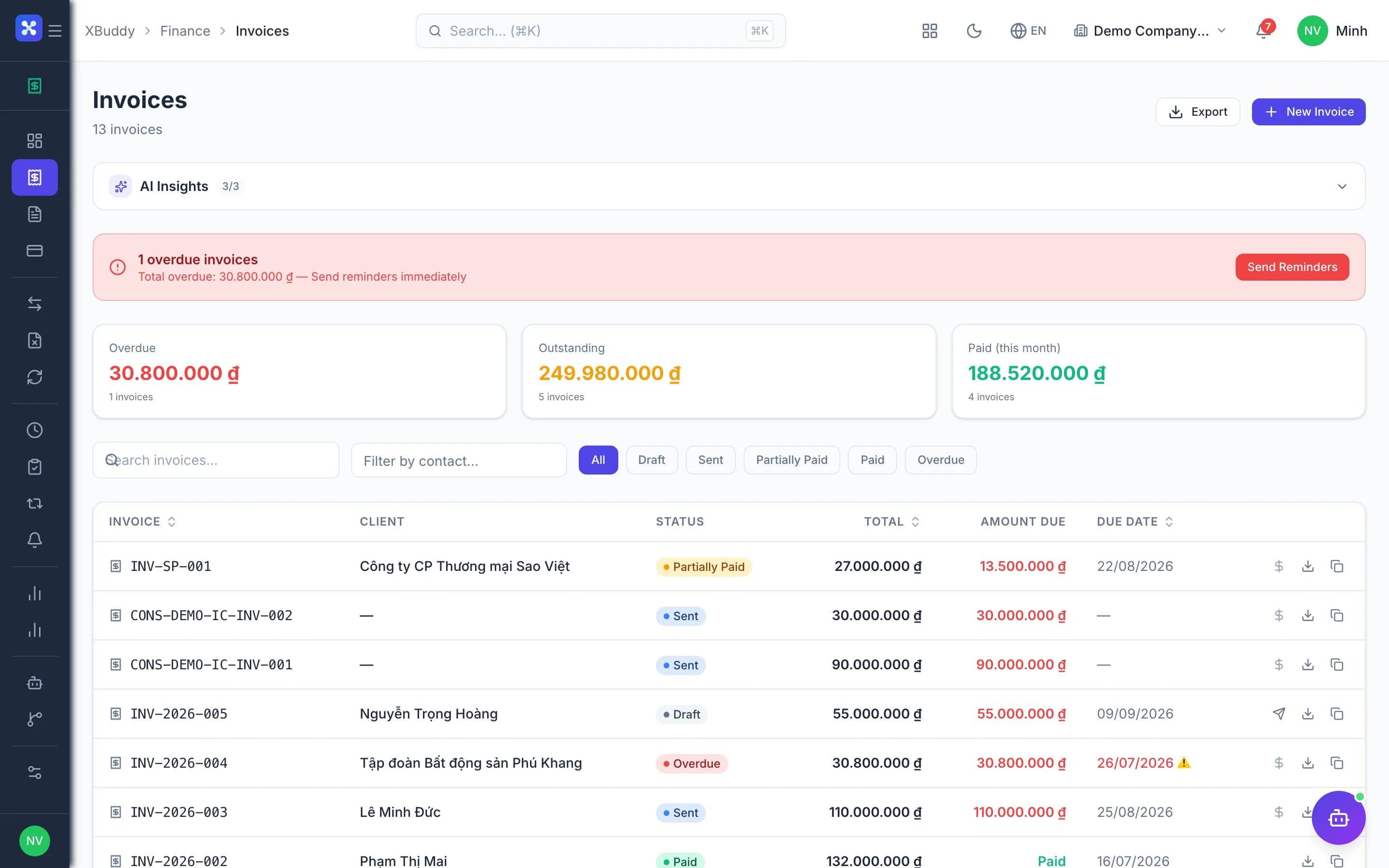
Handled out of the box
Hard questions XBuddy already answers
Could an internal repair job be billed by mistake?Internal jobs never invoice and cost to a cost center; external jobs must name a payer.Pick materials in several batches for one job?Requisition batches follow the plan; the system tracks picked, used and remaining.Return unused parts at the right cost?Returns go back to the original source at the original issue cost — stock and ledger agree.How is stock on a technician's van managed?Each van is a warehouse; transfers are not consumption — only job usage is.Could technician hours be billed twice?Field labor bills through exactly one channel — the job or the service contract, never both.
What’s inside
Apps and AI assistants involved
FAQ
Frequently asked
Does it work for maintaining our own equipment?
Yes. Internal asset work orders run the same flow, costed to a cost center.
Do technicians need constant connectivity?
The mobile app records offline and syncs when back online.
Can we manage recurring maintenance contracts?
Yes, service contracts carry maintenance schedules and hour packages.
See this flow on your own data
A thirty-minute demo focused on the process you are actually stuck on.